Google's NotebookLM brings Video Overviews to mobile, turning documents into AI videos


3 Sources
3 Sources
[1]
Google adds Video Overviews to NotebookLM app on Android, iOS
NotebookLM is adding Video Overviews support and the ability to customize Infographics to the Android and iOS apps. Heading to the Studio tab reveals the option to generate Video Overviews right from the app. This also means you can now watch past AI videos, with playback speed controls, on Android and iOS. Meanwhile, Infographics can now be customized by tapping the new pencil icon. Like on the web, you can specify Landscape, Portrait, or Square orientation. Additionally, there's the ability to select which Sources are leveraged, specify the output Language, and add a custom Prompt before generating. Release notes also suggest the ability to customize your Slide Deck, but this is not yet rolled out: This has been rolling out since last week and we're seeing wider availability today. Make sure you have the latest update on Android and iOS, while you can try force stopping if it's not yet live.
[2]
Google's NotebookLM can now turn your docs into AI videos on Android and iOS
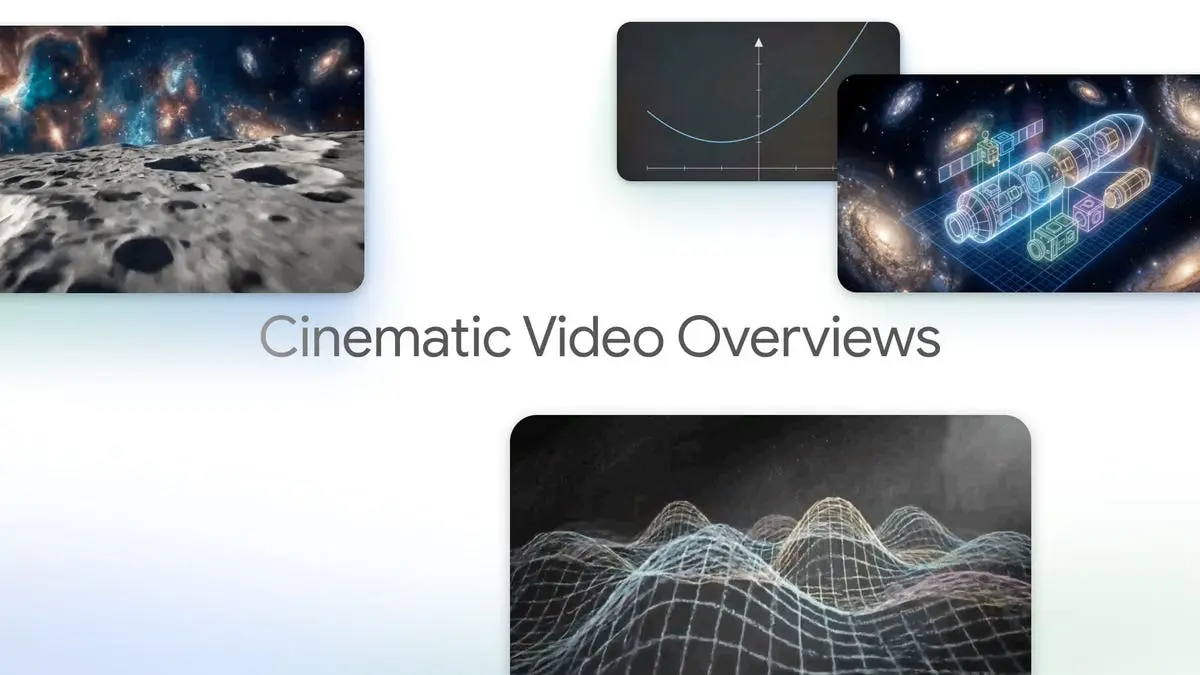
Turn your notes into AI videos with new visual controls and playback options on Android and iOS The mobile version of NotebookLM app can now turn your documents into AI-generated videos, making it easier to understand dense material without scrolling through long pages of text. The feature, called Video Overviews, is rolling out to the NotebookLM app on both Android and iOS, alongside deeper customization tools for infographics and presentations. Recommended Videos NotebookLM is designed to help users work with their own documents, such as PDFs, notes, and study material, using Google's AI. Until now, the mobile version provided summaries mostly in text or audio form. With Video Overviews, Google is adding a more visual way to consume information, especially on phones, where reading long documents can be tiring. Video Overviews and other upgrades in NotebookLM Inside the NotebookLM app, you can head to the Studio tab to generate Video Overviews directly from documents. These videos turn key ideas into narrated visuals, combining slides, highlights, and diagrams. The latest update also brings the ability to replay previously generated AI videos on mobile, with playback speed controls available on both Android and iOS. Google is also giving users more control across other visual formats. Infographics can now be edited directly in the app by tapping a new pencil icon. You can choose between Landscape, Portrait, or Square layouts, and decide which sources the AI should use, just like on the web version. You can even set the output language and add a custom prompt before generating the final graphic. According to 9to5Google, new controls for Slide Decks are on the way, but have not been fully rolled out yet. Once available, users will be able to choose between a Detailed format, where slides include full explanations, or a Presenter format with cleaner slides meant to support live speaking. Other options include changing the slide length, switching languages, and adding custom prompts to guide tone, style, and structure. This update comes after a steady stream of NotebookLM upgrades, from letting users ask Gemini questions directly about their notebooks to turning notes into AI-generated podcasts. Google has already added flashcards and quizzes for studying on the go, and soon NotebookLM could turn study notes into classroom-style lectures.
[3]
One of NotebookLM's most useful features is now available on Android
When not writing, Dave enjoys spending time with his family, running, playing the guitar, camping, and serving in his community. His favorite place is the Blue Ridge Mountains, and one day he hopes to retire there (hopefully his fear of heights will have retired by then, too!). NotebookLM is one of our favorite AI tools. Not only does it do what it's designed to do exceptionally well, but it also integrates well with other AI tools. One of the best features in NotebookLM is Video Overviews. The tool brings together your sources on a topic and creates a personalized, narrated slideshow that helps you better understand the content. Video Overviews were originally launched in July 2025 on the desktop, and now Google has brought the feature to the NotebookLM Android and iOS apps. What is NotebookLM? Your ultimate research assistant If you're not familiar, NotebookLM is an AI-powered research tool made by Google. Instead of pulling info from a huge database about everything, NotebookLM only knows what you teach it -- in other words, you choose the subjects and sources it'll use to provide you with answers. Once you feed it sources, you can ask it questions about the material, and it'll provide answers, insights, and clarifications. This makes it very useful for pulling together and working with research on specific subjects. You can even use it to pull insights out of your Obsidian vault. In addition to answering questions, NotebookLM can create a variety of outputs based on the sources you feed it, including: Audio Overviews: Podcast-style audio summaries of your material. Two AI "hosts" discuss the content. You can even jump into the conversation with Interactive Mode. Video Overviews: Sort of a cross between a YouTube video and a PowerPoint presentation on your material. Excellent for visual learners. Quizzes: NotebookLM can create interactive quizzes to help you brush up on material. Flashcards: Exportable flashcards to help you study and learn. Mind maps, infographics, and slide decks: Visual tools to help you learn and connect ideas. How to create Video Overviews on Android It only takes a few taps Creating a Video Overview on Android is simple. Just follow these steps: Open the NotebookLM app. Tap the notebook you want to create a Video Overview for. Tap Studio on the right side of the bottom navigation bar. Tap Video Overview. The app will now generate your video and will ask you to come back in a few minutes. Once done, you'll find your video under the Generated media heading. Tap to view it. Close The process should be similar on iOS. You can watch the overviews on your Android phone or wait till you're back on desktop -- they sync seamlessly. Subscribe to our newsletter for NotebookLM insights Curious about NotebookLM's Video Overviews, mobile setup, and integrations? Subscribe to the newsletter for clear how-tos, feature walkthroughs, and practical explanations focused on NotebookLM and related AI tools -- without limiting what else we cover. Subscribe By subscribing, you agree to receive newsletter and marketing emails, and accept Valnet's Terms of Use and Privacy Policy. You can unsubscribe anytime. Video Overviews for Android and iOS are rolling out now and should be available if you update your app. If it doesn't show up, give it a little time -- Google is notorious for slow, staged rollouts of certain features.
Share
Share
Copy Link
Google has expanded NotebookLM's Video Overviews feature to Android and iOS, allowing users to transform documents into AI-generated videos directly from their phones. The update includes customizable infographics with orientation options and source selection, plus playback controls for previously generated content. New slide deck customization tools are also in development.
NotebookLM Expands Video Overviews to Mobile Platforms
Google's NotebookLM has rolled out one of its most compelling AI-powered features to mobile users, bringing Video Overviews to the NotebookLM app on Android and iOS
1
. The feature, which originally launched on desktop in July 2025, allows users to turn your docs into AI videos that transform dense documents into narrated slideshows, making information easier to digest on smaller screens2
. This expansion marks a significant step in making Google's personalized research assistant more accessible for on-the-go learning and information processing.
Source: Digital Trends
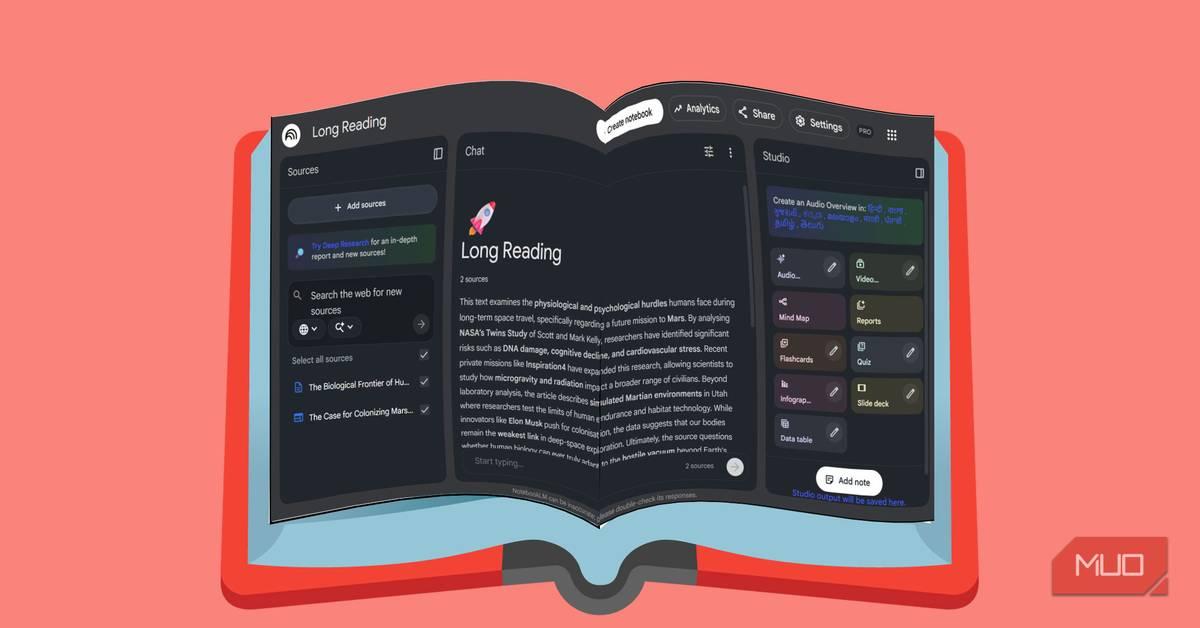
Users can now access the feature through the Studio tab within the mobile app, where they can generate AI-generated videos directly from their study materials, PDFs, and notes
3
. These AI videos combine key ideas into visual presentations with slides, highlights, and diagrams, offering a more engaging alternative to scrolling through lengthy text documents. The update also enables users to watch previously created content with playback speed controls on both Android and iOS platforms1
.
Source: MakeUseOf
Enhanced Customization for Visual Content
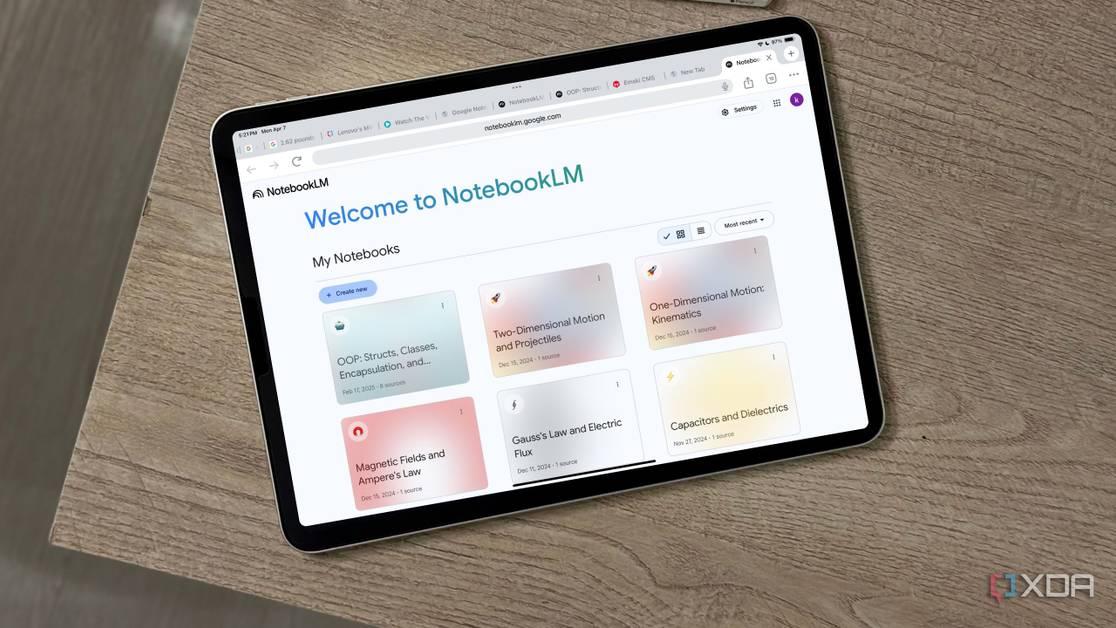
Beyond Video Overviews, the update introduces deeper customization options for customizable Infographics directly within the mobile app. Users can now tap a new pencil icon to modify their graphics, selecting between Landscape, Portrait, or Square orientations to suit different presentation needs
2
. The interface also allows users to specify which sources the AI should leverage, set the output language, and add a custom prompt before generating the final visual content1
.These controls mirror functionality already available on the web version, ensuring a consistent experience across platforms. According to release notes, Google is also preparing to introduce customization options for Slide Decks, though this feature hasn't fully rolled out yet
1
. Once available, users will be able to choose between a Detailed format with full explanations or a Presenter format with cleaner slides designed for live speaking, along with options to adjust slide length and add prompts to guide tone and structure2
.Why This Matters for Mobile Learning
The addition of Video Overviews to mobile devices addresses a critical gap in how people consume information on smartphones. Reading long documents on smaller screens can be exhausting, and the ability to convert text into narrated slideshows offers a more natural way to process complex material
2
. For students, researchers, and professionals who rely on NotebookLM as a research tool, this mobile expansion means they can generate and review content anywhere, without being tethered to a desktop.This update continues NotebookLM's evolution as a comprehensive learning platform. The service already offers audio summaries through its podcast-style Audio Overviews, quizzes and flashcards for studying, and the ability to ask Gemini questions directly about notebooks
2
3
. The platform distinguishes itself by focusing exclusively on user-provided sources rather than pulling from a broad database, making it particularly valuable for working with specific research materials.Related Stories
Rollout and Availability
The Video Overviews feature began rolling out last week and is seeing wider availability now across both Android and iOS devices
1
. Users should ensure they have the latest app update installed, and may need to force stop the app if the feature hasn't appeared yet1
. Google is known for staged rollouts of certain features, so some users may experience delays before gaining access3
. Looking ahead, Google has hinted that NotebookLM could soon transform study notes into classroom-style lectures, further expanding its capabilities as an educational tool2
.References
Summarized by

Navi
Related Stories
Google's NotebookLM Set to Introduce AI-Generated Video Overviews, Enhancing Note-Taking Experience
10 May 2025•Technology
Google's NotebookLM Revolutionizes Learning with AI-Powered Video Overviews
13 Oct 2025•Technology
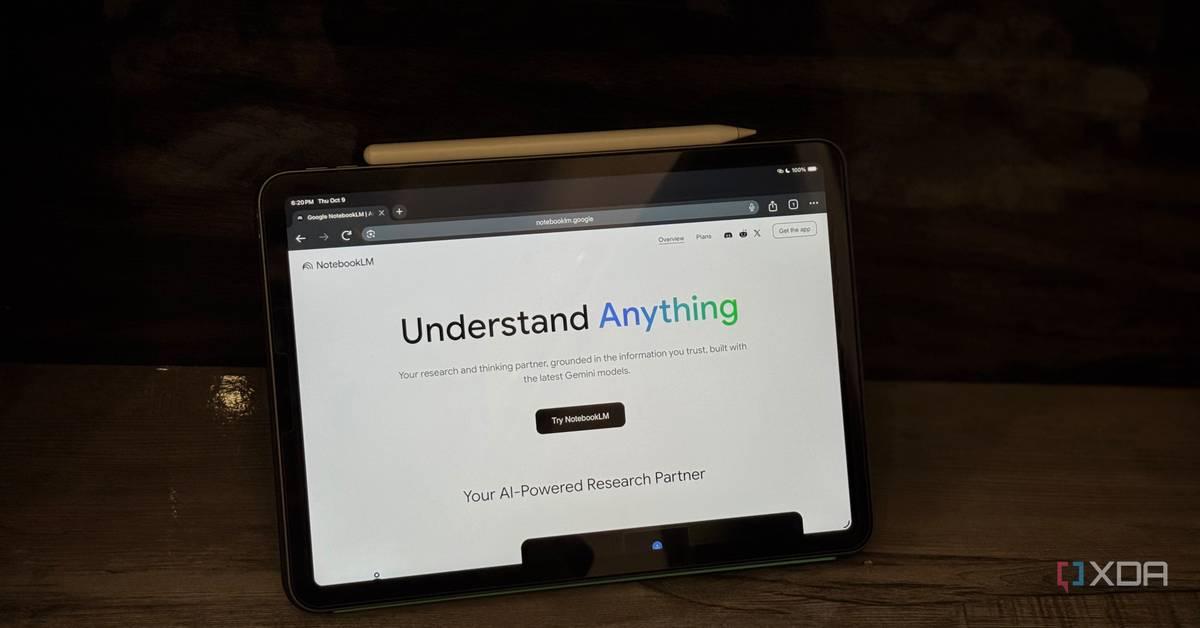
Google's NotebookLM AI Research Tool Launches on Mobile with Mixed Reception
20 May 2025•Technology

Recent Highlights
1
AI chatbots assist in planning violent attacks as safety guardrails fail, studies reveal
Technology

2
Three Tennessee teens sue xAI over Grok AI creating child sexual abuse material from real photos
Policy and Regulation

3
Pentagon reveals how Military AI chatbots accelerate targeting decisions in Iran operations
Technology

Recent Highlights
Today's Top Stories











Your Daily Dose of Curated AI News
Don’t drown in AI news. We cut through the noise - filtering, ranking and summarizing the most important AI news, breakthroughs and research daily. Spend less time searching for the latest in AI and get straight to action.

