Google Discover tests AI chatbot to let users customize their feed with natural language prompts


3 Sources
3 Sources
[1]
Google Discover could soon borrow this experimental feature from YouTube
The feature mirrors a recent YouTube experiment but is currently incomplete, with no input box actually available yet. YouTube has recently begun testing the ability to allow users to customize their feed, giving them control over what they are recommended to watch next. The twist, though, is that this ability is facilitated through an AI chatbot that users must interact with by entering prompts. While it's unclear whether YouTube will graduate this experiment into a permanent feature, it seems Google may be looking to bring this AI chatbot-powered custom feed to Discover as well.
[2]
Managing your Google Discover feed may soon become easier
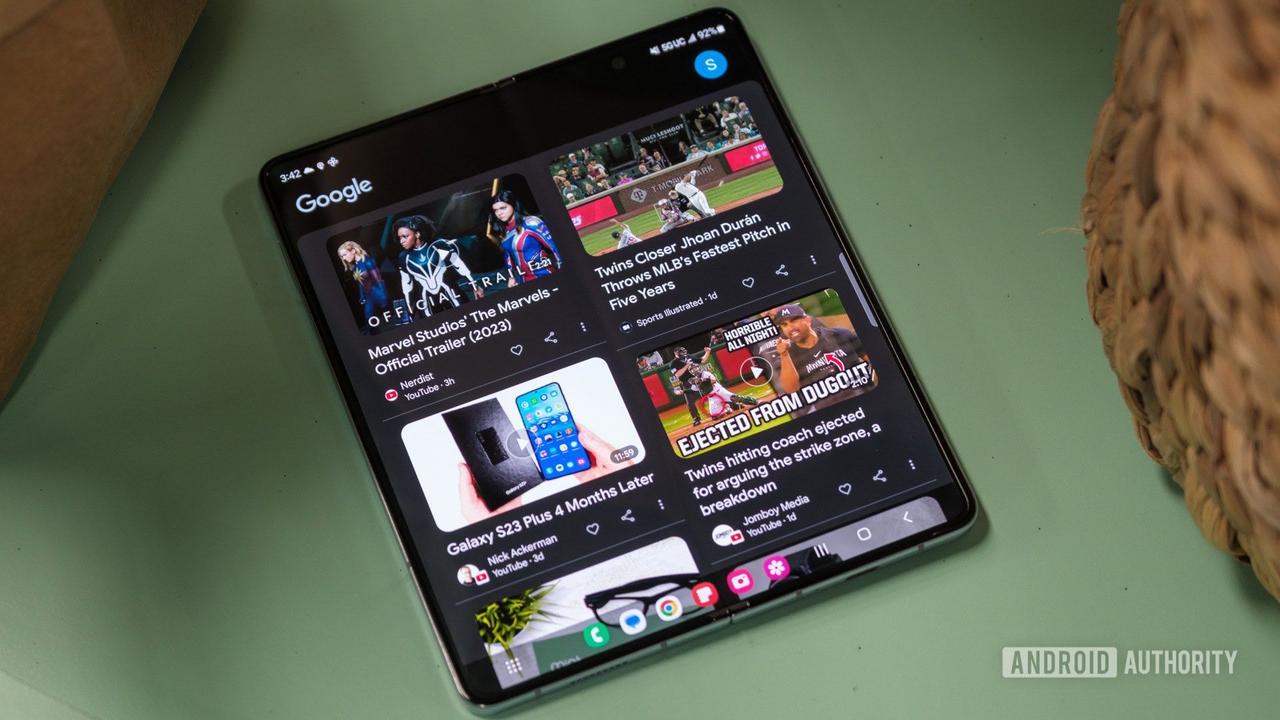
Google Discover provides an extensive feed of topics and articles relevant to you, in addition to information on your sports teams, currencies, the stock market, weather, and much more. This year, we've seen Discover take steps to reduce the number of clickbait articles, while also giving users the option to follow their favorite creators. We're now learning that Google may be planning a key change to make the Discover feed even more customizable. Looking at the Google app (version 16.49.59 beta), the folks at Android Authority have managed to trigger a pop-up when exiting the feed customization panel under "Customize your space." It's not any ordinary pop-up, however. As its description warns, "Any changes you've discussed for your feed will be lost." YouTube is also working on a similar feature The mention of the word "discussed" in the pop-up suggests that Google is planning to implement a chatbot into the Discovery feed customization experience. All that's missing from this revelation is an input box to type in your prompts. However, that could appear in forthcoming versions of the Google app. On top of this pop-up, a glow appears briefly around the edges of the Customize panel after tapping Customize your space. This glow is so subtle that you may need to rewatch the video below a couple of times to spot it. It appears to be the familiar four colors we associate with Google, which are also seen across the company's other generative AI products, including AI Mode. It's worth remembering that Google recently rolled out a YouTube experiment that enables users to customize their home feed using prompts. Keeping this in mind, Google using the same principle to let you tweak the Google app's Discover feed doesn't sound unreasonable to us. Based on the evidence uncovered in the Google app beta, it's clear that development on this particular capability is still in its nascency. This means we may have to wait a while to get our hands on the chatbot-based feed customization experience in the Google app for Android. We should be mindful that not all features spotted during development make it into the app, though we're hoping that won't be the case with this chatbot experience for the Discover feed. In addition to letting users see the topics and articles they actually want, this functionality could also save the trouble of manually hiding undesirable content using the three-dot menu. What do you make of this under-development feature in the Google app?
[3]
Google letting you customize Discover using prompts with 'Tailor your feed' Lab
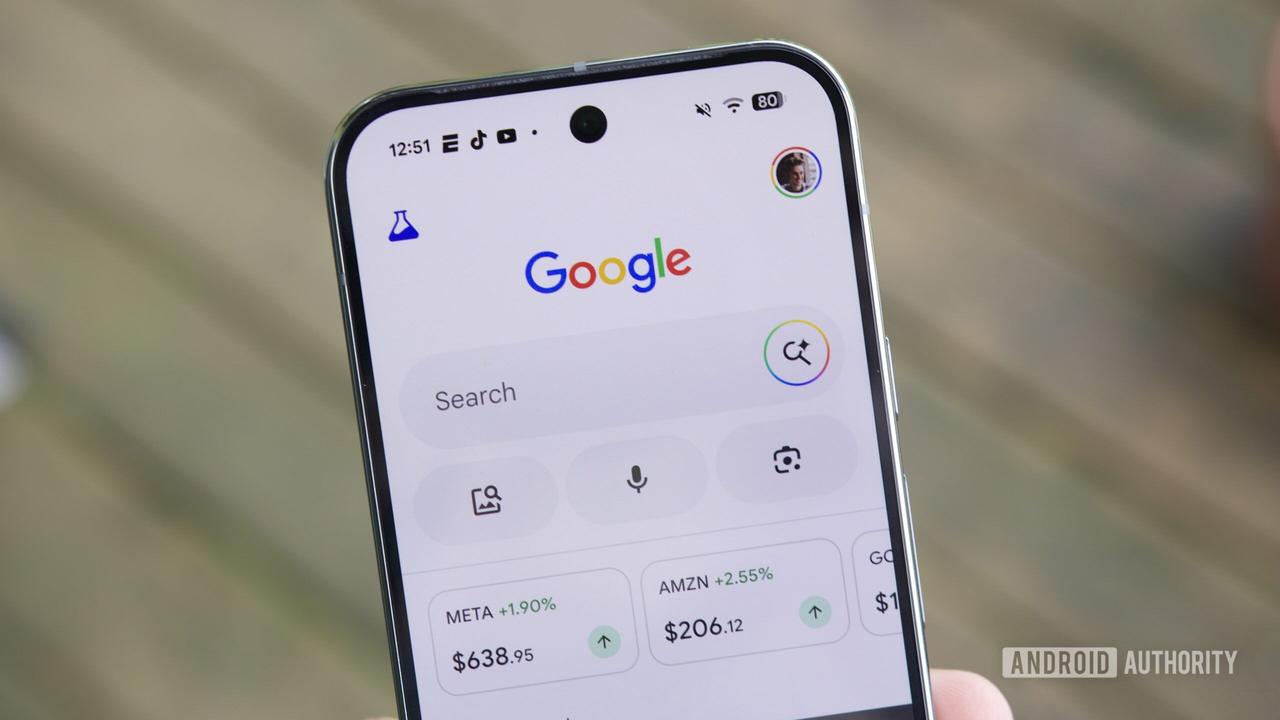
Google is testing a new "Tailor your feed" Labs experiment that lets you tell Discover exactly "what you want to see." On Android, open the Google app and tap the Labs beaker icon in the top-left corner. Scroll down for "Tailor your feed." After tapping the toggle, refresh Discover by swiping down. Look for a "Try now" button or open any overflow menu for "Tailor your feed." This brings up a prompt box (that briefly features a four-color glow) with an "Ask for the kind of content you want" hint. There's a carousel of suggestions at the top, including "Stop showing me negative news." You can specify "topics, sources, or vibes," as well as "share your goals and projects" in the prompt. It can also be used to specify what you don't want to see as an alternative to "Not interested in a topic." Examples include: Fine-tune content you're already getting that could be better: Include preferences about publishers, creators, formats, or vibes: Like other modern chatbots, Google will note examples and let you customize further by having a conversation. Google says "Discover's AI will update your feed instantly and remember your preferences, which you can adjust anytime." The history icon in the top-left corner of the prompt box opens the My Activity page. This feature is "still in early testing" and available in US English.
Share
Share
Copy Link
Google is testing a new AI feature called 'Tailor your feed' that lets users customize their Discover feed through conversational prompts. Available as a Labs experiment in US English, the tool allows users to specify topics, sources, and content preferences using natural language, mirroring a similar experiment YouTube recently launched for its home feed.
Google Discover Introduces Conversational Feed Customization
Google is testing an experimental AI-powered feature that transforms how users manage their Discover feed through natural language prompts. The new capability, called 'Tailor your feed,' appears in Google Labs and allows users to tell Google Discover exactly what they want to see using conversational instructions
3
. This AI feature mirrors a recent YouTube experiment where users customize their home feed through an AI-powered chatbot, suggesting Google is expanding this approach across its content discovery platforms1
.
Source: Android Police
Users can access the experimental feature through the Google app on Android by tapping the Labs beaker icon and enabling 'Tailor your feed.' Once activated, a prompt box appears with the hint 'Ask for the kind of content you want,' featuring Google's signature four-color glow
3
. The interface includes a carousel of suggestions, such as 'Stop showing me negative news,' making it easier for users to begin customizing their experience.How Feed Customization Works Through Prompts
The AI chatbot enables users to specify 'topics, sources, or vibes' and even share their goals and projects to refine content recommendations
3
. This represents a significant shift in feed management, offering control over recommendations through conversation rather than manual adjustments. Users can fine-tune content they're already receiving or include preferences about publishers, creators, formats, and overall tone. Like modern chatbots, the system allows ongoing conversation to further refine user preferences, with Google noting that 'Discover's AI will update your feed instantly and remember your preferences'3
.
Source: Android Authority
The feature serves as an alternative to manually hiding undesirable content through the three-dot menu, potentially saving users considerable time
2
. This content personalization approach aligns with Google's broader push to integrate generative AI technology across its products, using the same design language seen in AI Mode and other generative AI offerings.Early Development Signals Future Direction
Evidence of this feature first emerged in the Google app beta version 16.49.59, where developers discovered a pop-up warning that 'Any changes you've discussed for your feed will be lost' when exiting the feed customization panel
2
. The mention of 'discussed' confirmed Google's plans to implement a chatbot into the Discovery feed customization experience, though the input box was initially missing from early builds.Google acknowledges the feature is 'still in early testing' and currently available only in US English
3
. The Labs designation indicates this remains an experimental phase, and not all features spotted during development ultimately make it into production. However, the parallel with YouTube's similar experiment suggests Google is seriously exploring this approach to user control across its content platforms.Related Stories



What This Means for Content Discovery
This development comes as Google Discover has been taking steps to reduce clickbait articles while giving users the option to follow favorite creators
2
. The addition of prompt-based customization could fundamentally change how users interact with their news feed, shifting from reactive curation (hiding unwanted content) to proactive specification of user preferences. The system includes a history icon that opens the My Activity page, allowing users to review and adjust their customization conversations over time3
.For users frustrated with irrelevant content recommendations, this AI feature offers a more intuitive way to shape their information diet. Rather than training the algorithm through repeated manual interventions, users can simply state their preferences in natural language. As Google continues testing this capability, the success of this experiment could determine whether conversational AI becomes the standard interface for content topics and personalization across Google's ecosystem.
References
Summarized by

Navi
[1]
[2]
Related Stories
Recent Highlights



Recent Highlights
Today's Top Stories







Your Daily Dose of Curated AI News
Don’t drown in AI news. We cut through the noise - filtering, ranking and summarizing the most important AI news, breakthroughs and research daily. Spend less time searching for the latest in AI and get straight to action.

