Google Pixel gets Notification Organizer to manage irritating notifications with AI


3 Sources
3 Sources
[1]
Google Pixel phones are getting better at avoiding irritating notifications
With the November Pixel Drop, Google introduced 'Notification Summaries' for select Pixel devices. At the time, Google had also mentioned an AI-powered organizer for your notifications, scheduled for rollout in December. Staying true to its word, Google has now begun rolling out 'Notification Organizer' to eligible devices, following its announcement last week. The feature should appear imminently on your Pixel 9 or newer models (except for the Pixel 9a) running Android 16 QPR2. As noted by 9to5Google, Notification Organizer will be turned on by default, so you'll likely know when it's live on your Pixel phone. This feature silences and groups notifications from certain categories, with the Promotions and News categories automatically selected. Other categories, such as Social and Promotions, offer more flexibility over the type of notifications you can silence and group. Block out the noise with this useful feature Users will also find a toggle labeled "Always expand bundles," which is off by default and provides an expanded view of the grouped notifications. When available, Notification Organizer can be found under Settings > Notifications as the fourth option under the Manage section. Close When you've figured out the categories of notifications you want to silence, they will appear in your notifications panel under 'Silent.' Meanwhile, your regular notifications, such as text messages, should appear above this section, as shown in the graphic above. Each notification category will also include a dedicated icon. Despite the obvious usefulness of a feature like Notification Organizer, it's not without its limitations. For instance, it requires the device's primary system language to be set to English. Furthermore, it's only available in the US, UK, Australia, Canada, Germany, and Japan, according to a support page. Work on this Notification Organizer has been ongoing for quite a while. We saw early hints of it emerging back in July, and users can now take it for a spin, assuming they own a compatible Pixel device and live in a supported region. 9to5Google recommends restarting your compatible Pixel phone if it isn't live yet. Like Notification Summaries, this new organizer feature also taps into AI, though its capabilities are not as extensive. As you would imagine, Notification Organizer processes the notifications on-device, with Google noting that none of the data is sent to its servers. Google also warns that it can make mistakes. Activating or disabling this feature requires navigating to the Notifications settings, so maybe there's scope for a dedicated toggle within the Quick Settings panel in a future Android release.
[2]
Google rolling out Notification Organizer to Pixel
Following AI Summaries last month, Google is rolling out the Notification Organizer to Pixel with Android 16 QPR2. Once available on your Android 16 QPR2 device, go to the Settings app > Notifications > Notification organizer (near the top). Compared to AI Summaries, this feature is enabled by default. Your primary system language must be set to English. It's available in the following countries: The Notification Organizer will sort your alerts into the following categories: Promotions, News, Social, and Suggested. The first two are already on, but you must enable the remaining ones. There's also an option to "Always expand bundles." This Organizer appears under the "Silent" section of the notification shade. Each category icon is badged with an AI sparkle, while app icons are stacked at the right. Tap to expand the bundle and see/interact with the full notifications. If this isn't rolled out for your device yet, restart your device. We're seeing Notification Organizer on the Pixel 10 series.
[3]
Google rolls out new Notification Organizer for the Pixel 9 and Pixel 10 -- here's what that means
We live in a time where phones can have hundreds of apps, each of which can launch thousands of distracting notifications. However, losing track of them might be a thing of the past thanks to Google's latest addition to the Google Pixel 9 and Pixel 10: the Notification Organizer. Google first announced the feature during the launch of the November 2025 Pixel drop. However, Google originally stated that the Organizer would arrive in the following month. Well, December is here and with it comes Google's new tool to help you keep a handle on your notifications or, as I often do, makes it noticeably easier to ignore them. Rather than simply dumping any notifications in an out-of-sight spot, Google states that Notification Organizer utilizes AI to quickly place individual notifications from each app into distinct categories. The four current categories available for the feature are Promotions, News, Social and Suggested categories. To me, this is ideal, as the worry I often have with features like these is that the phone will instead categorize the apps themselves. This would lead to the issue that the tool that aims to make life easier just creates a bigger mess. However, the Notification Organizer should make it much easier to find the content we actually want to see while cutting down on what we have to scroll through. To activate Notification Organizer, Google first recommends rebooting your phone. Once that's done, head to the Settings menu, navigate to the Notifications section, and you should see the Notification Organizer option. Once activated, the enabled categories will appear in the silent section of the Pixel notification shade. This is another boon as, while we may want to hear the Christmas bells, notification dings aren't quite as festive. It is worth noting that both the Promotions and News categories are enabled by default. However, the Social and Suggested categories need to be enabled separately. Users also have an option to enable "Always expand bundles," or leave it turned off. The Notification Organizer is only available on the Pixel 9 series, excluding the Pixel 9a, and the Pixel 10 series. On top of that, Google has confirmed that the feature will only work on devices where the primary language is set to English, as well as the device being located in these supported regions: While it might not be the flashiest addition or AI feature on a Pixel phone, Notification Organization is a feature that I think users will inevitably come to appreciate. On top of offering better organization, Google has also recently expanded the repair program for the Google Pixel 9 Pro. As such, if you bought your phone new within the last three years, you have the option to have certain screen issues repaired as part of the warranty. However, it's not all good news as there are also reports of a new issue appearing on the Pixel 10 series that causes the phone's display to freeze. While there might be some issues with the Google brand, the Notification Organizer is a great step for Google, while also being the kind of feature that I would want to see more of. However, let me know how you think: is this the ideal use for AI on Google Phones, or is it something you'd be fine without?
Share
Share
Copy Link
Google has started rolling out Notification Organizer to Pixel 9 and Pixel 10 series devices running Android 16 QPR2. The AI-powered feature automatically silences and groups notifications into categories like Promotions, News, Social, and Suggested, helping users cut through notification overload without missing important alerts.
Google Pixel Notification Organizer Now Rolling Out to Users
Google has begun deploying Notification Organizer to eligible Google Pixel devices, delivering on its December rollout promise made during the November Pixel Drop. The AI-powered feature arrives on the Pixel 9 and Pixel 10 series, excluding the Pixel 9a, as part of Android 16 QPR2
2
. Unlike many optional features, Notification Organizer is enabled by default, meaning users will immediately notice its presence once it appears on their devices.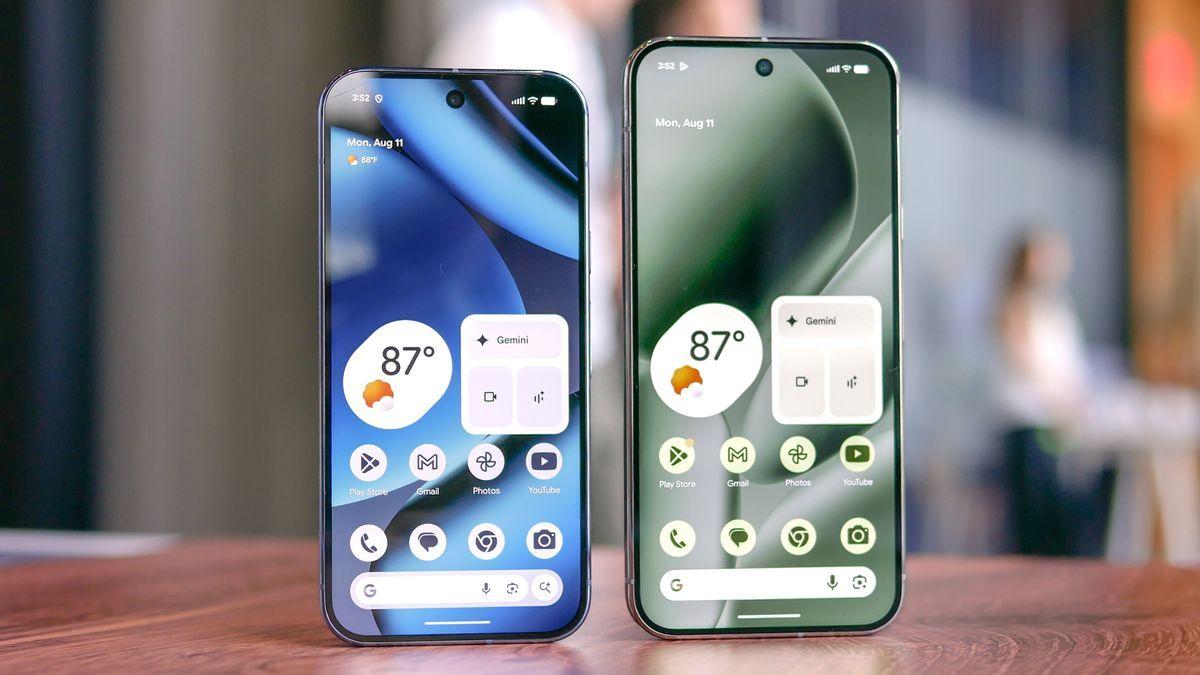
Source: Tom's Guide
This launch represents a significant step in addressing notification overload, a problem that has intensified as smartphones now house hundreds of apps capable of generating thousands of distracting alerts
3
. The feature builds on earlier work that dates back to July, when early hints first emerged about Google's plans to tackle this persistent user pain point.How the Feature Silences and Groups Notifications
Notification Organizer takes a targeted approach to categorize incoming notifications using on-device processing. The system automatically silences and groups notifications into four distinct categories: Promotions, News, Social, and Suggested
2
. The Promotions category and News category are activated by default, while the Social category and Suggested require manual activation by users3
.What makes this implementation particularly useful is that AI categorizes individual notifications from each app rather than simply grouping apps themselves
3
. This approach prevents the mess that often occurs when organizational tools create more confusion than clarity. Users can access the feature through the Settings app by navigating to Notifications, where Notification Organizer appears as the fourth option under the Manage section.Silent Notifications Appear in Dedicated Section
Once configured, organized alerts appear in the notification shade under a dedicated "Silent" section, keeping regular notifications like text messages visible above. Each category displays with an AI sparkle badge, while app icons stack on the right side of the interface
2
. Users can tap to expand bundles and interact with full notifications, or enable "Always expand bundles" for a persistent expanded view.
Source: 9to5Google
The system processes everything locally on Android devices, with Google confirming that no notification data is sent to its servers. This on-device processing approach addresses privacy concerns while maintaining the speed necessary for real-time notification management. However, Google acknowledges the system can make mistakes, a candid admission that reflects the ongoing challenges in perfecting AI classification.
Related Stories

Regional Limitations and Language Requirements
Despite its utility, Notification Organizer comes with notable restrictions. The feature requires English as primary system language and is currently available only in six countries: the United States, United Kingdom, Australia, Canada, Germany, and Japan
2
. These regional limitations may frustrate users in other markets who want access to the feature.For those in supported regions with compatible devices, Google recommends restarting the phone if the feature hasn't appeared yet. The rollout follows the introduction of AI Summaries last month, positioning Google to offer multiple approaches to notification management
2
.What This Means for User Interface Evolution
The deployment of Notification Organizer signals a shift in how smartphone manufacturers approach the growing problem of alert fatigue. By leveraging AI to automatically sort and silence less urgent communications, Google addresses a pain point that affects millions of users daily. Some observers have suggested that future Android releases could include a dedicated Quick Settings toggle for easier access, rather than requiring navigation through the Settings app.
While this may not be the flashiest AI implementation on Google Pixel devices, it represents the kind of practical, daily-use feature that users will likely appreciate over time
3
. As more users adopt the feature, watch for potential expansion to additional languages and regions, as well as refinements to the categorization accuracy based on real-world usage patterns.References
Summarized by

Navi
[2]
Related Stories
Google's AI-Powered Notification Organizer: A Game-Changer for Android 16
09 Jul 2025•Technology

Google Introduces AI Notification Summaries to Pixel Phones with Cautious Approach
12 Nov 2025•Technology

Android 16 brings AI notification summaries and frequent updates, learning from Apple's mistakes
02 Dec 2025•Technology

Recent Highlights


Recent Highlights
Today's Top Stories




Your Daily Dose of Curated AI News
Don’t drown in AI news. We cut through the noise - filtering, ranking and summarizing the most important AI news, breakthroughs and research daily. Spend less time searching for the latest in AI and get straight to action.

