Android 16 brings AI notification summaries and frequent updates, learning from Apple's mistakes


7 Sources
[1]
Android 16 Update Gets More Personal With AI Tools, New Accessibility Features
With more than a decade of experience, Nelson covers Apple and Google and writes about iPhone and Android features, privacy and security settings, and more. Google announced a sweeping round of Android upgrades on Tuesday, Dec. 2, timed with the International Day of Persons with Disabilities. The
[2]
Google's new Android 16 upgrades make a strong case for sticking with Pixel or Samsung
The first update introduces several new features for Android. Google has announced that it's moving away from a single, yearly update of its Android mobile operating system to more frequent releases throughout the year. To kick things off, the company revealed a roundup of updates that includes a
[3]
Massive Android 16 update dropping -- notification summaries, custom icon shapes and more
Google is preparing some huge Android updates that are slated to start rolling out shortly. Many of the more significant features in this update are limited to eligible Pixel phones, but there are also new features coming to other Android phones. Google called this release "a new chapter for how
[4]
Your notifications just got smarter and quieter with Google's new update
Your phone now groups annoying alerts so you can ignore them all at once Google just pushed the button on Android 16 QPR2, its second major update of the year, and it represents a huge shift in how our phones get better. Gone are the days of waiting for one massive "Android 17" drop every fall.
[5]

New Android 16 features include the AI summaries Apple got badly wrong
The second wave of Android 16 is out for Pixel phones with others to follow. New AI tools promise to help users stay organised. Google has revealed a host of new Android 16 features as part of its new staggered approach to operating system updates. The new features, which will initially arrive on
[6]

Android 16 Levels Up, AI-Powered Organization Meets Next-Gen Customization
Google's Big Android Refresh: Android 16 Brings AI Notification Summaries, Smarter Controls & Next-Gen Customization to Global Users Android 16 has received several updates to improve the experience. After months of the initial release, Android 16 got updates, along with new general Android and
[7]

Google Android 16 update brings AI notification summaries, new customisation features and more
The updates aim to make your device smarter, more personalised and easier to manage. Google has announced new Android 16 updates, which aim to make your device smarter, more personalised and easier to manage. This release also marks a major shift in how Google delivers Android improvements.
Share
Copy Link
Google announced a major shift in how Android evolves, moving from yearly updates to frequent releases throughout the year. Android 16's second wave introduces AI-powered notification summaries and a smart organizer that condenses group chats and silences low-priority alerts. The update also brings enhanced accessibility features, scam detection via Circle to Search, and expanded parental controls for Pixel devices.
Google Shifts to Frequent Android Updates with Android 16 Release
Google announced a fundamental shift in its update strategy on Tuesday, December 2, moving away from a single yearly operating system update to more frequent releases throughout the year
1
. The second Android 16 release marks this new chapter, delivering major features to eligible Pixel devices first, with Samsung, OnePlus, and other manufacturers expected to follow soon4
. This approach means users won't wait 12 months for new capabilities, keeping devices fresh and secure throughout the year.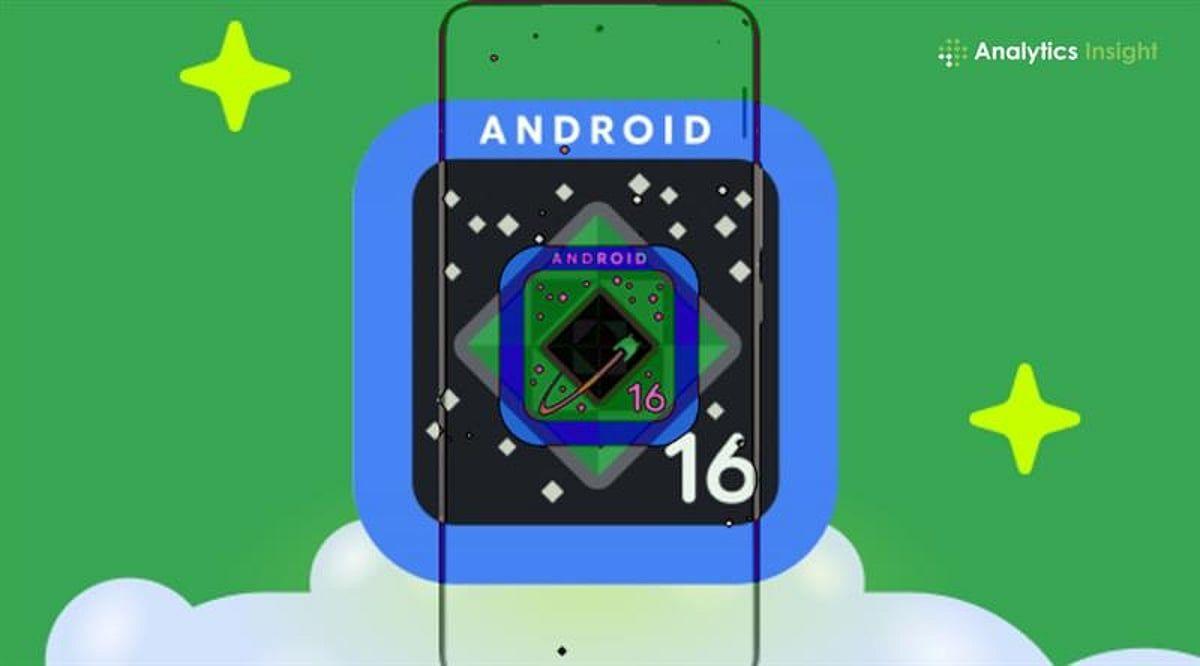
Source: Analytics Insight
The update bundle includes AI features, enhanced accessibility features, and quality-of-life improvements timed with the International Day of Persons with Disabilities
1
. Pixel owners get the first wave immediately, with features continuing to roll out across the Android ecosystem in coming months.AI-Powered Notification Summaries Tackle Information Overload
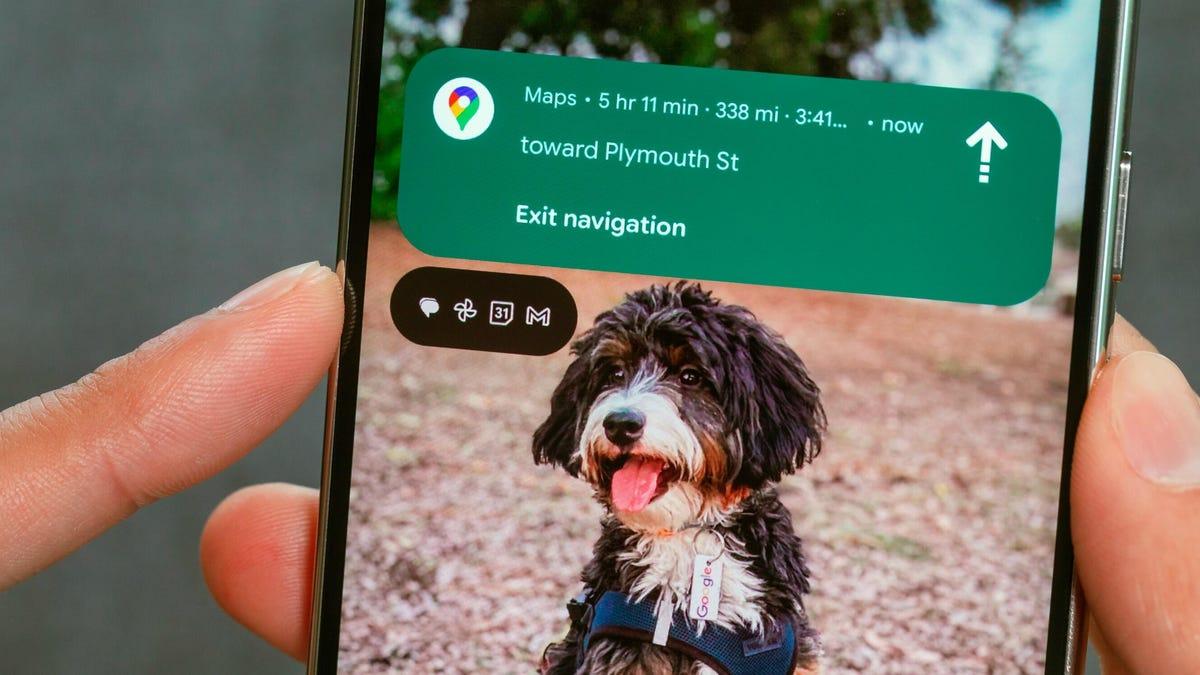
Notification summaries represent one of the most significant additions, using on-device AI to condense longer messages and chaotic group chats into glanceable summaries
1
. Each summary provides context without forcing users to scroll through extensive text. Google hopes to avoid the missteps Apple encountered when it launched similar features last year. Apple pulled its notification summaries from news apps after organizations like the BBC cited inaccuracies and misrepresentation of stories5
. Message summaries were also criticized for removing context and being blunt in shortening text.
Source: Stuff
The notification organizer works alongside summaries to help users stay focused by automatically grouping similar notifications and silencing lower-priority ones, including promotions, news, and social alerts
1
. This feature addresses the reality that an Instagram like doesn't carry the same urgency as a text from your boss4
.Scam Detection and Call Reason Boost Security
Scam detection gets smarter with Circle to Search integration. Users can now circle suspicious messages anywhere on their screen and receive an AI Overview summarizing whether it's likely a scam, plus recommended next steps
1
. This on-screen analysis helps users identify threats in real-time without leaving their current app2
.Call Reason, coming soon to the Phone by Google app, allows users to mark outgoing calls to contacts as urgent
1
. That label appears on the recipient's incoming call screen and stays in their missed-call history, ensuring they know to respond more quickly than to non-urgent calls2
. When unknown numbers add users to group chats, Android now shows key details and safety tips, allowing users to leave, block, or report the chat with one tap1
.Parental Controls and Personalization Features Expand
Android 16 introduces built-in Parental Controls directly in settings, protected by a PIN
1
. Parents can set daily screen time limits, schedule downtime, control app usage, and adjust timing as needed. The feature links directly to Family Link for deeper controls like School Time and purchase approvals. Currently, Parental Controls in settings is only available on Pixel phones and tablets running Android 16 and later1
. Moving these controls into the main Settings menu represents a major quality-of-life improvement, eliminating the need to dig through separate apps4
.Google is leaning further into device personalization with custom icon shapes for home screens, themed icons that apply across apps, and automatic darkening of apps even when they lack built-in dark mode
3
. This reduces brightness transitions and helps people sensitive to light or with low vision1
.Related Stories
Enhanced Accessibility Features Transform User Experience
The accessibility update spans vision, hearing, and mobility improvements. Expressive Captions now include emotional context, with AI tagging speech with indicators when someone expresses joy or sadness, as well as ambient sounds like cheers, applause, gasps, and sighs
1
. This works across social media stories, livestreams, and video messages, expanding to YouTube for English videos uploaded after mid-October.
Source: CNET
For users with external mice, AutoClick adds adjustable dwell timing, customizable actions including left-click, right-click, drag, and scroll, reducing strain for users who struggle with physical clicking
1
. A two-finger double-tap on Gboard starts dictation, while Gemini-powered Smart Dictation on Pixel devices lets users edit text naturally by saying commands like "Replace Monday with Tuesday" or "Make it shorter"1
.Guided Frame, Google's tool helping blind and low-vision users take centered photos, now uses Gemini models to deliver richer scene descriptions
1
. Voice Access can now launch hands-free by saying "Hey Google, start Voice Access," with improved punctuation detection, better accuracy across accents, and the ability to toggle Wi-Fi and Bluetooth. It's now available in Japanese1
.What This Means for Android's Future as an AI-First Operating System
This update signals Google's intent to transform Android into an AI-first operating system that actively manages users' digital lives
4
. Expect another major Android release in mid-2025, followed by another feature drop later in the year, with deeper Gemini integrations and more automated features running silently in the background. Chrome on Android now supports pinned tabs that stay at the front of your browser, matching desktop functionality2
. Users can access pinned tabs by entering tab overview or grid view, long-pressing the desired tab, and selecting "Pin tab."For Samsung users, this new schedule means Galaxy S25 or S26 devices stay fresh without the long stagnant waiting periods that characterized previous update cycles
4
. The shift reflects a strategy similar to Apple's approach of bringing users features under a main build number throughout the cycle5
. Users can learn more about these additions and see the complete feature list at android.com/updates2
.References
Summarized by

Navi
[3]
[4]
Related Stories
Android 16 Rolls Out: New Features and What's Still to Come
11 Jun 2025•Technology

Android 17 launches with AI features and multitasking tools as Google expands Gemini capabilities
16 Jun 2026•Technology
Google unveils major Android upgrades with Gemini Intelligence, 3D emojis and iPhone compatibility
12 May 2026•Technology
Recent Highlights
1
OpenAI's AI Models Disprove 27-Year Exponential Time Hypothesis, Rendering Decades of Research Obsolete
Science and Research

2
Google DeepMind unveils Genie 4 world model with audio and 2-minute interactive simulations
Technology

3
OpenAI Cuts Internet Access for AI Model Training After Security Breaches
Technology

Recent Highlights
Today's Top Stories






Don’t drown in AI news. We cut through the noise - filtering, ranking and summarizing the most important AI news, breakthroughs and research daily. Follow topics that matter to you and stay ahead.


