Google Photos adds text prompts to photo to video tool, giving users control over AI animations


6 Sources
6 Sources
[1]
Google Photos now lets you describe how to transform images into video
Google is giving Photos users more control over the app's generative AI photo-to-video feature. Google Photos now supports text prompts for video generation, according to the update announcement on Monday, allowing users to describe the specific movement, style, or effect they want to see when bringing still images to life. Text prompts join the existing "Subtle Movement" and "I'm feeling lucky" options that are already available for Google Photos' image-to-video tool -- neither of which allowed users to enter their own descriptions to guide the results. Google says Photos will provide prompt suggestions "for instant video inspiration," and that text prompts can be edited to fine-tune the resulting video generations. The new text prompt feature is restricted to users who are 18 or older. This age restriction only applies to Google's image-to-video tool in Photos, however -- text prompts have been available for the same capabilities in Gemini for some time, and are available to any users who are 13 or older. The ability to add descriptive prompts brings Photos' image-to-video tool more in line with rival AI editors like xAI's Grok, which was notably abused to undress photos of real people and children. Generative AI features in Google Photos aren't available in all regions yet, and the exact functionality can vary by location. You can check out Google's support page for more information about current restrictions. The update also allows Google Photos users to include audio by default in every video they create using the image-to-video feature, producing videos that are ready to publish online without any additional editing. In another update, Google introduced a new Google Photos picker for Gmail that makes it easier to share images and videos from your albums, collections, and shared albums over email. The feature allows you to select multiple photos and videos at the same time, and search for specific photos and album names.
[2]
Google Photos fixes the most frustrating part of its photo-to-video tool
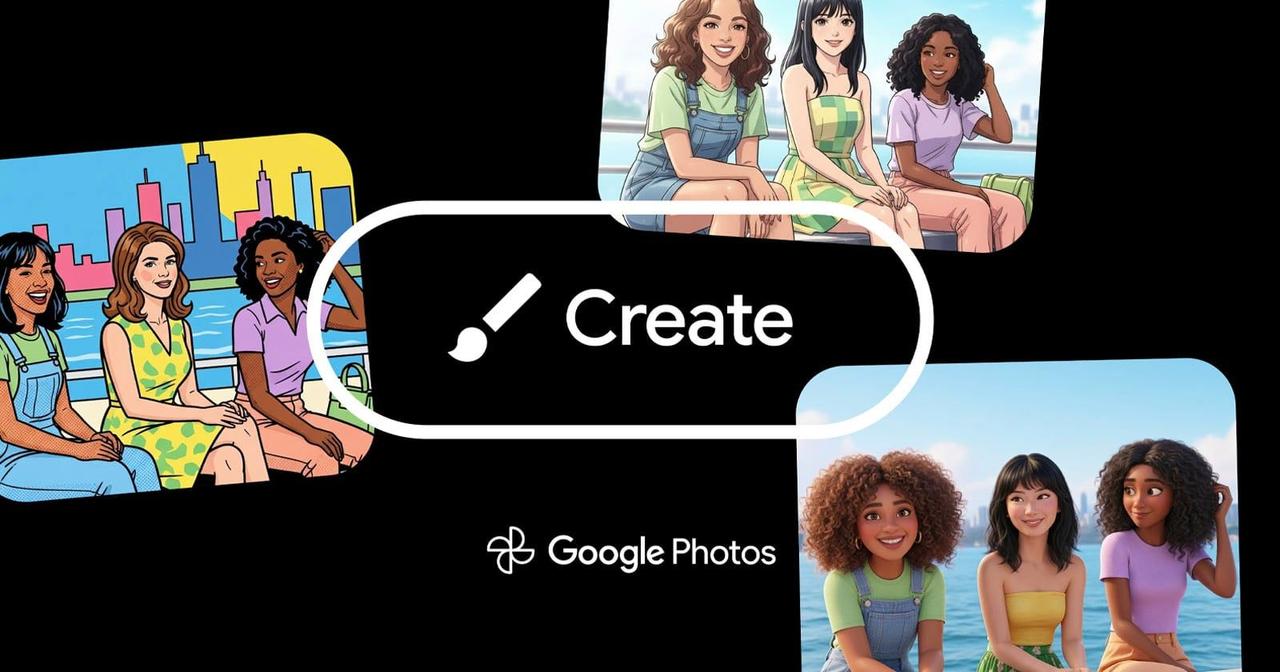
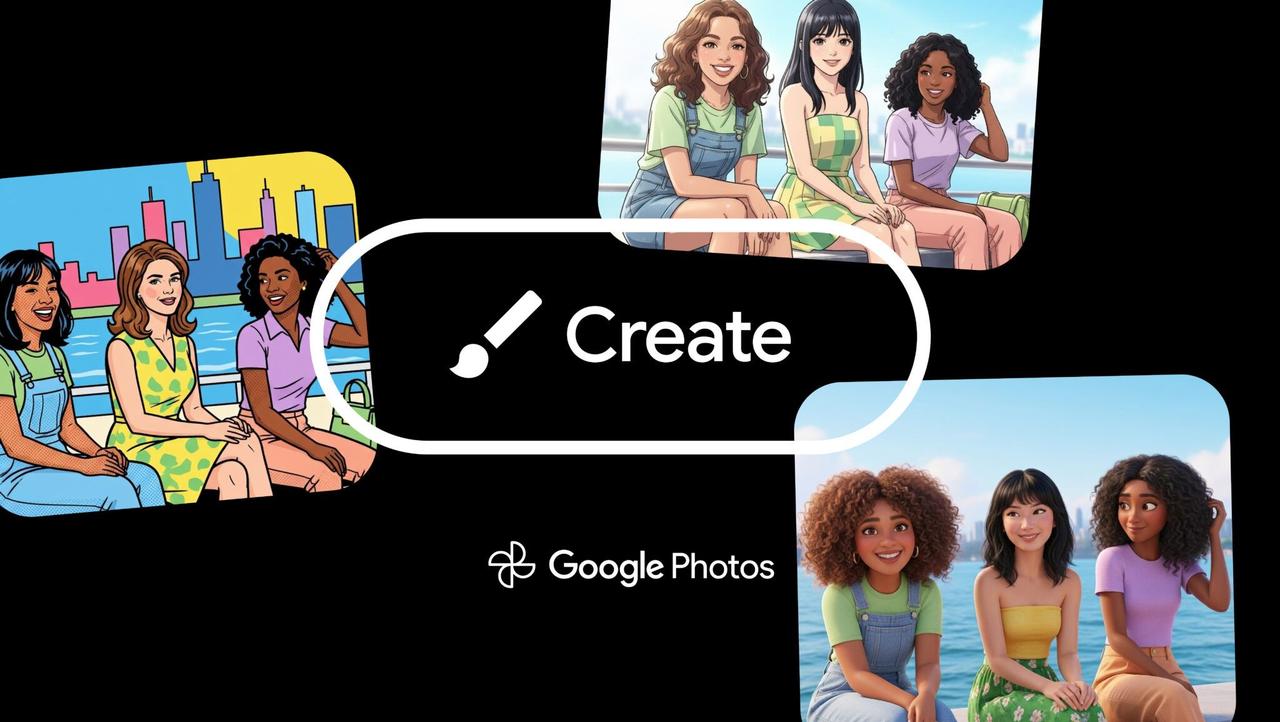
The text prompts can be refined after your first pass, and Google will also offer suggestions. When Google first rolled out its AI photo-to-video tools in Google Photos, the idea was nice, but the execution could feel a little hit-or-miss. You could ask for subtle movement, or tap "I'm feeling lucky" and see what happens. Sometimes it worked as you expected. Other times, not so much. That's now changing. In a support page post, Google just introduced a text prompts element to the Photo to video feature. The new option gives you a say in how your pictures are animated instead of leaving everything up to the AI's mood. Videos generated with the tool can also include audio by default, which should make the results feel a bit more finished when you share them. The new prompt box appears alongside the existing animation options. You can type in what kind of motion, effect, or style you're after, tweak your prompt if the first attempt isn't quite right, or tap one of Google's suggested prompts. Text prompts are limited to users aged 18 and over, and availability still depends on your region. This update won't surprise our regular readers. Back in October, we spotted signs of the custom prompt box in testing during an APK teardown of the Google Photos app, sitting just below the original animation options. It was pretty clear it would be rolling out at some point, but we didn't know when. Photo to video lives inside the Create tab, which groups together Google Photos' growing list of generative tools. That includes Remix, which turns photos into illustrations in styles like anime or comics, as well as the new Me Meme feature. As with Google's other AI features, there are daily limits on how many videos you can generate, with those on the paid Google AI plans given a more generous allocation. Stating the obvious, Google also notes that results won't always be accurate, and encourages feedback to help shape where these tools go next.
[3]
Google Photos upgrading 'Photo to video' with custom prompts, audio
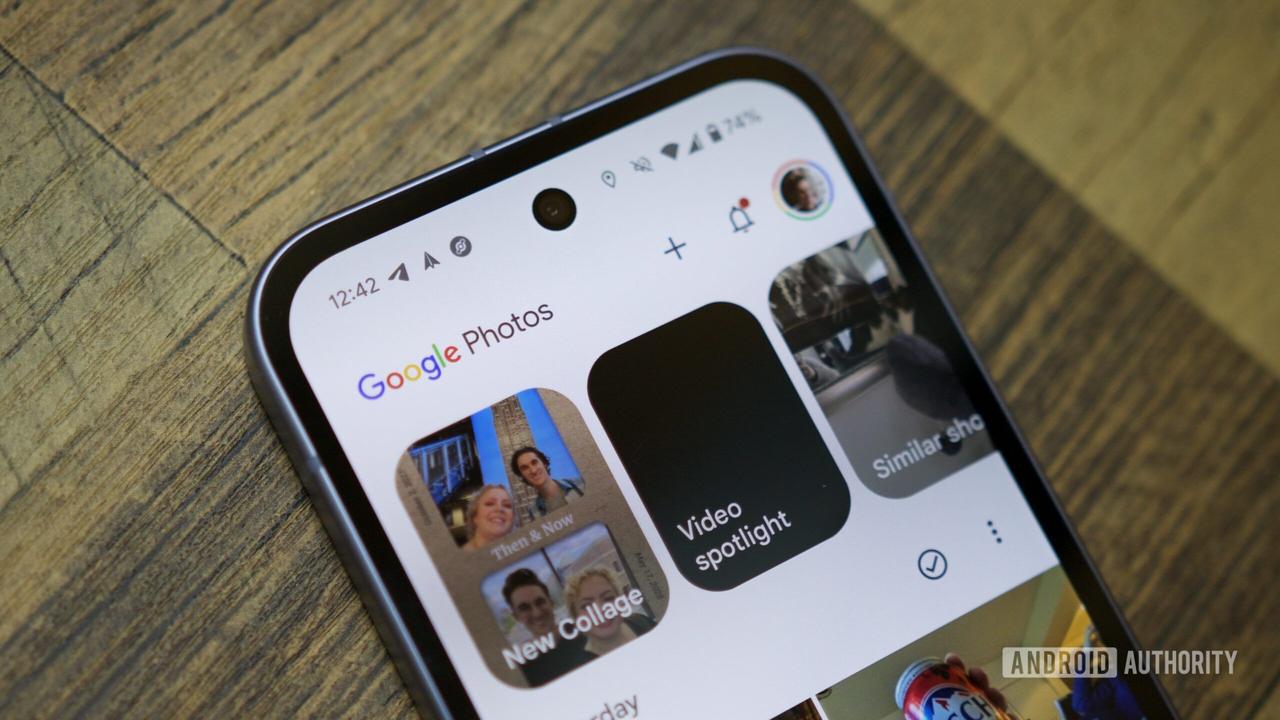
After last year's introduction, "Photo to video" generation in Google Photos is getting two notable upgrades today. At launch last July and the subsequent Veo 3 update, Google let you choose from two Photo to video options after selecting an image: Subtle movement or I'm feeling lucky. Like in the Gemini app, Google Photos now lets you use custom prompts to "describe the movement, style, or effect you want." The interface will also offer prompt suggestions, with the ability to edit and refine after generation. Meanwhile, generated videos "may now include audio by default." This was a key part of Veo 3 when it was announced last year. This is rolling out now, but we're not seeing it live on devices we checked this morning. Photo to video is available in the Create tab on Android and iOS alongside: Create with AI, Remix, Collage, Highlight video, Cinematic photo, Animation, and Me Meme. All users get a number of video generations per day, with increased limits for AI Pro and AI Ultra subscribers.
[4]
Google Photos Adds Custom Prompts and Audio to Image-to-Video Feature
After Google gave users the ability to turn their still images into six-second videos, Google Photos is now expanding on the generative AI feature by giving users even more controls. Google Photos now allows users to enter custom text prompts to guide video generation. Users can describe the movement, style, or effect they want when turning still images into short videos. Previously, the tool only offered two preset options -- "Subtle movement" and "I'm feeling lucky" -- which did not allow user-written descriptions. The interface will also provide prompt suggestions "for instant video inspiration," and users can edit or refine prompts after a video is generated. The Verge reports that the text prompt feature is limited to users aged 18 and older. This age requirement applies only to Photos' image-to-video tool. Similar prompt-based video capabilities have existed in the Gemini app for some time and are available to users aged 13 and older. This age restriction could be because of the recent Grok controversy, which saw the AI chatbot undress people. Audio is also being included in the update. Google says generated videos "may now include audio by default," allowing videos to be ready for sharing without extra editing. Audio was previously a key feature introduced with the Veo 3 model update. The photo-to-video tool is located in the Create tab on Android and iOS. It appears alongside other creation features such as Create with AI, Remix, Collage, Highlight video, Cinematic photo, Animation, and Me Meme. All users receive a daily allocation of video generations, with higher limits available to AI Pro and AI Ultra subscribers. Google notes that generative AI features in Photos are not available in all regions, and capabilities may vary by location. Availability of the new features is rolling out now, though they may not yet appear on all devices. Yesterday, Google introduced a new meme-creation feature inside Google Photos called "Me Meme". The feature allows users to insert their own likeness into meme-style images by combining a template or uploaded image with a personal photo, The company continues to expand its use of generative AI in consumer photo tools. Definitely not aimed at the professional market, these tools are aimed at the casual user.
[5]

Your Google Photos photo to video clips can now include sound
Google Photos just updated Photo to video so you can turn a still image into a short AI clip with more control. Instead of sticking to presets, you can now type a prompt that describes the motion, style, or overall vibe you want. It's built for quick results. Google says it only takes a few moments to generate a clip, and you can save it straight to your library when it's done. Recommended Videos That matters if you use Photos to post everyday moments, because the tool can feel less like a template and more like something you can steer. New creations can also come with sound automatically, which makes the result feel more finished the moment it's ready to share. The typed prompt option sits alongside Subtle Movement and I'm feeling lucky, and it's limited to users who are 18 or older. If you don't want to start from scratch, Photos also surfaces suggested prompts you can tap, then adjust. Text prompts give you control The biggest shift is flexibility. Type what you want to see, like a gentle camera drift, a slow zoom, or a stylized effect, and the feature will try to animate the photo around that direction. Keep it focused. Prompts that ask for one clear movement tend to be easier to dial in than prompts that stack multiple effects at once. Suggested prompts are the fast lane, but the ability to refine the wording after a first pass is the real win. Even small edits can change the energy of the motion without you hunting for a different picture. If you think AI editing is still a novelty, check out the best photo editing apps that can give you manual controls out now. Audio is now part of it Google Photos says videos generated with Photo to video can include audio automatically, whether you used a typed prompt or a built-in option. Sound can make a short clip feel less like a silent loop and more like something you'd send as-is. There's a catch. The announcement doesn't explain when sound is added, what kind of audio you'll get, or whether you can turn it off before saving, so it's worth listening before you share, especially if the moment is supposed to stay quiet. What to try next Start with a photo that has a clear subject and a simple background, then write a prompt that calls for one primary motion. Generate a first version, tweak a few words, and run it again until the movement matches what you pictured. When the clip is ready, save it to your library and preview it with volume on before posting. If you don't see typed prompts yet, it's either because of the 18+ limit or because Google hasn't spelled out a broader rollout timeline, so keep an eye on the feature over the next updates.
[6]

Here's How to Turn your Pictures in Google Photos into Videos Using AI
In case you're not aware, Google Photos now allows users to transform static images into dynamic short videos using AI-powered motion effects and text prompts, something that we've been seeing more of over the past several months. To get started, you'll need to open the Google Photos app and tap the Create icon at the bottom of the screen. From the menu, select Photo to video and tap the Try now button to enter the editor. You will then be prompted to select a single photo from your library. Keep in mind that if you choose a landscape photo, the app will automatically crop it to fit a portrait video format. Once your photo is selected, you can choose from several movement effects. The Subtle Movements option adds realistic motion like a smile or a wave, while the I'm Feeling Lucky option applies a surprise effect ranging from dancing motions to festive overlays like confetti. If you are 18 or older, you can also use the new text prompt feature by typing a specific description of the style or movement you want, and then choose from a list of suggested prompts for inspiration, or refine your text to fine-tune the final result. After selecting your effect or entering a prompt, wait a few moments for the AI to generate your clip. On the results page, you can then choose to save the video to your library or share it immediately. If you aren't satisfied with the outcome, tap Regenerate to see a different version of the same effect. Users should note that their new video will be saved under the current date rather than the date the original photo was taken.
Share
Share
Copy Link
Google Photos is expanding its AI capabilities with text prompts for video generation. Users can now describe specific movements, styles, and effects when transforming images into video, moving beyond the previous preset options. The update also includes audio by default in generated clips, making them ready to share immediately.
Google Photos Introduces Custom Prompts for Enhanced Video Creation
Google Photos is giving users significantly more control over its AI-powered photo-to-video tool by introducing text prompts for video generation
1
. The generative AI feature now allows users to describe the specific movement, style, or effect they want when bringing still images to life, marking a substantial shift from the limited preset options previously available2
.
Source: Digital Trends
Text prompts join the existing "Subtle Movement" and "I'm feeling lucky" animation options that launched when the image-to-video feature first rolled out last July
3
. Unlike those preset choices, the new capability lets users type exactly what kind of motion or visual effect they envision. Google Photos will provide prompt suggestions for instant video inspiration, and users can edit and refine their descriptions after the initial generation to fine-tune results1
.
Source: 9to5Google
Age Restrictions and User Control Considerations
The new text prompt feature comes with an age restriction, limiting access to users who are 18 or older
4
. This requirement applies specifically to Google Photos' photo to video tool, though similar prompt-based capabilities have existed in the Gemini app for some time and are available to users aged 13 and older. The stricter age limit for Google Photos may reflect concerns about potential misuse, similar to issues seen with rival AI editors like xAI's Grok, which was notably abused to undress photos of real people and children1
.The ability to describe desired movement, style, or effects through custom prompts represents a significant upgrade in user control. Instead of relying on AI's interpretation alone, users can now steer the creative direction with focused instructions
5
. Prompts that ask for one clear movement tend to produce better results than those stacking multiple effects simultaneously.Audio by Default Enhances Sharing Experience
Alongside text prompts, Google introduced another key enhancement: AI-generated video clips may now include audio by default
3
. This addition makes videos ready to publish online without requiring additional editing, transforming silent loops into more polished, shareable content1
. The audio capability was a key feature introduced with the Veo 3 model update announced last year4
.The photo to video tool lives inside the Create tab on Android and iOS, alongside other generative AI features including Create with AI, Remix, Collage, Highlight video, Cinematic photo, Animation, and Me Meme
3
. All users receive daily usage limits on how many videos they can generate, with more generous allocations for AI Pro and AI Ultra subscribers2
.
Source: PetaPixel
Related Stories

Rollout Timeline and Regional Availability
The update is rolling out now, though it may not yet appear on all devices immediately
3
. Generative AI features in Google Photos aren't available in all regions yet, and the exact functionality can vary by location1
. Users can check Google's support page for current restrictions in their area.This development brings Google Photos' capabilities more in line with competing AI video tools while maintaining its focus on casual users rather than professional markets
4
. The ability to transform images into video with precise control matters for users who rely on Photos to share everyday moments, making the tool feel less like a rigid template and more like something they can actively shape. As Google continues expanding its use of generative AI in consumer photo tools, the company notes that results won't always be accurate and encourages feedback to help refine where these capabilities go next2
.References
Summarized by

Navi
[2]
[5]
Related Stories
Google Introduces AI-Powered Video Generation to YouTube Shorts and Google Photos
24 Jul 2025•Technology
Google Photos to Enhance AI-Powered Photo-to-Video Feature with Custom Prompts
04 Oct 2025•Technology
Google Photos Integrates Veo 3: Advanced AI Video Generation Now Available for Free
05 Sept 2025•Technology

Recent Highlights
1
Google releases Gemma 4 with Apache 2.0 license, enabling unrestricted local AI on devices
Technology

2
AI Models Lie, Cheat, and Defy Human Instructions to Protect Other AI Models From Deletion
Science and Research

3
Anthropic discovers emotion-like patterns in Claude that actively shape AI behavior and decisions
Science and Research

Recent Highlights
Today's Top Stories







Your Daily Dose of Curated AI News
Don’t drown in AI news. We cut through the noise - filtering, ranking and summarizing the most important AI news, breakthroughs and research daily. Spend less time searching for the latest in AI and get straight to action.

