Google tests faster AI Mode history access on Android, matching iOS style history view


2 Sources
2 Sources
[1]
Google may soon make your AI Mode history even easier to access
Right now, the Google app hides your history behind the AI Mode button, but it could soon replace Labs in the upper-left. Google never forgets. At least, not if you have history turned on in your My Google Activity settings. And for most of us, that's a good thing, helping us pick up dropped trains of thought or just reminding us about content we enjoyed. How you access those records depends on what kind of history you're looking for, and right now Google appears to be working on an easier new way to check out your AI Mode history in particular. AI Mode has emerged as a powerful way to leverage both Google's Search resources and the power of its Gemini model to deliver really useful, targeted answers to even complicated queries. And especially if you're just learning how to get the most out of it, referring to your past search history could be a great resource for further honing your prompts. Right now, it's not particularly difficult to access your AI Mode history. In the Google app on Android, all you have to do is tap the big, prominent "AI Mode" button and then hit the history icon that appears in the top-right corner. And while that works a treat, in version 16.50.55.sa.arm64 of the app we've spotted Google preparing a slightly faster way for us to get there. Google Labs is fantastic with the way it offers us early access to experimental features (without forcing them upon us), and while we love checking out its latest additions, that also isn't a list that's being updated everyday. Currently, the Google app gives us a Labs shortcut in the top-left of its home screen, but it's looking like that could be repurposed as the new way to view AI Mode history. At least, with this release we're able to preview an in-development version of the app's UI that indeed gives us access to our AI Mode history (while also helpfully splitting up the list by date). Sure, sometimes Google developers work on new UI workflows that don't end up seeing the light of day, but it feels like this one has a solid chance of making it through -- especially because it's already showing up like this on iOS, as spotted by Radu on X. That sure has us thinking Google could flip the switch over on Android any day now -- but for the moment, anyway, we're still seeing Labs occupy that spot. We'll just have to wait and see how long it takes until Google follows through.
[2]
New Android update brings iOS style history view to Google AI Mode
Google is testing a faster method to access AI Mode history in its Android app, potentially replacing the Labs shortcut in the top-left home screen position, as seen in version 16.50.55.sa.arm64, following the existing iOS implementation. Users currently access AI Mode history in the Google app on Android by tapping the prominent AI Mode button on the home screen, which then displays a history icon in the top-right corner. Tapping this icon reveals the full list of past AI Mode interactions. This process requires two taps and works reliably across devices with history enabled. Google maintains user history through My Google Activity settings, which record searches and interactions when activated. This feature stores data to assist users in retrieving forgotten ideas or revisiting previously enjoyed content. Access to different types of history varies by category, with AI Mode history receiving specific attention in recent updates. AI Mode integrates Google Search capabilities with the Gemini model to provide precise responses to complex queries. Users enter prompts, and the system generates targeted answers drawing from extensive search indexes and AI processing. This combination supports advanced interactions beyond standard searches. Reviewing AI Mode history allows users to examine past prompts and responses, enabling refinement of future queries. For those new to the feature, past examples demonstrate effective phrasing and reveal patterns in successful interactions. This practice builds proficiency in crafting detailed inputs for optimal results. The Google app version 16.50.55.sa.arm64 introduces a preview of an updated user interface for quicker history access. Developers have modified the top-left home screen area, traditionally occupied by the Labs shortcut, to display AI Mode history directly. This change reduces navigation steps from the home screen. Google Labs provides early access to experimental features without mandating their use for all users. The Labs shortcut appears in the top-left position on the Google app home screen and links to a list of available tests. Updates to this list occur periodically, not daily, as new experiments roll out. In the previewed UI, AI Mode history organizes entries by date, grouping interactions chronologically for easier scanning. Each date section lists corresponding prompts and responses, maintaining the full context of prior sessions. This structured layout enhances usability during review. The same UI layout already exists in the iOS version of the Google app, as identified by Radu on X. iOS users tap the top-left area to view their AI Mode history split by date, bypassing the multi-step process used on Android. This precedent suggests alignment across platforms.
Share
Share
Copy Link
Google is testing a streamlined way to access AI Mode history in its Android app, potentially replacing the Labs shortcut with direct access from the home screen. The update, spotted in version 16.50.55, mirrors an iOS implementation already live, organizing past interactions by date for easier review.
Google tests streamlined AI Mode history access on Android
Google is preparing to simplify how Android users access their AI Mode history in the Google app, moving toward a faster method that aligns with an iOS style history view already available on Apple devices
1
. The change, discovered in version 16.50.55.sa.arm64 of the Android app, would replace the current Labs shortcut in the top-left corner of the home screen with direct access to AI Mode history2
.
Source: Android Authority
Currently, accessing AI Mode history on Android requires users to tap the prominent AI Mode button on the home screen, then select the history icon that appears in the top-right corner
1
. While this two-step process works reliably, the Android update aims to reduce navigation steps by providing immediate access from the home screen's top-left position2
.iOS implementation signals cross-platform alignment
The same UI layout already exists in the iOS version of the Google app, where users can tap the top-left area to view their AI Mode history organized by date
2
. This precedent, identified by Radu on X, suggests Google is working toward platform consistency1
. The previewed user interface organizes entries chronologically, grouping interactions by date sections that display corresponding prompts and responses while maintaining full context from prior sessions2
.Why reviewing past interactions matters for AI Mode users
AI Mode combines Google Search capabilities with the Gemini model to deliver precise responses to complex queries, making it a powerful tool for targeted information retrieval
2
. For users learning to maximize the feature's potential, reviewing past interactions provides valuable insights into effective phrasing and reveals patterns in successful queries2
. This becomes especially useful for refining future prompts and building proficiency in crafting detailed inputs that generate optimal results1
.Google maintains user history through My Google Activity settings, which record searches and interactions when activated
2
. This feature stores data to help users retrieve forgotten ideas or revisit previously enjoyed content, with access methods varying by history category1
.Related Stories

Labs shortcut faces potential repositioning
The Labs shortcut currently occupies the top-left home screen position, providing early access to experimental features without forcing them on all users
1
. While Google Labs remains valuable for testing new additions, the list doesn't update daily, making that prime real estate potentially better suited for frequently accessed features like AI Mode history2
.Though Google developers sometimes test UI workflows that never launch publicly, this change appears likely to roll out given its existing presence on iOS
1
. The faster method to access AI Mode history could activate on Android devices at any time, though the Labs shortcut remains in place for now. Users should watch for the interface shift as Google continues refining how it surfaces AI-powered search capabilities across platforms.References
Summarized by

Navi
[1]
Related Stories
Google Expands AI Mode in Search: Free Access and New Features on the Horizon
25 Mar 2025•Technology
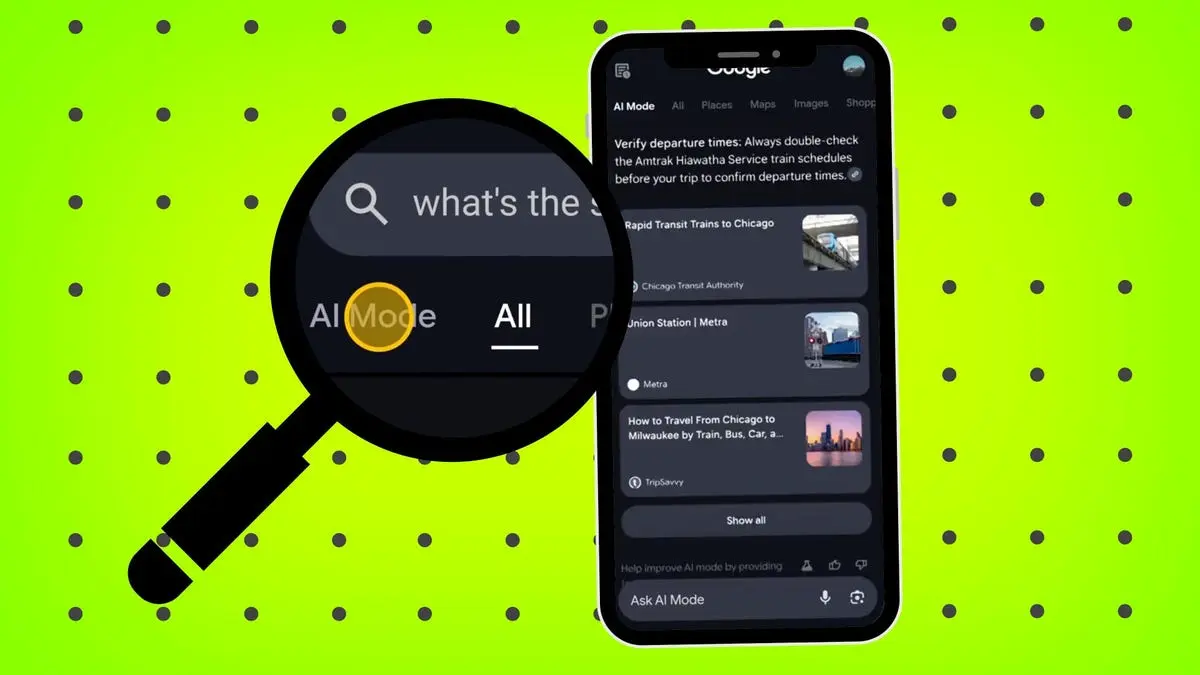
Google's AI Mode Search Evolves: Now Answering Questions About Images
08 Apr 2025•Technology

Google Tests New 'AI Mode' Shortcut for Mobile Search, Signaling Shift in User Experience
18 Feb 2025•Technology

Recent Highlights
1
Apple Plans Major Siri AI Overhaul in iOS 27 With Third-Party Chatbot Integration
Technology

2
OpenAI shuts down Sora video app after six months, ending Disney's $1 billion investment deal
Technology

3
Pentagon formalizes Palantir's Maven AI as core military system with multi-year funding
Policy and Regulation

Recent Highlights
Today's Top Stories











Your Daily Dose of Curated AI News
Don’t drown in AI news. We cut through the noise - filtering, ranking and summarizing the most important AI news, breakthroughs and research daily. Spend less time searching for the latest in AI and get straight to action.

