Google develops Gemini import feature to simplify switching from ChatGPT and other AI chatbots


5 Sources
5 Sources
[1]
If Google really wants to make switching to Gemini easier, it needs these 5 features
While chatbots can be genuinely useful tools, they often require a fair amount of tweaking and customization if you really want to make the most of them. As you can imagine, this also makes it harder to switch platforms once you've become accustomed to the AI of your choice. Recently, I wrote about my experience switching from ChatGPT to Claude. I talked about Claude's own import tools, as well as the many extra manual steps I took to get it all right. I'll admit that while the process wasn't impossible, it was far from ideal. Luckily, Google is hoping to make things a bit easier for those interested in switching to Gemini. We recently learned that Google's upcoming import tool will let you import not only memories but also chats. With that in mind, and as someone who's gone through this switching process before, here are five things Google has to get right with Gemini's import tool to set itself apart from the competition. Based on everything we know about the Gemini import tool so far, it seems like the memory import function works very similarly to Claude. That means it gives you a generic prompt that you then ask your existing AI, which returns an info dump you paste back into the import tool. That's all well and good, but I'd love to see a more customized approach. Instead of a one-size-fits-all prompt, it would be nice if you could select certain types of memories and behavior ranges you're looking to import. Maybe you want basic behavioral rules, like "don't use em dashes," or a standing preference for realism and plausibility, but you don't want memories tied to past projects that are no longer relevant. Likewise, you might want to leave behind instructions that were specifically designed to address quirks in your old chatbot that simply don't exist in the new one. For chat imports, it would also be helpful to define parameters based on date ranges, the extent of a chat, or whether it was tied to a project that has clearly ended. I like the idea of chat imports, as I had to do this manually for Claude with mixed results. That said, I'm hoping it's not just a massive dump that becomes hard to navigate. For those with a few dozen chats, this might not be a big deal, but I had far more ChatGPT chats than I could ever reasonably sort through manually. What would really help is a pinned summary when you open an imported chat for the first time, covering what the chat contains, when it was created, when you last worked on it, and where you left off. That context would make it much easier to resume projects in a new engine and decide what's actually worth keeping. In addition to chat summaries, a review process before the import finalizes would be very helpful. Once you hit import, a pop-up could show summaries of the memory data and brief breakdowns of the chat logs it's preparing to bring over. You'd be able to uncheck certain items and, ideally, edit memories to add or update information before committing. Once a user trimmed down their logs and memories, only the relevant ones would follow to the new platform. Not everyone will be switching to Gemini from a blank slate. If you've used the free version or had a past subscription, the import process could end up duplicating data or carrying over information that's no longer accurate. I ran into this exact situation with Claude. I didn't go in completely clean, as I spent about two weeks with the raw experience to see how it compared to ChatGPT out of the box. After importing, I found conflicting information about my career and even my preferred name, because ChatGPT hadn't been updated on either. Claude would occasionally toggle between calling me by my actual name and a nickname I'd originally given ChatGPT, and it got confused about my professional background as well. Essentially, some of the rules it imported were things I'd added to ChatGPT years prior that simply weren't true anymore. A redundancy check that flags contradictions for manual review, rather than making automatic decisions, would go a long way. It doesn't need to be sophisticated; just surfacing the conflicts and letting the user resolve them would save a lot of cleanup. Some of my old ChatGPT logs were still useful and relevant, but many weren't worth importing in full. The problem is that even outdated chats often contain behavioral context worth preserving. A smarter solution would be the ability to parse a chat log for relevant behavioral data and convert it into a memory, without importing the full conversation. That would let users carry over meaningful rules and context without flooding Gemini with hundreds of chats they'll never open again. It's very likely that Google's import tool will be fairly basic and only a mild step up from what tools like Claude already offer. That said, none of what's described above is impossible. Granted, some features would land messier than others, but nothing I've mentioned is totally unrealistic. The contextual awareness required for redundancy checks would likely need manual oversight, and the tool you're switching from limits how directly Google can pull data, requiring users to fetch certain elements themselves. Even an imperfect version of these features would be a significant step up from building your own import protocols from scratch. Whether Google sees a deeper import tool as a meaningful draw for users switching from competing platforms is the real question, and we should have our answer when the tool launches.
[2]
Moving to Google Gemini from other chatbots is about to become easier
Chethan is a reporter at Android Police, focusing on the weekend news coverage for the site. He has covered tech for over a decade with multiple publications, including the likes of Times Internet, Guiding Tech, and Android Headlines, to name a few. Chethan's love for Android dates back to the days of the Samsung/Google Nexus S, with his first Android phone being the HTC Desire HD back in 2010. Away from work, he's on the lookout for live cricket streams or NBA highlights. He also enjoys the occasional hour or two of console/mobile gaming whenever time permits. Although Google Gemini is now widely known globally, that wasn't always the case. Thanks to the head start in the AI chatbot market, OpenAI's ChatGPT was the first on the scene. Since then, Google Gemini (formerly Bard) has emerged on the scene and, in some ways, surpassed the OpenAI offering. Not to mention the other chatbots vying for the top spot in the industry. So it's only natural that many would consider switching to Gemini from some of these alternative chatbots. But what about the trove of personal information that the chatbot already knows about you? Right now, switching to Gemini from any of these services means you have to use a workaround or start fresh, but Google is finally developing a way to make the process simple. Looking into version 17.11.54.sa.arm64 of the Google app, the folks at Android Authority have enabled two new options for importing data from another chatbot. One of them is the ability to import chats from services as a .zip file, a feature spotted by TestingCatalog last month. Taking the pain out of switching The other method is to import "memory," which simply requires you to copy and paste a prompt from the Gemini app on the chatbot you're switching from. Then you simply need to copy the result and paste it into the dedicated field in the Gemini app. The idea here is to make it easier for Gemini to understand your preferences rather than having to train it manually by feeding all the relevant information about you. Related Gemini could soon have a Discover tab, but not the kind you're hoping for There are a bunch of changes on the drawing board Posts 1 By Karandeep Singh Oberoi When rolled out, the new "Import memory to Gemini" option will be available in the Gemini app's account switcher menu. The screenshots shared by Android Authority illustrate the process of switching from ChatGPT to Gemini. ChatGPT allows users to easily export existing data as a .zip file in just a few steps, with Claude offering a similar setup for its users. It's worth noting that Gemini's upcoming import tool only allows zip files of up to 5GB, according to these screenshots. So if you have a couple of years' worth of data on another chatbot that exceeds this limit, using the prompt-based import option will be the only option. Subscribe to our newsletter for Gemini migration guides Explore Gemini migration and what switching chatbots means for your data by subscribing to our newsletter. Subscribing gives focused coverage and clear analysis of Gemini migration and related developments, helping you understand the implications for your data. Get Updates By subscribing, you agree to receive newsletter and marketing emails, and accept our Terms of Use and Privacy Policy. You can unsubscribe anytime. Since the UI elements, including the on-screen dialogs, appear to work as expected in these screenshots, we suspect Google isn't far away from rolling out this data migration tool to the Gemini app. Exactly when that will happen is still not known, as is typically the case with these early leaks.
[3]
Gemini could let you transfer chat history from other AI apps, like a game of 'telephone'
Google seems to understand that the current AI landscape has users jumping from one model to the next, looking for the best experience. A possible feature addition in Google Gemini would allow users to import chats and memory from other AI apps, so you don't have to start over. AI models like Gemini and ChatGPT learn as they go. Based on that collective information about you, the user, contextual answers flow better, and recall becomes a cornerstone element of a high-performance AI model. A recently discovered feature, buried deep within the Google Gemini app, allows users to import memory and chat history to Gemini. The feature isn't available yet, nor is there any guarantee it will be in the future. The discovery comes as part of Android Authority's APK teardown process, and these features tend to live in testing for some time until Google rolls them out in public updates. This feature was found in version 17.11.54.sa.arm64. The memory transfer feature works in two ways. The first portion requires users to paste a prompt in the AI chatbot app of their choosing - the one they wish to transfer data from. That prompt gives Gemini the basis of what the other app knows about you. It includes demographic info, names or aliases, and other background details. All of that information was once provided to the other chatbot model, so Gemini will only learn from this what was already provided. It's like a game of telephone in the sense that this is still all second-hand information. It's possible that some of this information gets skewed along the way, giving Gemini false information. Still, it might be easier than starting over. The response is then copied and pasted into Gemini's transfer tool. It should allow Gemini to quickly build a profile so it isn't going in blind. The second portion of the memory transfer tool allows users to import previous chats from the other app. Files are limited to .zip, and the size appears to need to be under 5GB. Once added, Gemini will have the background data for users to pick up where they left off. Again, this chat import feature isn't public in Gemini. If it ever makes it to the official Gemini build, it would allow accounts to import all progress with other models like ChatGPT, Claude, Perplexity, and so on. It's a one-and-done tool, but it would be quite useful to have on hand.
[4]
Don't start from scratch: Here's how Google is making it easier to move from ChatGPT to Gemini
Imported chats will need to be saved in a zip file, which can't be larger than 5GB. The more a chatbot knows about you, the better it gets at offering relevant responses. However, the more you use one AI service, the less likely you are to try out the other options. Who wants to spend all of that time training multiple chatbots? We learned back in February that Google is working on a solution that should make switching to Gemini from a competing chatbot less of a headache. Now we have more information on how the solution will work.
[5]
Gemini wants to make it easier to leave ChatGPT behind - Phandroid
Anyone who's tried switching AI apps knows the frustration. You spend months with one chatbot. It learns your name, your job, your preferences. Then you switch to something else and start from scratch. According to a new APK teardown, Google is working on a Gemini memory import tool to fix exactly that. Android Authority dug into version 17.11.54 of the Google app and found strings for a feature codenamed "Robin Import." It hasn't gone live yet, and there's no guarantee it ever will. But the code lays out how it would work in two parts. The first handles memory. Gemini generates a prompt that you copy and paste into whatever AI app you're currently using. That app spits out a summary of what it knows about you: your name, demographic info, and background details you've shared over time. You paste that response back into Gemini, and it stores everything as a memory. The second part covers your chat history. You export your conversations from the other app and package them into a zip file under 5GB. Then upload that to Gemini, and it has the context from your old chats going forward. The Gemini memory import tool could work with any AI chatbot. Android Authority specifically shows ChatGPT as an example in the screenshots pulled from the code, but Claude, Perplexity, and others would presumably be in play too. Worth noting: this isn't a direct sync between apps. It's more of a manual hand-off where you're copying responses and uploading files yourself. Functional, but not seamless. Google has been pushing Gemini as its default AI across Android and has paid Samsung to pre-install it on Galaxy phones. A feature that lowers the barrier for users already invested in a rival chatbot fits that strategy. Google hasn't announced a release date, and features found in APK teardowns don't always make it to production.
Share
Share
Copy Link
Google is building an import feature for Gemini that will let users transfer chat history and memory from competing AI chatbots like ChatGPT and Claude. Discovered through an APK teardown of the Google app, the tool addresses a major pain point: losing all your personalized context when switching platforms. Users can import memories via prompt or upload chat archives as zip files under 5GB.
Google Tackles the Chatbot Switching Problem
Google is developing a Gemini import feature designed to eliminate one of the biggest frustrations in the AI chatbot landscape: starting from scratch when you move from ChatGPT to Gemini or other competing platforms
1
2
. The data migration tool, discovered through an APK teardown of version 17.11.54.sa.arm64 of the Google app, would allow users to bring their chat history, user preferences, and memory data along when switching chatbots2
3
. This matters because AI chatbots improve as they learn about users over time, making it difficult to abandon months of personalized training when exploring alternatives.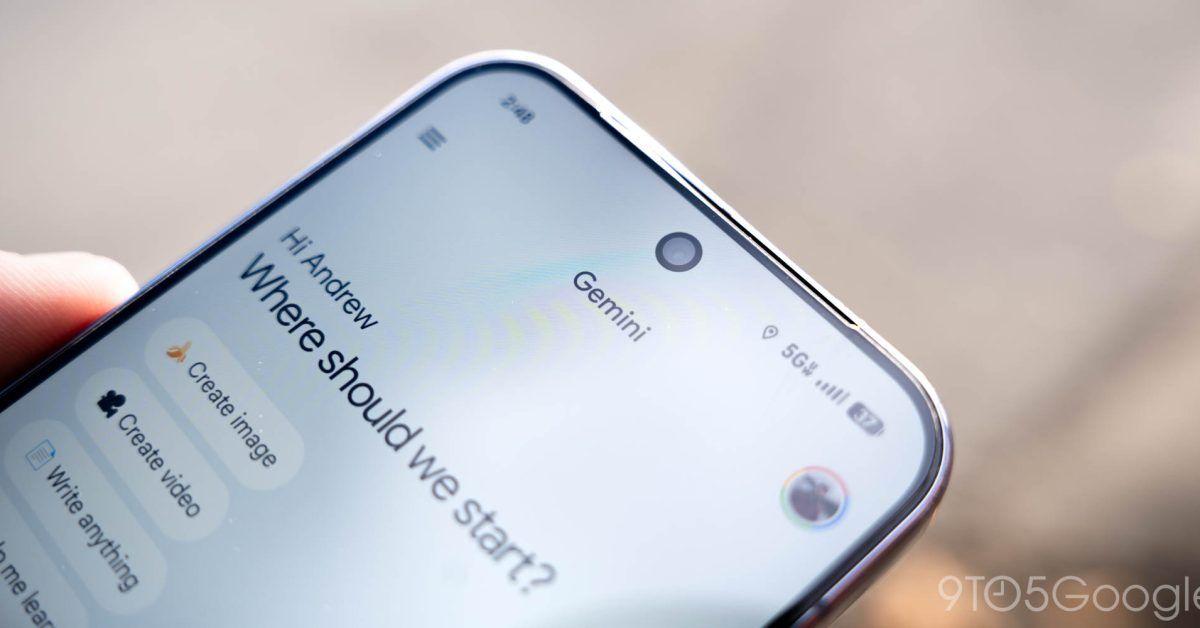
Source: 9to5Google
How the Memory Import Function Works
The memory import function operates through a two-part process that addresses different aspects of migrating user data
3
5
. First, Gemini generates a prompt that users copy and paste into their existing AI chatbot—whether that's ChatGPT, Claude, Perplexity, or another service. The current chatbot then produces a summary containing demographic information, names, aliases, and background details it has learned. Users paste this response back into Gemini's transfer tool, which stores everything as memory data3
. The second component allows users to import chat history by exporting conversations from their previous AI model as a zip file, with a size limit of 5GB2
4
. This approach gives Gemini the contextual foundation to pick up where users left off with their previous chatbot.The Limitations and Risks of Transfer Chat History from Other AI Apps
While the tool promises convenience, it functions more like "a game of telephone" than a seamless sync, according to analysis from 9to5Google
3
. The information transferred is second-hand, potentially leading to skewed or false data entering the user profile. Industry observers note that users who previously experimented with Gemini before importing could face conflicting information, as one journalist experienced when switching to Claude—the AI toggled between different names and showed confusion about professional background due to outdated ChatGPT memories1
. This highlights the need for redundancy checks that flag contradictions for manual review rather than automatic decisions. The manual nature of the process—copying responses and uploading files yourself—also means it's functional but not seamless5
.Related Stories
What Users Want Beyond Basic Import Chat History Capabilities
Experts argue that Google needs to go beyond what Claude already offers to truly stand out when users leave ChatGPT behind
1
. Key wishlist items include customized import parameters that let users select specific types of memories rather than accepting a one-size-fits-all dump, date-range filters for chat imports, and pinned summaries when opening imported chats for the first time1
. A review process before finalizing imports would allow users to uncheck irrelevant items and edit memory data before committing. Perhaps most critically, users want the ability to parse chat logs for behavioral context and convert it into memory without importing full conversations—preserving useful rules while avoiding hundreds of outdated chats1
.Strategic Timing as Google Pushes Gemini Across Android
The development of this import feature aligns with Google's broader strategy to position Gemini as the default AI across Android devices, including paid partnerships with Samsung to pre-install it on Galaxy phones
5
. By lowering the barrier for users already invested in rival AI chatbots, Google directly addresses the lock-in effect that keeps people tied to ChatGPT despite OpenAI's early market advantage2
. The feature, codenamed "Robin Import," will reportedly appear in the Gemini app's account switcher menu once launched2
. However, as with all features discovered through APK teardown processes, there's no guarantee it will reach production or when a public rollout might occur3
5
. Screenshots from Android Authority suggest the UI elements appear functional, indicating Google may not be far from releasing this capability2
.
Source: Android Authority
References
Summarized by

Navi
[1]
[2]
[3]
[4]
Related Stories
Google Gemini tests tool to import chat history from ChatGPT and rival AI chatbots
02 Feb 2026•Technology
Google Gemini Introduces Conversation Memory Feature, Raising Privacy Concerns
14 Feb 2025•Technology

Google's Gemini AI Set to Revolutionize Personal Assistance with Enhanced Data Integration and App Connectivity
02 May 2025•Technology

Recent Highlights
1
OpenAI shuts down Sora video app after six months, ending Disney's $1 billion investment deal
Technology

2
AI-Generated Val Kilmer to Posthumously Appear in As Deep as the Grave After His Death
Entertainment and Society

3
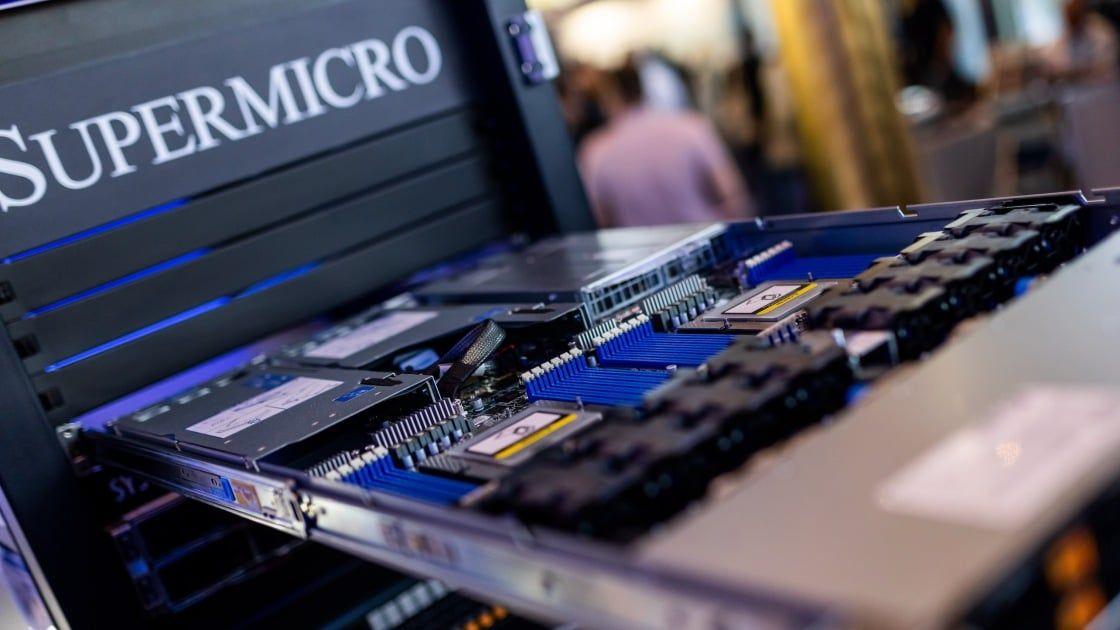
Supermicro Co-Founder Indicted in $2.5 Billion Nvidia AI Chip Smuggling Scheme to China
Policy and Regulation
Recent Highlights
Today's Top Stories




Your Daily Dose of Curated AI News
Don’t drown in AI news. We cut through the noise - filtering, ranking and summarizing the most important AI news, breakthroughs and research daily. Spend less time searching for the latest in AI and get straight to action.

