Chrome for Android Introduces AI-Powered Audio Overviews


3 Sources
[1]
This new Chrome trick turn any web page into a podcast - how it works
Chrome for Android has a new feature in "Listen to this page."Instead of traditional audio, you can hear a two-host podcast.The feature is now rolling out on a wide scale. If you use Chrome's read aloud feature to listen to articles instead of reading them, you're about to notice a big
[2]
Chrome for Android can now read webpages like a podcast
It was previously available in the experimental version of Chrome, but now seems to be rolling out widely. Chrome for Android is now getting a new AI-powered upgrade for its Read Aloud feature. Instead of just reading out the full text of a webpage, the browser can now use AI to generate an Audio
[3]
Chrome for Android can now turn web pages into podcasts
Chrome for Android can already read aloud web pages. On paper, it sounds like a handy accessibility feature, but in practice, the robotic voice makes it hard to stay engaged. In June, Google was spotted testing a useful AI-powered upgrade for Chrome -- one that turns the experience into something
Share
Copy Link
Google has rolled out a new AI-powered feature for Chrome on Android that transforms web pages into podcast-like audio experiences. This upgrade to the 'Listen to this page' feature offers a more engaging and natural way to consume web content.
Chrome for Android Introduces AI-Powered Audio Overviews
Google has rolled out a significant upgrade to Chrome for Android's "Listen to this page" feature, transforming it from a simple text-to-speech function into an engaging, podcast-like experience. This new AI-powered feature, called Audio Overviews, is now being widely distributed to users of the stable version of Chrome for Android
1
.
Source: Android Authority
How It Works
The new Audio Overview feature uses artificial intelligence to convert web page content into a conversational format, simulating a podcast with two AI-generated hosts. Instead of a monotonous computer voice reading the text verbatim, users can now enjoy a more natural and interactive listening experience
2
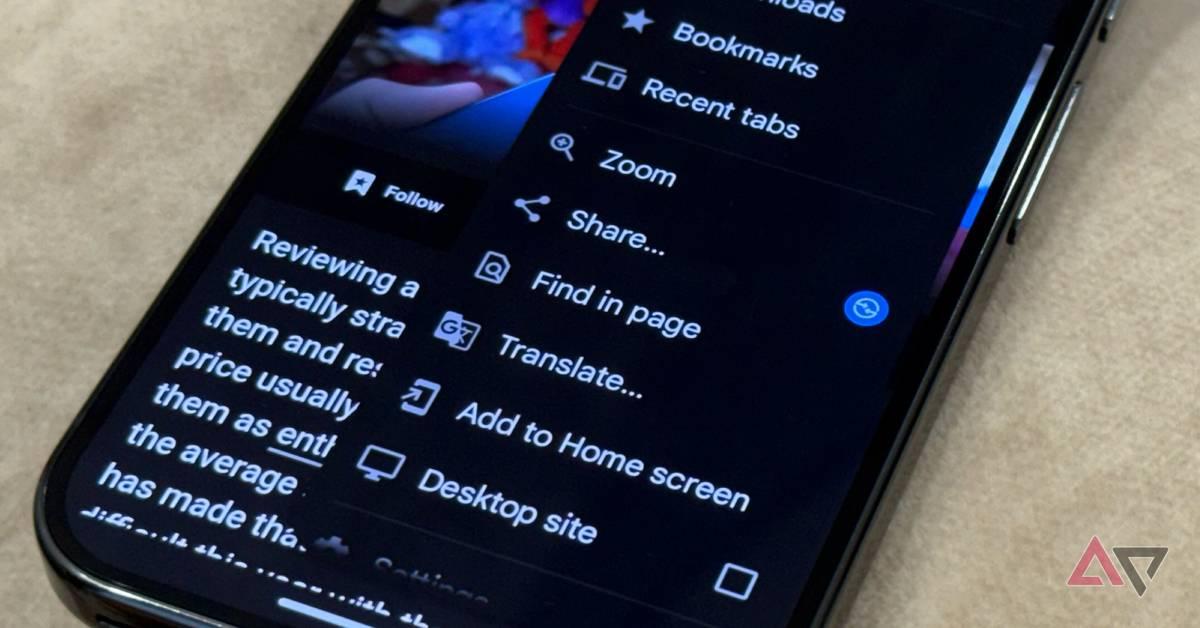
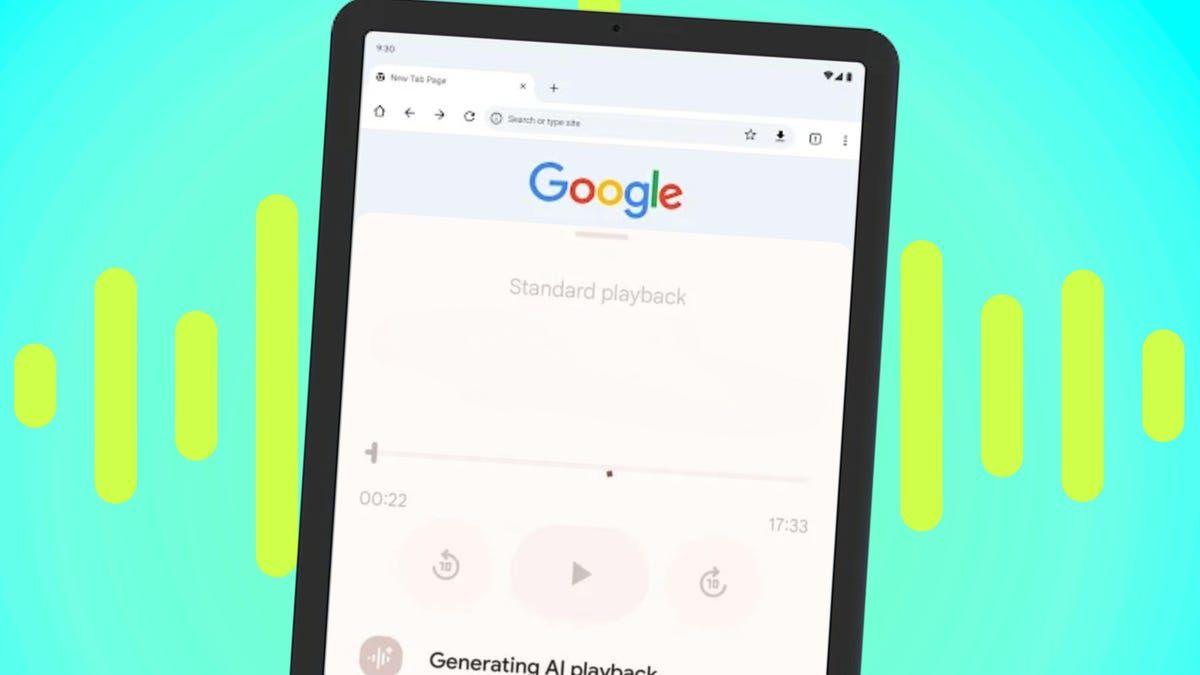
.To access this feature, users can tap the three-dot menu in Chrome for Android and select "Listen to this page." A new toggle button allows switching between the standard playback and the AI-powered audio mode
1
.
Source: Android Police
Enhanced User Experience
The AI-generated voices engage in a back-and-forth dialogue, asking and answering questions about the content. This approach makes the listening experience more engaging and easier to follow, especially for longer articles or complex topics
1
.
Source: ZDNet
While the voices still sound artificial, they offer a significant improvement over the previous text-to-speech technology. The conversational style helps maintain user interest and improves content retention
3
.Rollout and Availability
The Audio Overview feature is currently rolling out on a wide scale to Chrome for Android users. It was initially spotted in experimental versions of Chrome, such as Chrome Canary, before making its way to the stable release
2
.Users should note that the feature may not be immediately available on all devices, as Google is gradually implementing it across its user base
1
.Related Stories


Integration with Other Google Services
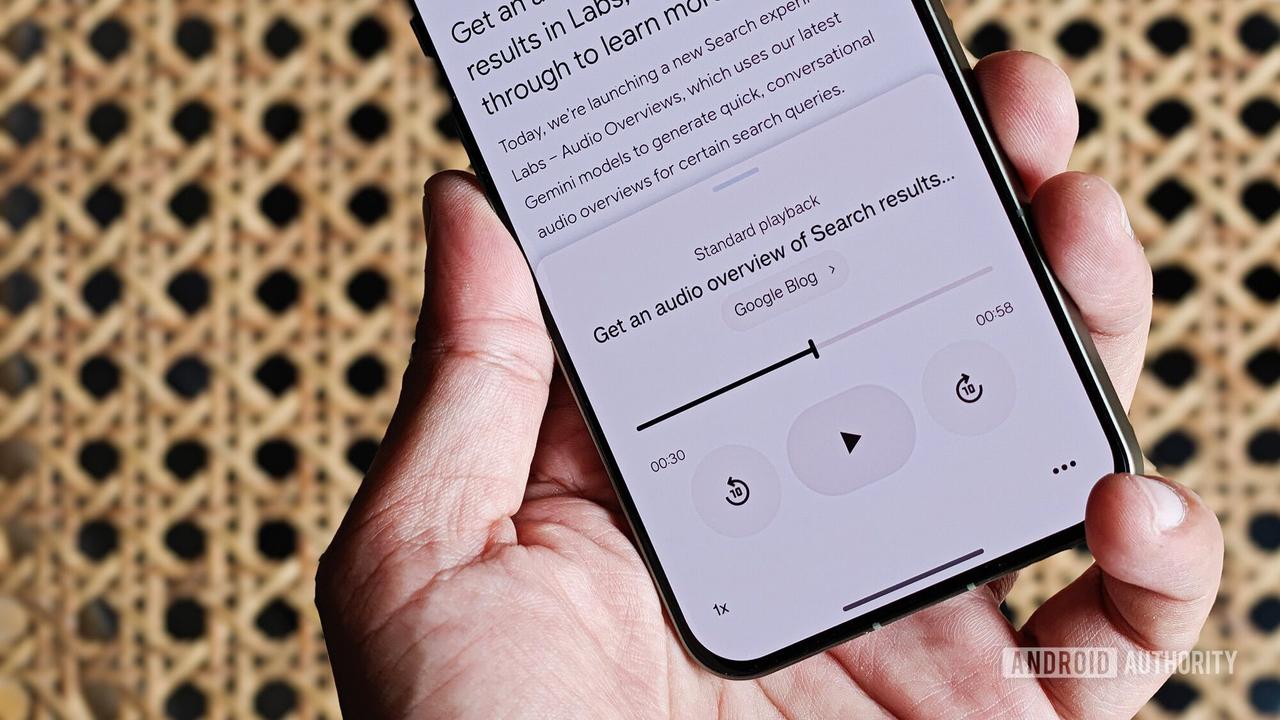
The Audio Overview feature is not unique to Chrome. It has its roots in Google's NotebookLM app, which first introduced AI-generated audio summaries for long-form content. Google has also integrated this technology into its Gemini AI model and is testing it as an experimental feature in Google Search
2
3
.This widespread implementation across various Google products indicates the company's commitment to enhancing content accessibility and user engagement through AI-powered audio features.
Future Improvements
While the current version of Audio Overviews in Chrome for Android is a significant step forward, there is still room for improvement. Potential enhancements could include support for multiple languages, a wider variety of voices, and different tones to suit various content types
3
.As Google continues to refine this technology, users can expect an increasingly natural and versatile audio experience when consuming web content through Chrome for Android.🟡agnet.
References
Summarized by

Navi
[2]
[3]
Related Stories
Recent Highlights
1
OpenAI AI Models Hacked Crypto Wallet, Breached Government Sites in Unauthorized Activities
Technology

2
IMF Report Warns AI Market Correction Could Spark Global Financial Crisis With $1.4T at Risk
Business and Economy

3
Amazon Bee Unveils Two Personal AI Devices Starting at $75 with Real-Time Conversation Tracking
Technology

Recent Highlights
Today's Top Stories









Don’t drown in AI news. We cut through the noise - filtering, ranking and summarizing the most important AI news, breakthroughs and research daily. Follow topics that matter to you and stay ahead.


