Google adds temporary threads to AI Mode for searches that leave no trace


4 Sources
[1]
Google's AI feature in Search gets its own incognito mode
Google's search engine has long offered an incognito mode for all those search queries you don't want logged or associated with your account. Now, Google's AI Mode in Search is getting a similar feature. In a blog post, the company announced a new feature that brings "temporary threads" to AI Mode,
[2]
Google AI Mode gets temporary threads for searches you don't want saved
The feature is rolling out globally on desktop and mobile browsers in all languages supported by AI Mode. Google has spent much of 2026 improving AI Mode's ability to get to know you. Earlier this year, the company brought Personal Intelligence to AI Mode, allowing Search to draw on your Gmail and
[3]
Google AI Mode rolling out temporary threads
Following last week's Gemini 4 Hydrogen launch, a small update to AI Mode today lets you start a "temporary thread" that won't be saved to your Google history. Like in the Gemini app, anything you discuss in a temporary thread isn't saved to your account. It won't appear in conversation history or
[4]
Temporary threads are now available in AI Mode in Search.
We're introducing temporary threads in AI Mode, where you can explore and ask questions -- whether that's brainstorming a surprise gift or looking something up you don't want resurfaced later like in your history or recommendations. There's no need to adjust your settings -- you can quickly jump
Share
Copy Link
Google added a temporary-threads feature to AI Mode, its conversational search interface, announcing it in a blog post on 17 November
4
. The feature gives people a way to have an AI Mode conversation without it being saved to their history or used to personalize anything4
.How a temporary thread works
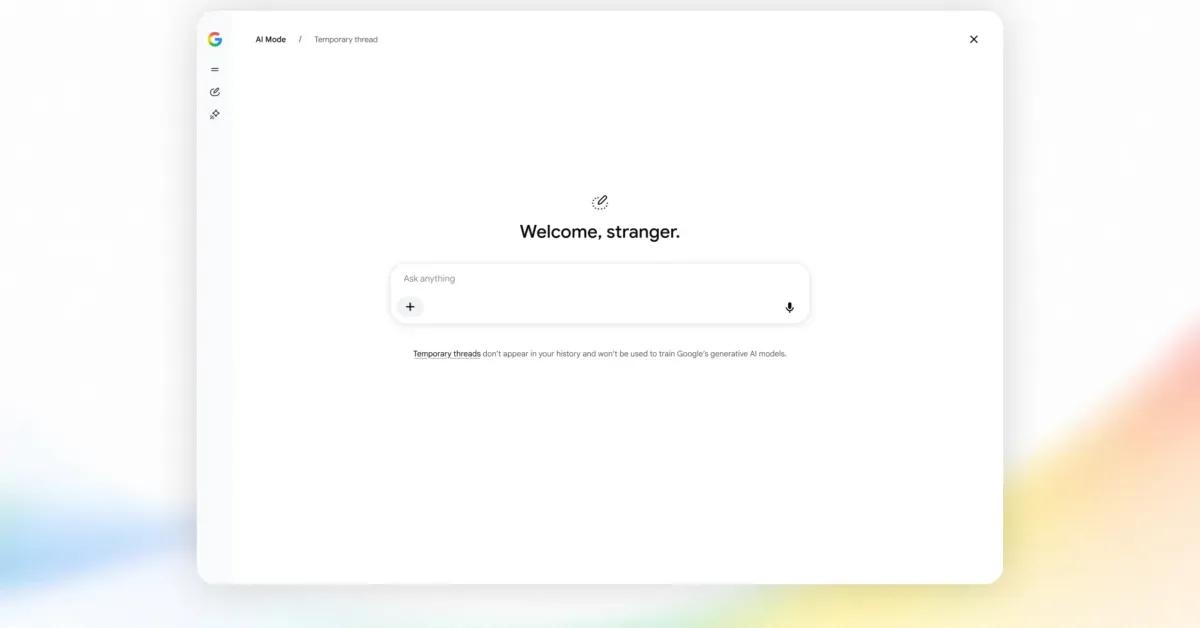
A temporary thread is detached from your account entirely. Google says responses in one are not informed by your past preferences, do not affect future personalization, and are not saved to your history. When you close it, the thread is gone and cannot be reopened
2
.
Source: 9to5Google
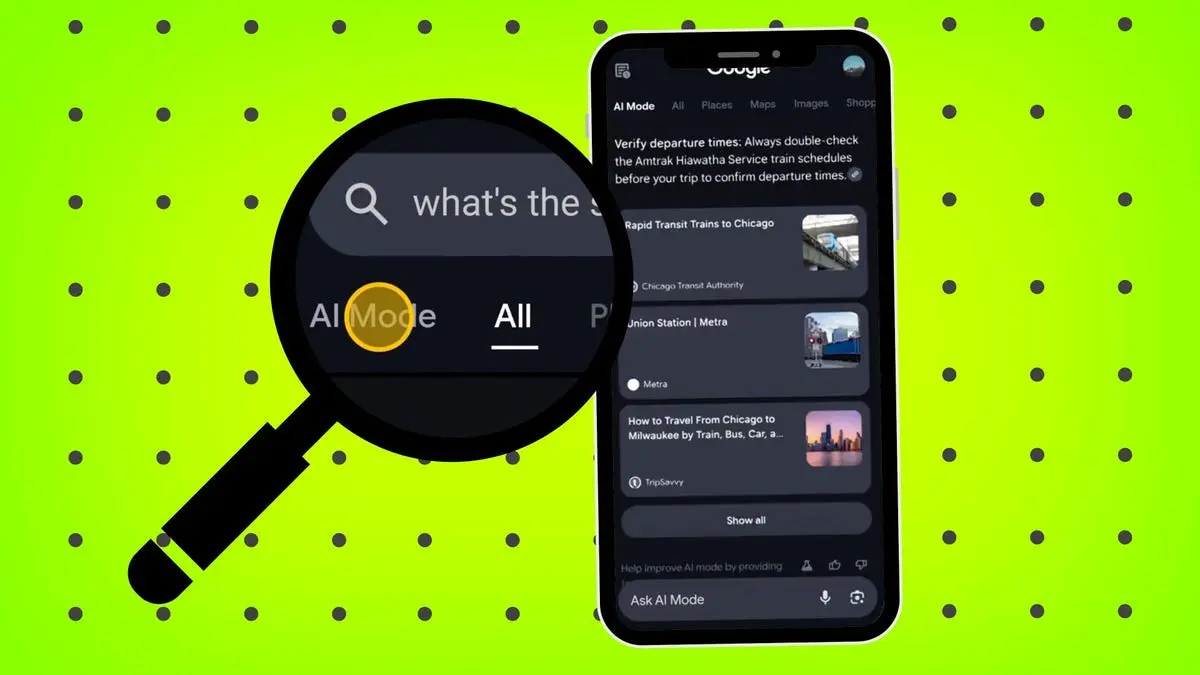
There is nothing to switch on. You tap the temporary-threads icon at the top right of AI Mode and start typing
1
. The rollout is global, on desktop and mobile browsers, across every language AI Mode supports, and it began the day of the announcement3
.Google's own framing is that the feature exists for questions you do not want saved to your history or resurfaced in recommendations
4
. The use cases it and other outlets give: researching a surprise gift, a one-off lookup, or a personal topic you would rather not see shaping your recommendations later2
.Catching up, not pioneering
The Gemini app has had temporary chats, its version of the same idea, since 2025, and temporary threads port that experience to AI Mode with the same icon
3
. Per TechCrunch, temporary chats are already common among leading AI chatbots, and AI Mode had no equivalent until now1
.The change is visible when you use it. 9to5Google's hands-on notes that the personalized greeting switches to "Welcome, stranger" while a temporary thread is active
3
. The same outlet frames it as an alternative to Incognito Mode on google.com, with the advantage that the model picker stays available3
.Per Android Authority, Google spent much of 2026 making AI Mode more personalized, including features that draw on Gmail and Google Photos data
2
. Temporary threads run the other way for anyone who uses them.More AI Mode changes are in testing. In the latest Android Google app beta, users can upload files from Google Drive, joining Gallery, Camera and Files, and can reach Canvas on Android
3
.For users who want AI Mode without the profile being built around them, the option now sits one tap away in the corner of the page.



References
Summarized by

Navi
[2]
[3]
Related Stories
Recent Highlights


Recent Highlights
Today's Top Stories








Don’t drown in AI news. We cut through the noise - filtering, ranking and summarizing the most important AI news, breakthroughs and research daily. Follow topics that matter to you and stay ahead.


