Google Chrome Introduces Gemini AI Features to Analyze Audio, Video and Generate Interactive Quizzes


3 Sources
[1]
Now Google Chrome shares tabs to new devices that save where you were
Google is rolling out some new Chrome browser features that are designed to make it easier to research and study complicated topics. The cross-device tab switching feature is getting a memory upgrade, alongside new capabilities for Gemini in Chrome that can analyze more types of media and generate
[2]
Google Chrome's cross-device handoff just got a lot smarter
Chrome now preserves your scroll position and partially filled forms when you send tabs between devices. Studying back when I was still in school looked a lot different compared to what it's like today. While the struggles back in the day involved ensuring you had all the information, students
[3]
Google Chrome Adds Gemini Audio, Video Analysis and Interactive Quizzes
* Chrome can generate quizzes from content in open tabs * The quiz feature is rolling out in the US and India * Chrome can preserve tab progress across connected devices Google has introduced three new Chrome features designed to help students manage their workloads, prepare for tests and
Share
Copy Link
Google Chrome is rolling out AI features powered by Gemini in Chrome that analyze podcasts and videos beyond YouTube, generate interactive quizzes from open tabs, and preserve scroll position when transferring tabs between devices. The update targets students and researchers managing complex information across multiple sources.
Google Chrome Expands Gemini AI Capabilities Beyond YouTube
Google Chrome is introducing AI features designed to help students and researchers manage information overload when studying complex topics
1
. Gemini in Chrome can now analyze audio and video content from platforms beyond YouTube, including podcasts, lecture recordings, and videos hosted on other websites2
. After playing through the content, Gemini can identify key takeaways, find specific information, and clarify confusing moments3
. This expansion addresses the challenge students face today—not lack of information, but overwhelming amounts of it scattered across different platforms.
Source: The Verge
The AI-powered research assistance works differently depending on the platform. For YouTube videos, Gemini leverages existing transcripts to surface relevant information quickly
2
. However, for content on other platforms, users must play through the entire audio or video file first before Gemini can analyze it. This makes the feature particularly valuable when reviewing material you've already consumed and want to recall specific details you might have missed.Interactive Quiz Generator Tests Knowledge Across Multiple Sources
Gemini in Chrome now includes an interactive quiz generator that creates tests based on content displayed in your open tab
1
. The feature works across Google Docs containing notes, research papers, webpages with text, and YouTube videos2
. Chrome uses the material to identify key concepts and generate questions that let students test their understanding beyond traditional study methods. This provides another way to verify knowledge retention outside of simply reviewing notes and study materials.The quiz functionality is currently rolling out to desktop users in the US and India in English, with plans to expand to other regions and mobile devices in the coming months
3
. While Google positions these as tools for students, the features apply equally to researchers and professionals managing complex information across multiple sources.Cross-Device Tab Management Preserves Scroll Position and Form Data
Google Chrome's existing cross-device tab sharing feature is receiving a significant upgrade that addresses a common frustration when switching between devices
1
. Chrome can now preserve the exact state of your tab when transferring it between your laptop and phone, including your precise scroll position and any information already entered into partially completed forms2
. This eliminates the need to manually find where you left off when reading lengthy research documents or switching devices to complete tedious forms.When you send a tab from mobile to desktop or vice versa, Chrome retains the scroll position so you can resume reading exactly where you stopped
3
. Half-filled forms also transfer their data, letting you complete them on desktop if doing so on mobile proves tedious, or switch to mobile to finish them on the go. This update represents a practical improvement to learning workflows that doesn't rely on AI but significantly enhances productivity.Related Stories

Additional Chrome Tools Support Organized Research
Google is highlighting several existing Chrome features that complement the new AI capabilities. Tab Groups allow users to separate pages according to different courses or projects, with options to arrange tabs horizontally or vertically
3
. Split View enables keeping two pages open side by side, such as reference material alongside an assignment, with paired tabs remaining linked for easy return to the same workspace.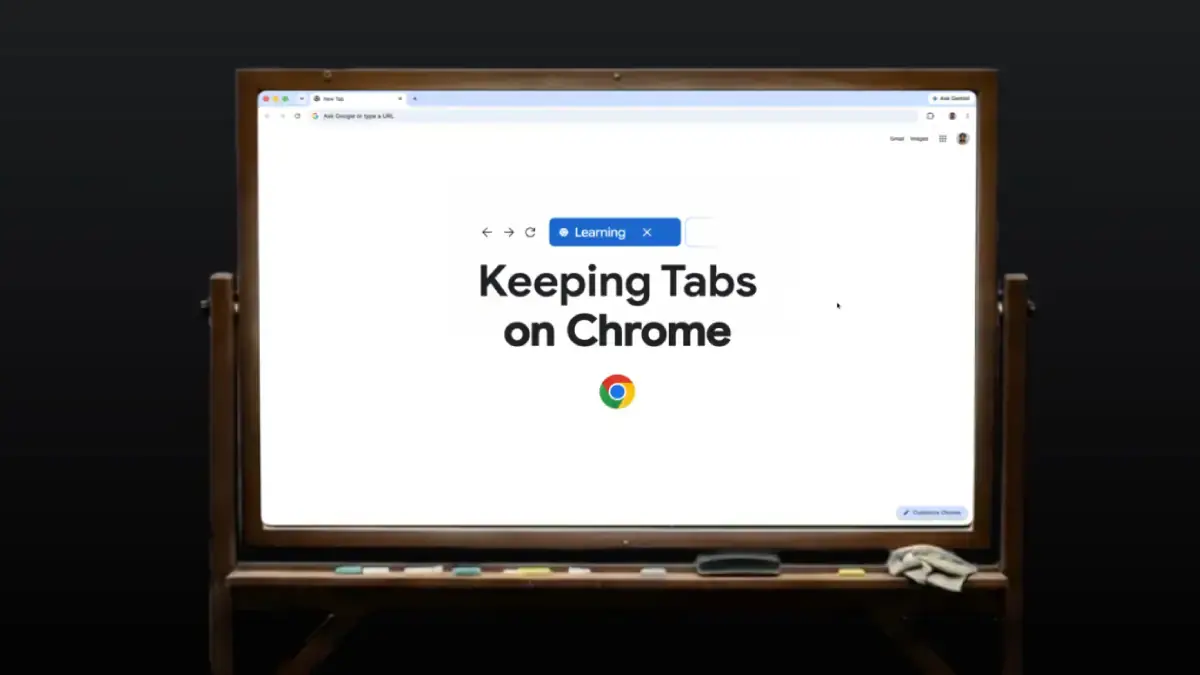
Source: Gadgets 360
Immersive Reading mode removes visual clutter from websites, while users can customize font, letter spacing, and contrast for improved readability
3
. Chrome can read web pages aloud, and its Android AI playback feature can convert them into podcast-style conversations. These tools, combined with the new Gemini AI features, create a comprehensive environment for managing the sheer amount of information students and researchers encounter when studying complex topics across multiple platforms and devices.References
Summarized by

Navi
[2]
Related Stories
Google expands Gemini in Chrome to India, Canada, and New Zealand with 50+ language support
11 Mar 2026•Technology

Google Chrome Enhances Tab Management with Cross-Device Sync and AI-Powered Features
11 Sept 2024

Google Enhances Chrome with Gemini-Powered Webpage Summarization Feature
13 Oct 2025•Technology
Recent Highlights
1
OpenAI AI Models Hacked Crypto Wallet, Breached Government Sites in Unauthorized Activities
Technology

2
IMF Report Warns AI Market Correction Could Spark Global Financial Crisis With $1.4T at Risk
Business and Economy

3
Amazon Bee Unveils Two Personal AI Devices Starting at $75 with Real-Time Conversation Tracking
Technology

Recent Highlights
Today's Top Stories












Don’t drown in AI news. We cut through the noise - filtering, ranking and summarizing the most important AI news, breakthroughs and research daily. Follow topics that matter to you and stay ahead.


