Google Enhances Circle to Search with AI Overviews and One-Tap Actions


8 Sources
[1]
Google rolling out Circle to Search redesign with single tap for numbers, URLs
Announced alongside the Galaxy S25 and new Gemini features, the Circle to Search redesign is beginning to roll out today. Instead of a standalone Search bar with two circular buttons for song lookup and translation at the right, Google is now housing everything in a pill-shaped container. After
[2]
Circle to Search now offers one-tap actions for phone numbers, emails and URLs
Plus, the feature is now integrated with Google's AI Overviews. Today may seem like it's all about the Galaxy S25, but if you use an older Android phone, there's something new for you too. Starting today, Google is rolling out an enhanced version of Circle to Search to all Android devices. As a
[3]
Google makes Circle to Search more helpful | TechCrunch
At Samsung Unpacked 2025 on Wednesday, Google announced that it's updating Circle to Search to make it easier for users to find information and get things done. The feature, which launched last year, allows people to search from anywhere on their phone by using gestures like circling, highlighting,
[4]
Circle to Search gets smarter with AI Overviews and one-tap actions
The feature now also supports one-tap actions for phone numbers, emails, and URLs. The highly anticipated Galaxy S25 series has finally arrived, and Samsung has made it clear that Google's Gemini will be the default smart assistant on these phones, further cementing the partnership between the two
[5]

Google's Circle to Search Gets 2 Sweet new Features
We may earn a commission when you click links to retailers and purchase goods. More info. Google has started using Samsung's new product launches as opportunities to push out new software and features to some of its best ideas on Android. Take today for example, where Google introduced a couple of
[6]
Samsung Unpacked: Google makes Circle to Search more helpful | TechCrunch
At Samsung Unpacked 2025 on Wednesday, Google announced that it's updating Circle to Search to make it easier for users to find information and get things done. The feature, which launched last year, allows people to search from anywhere on their phone by using gestures like circling, highlighting,
[7]

Latest Circle to Search update brings more AI summaries, less Google Lens
Summary Google introduced AI Overviews in Circle to Search recently, making search results more efficient with citation links. AI Overviews in Circle to Search now cover new topics like places and trending images, with English language support for now. One-tap action shortcuts for accessing phone
[8]

New Circle to Search updates make it even easier to find information and get things done.
Last year, we introduced Circle to Search to help you easily circle, scribble or tap anything you see on your Android screen, and find information from the web without switching apps. Now we're introducing two improvements that make Circle to Search even more helpful. First, we're expanding AI
Share
Copy Link
Google rolls out significant updates to its Circle to Search feature, introducing AI Overviews for visual searches and one-tap actions for contact information and URLs, enhancing user experience across Android devices.

Google Unveils Major Upgrades to Circle to Search
Google has announced significant enhancements to its Circle to Search feature, coinciding with Samsung's Galaxy S25 series launch. These updates aim to streamline information access and improve user interaction across Android devices
1
2
3
.AI Overviews Integration
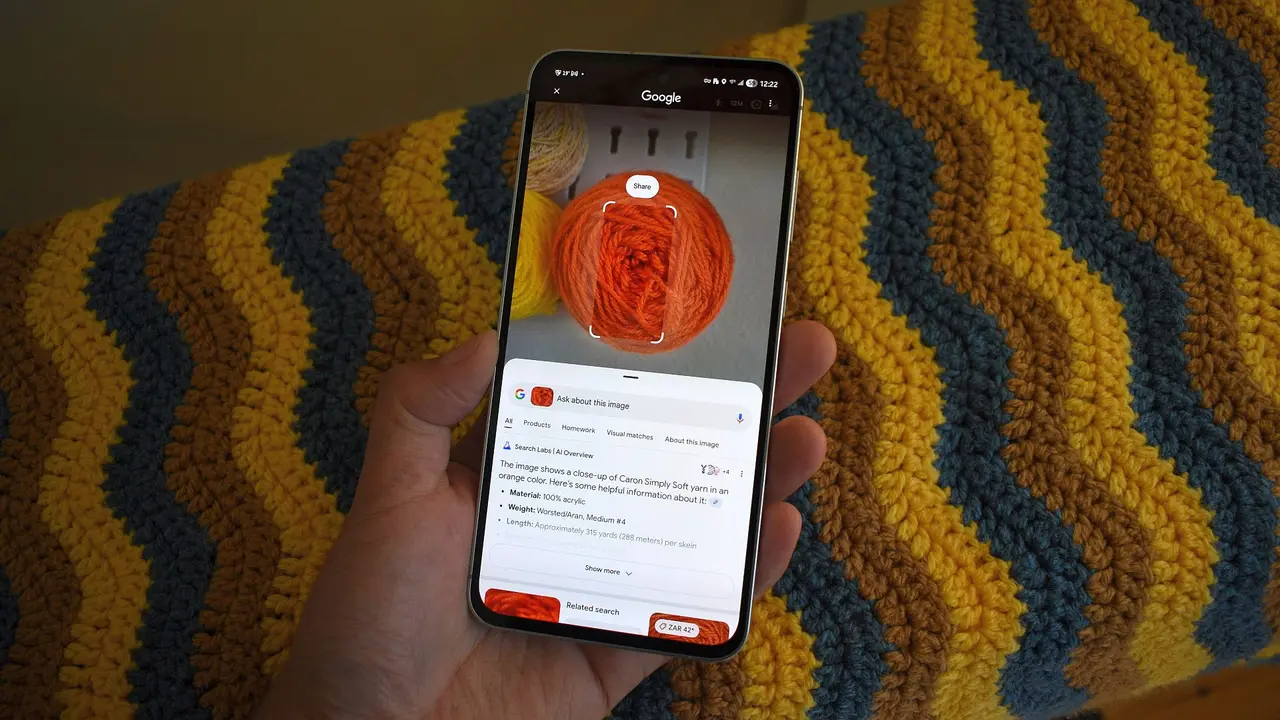
A key addition to Circle to Search is the integration of AI Overviews. This feature now provides AI-generated summaries for visual searches, offering context for places, trending images, and unique objects
3
. For instance, users can circle an artwork in a museum to receive an AI snapshot with helpful information and links for further exploration3
. This expansion of AI Overviews to more visual results aims to deliver more comprehensive and efficient search experiences4
.One-Tap Actions for Contact Information and URLs
Google has introduced one-tap actions for phone numbers, email addresses, and URLs within Circle to Search
2
. This new functionality allows users to directly call, email, or visit a website with a single tap, eliminating the need to switch between apps2
4
. The feature recognizes these elements on the screen when users activate Circle to Search, presenting action chips for immediate engagement3
5
.Redesigned Interface
Alongside these functional improvements, Google has rolled out a redesign of the Circle to Search interface. The new design features a pill-shaped container housing all elements, replacing the previous standalone search bar with circular buttons
1
. This update includes a more vibrant glow palette that adapts to the background, potentially showcasing Google's four signature colors1
.Related Stories
Availability and Rollout
These enhancements are not exclusive to the new Galaxy S25 series or Pixel devices. Google is rolling out the updates to all Android devices that support Circle to Search
4
. However, the AI Overviews feature will initially be available only in English4
. Users may need to update their Google app to access these new features, with some reports suggesting it's available in the latest Google app beta (version 16.1.43)1
2
.Implications for User Experience and AI Integration
The updates to Circle to Search represent Google's ongoing efforts to integrate AI more deeply into everyday smartphone use. By expanding the capabilities of visual search and streamlining actions based on recognized text, Google aims to make information access and task completion more intuitive and efficient
3
4
. This move aligns with the broader trend of AI-powered features becoming increasingly central to mobile user experiences.References
Summarized by

Navi
[3]
[4]
[5]
Related Stories
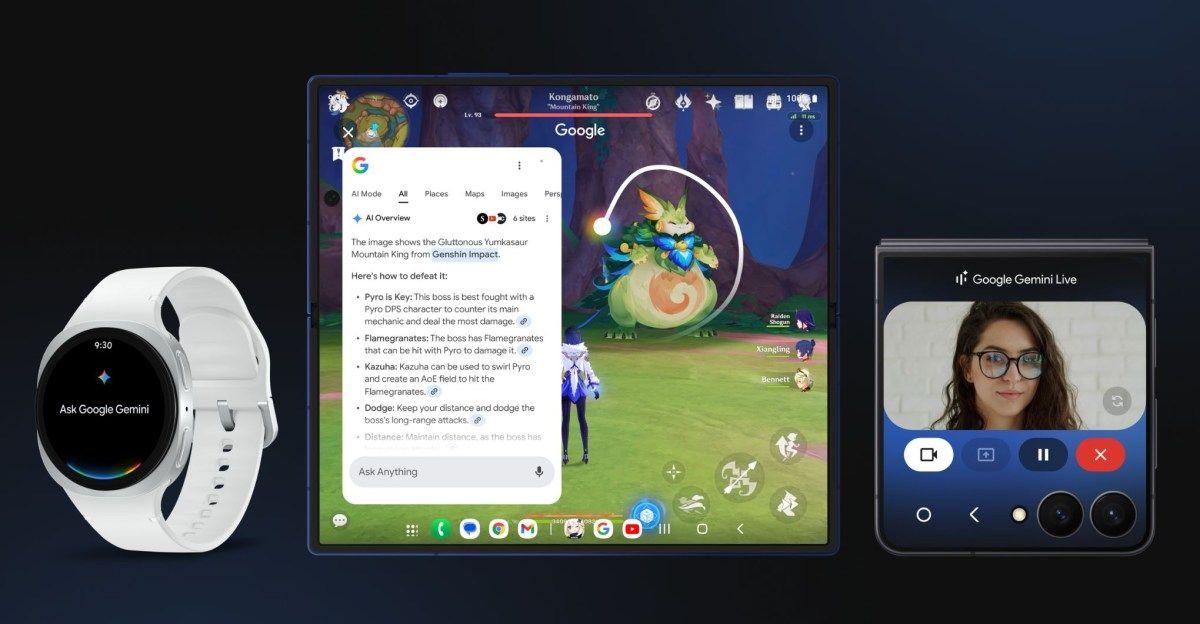
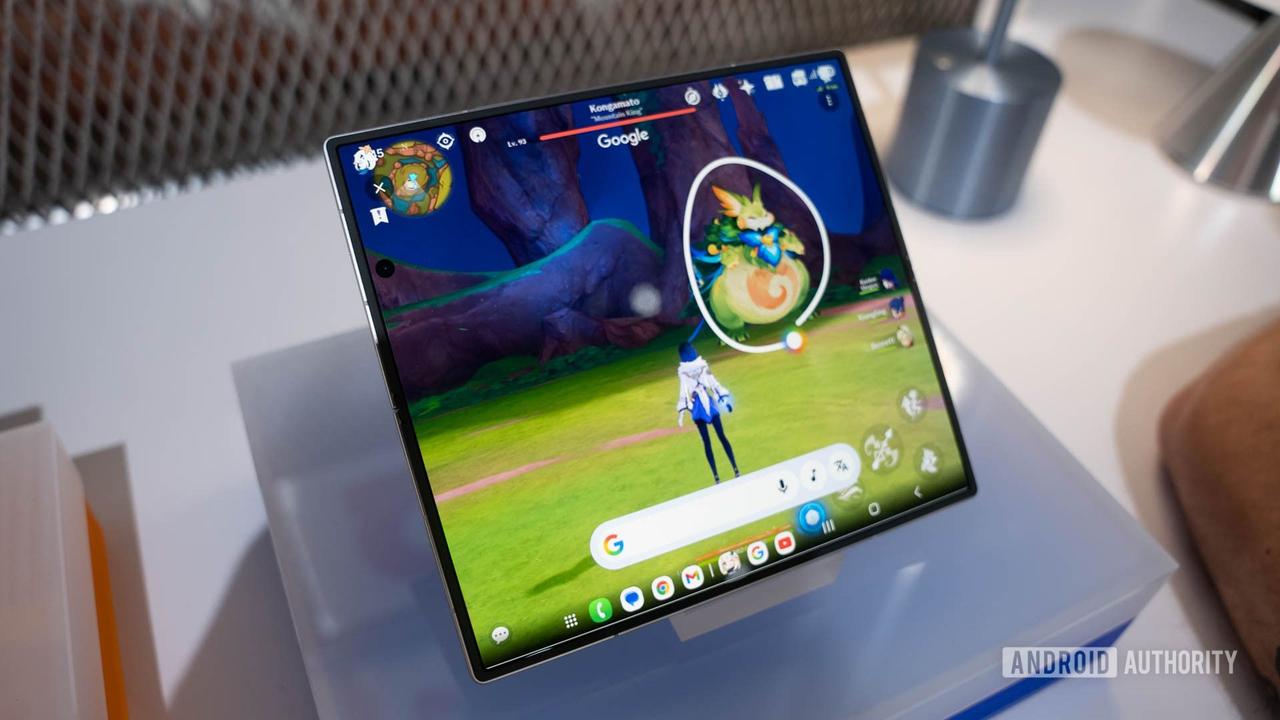
Google Enhances Android's Circle to Search with AI Mode and Gaming Support
10 Jul 2025•Technology
Google Enhances Circle to Search with New AI-Powered Text Analysis Features
28 Mar 2025•Technology

Circle to Search set to default to AI Mode as Google pushes conversational search experience
28 Jan 2026•Technology
Recent Highlights



Recent Highlights
Today's Top Stories










Don’t drown in AI news. We cut through the noise - filtering, ranking and summarizing the most important AI news, breakthroughs and research daily. Follow topics that matter to you and stay ahead.


