Google Introduces AI-Powered Face Control for Chromebooks, Enhancing Accessibility


3 Sources
[1]
You can control your Chromebook with just a glance now
Chromebooks are becoming more accessible than ever, as you'll soon be able to navigate with just a glance. Google announced a number of education-focused updates today to Google Workspace for Education and Chromebooks, but tucked among them were several accessibility features that are expected to
[2]
You Can Now Control Your Chromebook With Your Face
Anyone not living with a disability is likely to take a lot of things for granted. Including the ability to use a computer with a keyboard and mouse (or trackpad). But for those people living with a disability, the default way of operating a computer can prove to be a challenge. Thankfully, there
[3]
Face controls are coming to Chromebooks, and they look wild
Google is introducing various accessibility-focused and classroom ChromeOS features that allow you to control your Chromebook with your facial expressions and face, as the tech giant posts on its blog. The feature helps those with motor impairments and was first presented in early December. Google
Share
Copy Link
Google rolls out Face Control, an AI-powered feature allowing users to navigate Chromebooks using facial expressions and head movements, alongside new education-focused updates.

Google Introduces AI-Powered Face Control for Chromebooks
Google has announced a groundbreaking accessibility feature for Chromebooks called Face Control, which allows users to navigate their devices using facial expressions and head movements. This AI-powered technology, initially introduced in December 2024, is now seeing a wider rollout as part of Google's commitment to enhancing accessibility in computing
1
.How Face Control Works
Face Control utilizes advanced AI to generate a 3D mesh model of the user's face, analyzing nearly 500 specific facial points. This enables individuals with motor impairments to interact with their Chromebooks without traditional keyboard and mouse controls. The technology is similar to Google's Project Gameface, which was previously introduced for Windows-based and Android games
1
.In a demonstration video, a user is shown controlling the cursor by moving their face downward, clicking by subtly scrunching their mouth to the side, and activating speech-to-text typing by holding their mouth open. These movements are designed to be subtle, requiring minimal side-to-side movement
1
.Compatibility and Performance
While Face Control is being rolled out to "all users," Google recommends devices with at least 8GB of RAM for optimal performance. This requirement ensures smooth operation of the AI-powered feature
1
2
.Additional Accessibility Features
Alongside Face Control, Google has introduced several other accessibility enhancements for Chromebooks:
- Reading mode
- Focus mode to help block distractions
- Built-in creation tools like the Recorder app
1
Education-Focused Updates
Google's announcement also included several features aimed at the education sector:
- Streamlined class management tools
- Ability to group students for differentiated assignments
- Integration of Gemini AI in Vids for video creation and vocabulary list generation
- Enhanced control over third-party apps for student safety
1
Related Stories



New Chromebook Devices
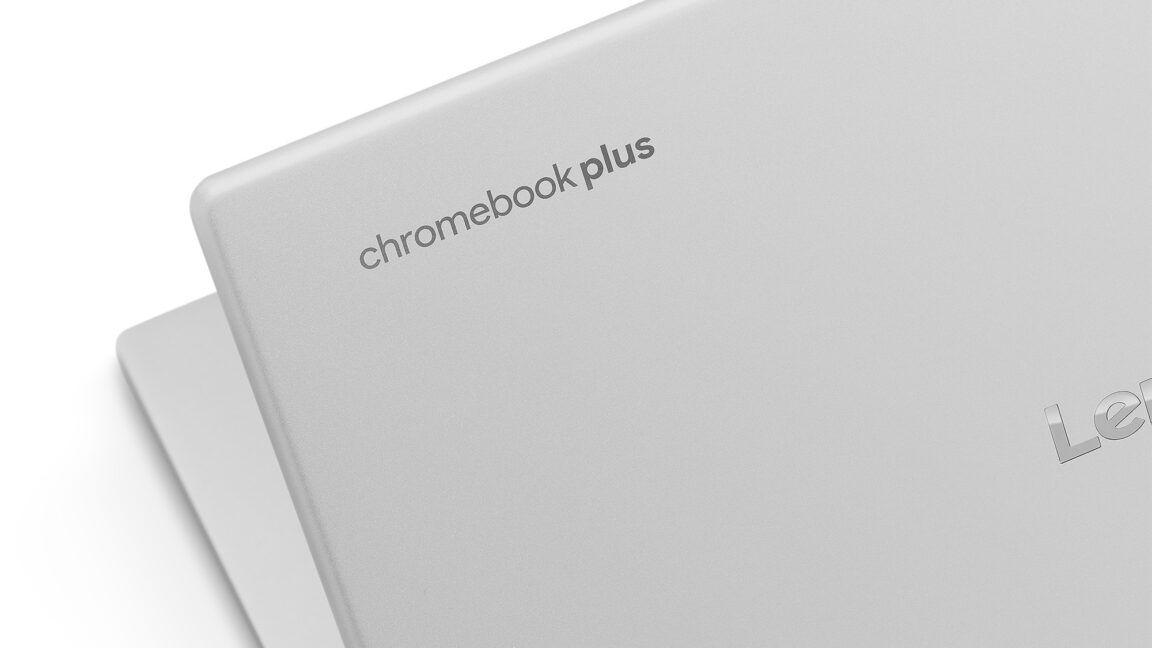
To complement these software updates, Google has announced the release of over 20 new Chromebook and Chromebook Plus devices throughout 2025. These devices are designed to cater to the diverse needs of students worldwide, offering features such as lightweight design, robustness, affordability, and extended battery life
2
3
.Classroom-Focused Features
Google has introduced Class Tools, a set of features allowing teachers to:
- Control students' screens in real-time
- Send direct content to students' Chromebooks
- Enable translation and live captions
- Remotely view students' screens
- Share students' work with the class
3
Additionally, Google has integrated with Figma's FigJam, providing online whiteboards for student collaboration and enabling teachers to monitor individual contributions during group projects
3
.References
Summarized by

Navi
[2]
[3]
Related Stories
Recent Highlights



Recent Highlights
Today's Top Stories



Don’t drown in AI news. We cut through the noise - filtering, ranking and summarizing the most important AI news, breakthroughs and research daily. Follow topics that matter to you and stay ahead.


