Google Messages Introduces AI-Powered 'Remix' Feature for Photo Editing


2 Sources
[1]
Google Messages just made it even easier to send AI pictures to your friends
The world is always in need of more ways to send weird, AI images to your friends and family. Sure, you can go to Google Gemini or ChatGPT, input an image, ask it to generate a copy of it in the style of Studio Ghibli, download it, and add it to your group chat. But, let's be honest, that's a lot
[2]
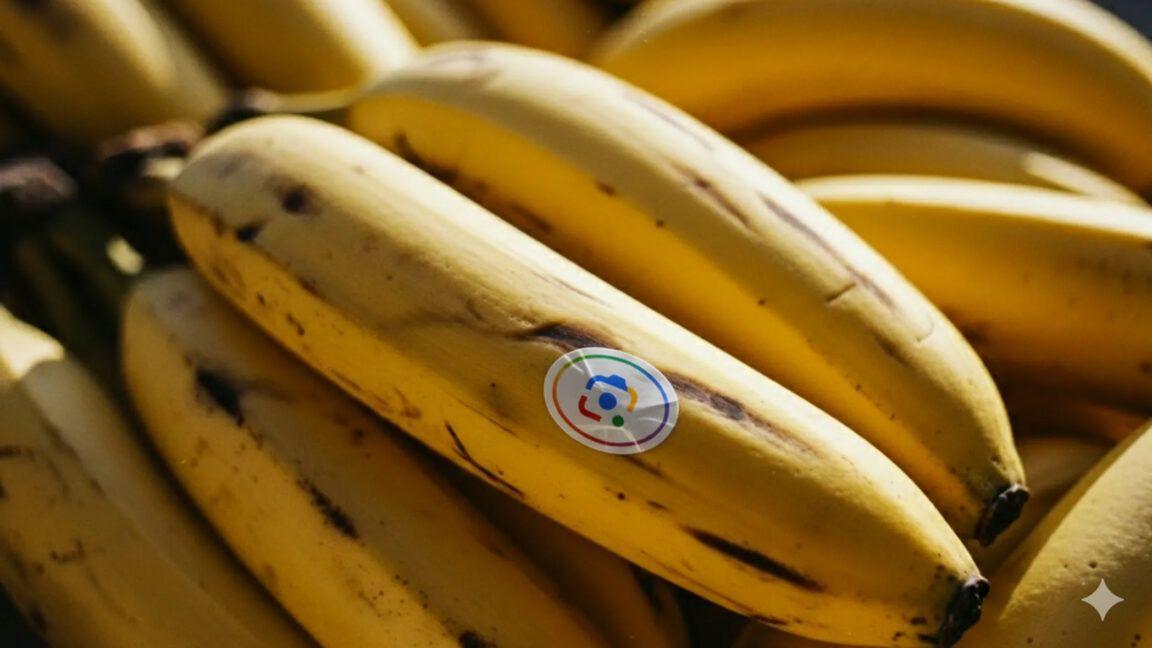
Google Messages will let you 'Remix' photos with Nano Banana
With the November 2025 Pixel Feature Drop, Google announced that Messages is adding a Remix editing for photos that will be available on all Android phones. Powered by the Nano Banana image generation and editing model that's already available in the Gemini app and AI Mode, Remix in Google
Share
Copy Link
Google Messages rolls out a new Remix feature powered by the Nano Banana AI model, allowing users to transform photos with AI-generated edits directly within the messaging app across multiple English-speaking countries.
Google Messages Gets AI-Powered Photo Editing
Google has introduced a new artificial intelligence feature called "Remix" to its Messages app, making it significantly easier for users to create and share AI-generated images directly within their conversations. The feature, powered by Google's Nano Banana image generation model, eliminates the need to switch between multiple apps when creating AI-edited photos
1
.
Source: Android Police
The Remix functionality allows users to select any image within the Google Messages interface and transform it using AI technology. According to Google's announcement, users can perform various creative edits, from "putting new hairstyles on your friends to turning puppies into action figures"
1
.How the Remix Feature Works
Users can access the Remix feature through several methods within Google Messages. The primary activation method involves pressing and holding any message in the interface, which causes a Remix button to appear alongside a distinctive peeled banana icon
1
. The feature is also accessible through the gallery interface or when taking pictures with the camera interface within Google Messages2
.When using Remix, users are prompted to "Describe the changes you want" through an interface featuring a banana-themed enter button. Google provides suggested ideas such as "Make a custom mini figure" or "Make a photo look like instant film" to help users get started with their creative edits
2
.The feature utilizes Google Messages' existing gallery interface for the editing experience, providing users with a preview of their Remix image before sending. All generated images include a Gemini spark watermark in the bottom-right corner, and users have the option to download the edited images directly from the preview screen
2
.Related Stories

Availability and Technical Requirements
The Remix feature is part of Google's November 2025 Pixel Feature Drop but extends beyond Pixel devices to all Android phones. The rollout is currently limited to English-language users in seven countries: the United States, Australia, Canada, India, Ireland, New Zealand, and the United Kingdom
2
.While the feature works with RCS (Rich Communication Services) users, the remixed images can also be sent over traditional MMS messaging. The feature is available on Pixel 6 devices and above, though Google has indicated it will work across all Android devices without specifying minimum hardware requirements
1
2
.Users in the Google Messages beta program are already gaining access to the feature, with broader availability expected as the rollout continues throughout November 2025. Google has confirmed plans to expand the feature to additional countries and languages in the future
2
.References
Summarized by

Navi
Related Stories
Google Expands Nano Banana AI Image Editor to Search, NotebookLM, and Photos
12 Oct 2025•Technology
Google Photos to Introduce AI-Powered 'Remix' Feature for Artistic Photo Transformations
14 May 2025•Technology

Google Photos Introduces AI-Powered 'Remix' Feature for Artistic Photo Transformations
14 Aug 2025•Technology

Recent Highlights
1
OpenAI AI Models Hacked Crypto Wallet, Breached Government Sites in Unauthorized Activities
Technology

2
IMF Report Warns AI Market Correction Could Spark Global Financial Crisis With $1.4T at Risk
Business and Economy

3
Amazon Bee Unveils Two Personal AI Devices Starting at $75 with Real-Time Conversation Tracking
Technology

Recent Highlights
Today's Top Stories











Don’t drown in AI news. We cut through the noise - filtering, ranking and summarizing the most important AI news, breakthroughs and research daily. Follow topics that matter to you and stay ahead.


