Google Photos adds text prompts to photo to video tool, giving users control over AI animations


6 Sources
[1]
Google Photos now lets you describe how to transform images into video
Google is giving Photos users more control over the app's generative AI photo-to-video feature. Google Photos now supports text prompts for video generation, according to the update announcement on Monday, allowing users to describe the specific movement, style, or effect they want to see when
[2]
Google Photos fixes the most frustrating part of its photo-to-video tool
The text prompts can be refined after your first pass, and Google will also offer suggestions. When Google first rolled out its AI photo-to-video tools in Google Photos, the idea was nice, but the execution could feel a little hit-or-miss. You could ask for subtle movement, or tap "I'm feeling
[3]
Google Photos upgrading 'Photo to video' with custom prompts, audio
After last year's introduction, "Photo to video" generation in Google Photos is getting two notable upgrades today. At launch last July and the subsequent Veo 3 update, Google let you choose from two Photo to video options after selecting an image: Subtle movement or I'm feeling lucky. Like in
[4]
Google Photos Adds Custom Prompts and Audio to Image-to-Video Feature
After Google gave users the ability to turn their still images into six-second videos, Google Photos is now expanding on the generative AI feature by giving users even more controls. Google Photos now allows users to enter custom text prompts to guide video generation. Users can describe the
[5]

Your Google Photos photo to video clips can now include sound
Google Photos just updated Photo to video so you can turn a still image into a short AI clip with more control. Instead of sticking to presets, you can now type a prompt that describes the motion, style, or overall vibe you want. It's built for quick results. Google says it only takes a few
[6]

Here's How to Turn your Pictures in Google Photos into Videos Using AI
In case you're not aware, Google Photos now allows users to transform static images into dynamic short videos using AI-powered motion effects and text prompts, something that we've been seeing more of over the past several months. To get started, you'll need to open the Google Photos app and tap
Share
Copy Link
Google Photos is expanding its AI capabilities with text prompts for video generation. Users can now describe specific movements, styles, and effects when transforming images into video, moving beyond the previous preset options. The update also includes audio by default in generated clips, making them ready to share immediately.
Google Photos Introduces Custom Prompts for Enhanced Video Creation
Google Photos is giving users significantly more control over its AI-powered photo-to-video tool by introducing text prompts for video generation
1
. The generative AI feature now allows users to describe the specific movement, style, or effect they want when bringing still images to life, marking a substantial shift from the limited preset options previously available2
.
Source: Digital Trends
Text prompts join the existing "Subtle Movement" and "I'm feeling lucky" animation options that launched when the image-to-video feature first rolled out last July
3
. Unlike those preset choices, the new capability lets users type exactly what kind of motion or visual effect they envision. Google Photos will provide prompt suggestions for instant video inspiration, and users can edit and refine their descriptions after the initial generation to fine-tune results1
.
Source: 9to5Google
Age Restrictions and User Control Considerations
The new text prompt feature comes with an age restriction, limiting access to users who are 18 or older
4
. This requirement applies specifically to Google Photos' photo to video tool, though similar prompt-based capabilities have existed in the Gemini app for some time and are available to users aged 13 and older. The stricter age limit for Google Photos may reflect concerns about potential misuse, similar to issues seen with rival AI editors like xAI's Grok, which was notably abused to undress photos of real people and children1
.The ability to describe desired movement, style, or effects through custom prompts represents a significant upgrade in user control. Instead of relying on AI's interpretation alone, users can now steer the creative direction with focused instructions
5
. Prompts that ask for one clear movement tend to produce better results than those stacking multiple effects simultaneously.Audio by Default Enhances Sharing Experience
Alongside text prompts, Google introduced another key enhancement: AI-generated video clips may now include audio by default
3
. This addition makes videos ready to publish online without requiring additional editing, transforming silent loops into more polished, shareable content1
. The audio capability was a key feature introduced with the Veo 3 model update announced last year4
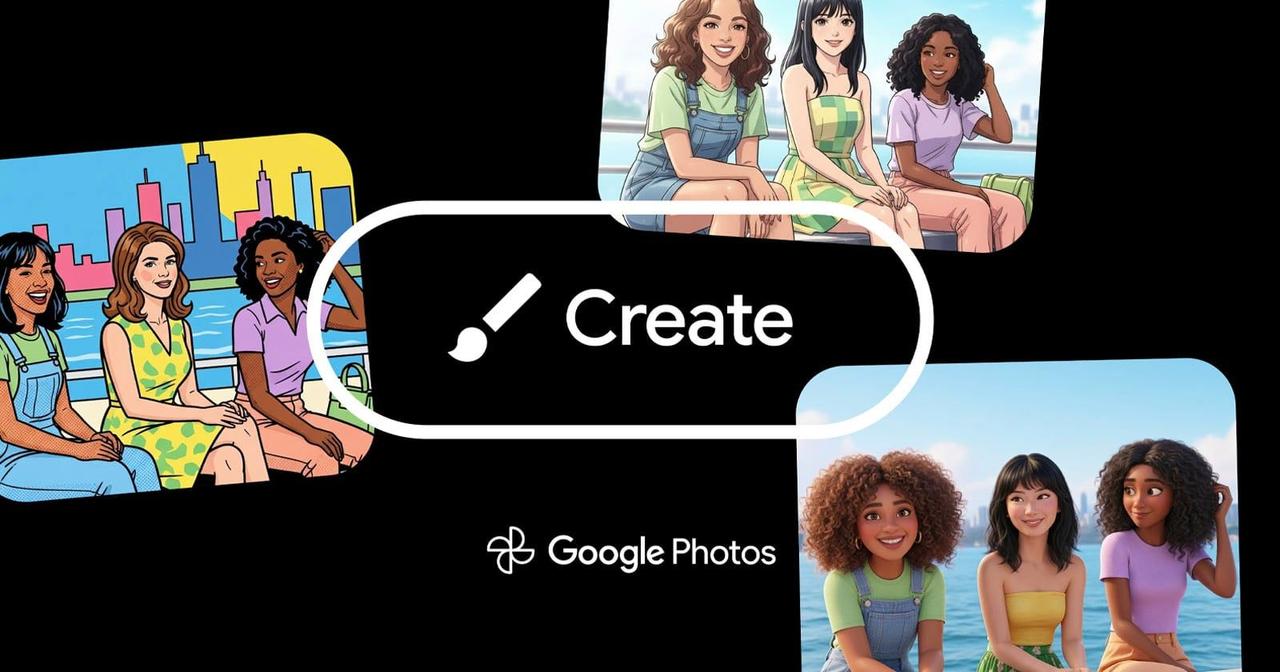
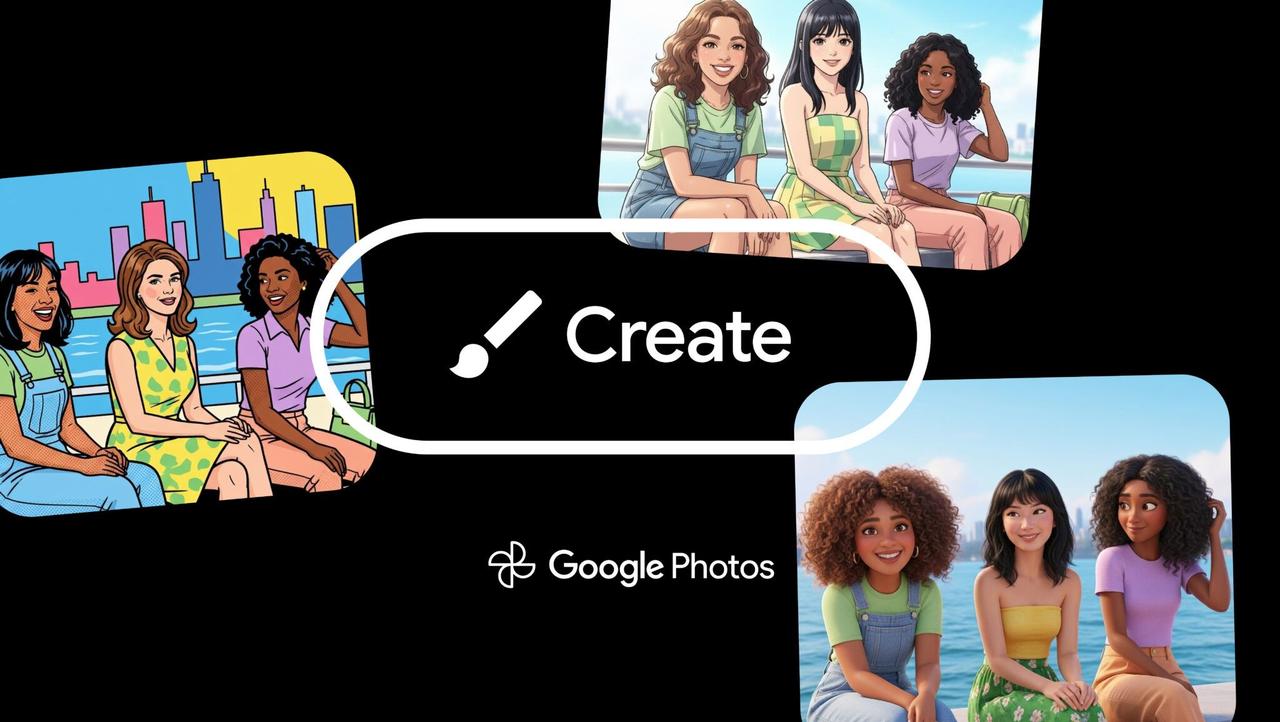
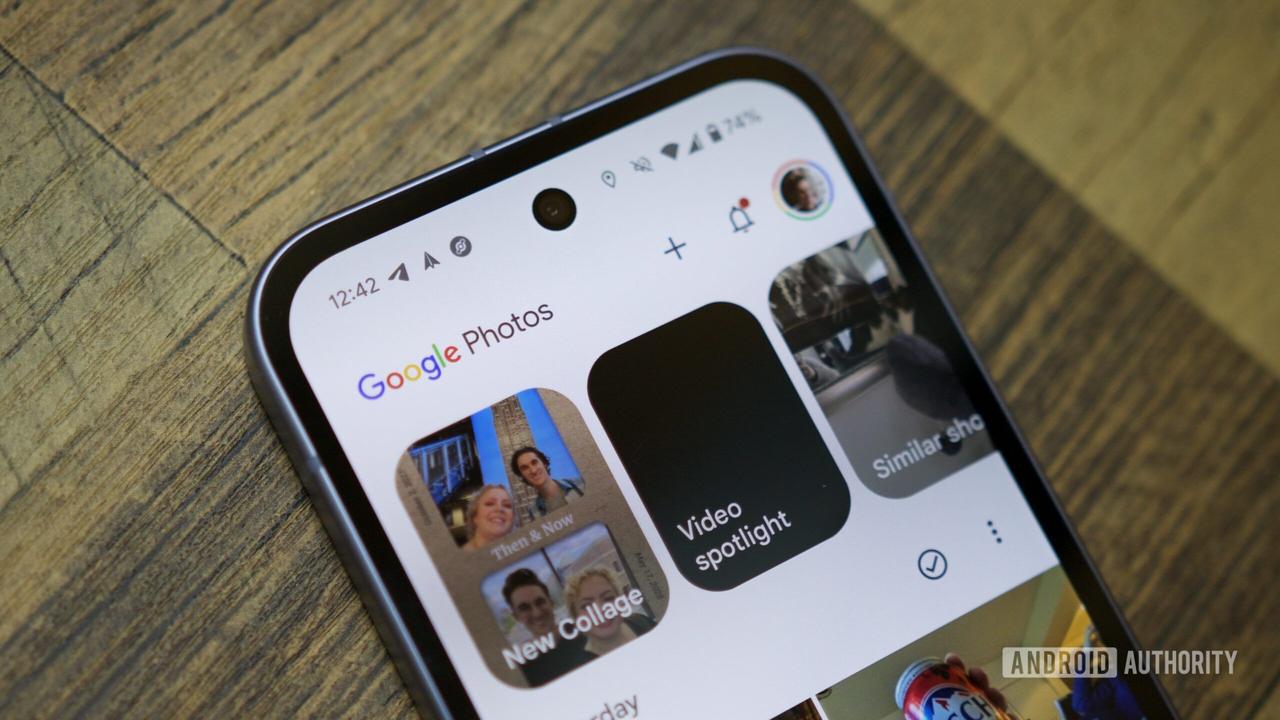
.The photo to video tool lives inside the Create tab on Android and iOS, alongside other generative AI features including Create with AI, Remix, Collage, Highlight video, Cinematic photo, Animation, and Me Meme
3
. All users receive daily usage limits on how many videos they can generate, with more generous allocations for AI Pro and AI Ultra subscribers2
.
Source: PetaPixel
Related Stories

Rollout Timeline and Regional Availability
The update is rolling out now, though it may not yet appear on all devices immediately
3
. Generative AI features in Google Photos aren't available in all regions yet, and the exact functionality can vary by location1
. Users can check Google's support page for current restrictions in their area.This development brings Google Photos' capabilities more in line with competing AI video tools while maintaining its focus on casual users rather than professional markets
4
. The ability to transform images into video with precise control matters for users who rely on Photos to share everyday moments, making the tool feel less like a rigid template and more like something they can actively shape. As Google continues expanding its use of generative AI in consumer photo tools, the company notes that results won't always be accurate and encourages feedback to help refine where these capabilities go next2
.References
Summarized by

Navi
[2]
[5]
Related Stories
Google Introduces AI-Powered Video Generation to YouTube Shorts and Google Photos
24 Jul 2025•Technology
Google Photos to Enhance AI-Powered Photo-to-Video Feature with Custom Prompts
04 Oct 2025•Technology
Google Photos Integrates Veo 3: Advanced AI Video Generation Now Available for Free
05 Sept 2025•Technology

Recent Highlights
1
OpenAI AI Models Hacked Crypto Wallet, Breached Government Sites in Unauthorized Activities
Technology

2
IMF Report Warns AI Market Correction Could Spark Global Financial Crisis With $1.4T at Risk
Business and Economy

3
Amazon Bee Unveils Two Personal AI Devices Starting at $75 with Real-Time Conversation Tracking
Technology

Recent Highlights
Today's Top Stories









Don’t drown in AI news. We cut through the noise - filtering, ranking and summarizing the most important AI news, breakthroughs and research daily. Follow topics that matter to you and stay ahead.


