Google Photos Enhances AI-Powered Editing Tools for All Users


2 Sources
[1]
Google on the difference between Magic Eraser and Magic Editor's Erase tool
Google Photos recently made its AI editing tools free and the company is out with an interesting blog about tips and best practices. Of note is a section explaining the difference between Magic Eraser and the erase tool in Magic Editor. In practice, I've found Magic Editor to be much better than
[2]
How to use Google Photos AI editing tools, now available to everyone
We recently announced that Google Photos' AI editing tools - Magic Editor, Magic Eraser, Photo Unblur and Portrait Light - are coming to all Google Photos users, no subscription required. These powerful features have been incredibly popular and highly anticipated by our wide community of Google
Share
Copy Link
Google Photos introduces advanced AI-powered editing features, including Magic Eraser and Photo Unblur, to all users regardless of device or subscription status. These tools aim to simplify photo editing and enhance image quality.

Google Photos Democratizes AI-Powered Editing
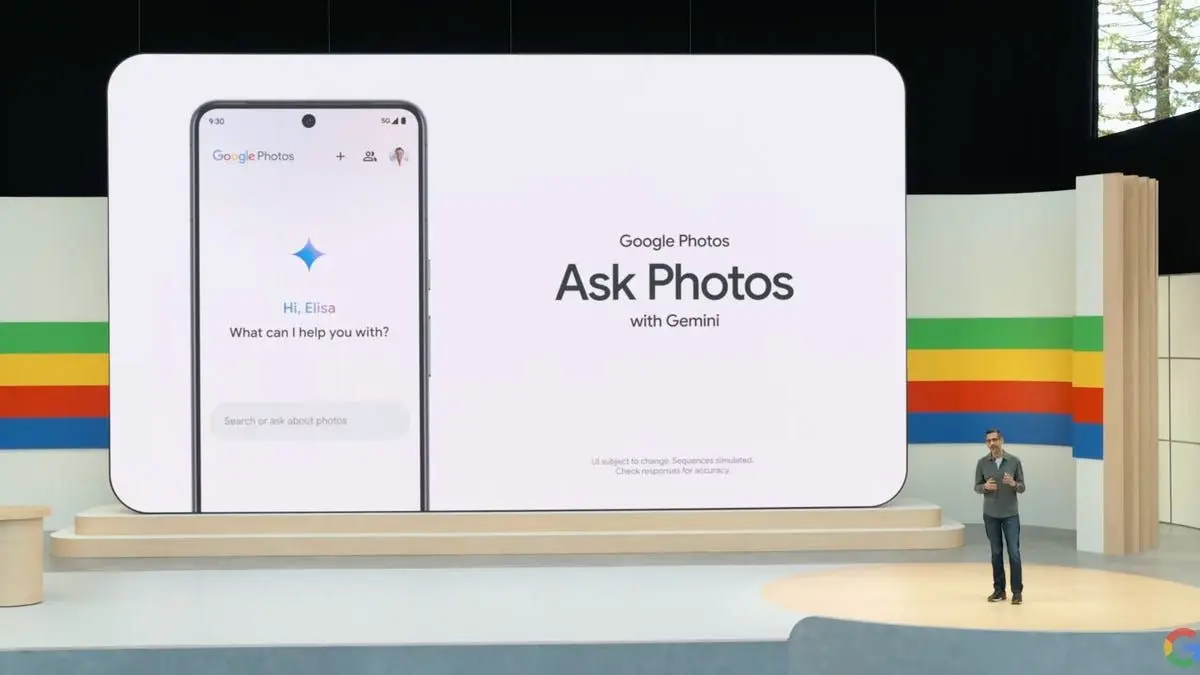
Google Photos has taken a significant leap forward in democratizing advanced photo editing capabilities. The tech giant has announced that its AI-powered editing features, previously exclusive to certain devices or paid subscribers, will now be available to all Google Photos users, regardless of their device or subscription status
1
.Magic Eraser: Removing Unwanted Elements
One of the standout features in this update is the Magic Eraser tool. This innovative function allows users to easily remove unwanted objects or people from their photos with just a few taps. Whether it's a photobomber in the background or a distracting element, Magic Eraser uses advanced AI algorithms to seamlessly erase these unwanted parts, filling in the space naturally
2
.Photo Unblur: Enhancing Image Clarity
Another powerful tool now available to all users is Photo Unblur. This feature is designed to improve the quality of blurry images, breathing new life into photos that might otherwise be discarded. By leveraging machine learning techniques, Photo Unblur can sharpen out-of-focus subjects and reduce noise, resulting in clearer, more vibrant images
1
.AI-Powered Sky and Color Pop Features
Google Photos is also expanding access to its AI-powered sky and color pop features. These tools allow users to enhance the sky in their photos, adding dramatic effects or adjusting the mood of the image. The color pop feature, on the other hand, can selectively emphasize colors in a photo, creating striking visual contrasts
2
.Accessibility and User Experience
By making these advanced editing tools available to all users, Google is significantly lowering the barrier to entry for high-quality photo editing. Users no longer need to invest in expensive software or possess advanced technical skills to achieve professional-looking results. This move aligns with Google's mission to organize the world's information and make it universally accessible and useful
1
.Related Stories



Privacy and Data Usage Considerations
As with any AI-powered service, questions about data usage and privacy are likely to arise. While Google has not provided specific details in these announcements, users are encouraged to review Google's privacy policies and understand how their photos and data are being used to train and improve these AI models
2
.Impact on the Photo Editing Landscape
This democratization of advanced editing tools could have far-reaching implications for the photo editing industry. As these AI-powered features become more accessible, it may challenge traditional photo editing software providers to innovate further or risk losing market share to free, user-friendly alternatives like Google Photos
1
.References
Summarized by

Navi
Related Stories
Recent Highlights



Recent Highlights
Today's Top Stories





Don’t drown in AI news. We cut through the noise - filtering, ranking and summarizing the most important AI news, breakthroughs and research daily. Follow topics that matter to you and stay ahead.


