Google Rolls Out Real-Time Captions for Gemini Live, Enhancing Accessibility and User Experience


2 Sources
[1]
Gemini Live no longer makes you turn up your volume
Gemini Live is finally getting its act together. Before, it only gave you the chat transcript after everything was said and done. But now there's a new Caption button that puts Gemini's words on your screen as they're being spoken. This handy update is now becoming more available to users, and it's
[2]
You Can Now See Captions While Talking to Gemini Live
The caption button shows on the top right side of Gemini Live interface Gemini Live on Android and iOS is getting a real-time captions feature. The feature will show live captions of whatever Gemini says on the screen. This feature will allow users to have a two-way conversation with Gemini Live
Share
Copy Link
Google introduces a new real-time caption feature for Gemini Live, allowing users to read AI responses without audio, improving accessibility and usability across various environments.
Google Introduces Real-Time Captions for Gemini Live
Google has rolled out a significant update to its Gemini Live AI chatbot, introducing real-time captions that promise to enhance user experience and accessibility. This new feature allows users to interact with Gemini without relying on audio output, making it more versatile in various environments
1
.How It Works
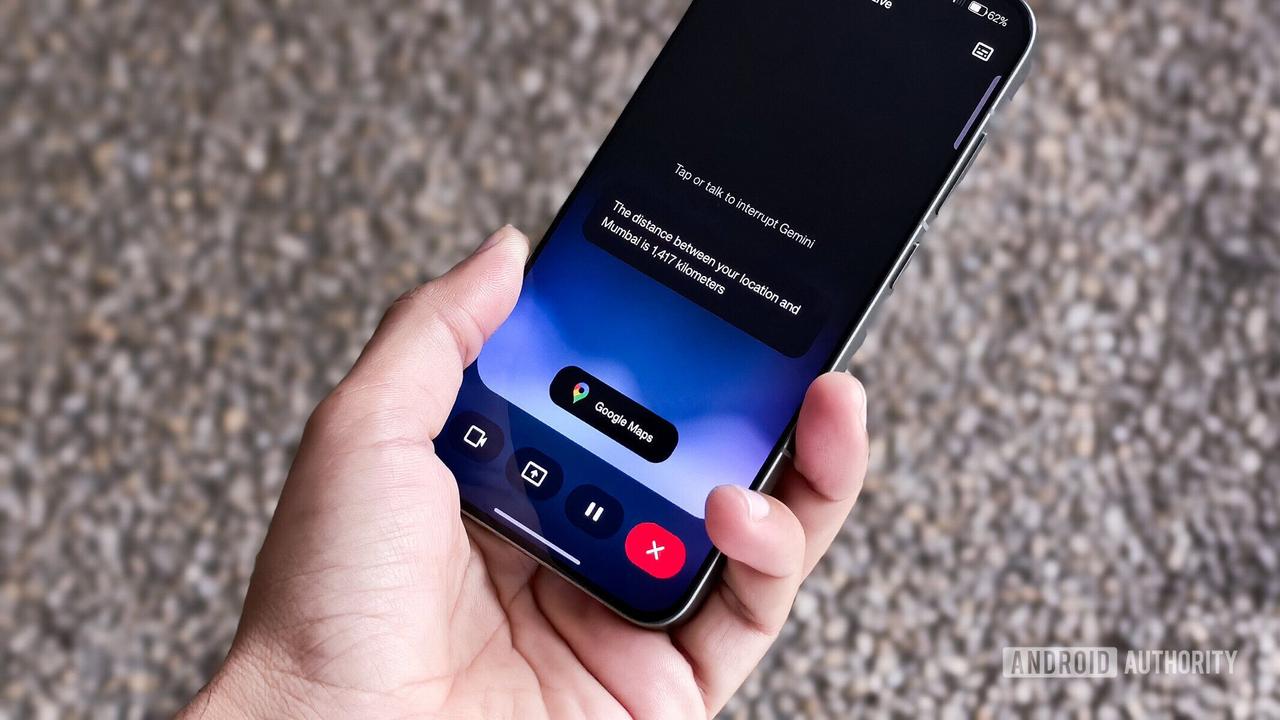
The real-time caption feature is activated via a new square icon located in the top-right corner of the Gemini Live interface. When enabled, captions appear near the bottom of the screen, displaying Gemini's responses as they are generated. This functionality extends to screen sharing and live video features within Gemini Live
2
.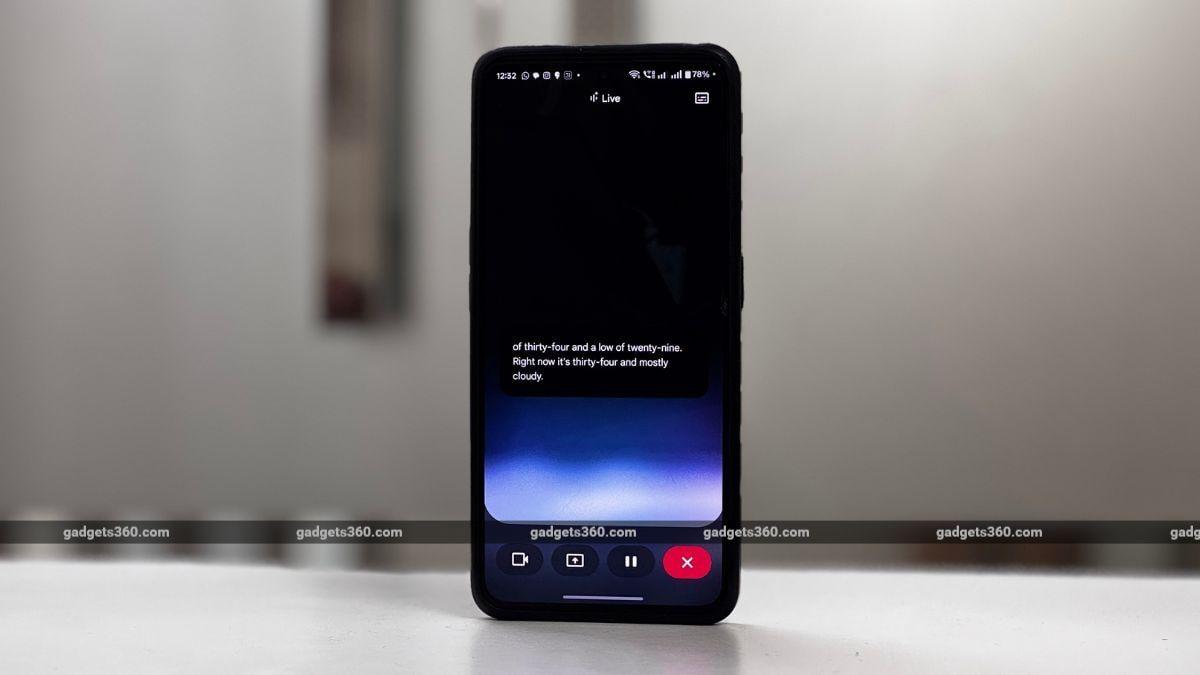
Source: Gadgets 360
Improved Accessibility and Usability
One of the most significant improvements is that Gemini Live no longer requires users to have their device volume turned up. Previously, the app wouldn't open unless the volume was at an audible level. Now, if the device's volume is turned down, Gemini Live automatically suggests enabling captions, making it much more user-friendly in quiet or noise-sensitive environments
1
.Customization Options
For Android users, Google has included customization options for the captions. A new "Caption preferences" setting allows users to modify:
- Language
- Text size
- Caption style (including font style, text color, background color, and opacity)
These options provide users with the ability to tailor the caption appearance to their preferences and needs
2
.Related Stories


Availability and Rollout
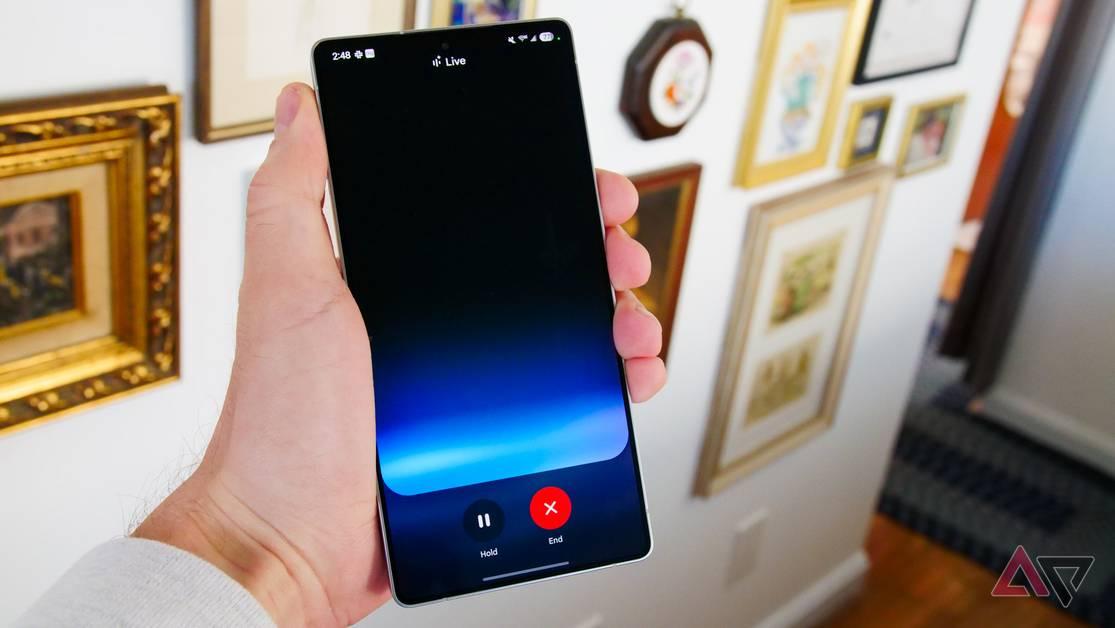
Source: Android Police
The real-time caption feature is being rolled out globally to both Android and iOS users. It's available in the stable (v16.23) and beta versions of the Google app on Android. While the feature functions similarly on both operating systems, the customization options are currently only available on Android devices
1
2
.Limitations and Future Improvements
It's worth noting that the real-time captions only display Gemini's responses, not the user's input. Additionally, the captions show only the current response, not the entire conversation history. To view the full transcript, users must end the session. These limitations suggest potential areas for future improvements to the feature
2
.This update represents a significant step forward in making AI chatbots more accessible and user-friendly. By eliminating the need for audio output, Google has made Gemini Live more versatile and suitable for use in a wider range of situations, from quiet offices to noisy public spaces.
References
Summarized by

Navi
[1]
[2]
Related Stories
Recent Highlights



Recent Highlights
Today's Top Stories





Don’t drown in AI news. We cut through the noise - filtering, ranking and summarizing the most important AI news, breakthroughs and research daily. Follow topics that matter to you and stay ahead.


