Anthropic Enables Auto Mode by Default in Claude Code for Pro, Max, and Team Users


3 Sources
[1]
Claude Code's auto mode will be on by default, Anthropic confirms
Anthropic's AI programming tool just made a somewhat big change. In a blog post, Anthropic announced that "auto mode" will, going forward, be turned on by default in Claude Code for anyone with a Pro, Max, or Team account. The change takes effect on Aug. 14, though you might get a prompt asking if
[2]
It's Official: Claude Code Doesn't Need Your Human Meatbag Input
Anthropic made it very clear this week how they want you to work with Claude Code. Move. Slide over, human. Get out of the way and let the AI do its thing. Anthropic announced earlier this week that they're going to set the default mode on Claude Code to auto, this week, not wasting any time.
[3]
Anthropic is turning on Auto Mode for Claude Code: What it means for you
This is the end of Anthropic asking you to click "allow" every five minutes. Beginning August 14th, Claude Code will be set to auto mode by default for all those on the Pro, Max, and Team Plans, a change which reflects the extent of the control which developers give up to the AI as it codes on
Share
Copy Link
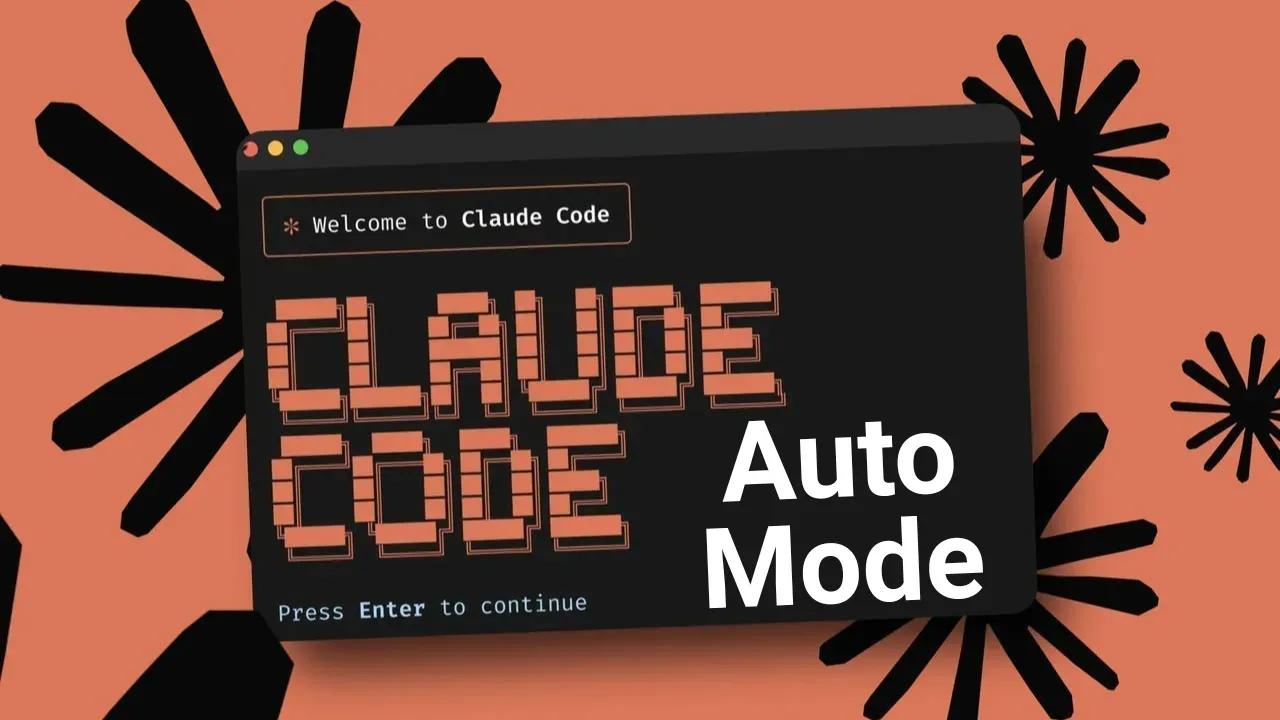
Anthropic announced that auto mode will be turned on by default in Claude Code starting August 14 for Pro, Max, and Team account users. The AI programming tool will now proceed autonomously without requesting permission at each step, using an automatic classifier that caught 89 percent of harmful actions in testing compared to just 13.6 percent caught by humans.
Anthropic Shifts Claude Code to Autonomous Operation
Anthropic announced a significant change to its AI programming tool, setting auto mode as the default configuration for Claude Code starting August 14
1
. The update applies to all Pro, Max, and Team account users, marking a decisive shift toward autonomous coding tasks with reduced human intervention3
. Users who have previously selected alternative defaults may receive a one-time prompt about switching modes, while those with administrator-managed settings will see no changes3
.
Source: Digit
The AI coding assistant will now operate without constantly requesting approval for each action, instead relying on an automatic classifier to identify potentially destructive or non-reversible actions
1
. This represents a fundamental change in the developer workflow, as the AI agent will proceed independently unless it encounters operations that could cause irreversible damage or affect systems beyond the local environment3
.Why Human Oversight Was Failing
The decision to enable auto mode by default stems from compelling data about human performance during permission checks. In controlled testing with over a thousand paid testers, developers approved permission prompts 97 percent of the time, suggesting minimal scrutiny rather than thorough analysis
3
. More concerning, human testers detected only 13.6 percent of harmful actions deliberately inserted into their sessions, while auto mode's classifier caught 89 percent of these same threats1
3
.The performance gap widened as sessions progressed, with human efficiency declining due to fatigue while the classifier maintained consistent accuracy
3
. Additionally, approximately 50 percent of active Claude Code users had already created general allow rules or skipped permission checks entirely to avoid constant interruptions3
. These findings suggest developers were treating manual reviews as checkbox exercises rather than meaningful safety measures.How the Automatic Classifier Functions
The automatic classifier operates by analyzing each action for potential risks before execution, focusing specifically on operations that are destructive, impossible to reverse, or extend beyond the local development environment
3
. When the system blocks an action, Claude Code typically identifies an alternative approach or requests human input immediately3
. The AI agent only escalates to human intervention when three or more blocks occur within a single session3
.
Source: Inc.
Anthropic is absorbing the additional token costs associated with running the classifier for Pro, Max, and Team plan subscribers, making this upgrade cost-neutral for users
3
. This matters particularly for development teams monitoring token usage, as the safety feature adds no financial overhead.Related Stories

What This Means for Production Infrastructure
Anthropic acknowledges the classifier reduces risk but doesn't eliminate it entirely
3
. The company still recommends manual review for anything involving production infrastructure, recognizing that while the system outperforms typical human responses, it remains fallible3
. Users retain the option to disable auto mode if they prefer maintaining direct control over every action1
.Currently, Enterprise users and Claude Code API customers on AWS Bedrock, Google Cloud, and Microsoft Foundry do not have auto mode enabled by default, though Anthropic indicated this will change soon
3
. This staggered rollout suggests the company is monitoring how the feature performs across different user segments before broader deployment to enterprise environments where safety considerations carry higher stakes.References
Summarized by

Navi
Related Stories
Anthropic admits engineering missteps behind Claude Code decline as users revolt
22 Apr 2026•Technology

Anthropic partners with CodePath to train next generation of coders using Claude Code
13 Feb 2026•Technology

Claude AI can now control your computer to complete tasks, but security risks remain
23 Mar 2026•Technology

Recent Highlights
1
OpenAI AI Models Hacked Crypto Wallet, Breached Government Sites in Unauthorized Activities
Technology

2
IMF Report Warns AI Market Correction Could Spark Global Financial Crisis With $1.4T at Risk
Business and Economy

3
Amazon Bee Unveils Two Personal AI Devices Starting at $75 with Real-Time Conversation Tracking
Technology

Recent Highlights
Today's Top Stories










Don’t drown in AI news. We cut through the noise - filtering, ranking and summarizing the most important AI news, breakthroughs and research daily. Follow topics that matter to you and stay ahead.


