Apple Intelligence: User Adoption, Privacy Concerns, and How to Manage AI Features on iPhones


2 Sources
[1]
You Can Turn Off Apple Intelligence on Your iPhone If You're Not Using It. Here's How
Apple Intelligence definitely has its benefits -- I use several features every day. But it's not for everyone, and that's OK. A new CNET survey finds that just 19% of US smartphone owners are choosing to upgrade their devices to take advantage of new AI features. And a recent ZDNET/Aberdeen survey
[2]
AI Overload? How to Turn Off the Worst Apple Intelligence Features (and Keep the Ones You Like)
Apple Intelligence hasn't quite lived up to the hype. Writing Tools, ChatGPT integration, Genmoji, and Image Playground have added supplementary improvements to iOS, but notification summaries for news were temporarily paused for hallucinations, and Siri's promised AI revamp has been significantly
Share
Copy Link
A comprehensive look at Apple's AI features, their adoption rates, and how users can manage or disable them on their devices.
Apple Intelligence: A Mixed Reception
Apple's foray into AI with its Intelligence features has met with a mixed response from users. Recent surveys indicate a lukewarm reception to these new capabilities. According to a CNET survey, only 19% of US smartphone owners are upgrading their devices specifically for AI features
1
. Furthermore, a ZDNET/Aberdeen survey reveals that the majority of US adults do not plan to use most AI features, with a mere 8% considering paying extra for them1
.User Adoption and Perceived Value
The adoption of Apple Intelligence features appears to be slow, with many users questioning their value. A survey by SellCell found that 73% of Apple users believe AI adds little to no value to their experience
1
. This sentiment is echoed in CNET's findings, where 25% of smartphone owners expressed no interest in these features at all1
.However, not all AI features are equally unwelcome. The surveys indicate that 58% of respondents find AI for photo editing valuable, suggesting that some applications of the technology are more appealing than others
1
.Storage and Performance Considerations
One practical concern for users is the storage requirements of Apple Intelligence. These features can use up to 7GB of a device's internal storage, which may be significant for users with limited free space
1
. This storage usage persists even after disabling the features, although iOS can reclaim the space if needed1
.Privacy and Accuracy Concerns
Some users have expressed concerns about privacy, with rumors circulating about Apple Intelligence potentially reading private information
1
. While these concerns may be exaggerated, they highlight the need for clear communication about data usage and privacy safeguards.Additionally, there have been issues with the accuracy of some features. For instance, notification summaries for news were temporarily paused due to hallucinations, indicating that the technology is still evolving and may have limitations
2
.Related Stories

Managing Apple Intelligence Features
For users who are hesitant about embracing all aspects of Apple Intelligence, there are several options to manage these features:
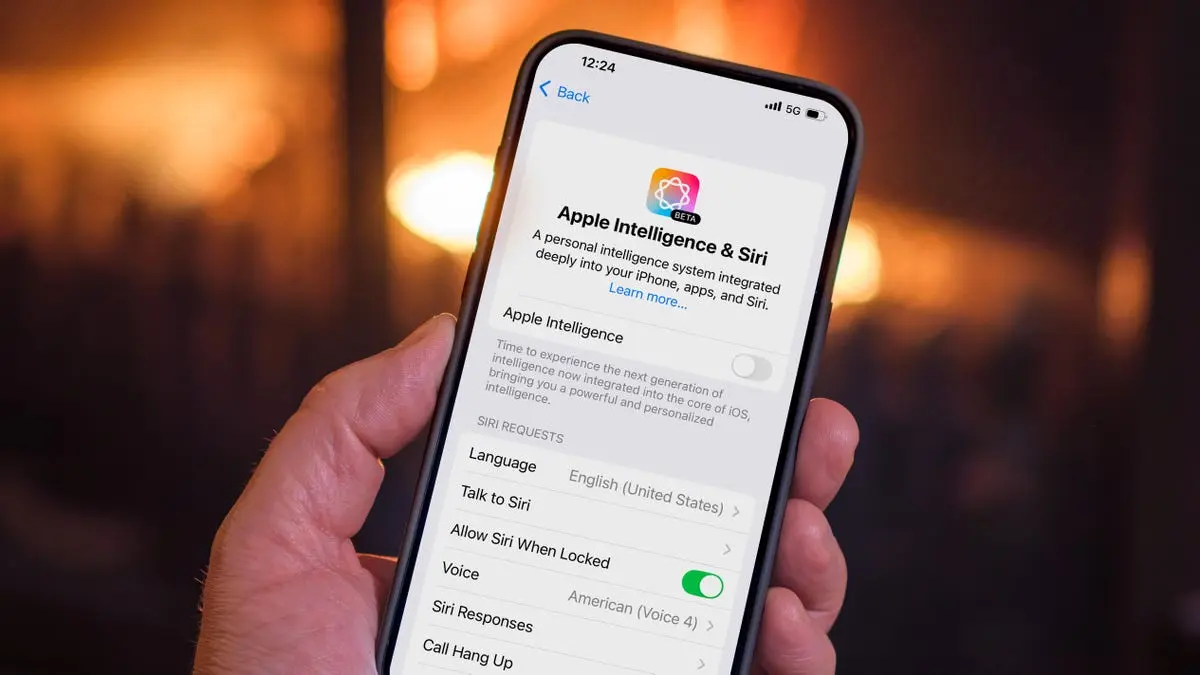
- Complete Disable: Users can turn off Apple Intelligence entirely through the Settings app
1
2
.
Source: CNET
-
Selective Disabling: It's possible to disable specific features while keeping others. For example, users can turn off text summaries in Messages notifications without disabling other AI capabilities
1
. -
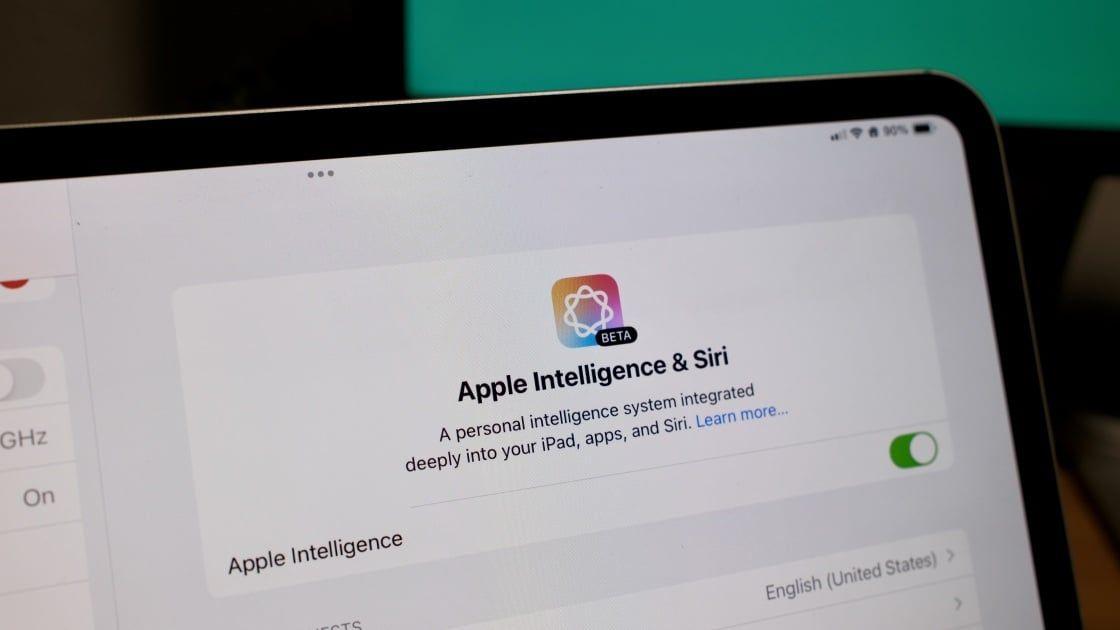
Screen Time Controls: The Screen Time settings offer another layer of control, allowing users to restrict certain AI features, which is particularly useful for managing children's device usage
1
2
.
Source: PC Magazine
- Notification Management: Users can customize which types of notifications are summarized by AI, offering a middle ground between full adoption and complete disabling of the feature
2
.
Device Compatibility and Future Outlook
It's worth noting that Apple Intelligence is currently limited to newer devices, including the iPhone 15 Pro, iPhone 16 series, M-series Macs and iPads, and the newest iPad mini
1
. This limited compatibility may contribute to the slow adoption rates.As Apple continues to develop and refine these features, user perception and adoption may change. The company's approach of gradually developing and heavily promoting these features suggests that Apple sees AI as a significant part of its future ecosystem, despite the current mixed reception
1
.References
Summarized by

Navi
Related Stories
Apple Intelligence Automatically Re-Enabled in iOS 18.3.2 Update, Frustrating Users
12 Mar 2025•Technology
Apple's Latest Update Inadvertently Re-enables AI Features, Raising Privacy and User Choice Concerns
12 Feb 2025•Technology

Apple Intelligence Now Enabled by Default: How to Opt Out of iOS 18.3's AI Features
22 Jan 2025•Technology

Recent Highlights



Recent Highlights
Today's Top Stories






Don’t drown in AI news. We cut through the noise - filtering, ranking and summarizing the most important AI news, breakthroughs and research daily. Follow topics that matter to you and stay ahead.


