Canva Magic Layers Turns AI Images Into Editable Designs, Tackling a Major Creative Bottleneck


9 Sources
[1]
Canva May Have Just Cracked One of the Biggest Issues With AI Images
One of the biggest issues with AI image tools is that it's difficult to edit them after they're created. This is especially a hassle for people using AI in their work, who need to perfect small errors and customize a lot of images at once. Canva's newest AI update is the biggest swing at a solution
[2]
Canva's new editing tool adds layers to AI-generated designs
Canva introduced a new feature that separates flat image files and AI-generated visuals into layered, fully editable designs. The Magic Layers tool is launching in public beta today in the US, UK, Canada, and Australia, allowing design components like objects, text boxes, and other graphics to be
[3]
Make any image editable with Canva's Magic Layers
Magic Layers is currently available in public beta across the US, UK, Canada, and Australia, with global rollout planned for the future. What if an image wasn't just an image, but an editable template? That's the premise of Canva's new Magic Layers technology, which uses AI to interpret an image
[4]
Canva's New AI Tool Turns Flat Images Into Editable Layers
Canva has announced Magic Layers, a new artificial intelligence feature that transforms flat images into fully editable, layered designs within the Canva editor. With Magic Layers, users can upload a flattened design or image and have it automatically broken into editable components. The system
[5]

Canva can now turn a flat AI image into a fully editable design in seconds
Canva's AI gives you the image; Magic Layers gives you the power to actually do something useful, precise, and intentional with it. We've been there. You spend twenty minutes crafting the perfect prompt, an AI spits out a gorgeous Instagram graphic -- and then you realize the font is slightly off
[6]

Canva's Magic Layers breathes new life into flat and AI-generated images - SiliconANGLE
Canva's Magic Layers breathes new life into flat and AI-generated images All-in-one visual communication platform Canva Inc. today introduced Magic Layers, an artificial intelligence tool that allows users to import flat images and transform them into fully editable designs. Canva described Magic
[7]

Canva's new AI tool will break your design process (in a good way)
This tool marks a fundamental shift in how we handle digital assets. Until now, a rendered image was basically a locked vault of pixels. If you wanted to change a typo or swap a background, you had four options: 1) Hunt down the original project file, 2) painstakingly change it in Photoshop, 3)
[8]

Canva's AI-Powered Magic Layers Turns Images Into Editable Designs
Magic Layers separates elements and restores editable text Canva, on Wednesday, announced a new artificial intelligence (AI) tool for users. Dubbed Magic Layers, it can convert any flat or static image and AI-generated outputs into a layered, editable design. This means users can take any image
[9]

Canva rolls out Magic Layers to convert static images into editable designs
Canva has introduced Magic Layers, an AI-based feature designed to convert static images into structured, editable designs. The tool addresses a limitation of generative AI visuals, which are typically exported as flattened image files that cannot be easily modified, the company said. Magic Layers
Share
Copy Link
Canva has launched Magic Layers, an AI-powered feature that transforms flat AI-generated images into fully editable designs with separate layers. The tool addresses one of the biggest frustrations in AI content creation: the inability to make precise edits without regenerating entire images. Available now in public beta across the US, UK, Canada, and Australia, it works on any PNG or JPEG file.
Canva Tackles the AI Images Editing Problem
Canva has introduced Magic Layers, an AI-powered feature that converts flat images into editable designs with separate layers, addressing one of the most persistent challenges in AI content creation
1
. The tool launched in public beta today across the United States, United Kingdom, Canada, and Australia, with global rollout planned for the future2
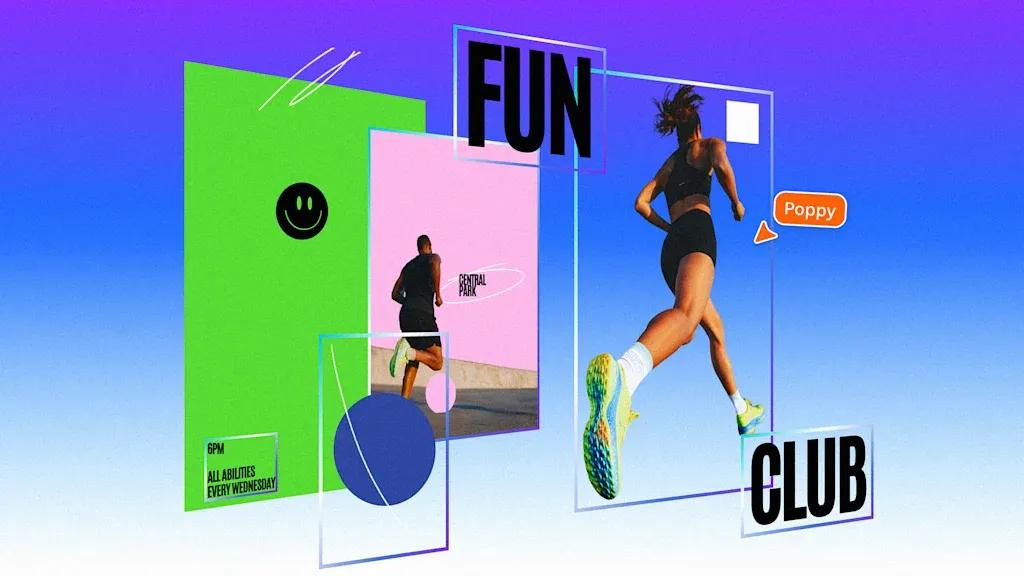
.
Source: Fast Company
Until now, editing AI-generated images has been frustratingly difficult. Even minor adjustments like changing a background color or fixing text required reprompting the AI and regenerating the entire image, often with inconsistent results
5
. Magic Layers changes this workflow by transforming static files into structured designs that behave like projects created directly inside Canva.How Magic Layers Converts Flat Images Into Editable Designs
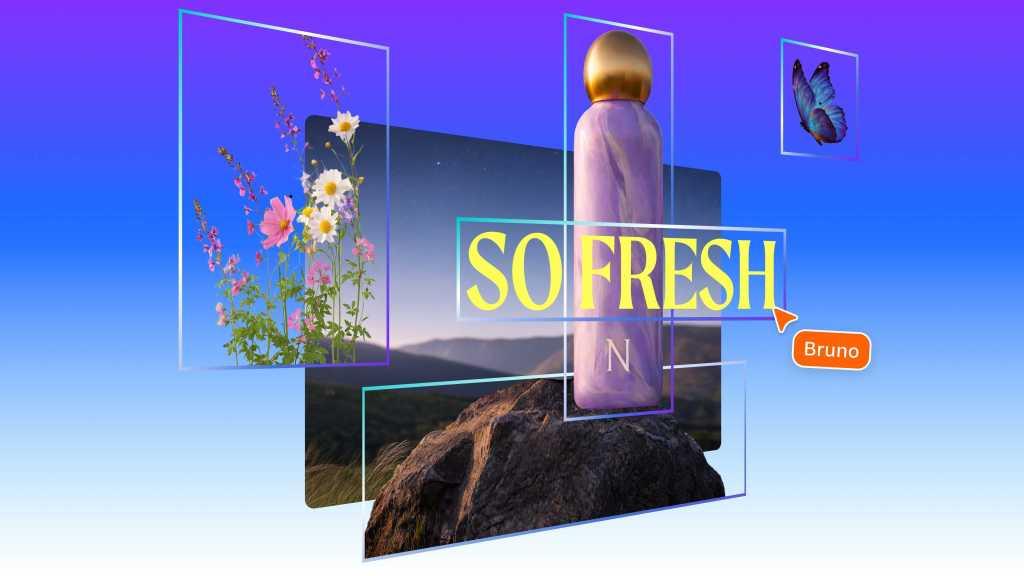
The technology analyzes uploaded PNG or JPEG files and separates them into individual components—backgrounds, objects, text boxes, and graphics—while preserving the original layout
2
. Powered by the Canva Design Model, the system uses contextual awareness to identify relationships between elements and fills in gaps between components that were previously covered up1
.
Source: PCWorld
"After a breakthrough from our AI research team, we're introducing Magic Layers so anyone can take a flat image and turn it into a fully editable design inside Canva," said Cameron Adams, Canva's chief product officer
2
. The analysis typically takes less than a minute, after which users gain hands-on control over AI content they couldn't previously modify1
.Unlike traditional vector tracing tools that simply outline shapes, Magic Layers interprets a design's structure by separating different elements and identifying text areas
4
. Text becomes editable text rather than baked-in pixels, allowing creators to make precise adjustments without rebuilding entire compositions.
Source: SiliconANGLE
Why This Matters for Creators and Marketing Teams
The feature addresses practical needs for marketing teams, solopreneurs, and small businesses who need to customize content at scale
4
. Consider a marketing agency creating 10 versions of a campaign poster, each customized for a specific city. With Magic Layers, they can upload one AI-created design and make targeted edits to each version—changing backgrounds, adjusting editable text, or swapping objects—without regenerating the base image1
.Anna Wood, head of product marketing at Canva, explained that the feature "bridges that gap from turning the flat image, which you can get from other AI tools, making it into a fully structured, editable design"
1
. This represents a shift in how creators interact with AI-generated content—treating it as a starting point rather than a final output4
.The Canva Design Model has already generated hundreds of millions of presentations, documents, and social media graphics since launch
4
. Magic Layers extends this capability by giving creators the ability to refine AI outputs with the same precision they'd apply to manually created designs.Related Stories


What Sets Canva Apart from Adobe and Competitors
Magic Layers represents a step beyond what Adobe and other creative software providers currently offer
2
. While generative AI tools in Adobe apps like Photoshop add generated elements to distinct layers, they don't automatically break entire images into editable layers the way Canva's new design tool does.The feature works with any single-page flat image file during the public beta phase, not just AI-generated content
3
. This broader applicability means creators can upload existing graphics, photographs with text overlays, or designs from any source and gain the same editing flexibility.However, the technology raises questions about disinformation and authenticity
3
. Because image generators currently produce flat designs, showing element layers has been one way artists prove they created something manually rather than through AI prompts. Magic Layers may make AI-generated designs harder to distinguish from those made from scratch2
.What to Watch as Magic Layers Develops
Magic Layers is available as a premium AI feature that counts toward users' monthly AI usage allowance, which varies by subscription plan
4
. The tool currently supports single-page PNG and JPEG files, with expanded capabilities in development2
.Performance varies by image type. The system works best on graphic designs and illustrations, while photorealistic images produce inconsistent results—a reasonable limitation for beta software
5
. As Canva refines the technology, watch for improvements in handling complex photographs and multi-page documents.The feature fits into Canva's broader strategy of positioning itself as the platform where AI-generated content creation actually gets finished
5
. Recent launches like Canva Sheets and Video 2.0 follow the same pattern: using AI to generate initial outputs, then providing tools for precise refinement. For businesses and individual creators deciding whether to invest in AI workflows, Magic Layers' ability to provide editing AI-generated images with traditional precision may prove decisive in adoption decisions.References
Summarized by

Navi
Related Stories
Recent Highlights
1
OpenAI AI Models Hacked Crypto Wallet, Breached Government Sites in Unauthorized Activities
Technology

2
IMF Report Warns AI Market Correction Could Spark Global Financial Crisis With $1.4T at Risk
Business and Economy

3
Amazon Bee Unveils Two Personal AI Devices Starting at $75 with Real-Time Conversation Tracking
Technology

Recent Highlights
Today's Top Stories










Don’t drown in AI news. We cut through the noise - filtering, ranking and summarizing the most important AI news, breakthroughs and research daily. Follow topics that matter to you and stay ahead.


