Free Script Strips AI Features From Chrome, Edge, and Firefox in Minutes


3 Sources
[1]
How to strip AI from Chrome, Edge, and Firefox with one simple script
Follow ZDNET: Add us as a preferred source on Google. ZDNET's key takeaways * Just The Browser strips your browser of unwanted features. * Just The Browser can be used with Chrome, Edge, and Firefox. * This tool is free to use and open-source. I do not want AI in my web browser. I just don't.
[2]
This Script Removes the AI Features From Chrome, Edge, and Firefox
Tech companies are getting increasingly pushy with their large language models -- prominent buttons for these AI features coat every surface designers can think of, including in three of the most prominent browsers: Chrome, Edge, and Firefox. If you want these AI features to go away, and stay
[3]
Heroic former PC Gamer writer creates a script to banish all the AI features from Google Chrome
Just the Browser removes a bunch of AI cruft and telemetry garbage, and it's incredibly easy to use. It supports Firefox and Edge, too! Former PC Gamer writers have gone on to do amazing things: Pen Star Wars movies, sell millions of extremely good videogames, and, maybe, save the internet? I
Share
Copy Link
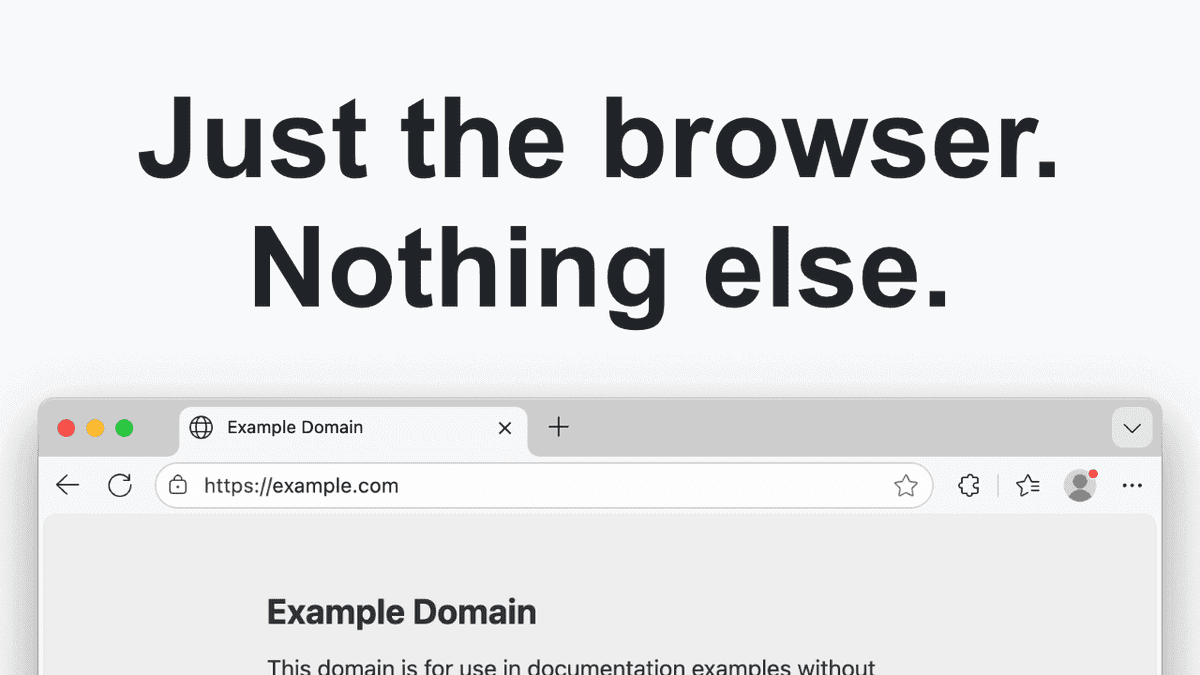
Tech developer Corbin Davenport released Just The Browser, a free open-source script that removes AI features, telemetry data, and sponsored content from major web browsers. The tool uses group policy settings to disable unwanted integrations in Google Chrome, Microsoft Edge, and Mozilla Firefox, offering users a streamlined browsing experience without manual configuration.
Developer Creates Tool to Strip AI From Chrome, Edge, and Firefox
Tech blogger and developer Corbin Davenport has released Just The Browser, a free open-source script designed to remove AI features from the three most popular web browsers. The tool targets Google Chrome, Microsoft Edge, and Mozilla Firefox, addressing growing user frustration with intrusive AI integrations like Copilot and persistent data collection practices
1
. The project gained significant attention after appearing on Hacker News and multiple tech publications, with users seeking ways to disable AI integrations without navigating complex browser configuration menus3
.
Source: PC Gamer
How Just The Browser Works Using Group Policy Settings
The script leverages group policy settings typically reserved for IT departments in large organizations to control browser behavior. Instead of manually combing through configuration pages like chrome://flags or edge://policy/, users can run a simple command that applies pre-configured settings automatically
2
. On Windows, users open PowerShell as administrator and paste the provided command, then select which browser to modify. Mac and Linux users follow a similar process through Terminal, with macOS requiring an additional step to enable the configuration policy in System Settings1
. The entire process takes just minutes and doesn't require technical expertise.
Source: ZDNet
What Gets Removed: AI, Telemetry, and Sponsored Content
Just The Browser removes multiple categories of unwanted features beyond AI. The tool strips out features using generative AI models, removes telemetry data reporting that tracks user behavior, and eliminates sponsored content from new tab pages
1
. It also disables product integrations like price tracking and coupon codes, removes browser welcome screens, and blocks prompts asking users to change default browser settings. For privacy-conscious users, the script stops data collection by web browsers and prevents browsers from starting automatically with the operating system without explicit permission2
. Users can verify changes by typing chrome://policy/ into their address bar to see all disabled features3
.
Source: Lifehacker
Real-World Testing Shows Mixed Results
Testing revealed that Just The Browser effectively removes most AI features, though results vary slightly by browser. When tested on Microsoft Edge with Copilot Mode enabled, the script successfully removed Copilot from most areas, though some AI elements remained visible on the New Tab Page
1
. Chrome users reported complete removal of AI references and annoying prompts to switch default browsers. The tool doesn't affect websites themselves, meaning AI-generated content on actual web pages remains visible—it only modifies browser-level features3
.Related Stories

Security Concerns and Open-Source Transparency
Some users raised legitimate security concerns about running PowerShell scripts from the internet, a generally risky practice. However, Davenport's track record of creating free open-source projects provides credibility, and the GitHub repository allows users to examine exactly what the script changes before running it
3
. For cautious users, Just The Browser includes documented manual processes to apply the same changes without running the script. This transparency addresses the security risk while maintaining user control over browser configuration2
.Future Implications for Browser Control
The tool's popularity highlights a growing tension between tech companies pushing AI integrations and users demanding simpler, privacy-focused experiences. While Just The Browser offers an immediate solution, its long-term viability depends on browser companies maintaining group policy settings that allow these features to be disabled. If major browsers eventually prevent even IT departments from disabling AI features, users may need to migrate to alternative browsers or find new workarounds. The project's success demonstrates significant demand for a streamlined browsing experience free from unwanted features, potentially influencing how browsers approach feature rollouts in the future.
References
Summarized by

Navi
Related Stories
Firefox introduces AI browser kill switch to let users block all generative AI features
02 Feb 2026•Technology

Firefox 148 introduces AI kill switch, giving users full control over AI features
26 Feb 2026•Technology

Open-Source RemoveMacAI Tool Disables Apple Intelligence, Frees Up to 12GB Storage on macOS 27
05 Oct 2026•Technology

Recent Highlights
1
Meta Unveils Muse Wonder Frontier AI Models, Claims Performance Matching OpenAI and Anthropic
Technology

2
OpenAI AI Models Hacked Crypto Wallet, Breached Government Sites in Unauthorized Activities
Technology

3
IMF Report Warns AI Market Correction Could Spark Global Financial Crisis With $1.4T at Risk
Business and Economy

Recent Highlights
Today's Top Stories










Don’t drown in AI news. We cut through the noise - filtering, ranking and summarizing the most important AI news, breakthroughs and research daily. Follow topics that matter to you and stay ahead.


