Google AI updates NotebookLM with prompt-based slide editing and PowerPoint export


2 Sources
[1]
Google is finally fixing the most annoying thing about NotebookLM slide decks
Google also revealed that slides can now be exported in the PPTX format. NotebookLM is one of the more useful AI tools on the market right now, allowing you to collate info from your own sources into an easily digestible virtual notebook or podcast format. The tool gained support for slide decks
[2]
NotebookLM Slide Decks just got way more flexible
Rajesh started following the latest happenings in the world of Android around the release of the Nexus One and Samsung Galaxy S. After flashing custom ROMs and kernels on his beloved Galaxy S, he started writing about Android for a living. He uses the latest Samsung or Pixel flagship as his daily
Share
Copy Link
Google has addressed a major limitation in NotebookLM by introducing prompt-based customization for slide decks. Users can now refine individual slides without regenerating entire presentations. The AI-powered NotebookLM also gains PPTX export capabilities, enabling seamless integration with PowerPoint workflows, while Google Slides support arrives soon.
NotebookLM Updates Bring Long-Awaited Slide Editing Features
Google AI has rolled out a significant update to NotebookLM, addressing one of the most frustrating limitations users has faced since the AI tool gained slide deck capabilities last year. The AI-powered NotebookLM now supports prompt-based customization, allowing users to refine individual slides without the need to regenerate entire presentations
1
2
. This update marks a substantial improvement in workflow efficiency for professionals relying on the platform to create presentations from their research materials.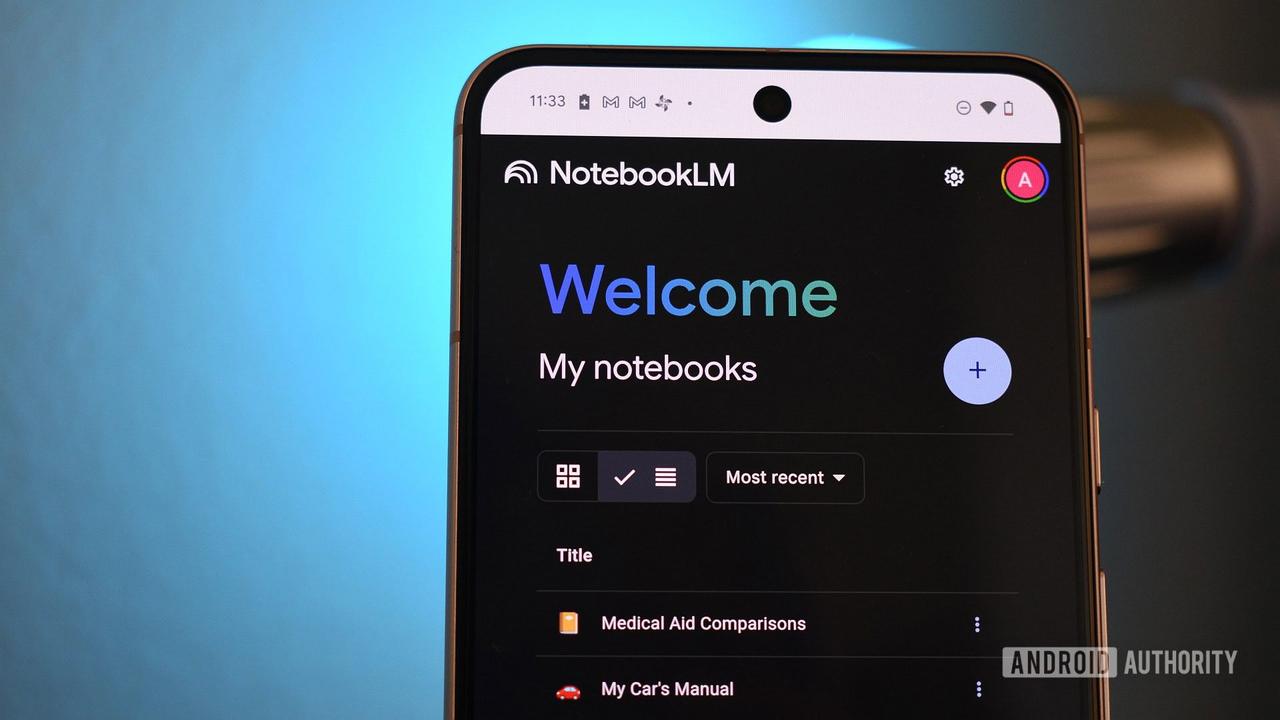
Source: Android Authority
How Prompt-Based Customization Changes the Game
Before this update, if users were dissatisfied with even a single slide in their generated slide decks, they had to start the entire generation process from scratch. Now, with the new prompt-based customization feature, users can target specific slides—such as the second or fifth slide in a deck—and modify them individually using user prompts
2
. This makes NotebookLM updates far more practical for iterative work. While users still cannot manually edit specific elements within a slide or directly modify text—since slides are essentially AI-generated images—the ability to refine individual slides through natural language instructions represents a major step forward in making flexible slide decks more accessible.
Source: Android Police
Export Slide Decks as PPTX for Enhanced Compatibility
Alongside the editing improvements, Google has introduced the ability to export slide decks as PPTX, the native PowerPoint format
1
. This addition addresses a critical need for professionals whose workflow depends on Microsoft PowerPoint or similar applications. Users can now download their NotebookLM-generated presentations and continue editing them in PowerPoint, bridging the gap between Google's AI tool and traditional presentation software. Google has also indicated that Google Slides support is in development and will arrive soon, further expanding compatibility options for users across different platforms2
.Related Stories

Rollout Timeline and Availability
The new editing capabilities are currently rolling out to Pro and Ultra subscribers, with free users expected to gain access in the coming weeks
1
. For now, the prompt-based customization feature appears available on the web version of NotebookLM, with mobile app support anticipated later2
. This phased rollout follows Google's pattern of rapid NotebookLM updates, with the company introducing major improvements almost every other week. The AI tool, powered by Gemini, already allows users to generate either Detailed Deck or Presenter Slides with customizable length and language options, making it one of the more versatile AI tools for research synthesis and presentation creation2
.What This Means for NotebookLM Users
These enhancements signal Google's commitment to making NotebookLM a more competitive option in the AI productivity space. The ability to refine and modify slides through prompts, combined with PPTX format export capabilities, addresses two critical pain points that previously limited the tool's utility for professional presentations. As Google continues to iterate on NotebookLM with frequent updates, users should watch for the upcoming Google Slides integration and potential expansion of editing capabilities beyond prompt-based modifications. The improvements make NotebookLM increasingly viable for users who need to quickly transform research materials into polished presentations while maintaining flexibility in their creative workflow.
References
Summarized by

Navi
[1]
[2]
Related Stories
Google NotebookLM Launches AI-Powered Slide Deck and Infographic Features
21 Nov 2025•Technology

NotebookLM adds Data Tables and chat history as Google expands AI Ultra tier capabilities
12 Dec 2025•Technology
Google's NotebookLM brings Video Overviews to mobile, turning documents into AI videos
30 Jan 2026•Technology

Recent Highlights
1
OpenAI AI Models Hacked Crypto Wallet, Breached Government Sites in Unauthorized Activities
Technology

2
IMF Report Warns AI Market Correction Could Spark Global Financial Crisis With $1.4T at Risk
Business and Economy

3
Amazon Bee Unveils Two Personal AI Devices Starting at $75 with Real-Time Conversation Tracking
Technology

Recent Highlights
Today's Top Stories












Don’t drown in AI news. We cut through the noise - filtering, ranking and summarizing the most important AI news, breakthroughs and research daily. Follow topics that matter to you and stay ahead.


