Google Slides integrates Gemini AI to generate presentations from simple prompts


2 Sources
[1]
Gemini's latest update makes presentations a cakewalk
You can review and refine the presentation outline before Gemini generates the slides. More and more Google services are picking up Gemini-powered features, making the AI feel increasingly central to how you get work done. The latest example is Google Slides, which is now getting AI-powered
[2]
You can Now Use Gemini to Create Presentations in Google Slides
If you need to create a slide presentation in a pinch, then you might want to check out what Google's been working on -- the company recently announced that it's bringing a major update to Google Slides, which lets users create full, multi-slide presentations using Gemini directly within the
Share
Copy Link
Google Slides now features Gemini AI integration that creates complete, editable presentations from a single prompt. The tool pulls content from Google Drive, suggests relevant files and emails, and lets users refine an interactive outline before generating slides. Available to Google Workspace and AI Pro subscribers, the feature aims to eliminate tedious slide-building tasks.
Gemini AI transforms how users create presentations in Google Slides
Google has launched a significant update to Google Slides that brings Gemini AI directly into the presentation creation workflow. Users can now generate presentations from a prompt by simply describing what they need, while Gemini AI handles the heavy lifting of assembling content, formatting layouts, and building fully editable presentations
1
. This Gemini integration into Google Slides marks a shift in how professionals approach slide deck creation, moving away from manual assembly toward AI-assisted workflows.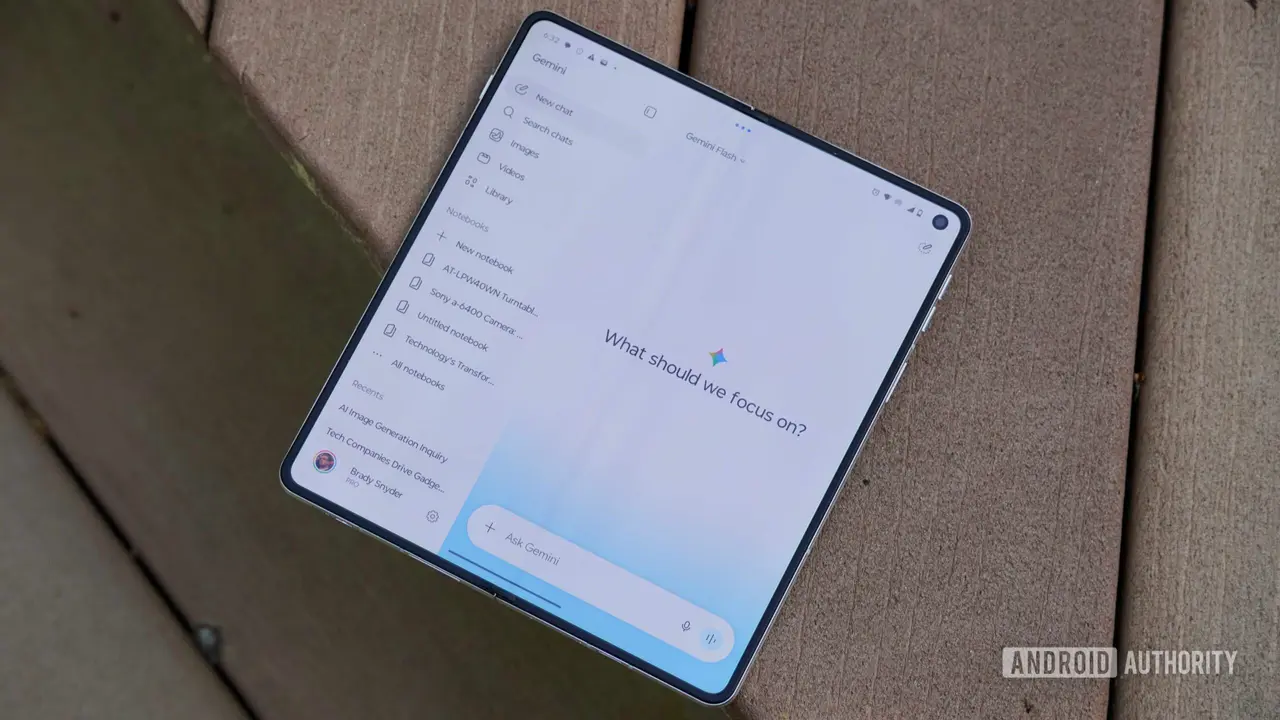
Source: Android Authority
The feature addresses a common pain point for anyone who regularly creates presentations in Google Slides: the tedious process of gathering content from multiple sources and formatting it consistently. Gemini can pull charts from one document, extract text from another, and even match the design and layout of an existing presentation to maintain visual consistency across your work
1
. This capability to create fully editable presentations while preserving brand standards matters especially for teams managing multiple client accounts or recurring reporting cycles.How the AI-generated presentations workflow operates
Unlike basic AI outline generators, the new system builds fully native, editable presentations from a single prompt
2
. Users attach multiple reference files directly from Google Drive, and can also attach an existing deck to serve as a style and design reference. But Gemini doesn't stop with files you explicitly mention. The AI surfaces relevant documents, emails, and even Google Chat conversations related to your presentation topic, allowing you to decide whether to include them1
.For instance, if you're preparing for a client meeting and can't remember where your team finalized the project timeline, Gemini can surface the relevant email or Chat conversation, making it easy to pull those details straight into your presentation
1
. This capability to streamline presentation creation by automating tedious tasks like content hunting and manual copying represents a practical time-saver for knowledge workers.Interactive refinement before final slide generation
The experience prioritizes collaborative control through interactive refinement. Before generating the actual slides, Gemini first creates an outline for review
1
. Users can request adjustments—asking it to shorten the deck, adopt a more professional tone, simplify language for a broader audience, or focus more on a specific topic. The tool presents this interactive outline for review, allowing users to answer follow-up questions to further refine the tone, style, content, and even target audience before final production2
.
Source: Phandroid
Only after you've approved the structure does it generate the slides, making the final presentation much easier to edit instead of forcing you to start over
1
. This approach reduces the friction of AI-generated content that misses the mark, giving users control over direction before investing time in detailed edits.Related Stories

Availability across Google Workspace and AI Pro subscribers
The feature is currently launching for both Rapid Release domains and Scheduled Release domains, with initial support exclusively in English
2
. Presentation creation is available to Google Workspace Business Standard and Plus, Enterprise Standard and Plus, Google AI Pro, Google AI Ultra, and Google AI Pro for Education subscribers1
.The rollout has already begun, though Google says it may take more than 15 days for everyone eligible to see it
1
. For organizations evaluating AI productivity tools, this update positions Google Workspace as a competitive option for teams looking to reduce time spent on routine presentation assembly. The short-term impact centers on immediate time savings for frequent slide creators, while longer-term implications point toward AI becoming the default starting point for presentation work rather than a blank canvas. Watch for how competitors like Microsoft respond with similar Copilot integrations, and whether Google expands language support and deeper customization options based on user feedback.References
Summarized by

Navi
[1]
Related Stories
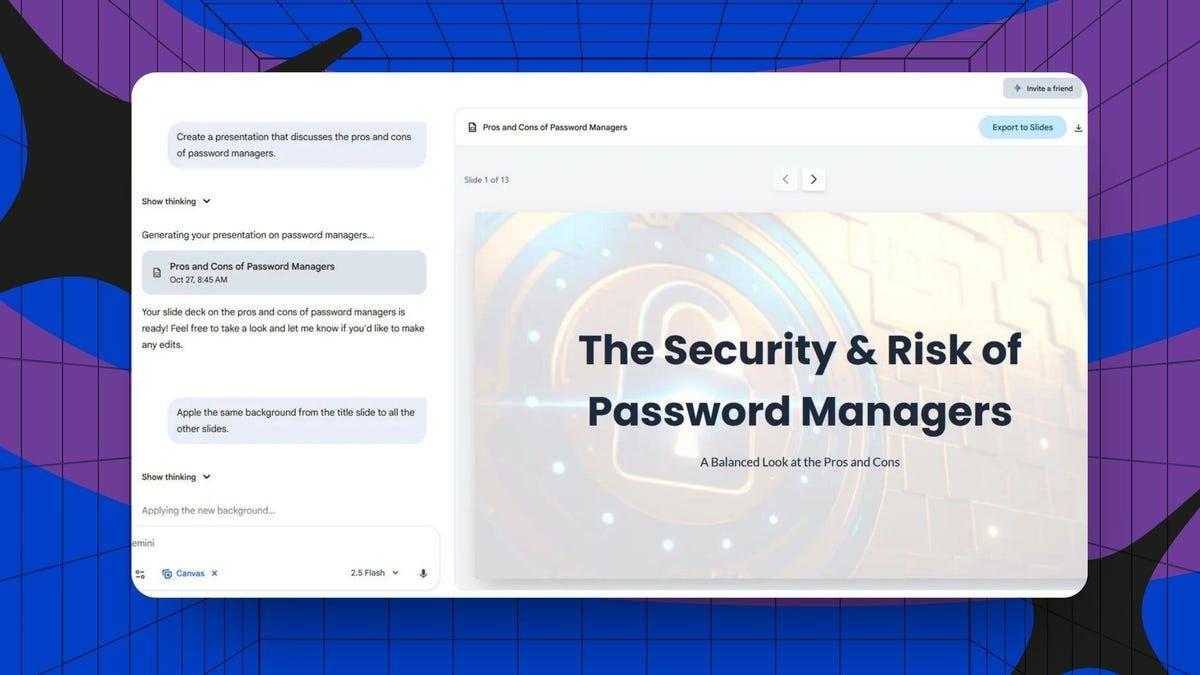
Google Gemini Introduces AI-Powered Presentation Generation in Canvas
27 Oct 2025•Technology
Gemini now generates files directly in chat, supporting PDF, Word, Excel and LaTeX formats
29 Apr 2026•Technology

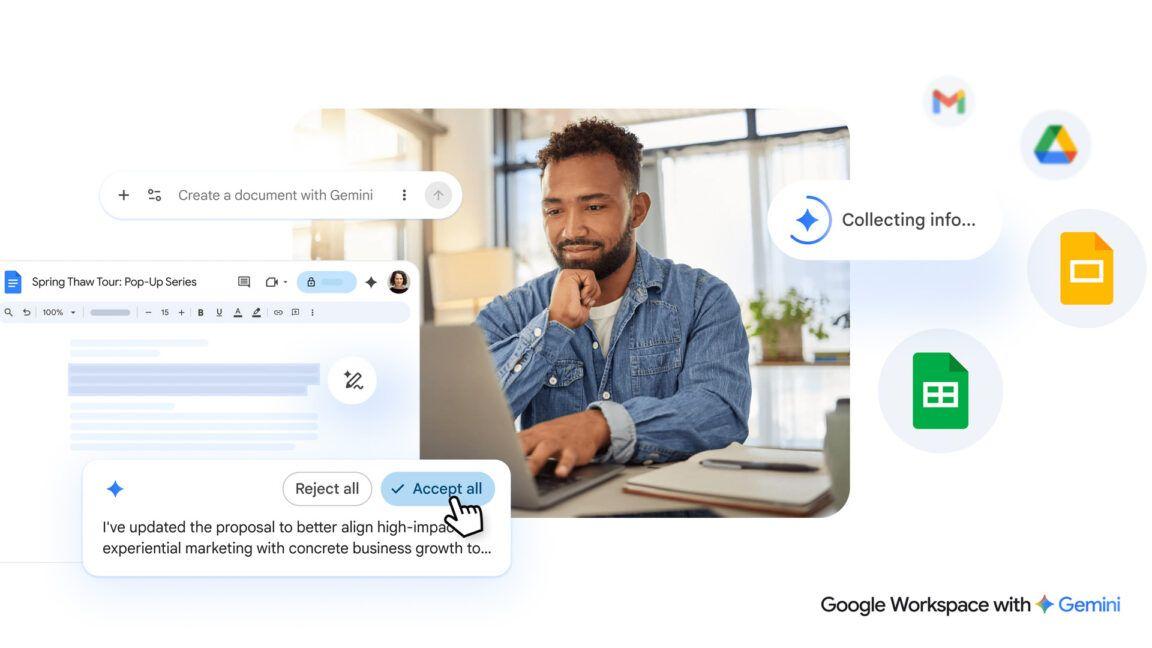
Gemini burrows deeper into Google Workspace with AI-powered document creation and editing
10 Mar 2026•Technology
Recent Highlights
1
OpenAI AI Models Hacked Crypto Wallet, Breached Government Sites in Unauthorized Activities
Technology

2
IMF Report Warns AI Market Correction Could Spark Global Financial Crisis With $1.4T at Risk
Business and Economy

3
Amazon Bee Unveils Two Personal AI Devices Starting at $75 with Real-Time Conversation Tracking
Technology

Recent Highlights
Today's Top Stories











Don’t drown in AI news. We cut through the noise - filtering, ranking and summarizing the most important AI news, breakthroughs and research daily. Follow topics that matter to you and stay ahead.


