Google Docs gets Gemini Audio Summaries to turn long documents into podcast-like overviews


4 Sources
[1]
No Time to Read a Long Google Doc? Try Gemini's Quick AI Audio Summaries
Overwhelmed by long documents that you don't want to read? Google thinks it can help with short, podcast-like summaries. Audio summaries provide a brief overview of any Google Docs file you upload. Last summer, Google introduced a tool that uses Gemini to read an entire document aloud, but this
[2]
Google Docs gets a big Gemini boost focused on accessibility
Rahul Naskar has years of experience writing news and features related to Android, phones, and apps. Outside the tech world, he follows global events and developments shaping the world of geopolitics. It's been almost a couple of years since Gemini made its debut in Google Docs, and in many ways,
[3]
Gemini can now create audio summaries of your Google Docs
Google introduces Audio Summaries in Docs, letting paid Workspace users hear concise AI-generated overviews at adjustable speeds, with voice styles and full-document listening options. Google is introducing Gemini-powered Audio Summaries to Google Docs, letting you listen to a shorter AI-generated
[4]
Google Adds Gemini-Powered Audio Summaries to Google Docs
Google Workspace users can also listen to the summary at varying speeds Google released a new artificial intelligence (AI) feature for Google Docs on Thursday. Powered by Gemini, the feature is dubbed Audio Summaries, and it lets users listen to a short audio summary of documents. The release is
Share
Copy Link
Google launched Audio Summaries in Google Docs, a Gemini-powered feature that creates brief audio overviews of documents in under three minutes. Available to paid Workspace subscribers, the AI-powered tool lets users listen to document highlights with customizable voices and playback speeds, transforming lengthy files into accessible, podcast-like summaries.
Google Docs introduces Gemini-powered Audio Summaries for paid subscribers
Google has rolled out Audio Summaries in Google Docs, a new Gemini feature designed to help users quickly grasp the essential points of lengthy documents without reading them
1
. The AI-powered tool generates brief, podcast-like audio summaries that typically run under three minutes, offering a natural speaking style to deliver key information efficiently4
. This represents a significant shift from Google's previous offering introduced last summer, which read entire documents aloud rather than condensing them into digestible overviews.
Source: Android Police
The feature transforms long-form documents such as product manuals, meeting minutes, or quarterly business reports into audio-only formats that users can consume while multitasking
3
. Google describes these AI-generated overviews as providing "a short verbal synopsis of the contents in your document, including multiple tabs"2
. The narration occurs in human-like natural language, setting it apart from standard text-to-speech features4
.
Source: PC Magazine
Customizable voices and playback speeds enhance user experience
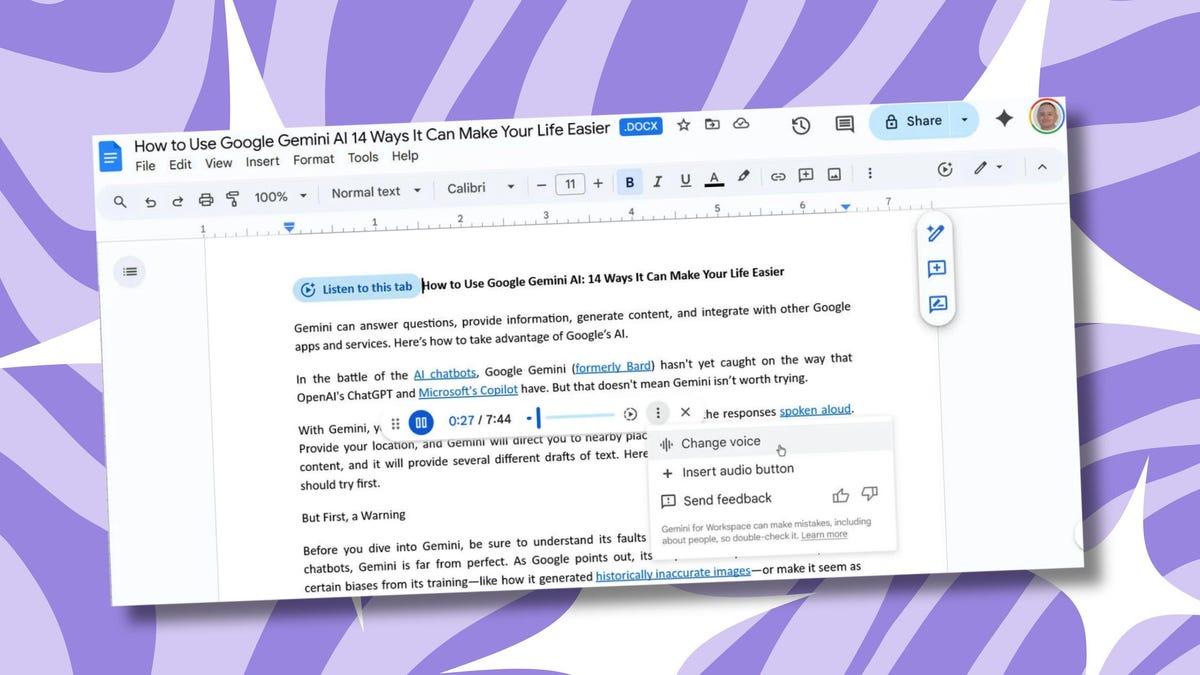
The Google Docs accessibility feature comes with extensive user controls to personalize the listening experience. Users can select from multiple voice styles including narrator, persuader, and coach, among others
2
. Playback speed adjustments support speeds up to 2x, allowing users to consume information at their preferred pace2
.The interface includes standard controls like play, pause, and timeline scrubbing through a seek bar that appears within Google Docs
1
. This allows users to skip ahead to specific parts of the summary or replay sections they may have missed2
. The feature is accessible through Tools > Audio > Listen to document summary, making it straightforward to activate1
.Availability limited to Google Workspace plans and premium tiers
Audio Summaries are exclusively available to paid subscribers across specific Google Workspace plans. Eligible users include those on Business Standard and Plus, Enterprise Standard and Plus, as well as subscribers with Google AI Ultra for Business add-on, Google AI Pro for Education add-on, and Google AI Pro and Ultra individual plans
2
. The feature is not available to free users at this time3
.The rollout began on February 12, though Google indicates it may take longer than 15 days for the feature to reach all eligible accounts
2
. Notably, there are no admin controls for this feature, and end users don't need to enable anything in settings to access the capability2
.Related Stories


Productivity and accessibility benefits with important caveats
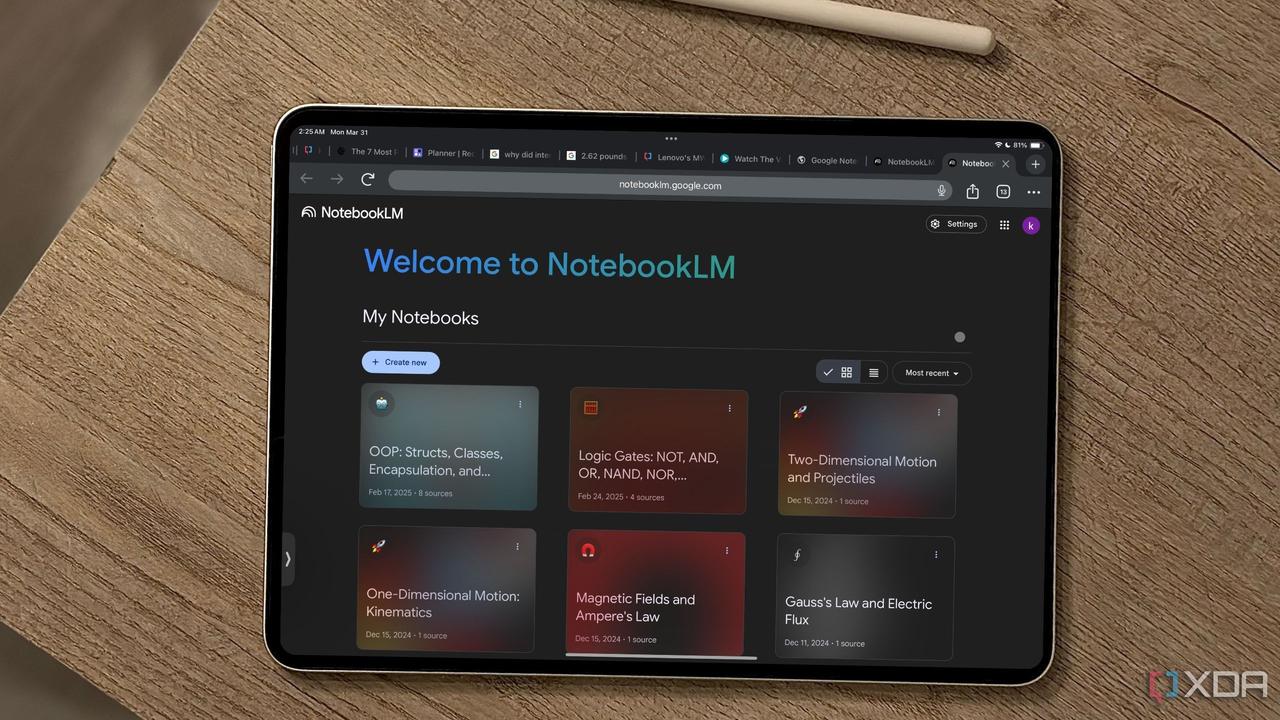
The feature appears inspired by Audio Overviews, which debuted in NotebookLM before expanding to the Gemini app
4
. For users focused on productivity, quick AI audio summaries enable information consumption while completing other tasks like exercising, preparing breakfast, or commuting3
. The accessibility improvements particularly benefit multitaskers and those with specific accessibility needs3
.However, Google acknowledges this tool may not suit situations requiring comprehensive understanding of important files
1
. Users should exercise caution, as summarizing documents might miss critical details3
. While Google doesn't explicitly mention it, the generated summaries are expected to be grounded in document content without adding external information4
. As organizations integrate this capability into workflows, watching how accurately Gemini captures nuanced information across different document types will be essential for determining its practical value in professional settings.
Source: Gadgets 360
References
Summarized by

Navi
[2]
[3]
[4]
Related Stories
Recent Highlights



Recent Highlights
Today's Top Stories












Don’t drown in AI news. We cut through the noise - filtering, ranking and summarizing the most important AI news, breakthroughs and research daily. Follow topics that matter to you and stay ahead.


