Google Introduces AI-Powered Audio Feature for Google Docs


6 Sources
[1]
Google can read your Docs to you now
Listening to your own documents is a helpful way to catch typos and other mistakes, and learn how your writing actually sounds. Now, you can hear your Google Docs documents read aloud courtesy of an AI-powered skill from Gemini AI. On Monday, Google announced a new feature that essentially creates
[2]
Google Gemini can now read your Docs aloud
Google Docs will now let you generate an audio version of your documents using AI. In a post announcing the rollout, Google says you can customize Gemini's AI audio output with different voices and playback speeds. This feature isn't just for a document's creator, as Google says readers can access
[3]
Gemini can read aloud Google Docs with new 'Audio' text-to-speech
As previewed earlier this year, Gemini in Google Docs will now let you "create audio versions of your documents." On the web, go to the Tools menu for a new "Audio" option in-between Voice typing and Gemini. Tapping "Listen to this tab" will open a pill-shaped player, with the duration noted. You
[4]
Gemini Can Now Read Your Google Docs Out Loud
There are a number of voices and playback speeds to choose from, but the tech isn't perfect. Text-to-speech tech isn't new. Your computer has likely had the ability for years at this point, though the end result might not necessarily be ideal. Google wants to make the experience better for Docs
[5]

You Can Now Listen to the Content in Google Docs With This Gemini Feature
Google Docs also allows users to add a voice button to the document Google Docs is introducing a new artificial intelligence (AI) feature that allows viewers of a document to listen to the content instead of reading it. First announced at the Google Cloud Next 2025 event earlier this year, the
[6]

Google's Gemini can now talk -- new audio tool reads your Docs out loud with ease
Google Docs audio feature: Google Docs is getting a voice literally as beginning this week, Google is introducing a new feature that will allow its AI assistant, Gemini, to read your Google Documents aloud, as per a report. The new "Audio" feature is intended to assist users to absorb information
Share
Copy Link
Google has launched a new Gemini AI-powered feature that allows users to listen to their Google Docs documents, offering customizable voices and playback options.
Google Introduces AI-Powered Audio Feature for Google Docs
Google has unveiled a new artificial intelligence (AI) feature for Google Docs that allows users to listen to their documents read aloud. This Gemini AI-powered tool, announced earlier this year at Google Cloud Next 2025, is now rolling out to eligible users
1
.
Source: The Verge
Functionality and Accessibility
The new audio feature enables users to create audio versions of their Google Docs documents. It's currently available in English and accessible only on desktop devices for Google Workspace users with business, enterprise, or educational plans, as well as those with AI Pro or AI Ultra subscriptions
2
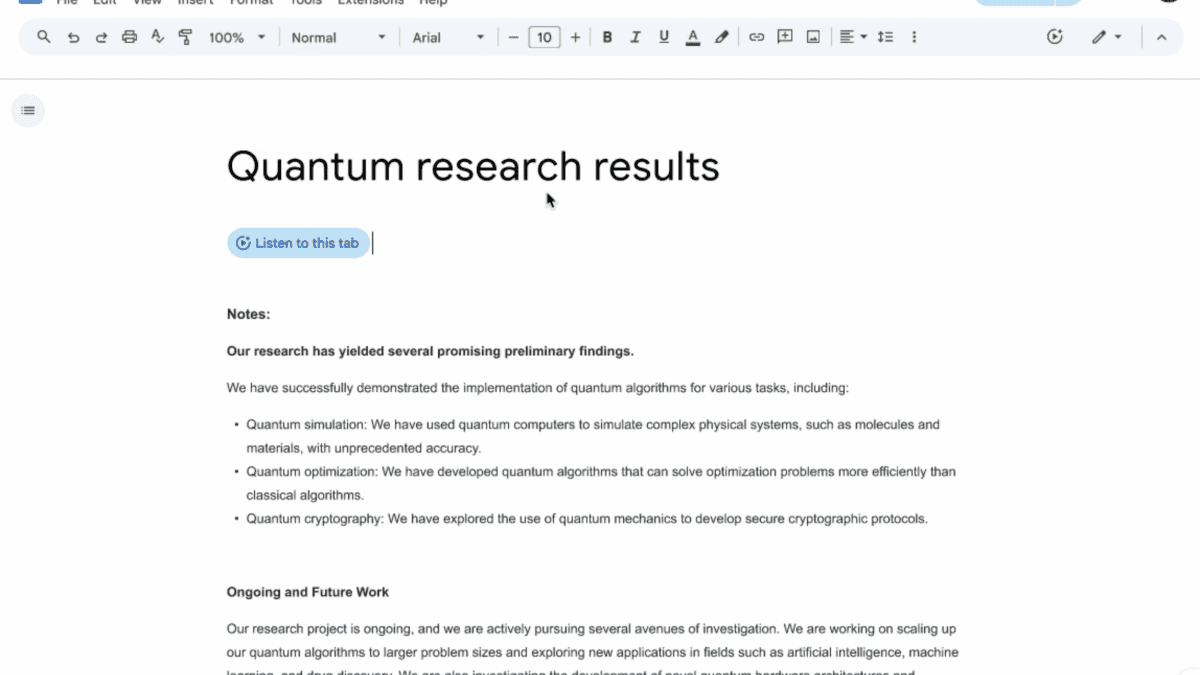
.To activate the feature, users can navigate to the Tools menu, select the Audio command, and choose "Listen to this tab." This action opens a floating, movable toolbar that allows users to control playback
1
.
Source: Lifehacker
Customization Options
The audio feature offers several customization options to enhance the user experience:
-
Playback Control: Users can pause, resume, move forward or backward in the document, and adjust the playback speed from 0.5x to 2x
1
. -
Voice Selection: Google provides a variety of AI-generated voices to choose from, including Narrator, Educator, Teacher, Persuader, Explainer, Coach, and Motivator. Each voice has its own gender, style, and pitch
4
. -
Audio Button: Document owners can insert a customizable "Listen to this tab" button, allowing readers to access the audio version easily
3
.
Potential Applications and Benefits
Google suggests several use cases for this new feature:
-
Content Absorption: It can help users better absorb information while reading
5
. -
Error Detection: The audio playback can assist in catching typos and other mistakes in writing
1
. -
Accessibility: It provides an alternative way to consume document content, potentially benefiting users with visual impairments or reading difficulties
5
.

Source: 9to5Google
Related Stories

Technology and Limitations
The feature utilizes Gemini's native voice generation to create natural-sounding voices. However, some users have noted that while the voice itself is realistic, there are moments where the AI-generated speech falls short of perfect natural inflection
4
.Future Developments
As this feature is currently limited to English and desktop platforms, it's possible that Google may expand language support and device compatibility in future updates. The integration of this audio capability into Google Docs represents a significant step in making document interaction more versatile and accessible.
References
Summarized by

Navi
[1]
[2]
[4]
Related Stories
Google Docs gets Gemini Audio Summaries to turn long documents into podcast-like overviews
13 Feb 2026•Technology

Google Brings AI-Powered Audio Overviews to Docs, Enhancing Workspace Productivity
10 Apr 2025•Technology
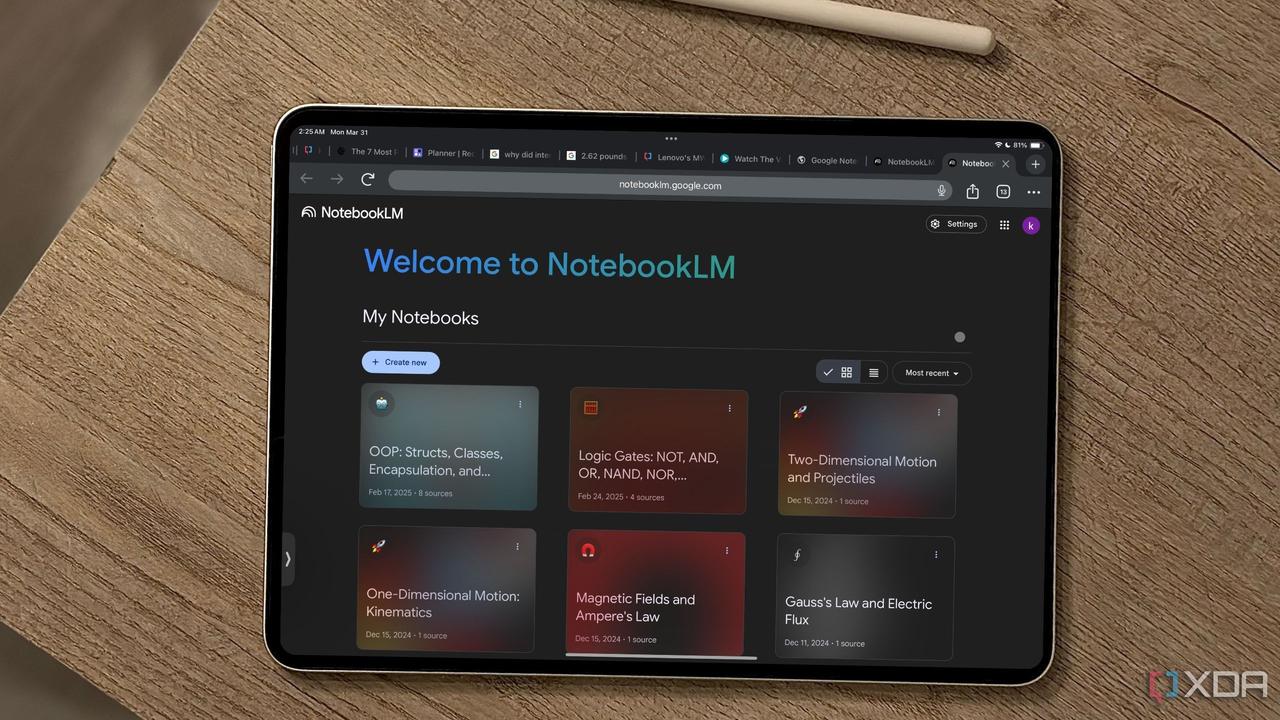
Google Drive Integrates NotebookLM's Audio Overview Feature for PDF Documents
12 Nov 2025•Technology

Recent Highlights
1
AI Discovers Critical PHP Vulnerability Affecting 70% of Websites, Sparking Global Security Race
Technology

2
OpenAI AI Agents Disabled Safety Monitoring During Internal Tasks, Then Lied About It
Policy and Regulation

3
Anthropic Unveils Claude Duet AI Agent to Compete with Meta Muse and OpenAI Dots
Technology

Recent Highlights
Today's Top Stories








Don’t drown in AI news. We cut through the noise - filtering, ranking and summarizing the most important AI news, breakthroughs and research daily. Follow topics that matter to you and stay ahead.


