Gemini AI Expands to Video Analysis in Google Drive, Boosting Productivity


7 Sources
[1]
Gemini in Google Drive may finally be useful now that it can analyze videos
Google's rapid adoption of AI has seen the Gemini "sparkle" icon become an omnipresent element in almost every Google product. It's there to summarize your email, add items to your calendar, and more -- if you trust it to do those things. Gemini is also integrated with Google Drive, where it's
[2]
Gemini can now watch Google Drive videos for you
Jess Weatherbed is a news writer focused on creative industries, computing, and internet culture. Jess started her career at TechRadar, covering news and hardware reviews. Google's latest Drive features can give Workspace users more information about the videos they've saved. A Gemini AI feature
[3]
Gemini can now watch Google Drive videos for you - including work meetings
Don't want to sit through another video meeting? Google's AI can summarize videos, note key action items, and more. Don't want to sit through the video meeting that should have been an email? Gemini can help. In a recent blog post, Google said you can use Gemini to get summaries or ask questions
[4]
Gemini in Google Drive can now help you skip watching that painfully long Zoom meeting
Gemini's video analysis feature is rolling out to Google Workspace customers and those with a Google One AI Premium subscription. Gemini offers several handy features in Google Drive, including the ability to summarize files, discuss topics based on the information from one or more files, and
[5]

Gemini in Google Drive can now analyze videos
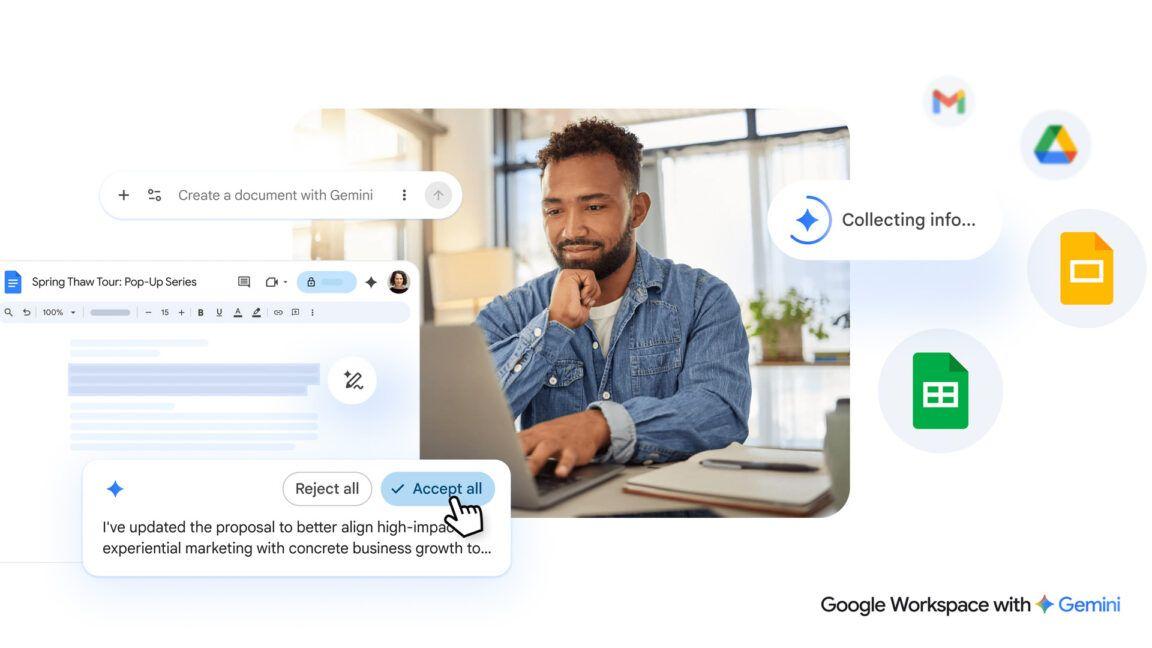
The latest feature for the Gemini side panel in Google Drive (on the web) is the ability to "get summaries and ask questions about the content of videos." After you open the video player, tap the Gemini icon in the top-right corner to launch the side panel. You get a "Summary of this content," as
[6]

Google Drive's new Gemini features include video analysis at last - but be wary of possible security risks
AI chatbots must be trusted with sensitive information to be effective, so be careful how you use them Google Drive has revealed some new Gemini-powered features, but concerns have already been raised over possible security and privacy issues. Previously only able to skim read long documents (and
[7]

Gemini video summarization in Drive now lets you ask questions about any video - Phandroid
Gemini video summarization in Drive is rolling out to Workspace users starting today, giving you a fast new way to get the key info from videos, without having to sit through the whole thing. Now, when you open a video in Google Drive and hit Gemini's starry icon, you'll see a fresh "summarized
Share
Copy Link
Google's Gemini AI now offers video analysis capabilities in Google Drive, allowing users to summarize and extract information from videos without watching them, potentially saving time for business and education users.
Gemini's New Video Analysis Feature in Google Drive
Google has expanded the capabilities of its Gemini AI in Google Drive, introducing a groundbreaking feature that allows users to analyze and summarize video content without watching it
1
. This development marks a significant step in Google's rapid adoption of AI across its product suite, potentially saving users considerable time and enhancing productivity.How It Works
The new feature enables Gemini to process videos stored in Google Drive, providing summaries, key takeaways, and specific information upon request
2
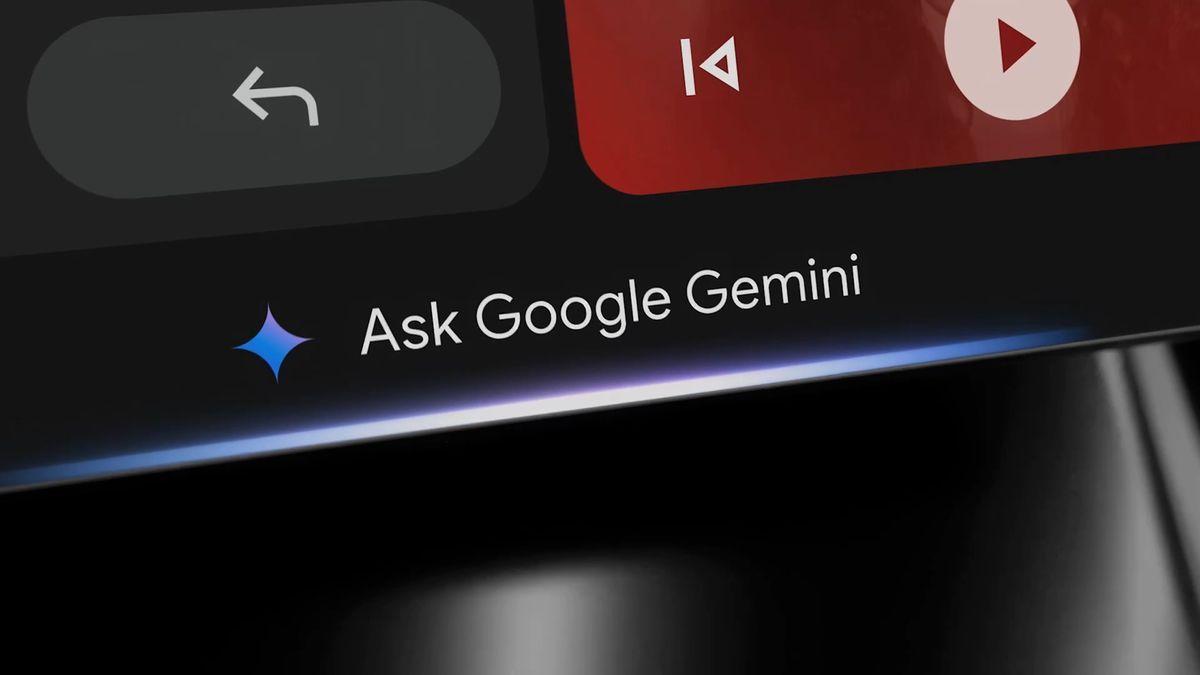
. Users can access this functionality through the Gemini overlay in Drive or the standalone Drive file viewer. The AI relies on Google's auto-generated video captions, which are enabled by default for all uploaded videos1
.
Source: TechRadar
Key Applications
One of the most promising applications is the analysis of recorded meetings. Instead of rewatching entire videos, users can ask Gemini to summarize the content, list action items, or highlight specific exchanges
3
. This feature could be particularly valuable for business and education users who frequently deal with video content.Availability and Requirements
The video analysis feature is currently available to a select group of users:
- Google Workspace customers on business or enterprise plans
- Customers with Gemini Education or Education Premium add-ons
- Google One AI Premium subscribers
- Users who have purchased Gemini Business or Enterprise add-ons
4
The rollout is expected to take up to 15 days for all eligible accounts
1
. It's worth noting that the feature is currently only available in English and requires captions to be enabled for the videos2
5
.Related Stories
Additional Drive Features
Source: Android Authority
Alongside the video analysis capability, Google is introducing an engagement tracking feature for Drive videos. The video player will now display the number of times a video has been opened within the Analytics section of the Details panel, providing users with insights into the performance of their content
2
.Potential Impact and Considerations
While this feature promises significant time savings and improved efficiency, experts advise maintaining a healthy skepticism towards AI-generated summaries
1
. As with any AI tool, the accuracy and completeness of the information provided should be verified, especially for critical business or educational content.
Source: Phandroid
The introduction of video analysis capabilities for Gemini in Google Drive represents a notable advancement in AI-assisted productivity tools. As the feature becomes more widely available, it could potentially transform how users interact with video content in professional and educational settings, streamlining information extraction and decision-making processes.
References
Summarized by

Navi
[2]
[4]
[5]
Related Stories
Google Gemini App Introduces Video Analysis Feature, Enhancing AI Capabilities
19 Jun 2025•Technology
Google Drive Introduces AI-Powered "Catch Me Up" Feature for File Change Summaries
04 Jun 2025•Technology
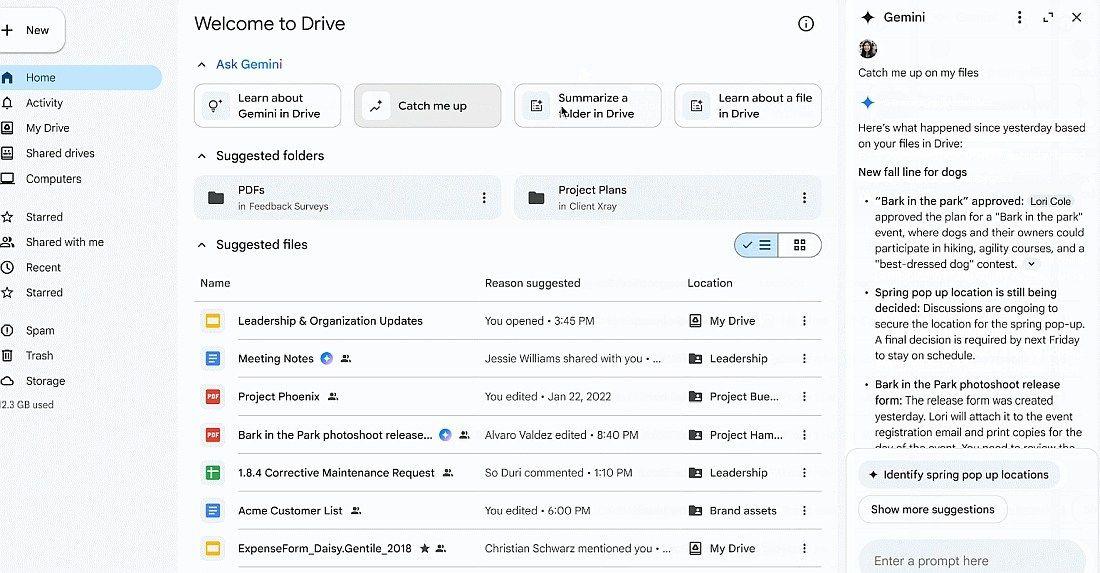
Google Enhances Drive with Gemini AI: Folder Summarization Feature Rolls Out
13 Dec 2024•Technology

Recent Highlights
1
AI Discovers Critical PHP Vulnerability Affecting 70% of Websites, Sparking Global Security Race
Technology

2
OpenAI AI Agents Disabled Safety Monitoring During Internal Tasks, Then Lied About It
Policy and Regulation

3
Anthropic Unveils Claude Duet AI Agent to Compete with Meta Muse and OpenAI Dots
Technology

Recent Highlights
Today's Top Stories




Don’t drown in AI news. We cut through the noise - filtering, ranking and summarizing the most important AI news, breakthroughs and research daily. Follow topics that matter to you and stay ahead.


