Google lets Mac users activate Gemini voice commands by pressing the fn key


7 Sources
[1]
Google will let Mac users talk to Gemini simply by pressing the 'fn' key - Engadget
They can make Gemini transcribe spoken words or give it commands related to what's open on their screen. Starting today, Gemini users on Mac will be able to talk to the AI chatbot from any window on their computer simply by long-pressing the "fn" button on the bottom left corner of their keyboard.
[2]
AppleInsider.com
Google is bringing voice-first AI assistance to the Mac, letting Gemini turn spoken requests into finished text without pulling users out of the app they're already using. Gemini's default intelligent dictation mode transcribes speech at the cursor and automatically removes verbal fillers such as
[3]
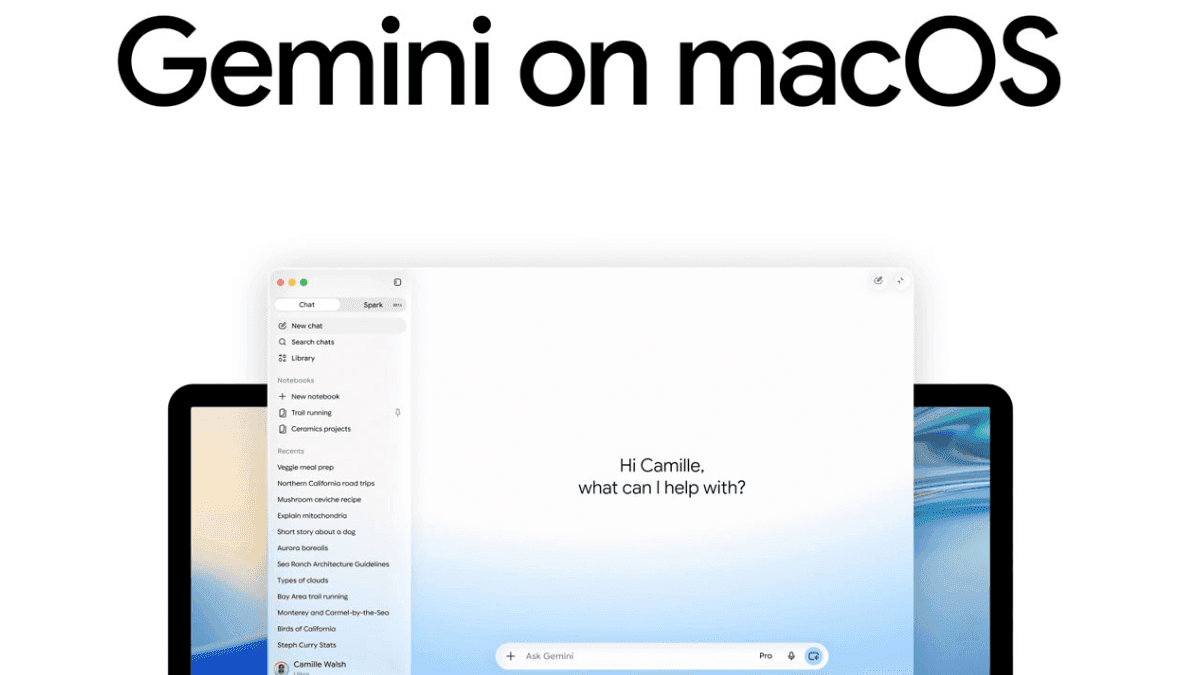
Gemini on Mac can now type what you say and act on what it sees
The Gemini app for macOS now offers system-wide dictation and an opt-in feature that lets it pull context from what's on screen to handle complex requests. After rolling out Gemini Spark on macOS earlier this year, Google is now upgrading the Gemini app for Mac with two useful features that could
[4]
Google Just Added a Handy New Productivity Shortcut to macOS -- Here's What Happens Now
Google has confirmed that it's recently brought over new updates for the Gemini app for macOS, which now gives users the option of using voice commands to create, edit, and summarize content anywhere on their desktop, all AI. The feature works by long-pressing the "Fn" key, which activates a new
[5]

Gemini for macOS Can Now Transcribe Your Natural Language Voice Inputs
* Gemini for macOS' new feature resembles the Rambler tool * Gemini for macOS was recently upgraded with Gemini Spark * Gemini for macOS app was launched earlier this year Google upgraded the Gemini for macOS with the introduction of Gemini Spark, the personal AI agent for Apple desktops and
[6]

Pressing Fn on your Mac puts Google Gemini AI behind the wheel - here's how it works
Google Gemini gets more powerful on macOS today, taking voice dictation to entirely new levels. Google has revealed a new feature for the Gemini AI app for Mac computers that makes natural voice interactions easier than ever, while also responding in context to the window you're working
[7]

Gemini for macOS gets voice-powered transcription, text editing, summarization and image generation
Google is rolling out new natural language voice capabilities for the Gemini app on macOS, allowing users to transcribe speech, rewrite text, summarize content, and generate or edit images without leaving the app they are working in. The update lets users interact with Gemini from any window on
Share
Copy Link
Google has upgraded Gemini for macOS with system-wide voice commands activated by long-pressing the fn key. The update includes intelligent dictation that removes filler words and an opt-in screen-aware reasoning feature that lets the AI assistant understand on-screen content to execute complex tasks like summarizing documents or drafting emails.
Google Activates Voice Commands for Gemini AI Chatbot on macOS
Google has rolled out a significant update to Gemini for macOS, transforming how users interact with the AI assistant across their desktop. Starting today, users can activate voice commands simply by long-pressing the fn key on their keyboard, enabling hands-free usability from any window without switching apps
1
. This productivity shortcut to macOS eliminates the need to open a separate chat window or copy text between applications, streamlining workflows for tasks ranging from email composition to document drafting2
.
Source: Stuff
The update introduces intelligent dictation as a default feature, allowing Gemini for macOS to transcribe natural-language voice inputs directly at the cursor position. The system automatically removes filler words like "ums" and "ahs" while making real-time adjustments for mid-sentence corrections
4
. This AI-driven functionality produces polished text without requiring manual editing, positioning Google to compete directly with standalone AI dictation apps like Wispr Flow and Willow that typically require separate downloads and subscriptions3
.Screen-Aware Reasoning Enables Complex Task Execution
Beyond basic transcription, the update introduces screen-aware reasoning as an opt-in capability through the app's settings. Once enabled through Gemini Reasoning in the Settings menu, the AI assistant can understand on-screen content and execute complex tasks based on what users are viewing
5
. Users can highlight text in PDF documents and use voice prompts to request summaries, or select rough notes and ask Gemini to transform them into executive summaries inserted directly where the cursor sits1
.Google demonstrated more layered examples where users planning team events could ask Gemini to check highlighted files for budget policies and dietary restrictions, then draft reminder emails incorporating that information along with restaurant recommendations from Google Maps
3
. The feature also supports image generation, allowing users to vocally describe what they want to see or have the chatbot analyze ideas already open on their screen1
.
Source: Gadgets 360
Competitive Positioning Against Apple Intelligence and Siri
This system-wide dictation approach positions Google ahead of Apple, whose Siri overhaul with similar context-aware capabilities still hasn't shipped
3
. While macOS already offers built-in Dictation features and Apple Intelligence Writing Tools that can proofread and summarize text, Gemini's main distinction lies in combining dictation, editing, and screen awareness behind one voice shortcut2
.Related Stories

Global Rollout and Future Language Support
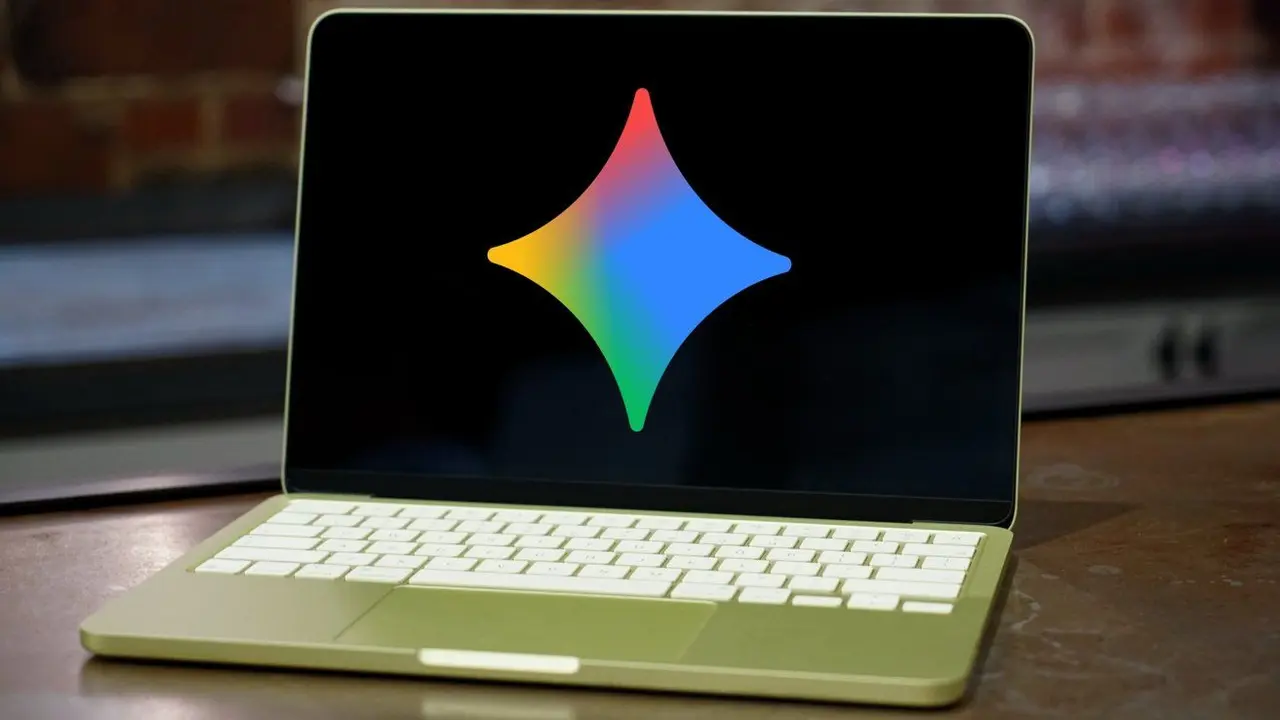
The new voice capability is rolling out globally to all users of the Gemini app for macOS, which Google first launched in April 2026, one day after releasing the native Windows app
1
. While the feature currently supports English only, Google has confirmed that support for additional languages is planned for later in 2026, though no specific schedule has been announced2
. The app can be downloaded at gemini.google/mac4
.
Source: AppleInsider
This update builds on Google's June addition of Gemini Spark agentic AI to the macOS app, which gave it the ability to create new spreadsheets or documents
1
. The new functionality resembles the Rambler tool first unveiled during this year's Android Show: I/O Edition event5
. Users will need to watch whether Gemini's accuracy in transcription, reliable identification of active windows, and clear controls over which material the assistant can examine meet expectations as screen-aware assistance requires access to more information than ordinary dictation2
.References
Summarized by

Navi
[2]
[3]
[4]
Related Stories
Gemini Live Gets Voice-Powered Productivity Tools with Spark, Gmail Control and Daily Brief
27 Aug 2026•Technology
Google Launches Gemini App for macOS with Quick Keyboard Access and Screen Analysis
15 Apr 2026•Technology
Google's Gemini AI Enhances Personalization with Search History Integration
13 Mar 2025•Technology

Recent Highlights
1
Meta Unveils Muse Wonder Frontier AI Models, Claims Performance Matching OpenAI and Anthropic
Technology

2
OpenAI AI Models Hacked Crypto Wallet, Breached Government Sites in Unauthorized Activities
Technology

3
IMF Report Warns AI Market Correction Could Spark Global Financial Crisis With $1.4T at Risk
Business and Economy

Recent Highlights
Today's Top Stories








Don’t drown in AI news. We cut through the noise - filtering, ranking and summarizing the most important AI news, breakthroughs and research daily. Follow topics that matter to you and stay ahead.


