Google Introduces Experimental Windows Desktop App with AI-Powered Search Capabilities


11 Sources
[1]
Google rolls out new Windows desktop app with Spotlight-like search tool | TechCrunch
Google announced on Tuesday that it's launching a new experimental app for Windows that's designed to help people find what they need faster. The app will allow people to use an Alt + Space shortcut to instantly search for information from their computer files, installed apps, Google Drive files,
[2]
You can run a Google search directly in Windows now - no browser needed
Google Lens is integrated, so you can search on selected text and images. If you're like me, you probably head to Google's search engine on the web several times a day to get information on specific topics. But if you're working in Windows, that means you have to stop what you're doing, fire up
[3]
Google's new Windows desktop app brings a Spotlight-like search bar to PC
Google is testing a new search app for Windows. A blog post on Tuesday said the app, currently available on personal accounts via Google's Search Labs, will allow you to use an Alt + Space shortcut to search for information from the files on your computer, in your Drive, and on the web. The app,
[4]
Google's new desktop app might finally make finding files on Windows simple
* Google is testing a new Windows desktop app in Labs that works much like Spotlight on macOS, offering a floating search bar you can summon with a shortcut. * The app integrates Google Lens and AI features, letting users instantly search anything on screen and continue with follow-up
[5]

Google launches experimental Windows search app with AI features
Serving tech enthusiasts for over 25 years. TechSpot means tech analysis and advice you can trust. In a nutshell: Google has introduced an experimental desktop search application for Windows, marking a shift from its recent browser-first strategy toward renewed investment in native PC software.
[6]

Google Search Is Getting a Windows App
Google is launching a new experimental Google app for Windows in its Labs program, which is designed to help you find what you need much faster. The app lets you search for information without having to switch windows or interrupt what you're doing, but you have to enable it first. With this new
[7]

New 'Google app for Windows' brings Spotlight-esque local, Drive, web, and Lens search
Outside of Chrome, Drive, and Quick Share, Google rarely makes native desktop apps with everything usually being based in the browser. That's changing today with a new experimental "Google app for Windows." The goal of this app is to "help you find what you need, faster." Hitting Alt + Space
[8]

Google's new AI app searches 'anything,' including your PC
Google said Tuesday that it's testing a new experimental search app for Windows that will search your PC as well as the web, applying Google Lens when needed. Google classified its new app as an "experiment," relegating it to its Labs program for now. The app is simply called "Google app for
[9]

Google brings the Spotlight fun to Windows PCs with extra goodies
With the arrival of macOS Tahoe, Apple supercharged the Spotlight experience on Macs. If you've been yearning for a similar convenience on your Windows PC, your prayers have finally been answered... by Google. It's familiar, but functional Google has launched the "Google app for Windows," an
[10]

Google Begins Testing a Fast, Spotlight-Inspired Search App for PCs
It places a movable, resizable search bar directly on your desktop Google is testing a new experimental Windows app through Search Labs to make searching faster. Activated with Alt + Space, it allows users to instantly search local files, apps, Google Drive, and the web, working much like the
[11]

Google's new Windows search app could make finding files, images and answers way quicker
AI working on Windows 98: Marc Andreessen says 'we could have been talking to computers for 30 years'Google's testing a new Windows app that could change how you search on your PC and online. Called the Google app for Windows, it's part of the company's Search Labs and is currently available to a
Share
Copy Link
Google launches a new Windows desktop application that brings Spotlight-like search functionality to PCs. The app integrates Google Lens and AI features, allowing users to search local files, apps, Google Drive, and the web with a simple keyboard shortcut.
Google's New Windows Search App
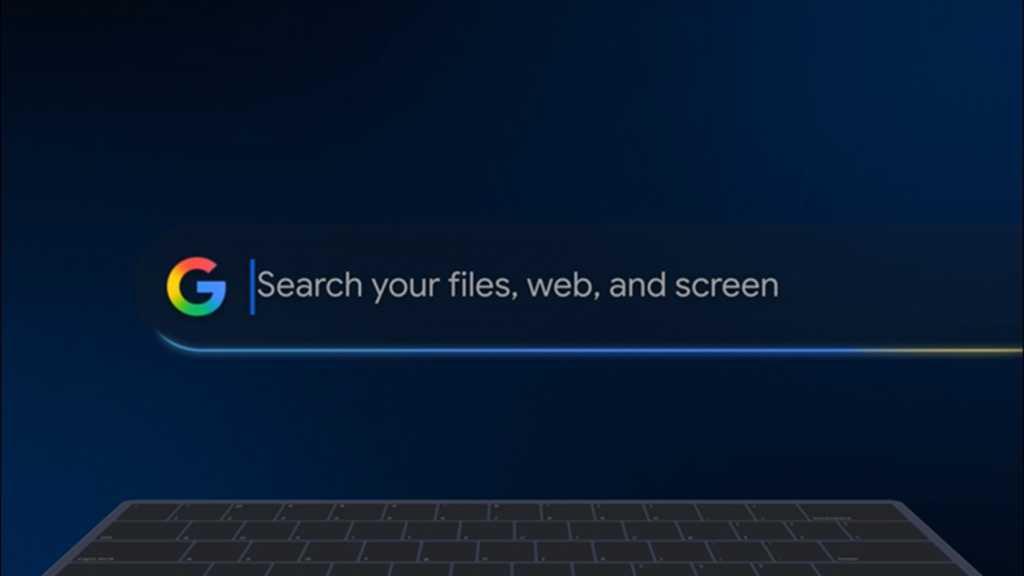
Google has unveiled an experimental desktop search application for Windows, marking a significant shift in its approach to PC software
1
5
. This new app, available through Google's Search Labs program, introduces a Spotlight-like search functionality to Windows computers, allowing users to quickly find information from various sources using a simple keyboard shortcut2
.
Source: PCWorld
Key Features and Functionality
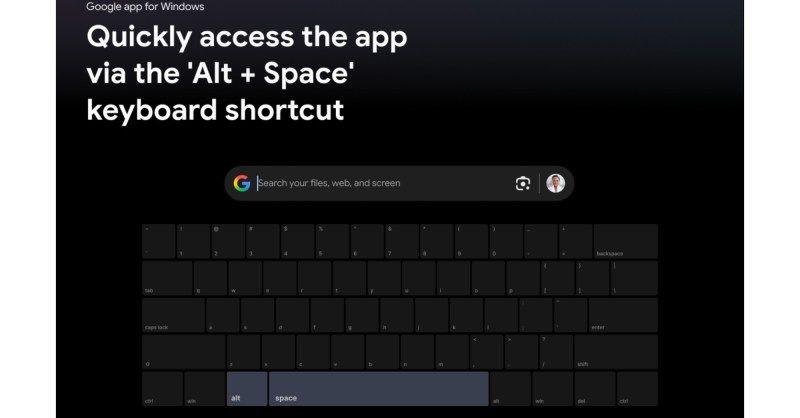
The app's primary feature is a floating search bar that can be activated by pressing Alt + Space, overlaying any open application
3
. This interface enables users to search their local files, installed applications, Google Drive documents, and the web without interrupting their workflow4
.
Source: Digital Trends
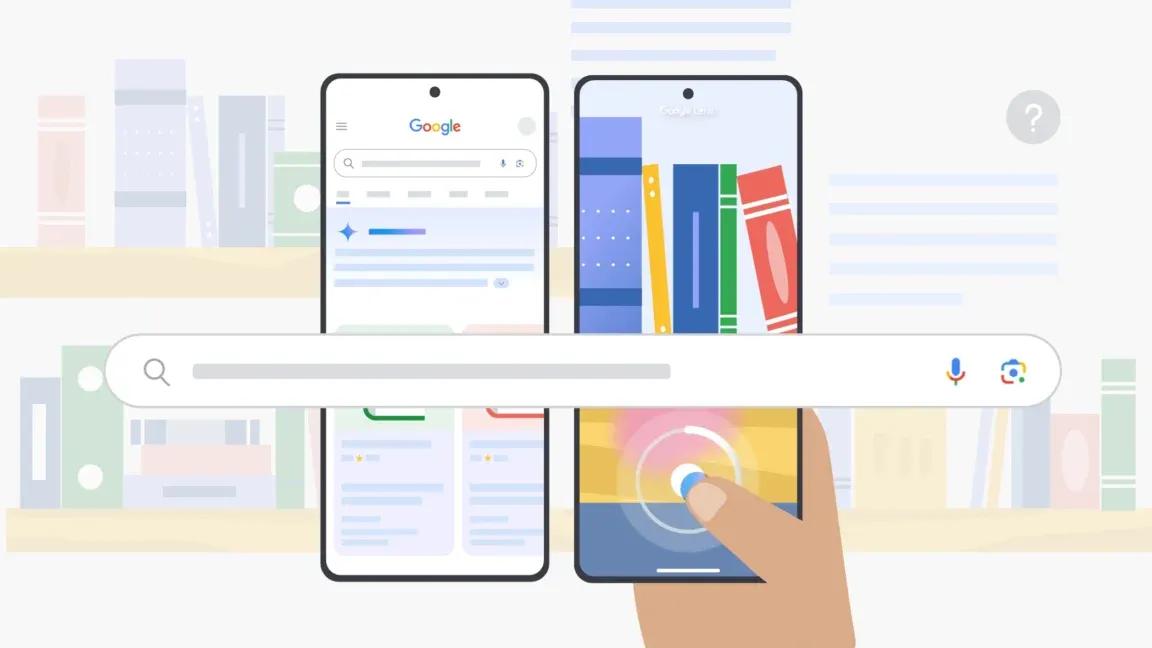
One of the standout features is the integration of Google Lens, which allows users to select and search for anything on their screen
1
. This functionality extends to translating text, solving math problems, and more, making it a versatile tool for various tasks2
.AI Integration and Advanced Search Capabilities
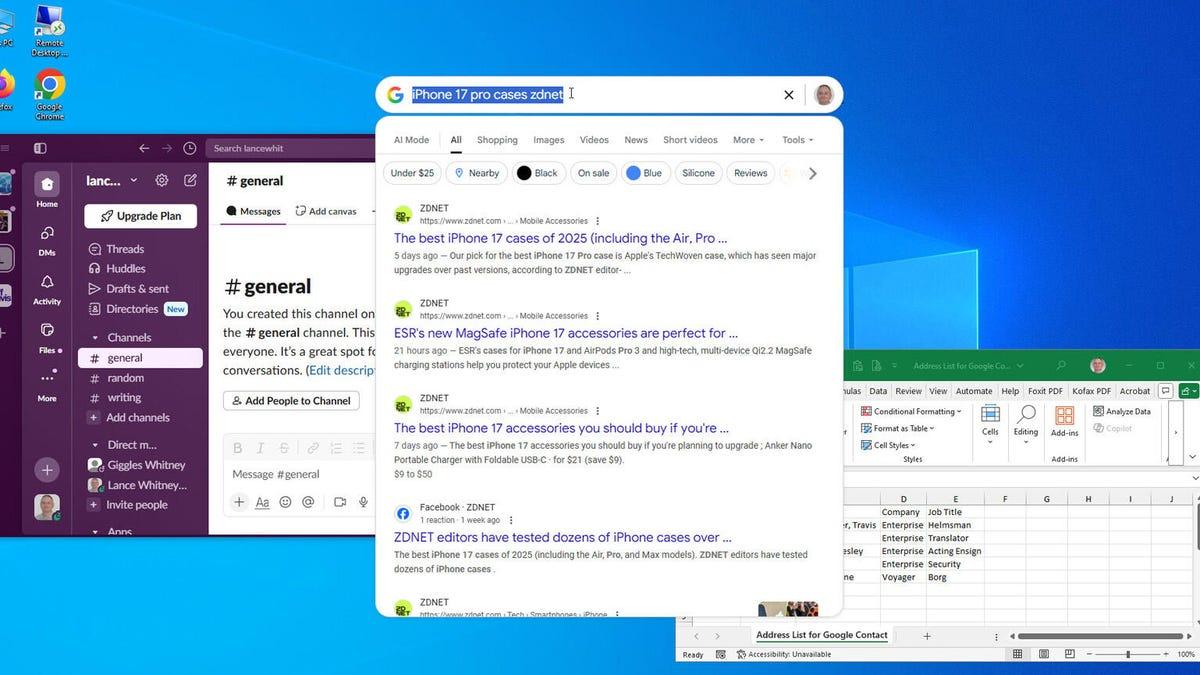
The app incorporates Google's AI Mode, enabling users to ask complex, multi-part questions and receive detailed responses
1
. This feature supports follow-up questions, allowing for more in-depth exploration of topics5
.
Source: ZDNet
Users can refine their search results by switching between different categories such as images, shopping, videos, and more
3
. The app also offers a dark mode option for those who prefer a different visual style1
.Related Stories


Availability and Requirements
Currently, the app is available as an experiment in the United States only, supporting Windows 10 and newer versions
4
. It requires users to sign in with their personal Google accounts after installation and is not yet compatible with Workspace accounts5
.Implications and Future Prospects
This launch represents a notable return to native PC applications for Google, contrasting with its recent browser-first strategy
5
. It also positions Google as a direct competitor to Microsoft and Apple in the realm of desktop productivity tools5
.As with most experimental Google projects, user feedback will play a crucial role in determining the app's future development and whether it becomes a permanent fixture in the Windows ecosystem
5
.References
Summarized by

Navi
Related Stories
Recent Highlights
1
Meta Unveils Muse Wonder Frontier AI Models, Claims Performance Matching OpenAI and Anthropic
Technology

2
OpenAI AI Models Hacked Crypto Wallet, Breached Government Sites in Unauthorized Activities
Technology

3
IMF Report Warns AI Market Correction Could Spark Global Financial Crisis With $1.4T at Risk
Business and Economy

Recent Highlights
Today's Top Stories






Don’t drown in AI news. We cut through the noise - filtering, ranking and summarizing the most important AI news, breakthroughs and research daily. Follow topics that matter to you and stay ahead.


