Google Mixboard uses Nano Banana Pro to transform ideas into polished AI presentations


4 Sources
[1]
Hate creating presentations? I tried Google's new Mixboard and the results blew me away
Mixboard simplifies the creation of presentations.The service is compatible with any Chromium-based browser.Currently, Mixboard is in public beta, so it's free to use. Does the task of creating presentations cause you to spiral into a void of stress, fear, and impostor syndrome? And yet, do you
[2]
I used Google Mixboard to turn my ideas into a full presentation -- here's why it's a game changer
Bringing ideas to life with Mixboard is easy and incredibly fun. I've been experimenting with the free tool from Google AI Labs a lot lately to brainstorm, visualize and refine my ideas. It's essentially a flexible canvas when you can post images and sketch out anything -- and now you can upload
[3]
Google's AI mood board can now turn your idea dump into a slick presentation
Google's recently released AI mood board app, Mixboard, just got a massive upgrade, and it now lets users turn their chaotic idea dumps into polished presentations. Powered by Google's Nano Banana Pro model, the new feature automatically transforms the content on the main board into a structured,
[4]
Create presentations with Nano Banana Pro in Mixboard and more
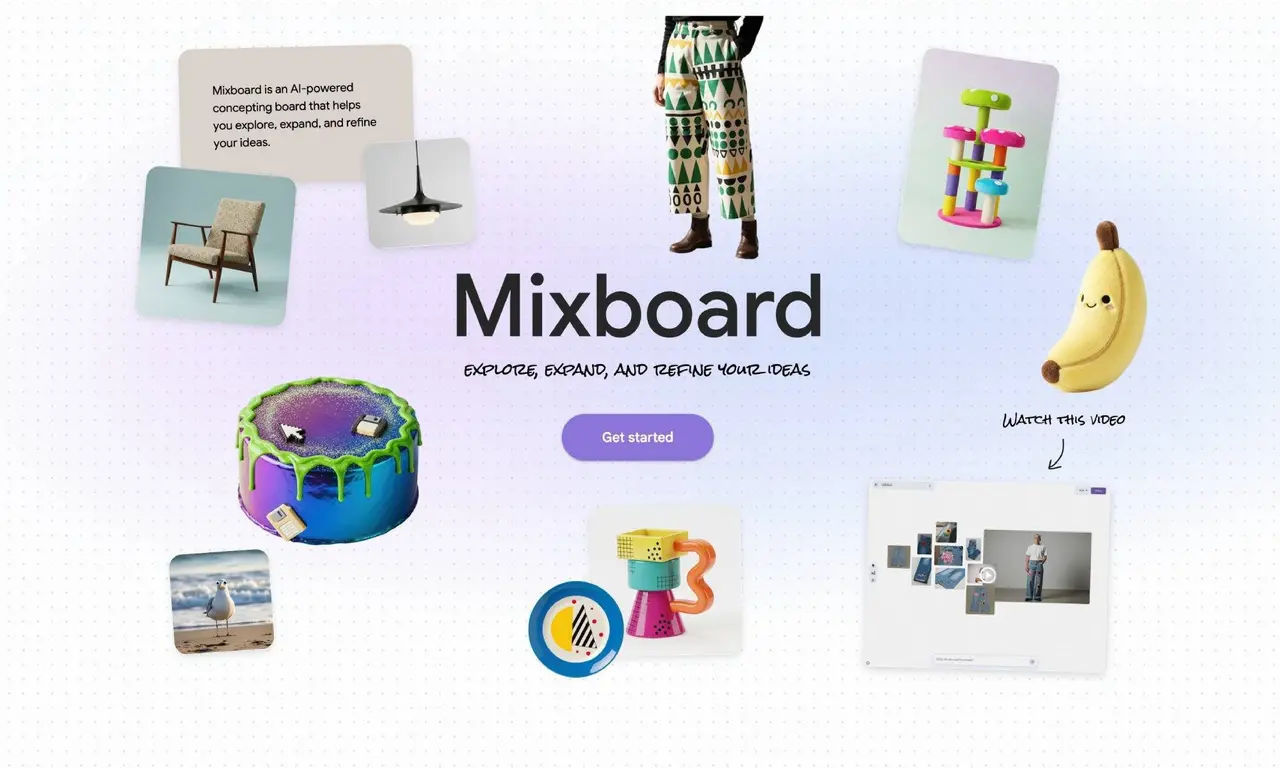
Mixboard is an AI experiment from Google Labs designed to help you explore, expand and refine ideas. It offers a canvas for you to visualize different ideas using images or text. Experiment with all kinds of projects, whether that's a DIY project, a product design or the menu and decor for your
Share
Copy Link
Google Mixboard, an AI mood board app from Google AI Labs, now creates full presentations using Nano Banana Pro. Upload photos and PDFs, and the AI-powered presentation tool converts them into structured decks with high-fidelity visuals. Currently in public beta and free to use, it supports doodle-based editing and multiple boards per project.
Google Mixboard Transforms Visual Brainstorming into Presentation Creation
Google AI Labs has upgraded its experimental AI mood board app, Google Mixboard, with a feature that automatically generates complete presentations from uploaded content
1
. The AI-powered presentation tool now leverages Nano Banana Pro, Google's advanced image generation model, to transform ideas into presentations with structured layouts and high-fidelity visuals4
. Currently available in public beta, the service is free to use, though pricing details for its official release remain unannounced1
.
Source: Digital Trends
How the AI-Powered Presentation Tool Works
Users can access Google Mixboard through any Chromium-based browser by logging into their Google account and navigating to the platform
1
. The process begins with creating a new project and entering user prompts that describe the desired presentation topic. The idea visualization tool then provides a canvas where users can upload PDFs for presentations, images, and other content related to their project1
. An indicator at the top right tracks progress, signaling when enough material has been uploaded to generate a presentation1
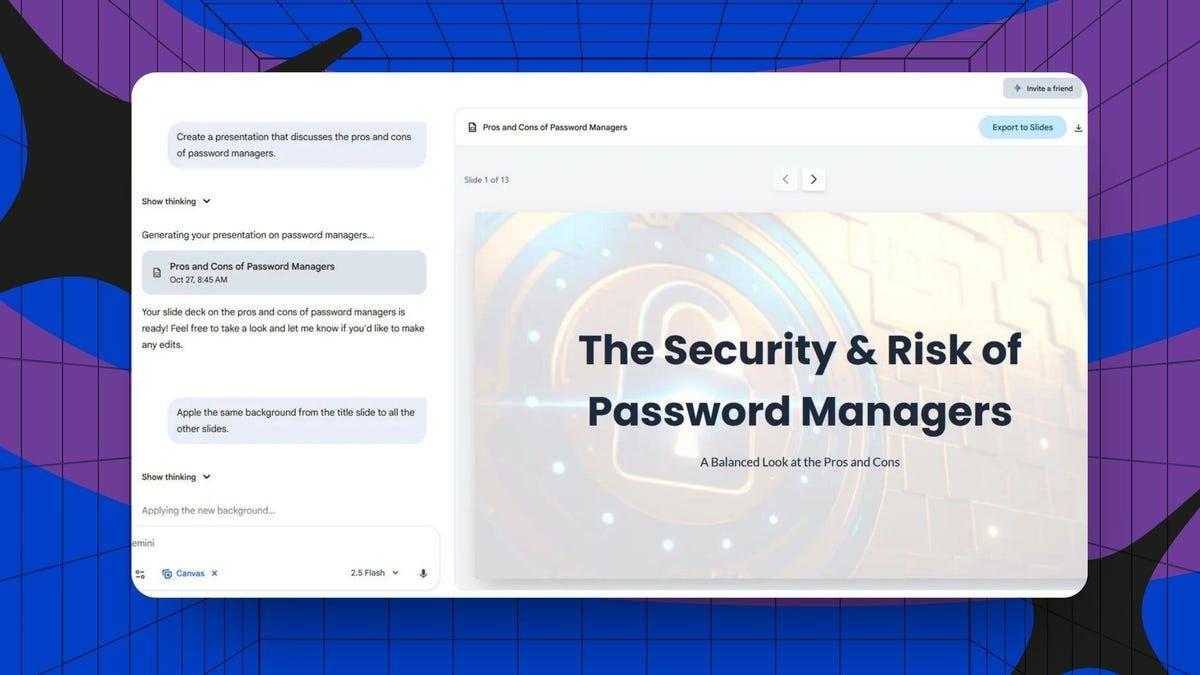
.The service combines context from the board with user input, including format preferences, presentation focus, and visual style, to build beautifully designed presentations
4
. According to testing, the generation process takes approximately 20 minutes, though this varies depending on the volume of uploaded files1
. Users can either upload their own materials or rely on Nano Banana Pro to generate relevant content based on their prompts1
.
Source: Google
New Features Expand Creative Workspace Capabilities
Beyond its ability to create polished presentations, Google Mixboard has introduced several updates that enhance its functionality as a brainstorming tool. The platform now supports multiple file types including PDF, HEIC, and TIFF formats, expanding the range of content users can incorporate
3
. A built-in selfie camera allows users to quickly capture photos of themselves for projects like outfit planning or wardrobe inspiration2
.The introduction of doodle-based editing represents a significant advancement in user control. Users can draw directly onto images to guide edits, describing desired changes that Mixboard will implement by adjusting or regenerating specific parts of the image
2
. This same editing approach applies to presentations, enabling quick tweaks like color changes, adding or removing objects, or refining slide elements without requiring design skills2
. The platform also now supports multiple boards per project, allowing users to organize research, references, and final designs into separate boards while keeping everything linked under one project3
.Related Stories


Real-World Testing Reveals Strengths and Limitations
Hands-on testing of the Google AI Labs experiment has yielded mixed but generally positive results. One user created a presentation about the best Linux distributions for new users and reported being impressed by the quality, with some slides being "spot on"
1
. Another tester used the tool with their four-year-old's artwork, allowing Gemini 3.0 to generate an accompanying story before transforming the mood board into a unique presentation2
.However, accuracy and usability depend heavily on the specificity of user prompts and the quality of uploaded files
1
. As with any AI system, some degree of hallucination occurs, meaning generated content may occasionally include unclear or imprecise statements1
. The completed presentations can be downloaded as PDFs or image collections, which users can then import into other presentation software like Office 365 or LibreOffice, or present directly from within Mixboard1
.Why This Matters for Content Creators and Professionals
For individuals who struggle with presentation creation or face time constraints, this tool offers a practical solution to transform ideas into presentations quickly. The integration of Nano Banana Pro elevates content with stunning visuals and professional layouts that would typically require design expertise
4
. The platform serves diverse use cases, from DIY projects and party planning to product design and work pitches2
.As Mixboard evolves from a simple idea canvas into a flexible creative workspace, it demonstrates how AI can streamline traditionally time-intensive tasks
2
. While still experimental, the tool's ability to handle everything from initial brainstorming to final presentation delivery in one platform represents a shift in how professionals might approach visual communication. Users juggling multiple ideas or seeking easier visualization methods will find the expanded capabilities particularly valuable2
.References
Summarized by

Navi
[2]
Related Stories
Recent Highlights
1
OpenAI AI Models Hacked Crypto Wallet, Breached Government Sites in Unauthorized Activities
Technology

2
IMF Report Warns AI Market Correction Could Spark Global Financial Crisis With $1.4T at Risk
Business and Economy

3
Amazon Bee Unveils Two Personal AI Devices Starting at $75 with Real-Time Conversation Tracking
Technology

Recent Highlights
Today's Top Stories









Don’t drown in AI news. We cut through the noise - filtering, ranking and summarizing the most important AI news, breakthroughs and research daily. Follow topics that matter to you and stay ahead.


