Google's NotebookLM Enhances AI-Powered Note-Taking with Mind Map Feature


2 Sources
[1]
Google's NotebookLM just made it easier to understand complex ideas
Summary Google is focusing on promoting NotebookLM, a note-taking AI tool that can generate interactive podcasts about the notes you feed into it. NotebookLM now features Mind Map, a tool that simplifies complex ideas into digestible key points using Gemini AI. After generating a mind map in
[2]
Google NotebookLM Can Now Create Mind Maps of Content Sources
The output language selector only changes the language of the responses Google NotebookLM is getting a couple of extra features to offer newer ways of interacting with the artificial intelligence (AI) platform. The most notable feature is Mind Maps, which creates a flow chart of the concepts
Share
Copy Link
Google introduces Mind Map feature to NotebookLM, leveraging Gemini AI to simplify complex ideas and improve user interaction with AI-generated content.

Google Enhances NotebookLM with AI-Powered Mind Map Feature
Google has introduced a significant upgrade to its AI-powered note-taking tool, NotebookLM, by incorporating a new Mind Map feature. This addition aims to simplify complex ideas and improve user interaction with AI-generated content, leveraging the capabilities of Gemini AI
1
2
.Mind Map: Visualizing Complex Concepts
The Mind Map feature in NotebookLM breaks down intricate ideas into easily digestible key points, which can further branch out to specific details as needed. This visual representation is reminiscent of traditional mind mapping techniques but is now powered by advanced AI technology
1
.To generate a mind map, users can simply upload source files, import from Google Drive, or paste text directly into NotebookLM. With a single click on the Mind Map button, the AI generates a comprehensive visual representation in approximately 20 seconds
1
2
.Interactive Learning and Research
NotebookLM's mind maps are not just static visualizations. Users can interact with each key point, prompting Gemini AI to provide an overview of the selected concept, complete with citations. This feature enables users to delve deeper into specific topics and conduct further research based on the provided sources
1
.Accessibility and Offline Use
While the mind maps are stored in the Studio tab of NotebookLM, users need an internet connection to access them. For those with unreliable internet access, Google has provided the option to download mind maps as images for offline use. This feature is particularly useful for students and professionals who may need to reference these visualizations without constant internet connectivity
1
.Language Flexibility
In addition to the Mind Map feature, Google has introduced an output language selector for NotebookLM. This allows users to choose their preferred language for generated text within the platform, including study guides, briefing documents, and chat responses. However, it's worth noting that AI Overviews are currently only available in English
2
.Related Stories

Availability and Integration
The Mind Map feature is now widely available to NotebookLM users. Google is also promoting NotebookLM by introducing it as a web app in the ChromeOS app drawer, potentially increasing its visibility in future ChromeOS releases
1
2
.For Workspace users and those with Google One AI Premium subscriptions, additional features like the output language selector are available, further enhancing the platform's versatility
2
.Positioning in the AI Note-Taking Market
While NotebookLM is not as widely known as some of Google's other services or competing note-taking apps like Obsidian, Notion, and OneNote, it has garnered positive attention for its innovative features. The introduction of Mind Map and other AI-powered capabilities demonstrates Google's commitment to bridging the gap with competitors and establishing NotebookLM as a formidable player in the AI-enhanced productivity tool market
1
.As AI continues to reshape the landscape of digital note-taking and information processing, Google's NotebookLM is positioning itself as a powerful tool for students, professionals, and anyone looking to organize and understand complex information more effectively.
References
Summarized by

Navi
[1]
Related Stories
Google's NotebookLM Enhances Learning with New Mind Map Feature
20 Mar 2025•Technology

Google's NotebookLM Introduces 'Discover Sources' Feature for AI-Powered Research
03 Apr 2025•Technology
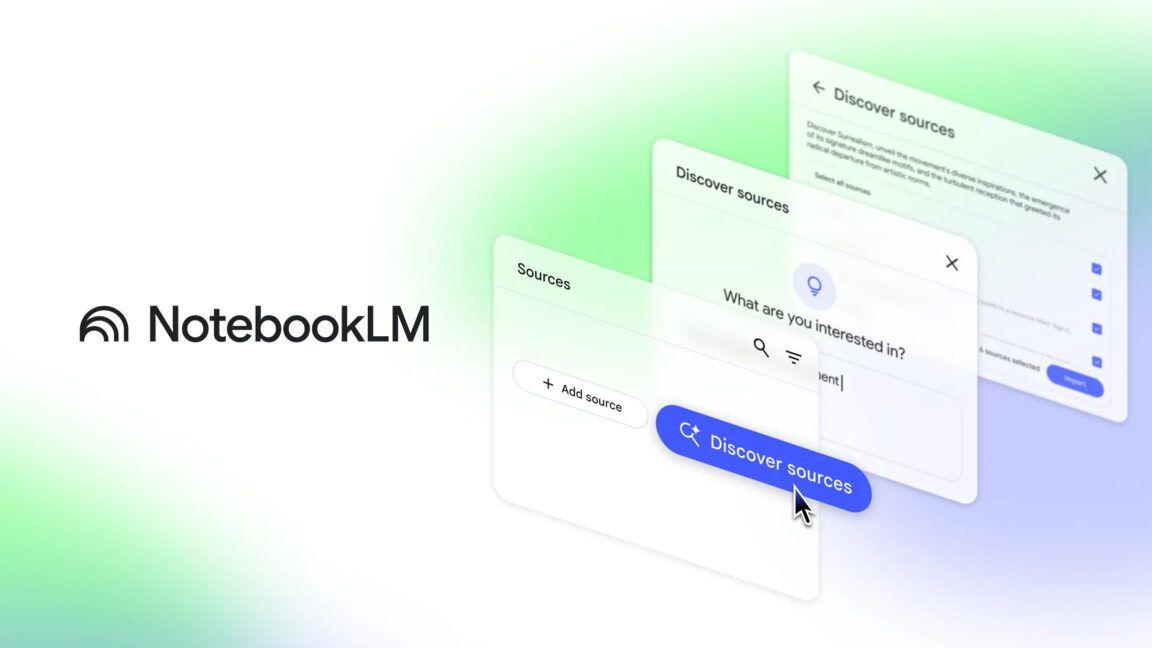
Google's NotebookLM Introduces Featured Notebooks: A New Era of AI-Powered Research and Learning
15 Jul 2025•Technology

Recent Highlights



Recent Highlights
Today's Top Stories



Don’t drown in AI news. We cut through the noise - filtering, ranking and summarizing the most important AI news, breakthroughs and research daily. Follow topics that matter to you and stay ahead.


