Nvidia rolls out DLSS 4.5 with Dynamic Multi Frame Generation for RTX 50 series GPUs


4 Sources
4 Sources
[1]
Nvidia rolls out DLSS 4.5 update with new frame generation features
The main standout of DLSS 4.5 is its 6x Multi Frame Generation feature for users with RTX 50-series GPUs. Nvidia says this mode uses its second-generation transformer AI model to generate "five additional frames for every single natively rendered one," with "minimal impact" to responsiveness -- up from the maximum of three additional frames provided by DLSS 4. That's not to be confused with Dynamic Frame Generation, which is another feature included in the beta app update. Nvidia says this system functions "like an automatic transmission for your GPU," allowing users to automatically switch between different Multi Frame Generation levels "to strike the perfect balance between frame rate, image quality, and responsiveness." This feature can be enabled manually on specific games or configured to run globally on all available titles by adjusting the settings in the Nvidia app's Graphics tab.
[2]
NVIDIA's DLSS 4.5 Multi Frame Generation tech is now available to boost your Hz
After releasing DLSS 4.5's Super Resolution feature earlier this year, NVIDIA has released an update with DLSS 4.5 features designed to boost frame rates on RTX 50 series cards. Those include DLSS 4.5 Dynamic Multi Frame Generation and DLSS 4.5 Multi Frame Generation 6X. With those, NVIDIA is promising the "smoothest path-traced gaming yet" to unlock the potential for high-refresh 4K 240Hz OLED gaming displays, or 1080p and 1440p monitors at 360Hz and beyond. The first feature, DLSS 4.5 Dynamic Multi Frame Generation, is like an "automatic transmission" for your RTX 50 series card, NVIDIA said. Rather than multiplying the frame rate by a fixed amount, the AI-powered feature changes it dynamically to strike a balance between refresh rate, image quality and responsiveness. To optimize computing power, it ensures that a game's frame rate doesn't exceed your monitor's native refresh rate, so you won't play at 240 fps on a 120Hz monitor. The other key feature, Multi Frame Generation 6X, is designed to deliver even higher levels of performance. Based on NVIDIA's second-gen transformer model, along with frame pacing and image quality improvements, the feature boosts the maximum multiplier to 6X, generating up to five extra frames for every natively rendered frame on GeForce RTX 50 series GPUs. That will boost 4K frame rates up to 35 percent "with minimal impact to responsiveness," NVIDIA wrote. As with Super Resolution, the native frame rate of a game is not accelerated by these features. Rather, the DLSS 4.5 feature uses AI to create interpolated intermediate frames the machine "thinks" should be there. Normally this works fine, but the scheme can create odd artifacts in certain types of scenes, particularly with fine details like rain, hair and phone wires.
[3]
We Tested Nvidia DLSS 4.5 Dynamic Multi-Frame Generation: Is It Worth It?
Nvidia technically launched DLSS 4.5 back at CES 2026, improving the already-great DLSS 4 algorithm with an updated transformer model for upscaling. But its headline feature, Dynamic Multi-Frame Generation, was absent until now. Essentially, this technology takes the 4x multi-frame generation that was already available to current-generation graphics cards like the RTX 5090, ups the peak multiplier to 6x and adds a dynamic mode that changes the frame multiplier, well, dynamically, to keep it in sync with your monitor's refresh rate. It is important to note, though, that this technology is only compatible with RTX 5000 series graphics cards. By its very nature, it requires multi-frame generation, which is something only Nvidia's newest graphics cards can do. For slower Blackwell graphics cards, that means upping the multiplier when it needs to, such as in more demanding scenes, in order to keep your gaming monitor fully saturated with a high frame rate. For anyone who has something as powerful as the RTX 5090, though, it'll keep the frame generation limited, which should help a tiny bit with latency - after all, why generate frames that your monitor can't even display? Because frame generation improves your frame rate, it's easy to mistake that for extra performance. That's because DLSS Frame Generation uses an AI model to look at a rendered frame, along with motion vector data, and generate new frames to insert into the render queue. This sends more frames to your display, which helps with visual fidelity, but it doesn't make the game run any faster. In fact, Dynamic Multi-Frame Generation, just like Nvidia's past iterations of the technology, comes with a bit of a latency cost, which is why you shouldn't turn it on unless you're already getting decent performance. In my experience, I make sure I'm already getting between 50-60 fps before I enable it. Under those conditions, I usually don't get any kind of visual glitches or noticeable input lag. That's not to say there's no benefit, though. If you have a high refresh monitor, especially at a higher resolution, frame generation is the best way to take advantage of that higher refresh rate. Fully saturating one of these displays with frames makes a noticeable difference when it comes to visual smoothness. However, that's entirely subjective, and might not be worth it if all you care about is minimizing input lag. When I tested Dynamic Multi Frame Generation, I first tried just plugging in an RTX 5090 to see what it could do. However, even with a 4K monitor, in the games I was testing and the graphics settings I was running, the frame generation multiplier just hovered between 2x and 3x, which was great for not 'wasting' any frames, but it didn't really make a difference over the FG models I could already use. However, when I plugged in the RTX 5080, the technology made a lot more sense. With that graphics card, the multiplier had room to grow, reaching 5x and 6x in games like Dragon Age: The Veilguard and Cyberpunk 2077. In The Elder Scrolls IV: Oblivion remake, the RTX 5080 gets a solid 71 fps with no frame generation, and with Nvidia reflex enabled, gets an average PC Latency of 32ms. When I set the frame gen multiplier to 4x - the previous maximum - I ended up with a displayed frame rate of 215 fps, with the latency jumping up to 43ms. However, when I enabled dynamic multi frame gen, the multiplier typically hovered around 5x, upping the average displayed frame rate to 242 fps, which is right around my monitor's 240Hz refresh rate. What's fascinating, though, is that the extra 20-30 fps didn't impact latency all that much, only increasing it to 44ms. For Cyberpunk 2077, I tested it at 4K with the Ray Tracing Ultra preset, with upscaling set to 'Performance'. Without frame generation, the RTX 5080 gets a respectable 79 fps, with PC latency of 31ms. When I set frame generation to 4x, I got an average of 215 fps, but with latency increased to 43ms. With such similar frame rates to Oblivion, it shouldn't be surprising that when I enabled Dynamic Multi-Frame Generation, the multiplier again hovered at around 5x, but it ended up delivering a lower average frame rate, at 231 fps. That's not quite at the refresh rate of the monitor, but it is close enough that you probably wouldn't notice the difference unless you were actively looking for it. PC latency was unchanged at 43 ms. With Dragon Age: The Veilguard, though, the RTX 5080 is able to get 105 fps and 23 ms latency even without frame generation at 4K with ultra settings and ray tracing. Turn generation on at 4x, then, and you get an average of 281 fps and 32. In this case, Dynamic Frame Generation has the same behavior I briefly saw with the RTX 5090. It limits the frame rate down to the monitor's refresh rate, typically hovering around 3x frame gen and averaging 245 fps, with latency of 31 ms. With Dragon Age, the latency ends up being lower with Dynamic MFG than with the standard 4x, which only makes sense, given the lower average multiplier. In my gut, Dynamic Multi Frame Generation seems like it'd be best for anyone that just wants a frame gen option that they can set and forget, automatically configuring itself to your display's refresh rate. That does seem to be the goal here, but in practice, it's a bit clunky right now. In order to enable it, you have to go into the Nvidia app, go to Global Settings and change the Frame Generation model to 'Preset B', then go into 'Frame Generation Mode' and select 'Dynamic'. While that doesn't take long to do, it does require knowing that it's there. However, this is the same way you had to enable multi frame generation in the early days, and these days there are plenty of games that'll just let you select your frame gen multiplier in the game settings. Once that starts to happen, Dynamic Multi Frame Generation is going to make a lot of sense for anyone that's already getting decent performance and doesn't want to do the mental math to figure out if they need 2x, 3x or 4x to get the most out of their monitor's refresh rate. Until then, it probably just makes sense sticking to the game's settings, and just enabling 4x frame gen if you just want to absolutely maximize the amount of frames being sent to your monitor.
[4]
How well does NVIDIA DLSS 4.5 actually perform?
NVIDIA's launching the biggest update to DLSS today in the form of DLSS 4.5. After what can be described as a rather harsh unveiling of DLSS 5, NVIDIA is focusing its energies on what they've done well for a long time. At least, until they can figure out a way to position DLSS 5 in a better light. So what's the big feature drop in DLSS 4.5 you ask? It's Dynamic Multi Frame Generation alongside a new 6x Multi Frame Generation mode. Instead of making the users run a few A/B tests to figure out which MFG profile makes the most sense, NVIDIA's letting the software take control and determine it without letting gamers stress over the settings. The multiplier will be varied dynamically depending on the workload i.e. how complex the scene is and how taxing it can be on the graphics card, and the display refresh target. NVIDIA also says that this can enable 240+ FPS path tracing on NVIDIA GeForce RTX 50 series GPUs. Path Tracing, is the more intensive cousin of Ray Tracing, or you can call it "Actual Ray Tracing". NVIDIA puts it quite aptly when they describe DMFG as "an automatic transmission for your GPU". It functions by continuously monitoring the gap between your graphics card's performance and your display's maximum refresh rate. The Radeon Boost feature by AMD also tries to achieve similar goals of maintaining a high frame rate so that gamers don't have to pause the game and fiddle with the settings in the middle of a complex scene. However, the approaches that the two companies have are completely different. AMD reduced the screen resolution to boost frame rates whereas NVIDIA varies the amount of AI generated frames to keep the frame rates high. Both have different levels of quality tradeoffs to achieve quality of life improvements for gamers. It comes down to how perceivable those tradeoffs are. Of late, the switch to better AI models has resulted in the quality of AI generated frames improving quite a bit so if you're unperturbed by what you see, and you're liking the high frame rate, then DMFG is a great thing to toggle on. With DMFG, NVIDIA isn't packaging a simple toggle for MFG here. They've got NVIDIA Reflex to reduce latency and the newer AI models that we spoke of, they all come together to offer a much better visual experience. If you've installed the NVIDIA App, then it becomes quite simple. If not, you can get the latest version of the NVIDIA App from the official download page. Anything over version 11.0.7.216 should allow you to toggle DMFG. In the 'Graphics' option on the sidebar, you can find all the games which are currently recognised by the NVIDIA App. Click on the one you'd like to toggle DMFG on and then select the 'DLSS Override - Model Presets' option. There will be multiple presets here, click on 'Recommended' and the app will do the rest. There are multiple models to pick from, NVIDIA states that Model M is optimised for DLSS Super Resolution Performance mode, Model L for 4K DLSS Super Resolution Ultra Performance mode, and Model K for the remaining modes. If you're running an older RTX 20 or RTX 30 series card, then the new M and L models will be more compute heavy on these older cards. NVIDIA recommends Model K which is DLSS 4.0 for the older cards. And if you want to check out what DMFG profile is currently running while you're in the game then you can switch the 'Statistics View' to DLSS in the NVIDIA App overlay within the game. We ran the games on an RTX 5090 sitting in PC powered by the AMD Ryzen 7 9800X3D, 48 GB of DDR5 RAM clocked at 6000 MT/s. We're currently running the games on the RTX 3080 and an older gen RTX 2060 to see how the models fare on the older card. We'll update the graphs as we finish those runs. We can see that the DMFG fluctuates between 3x and 6x in games such as Hogwarts Legacy, Dragon Age: The Veilguard, and Cyberpunk 2077, pushing frame rates well past 200 fps at 4K and beyond 350 fps at 1440p in select test scenarios. What gamers can takeaway is that DMMFG is not just inflating FPS numbers, it is trying to keep high-refresh displays fed more intelligently while also reducing some of the usual UI artefacts tied to frame generation. NVIDIA maintains a massive list of all the games which support its cutting edge features over here. This also includes the new titles which support DLSS 4.5 such as ARC Raiders, Marvel Rivals Season 7 and more.
Share
Share
Copy Link
Nvidia has launched DLSS 4.5 with two major features: Dynamic Multi Frame Generation that automatically adjusts AI-generated frames based on your monitor's refresh rate, and a new 6x Multi Frame Generation mode. Available exclusively for RTX 50 series graphics cards, the update promises to deliver 240+ fps path tracing at 4K while balancing frame rates, image quality, and responsiveness.
Nvidia Launches DLSS 4.5 With Intelligent Frame Generation
Nvidia has released a significant update to its Deep Learning Super Sampling technology, introducing DLSS 4.5 with features designed to transform how RTX 50 series graphics cards handle high-refresh gaming. The update centers on two key capabilities: Dynamic Multi Frame Generation and a new 6x Multi Frame Generation mode that builds on the company's second-gen transformer model
1
2
. This marks a substantial evolution from DLSS 4, which maxed out at three additional frames per natively rendered frame.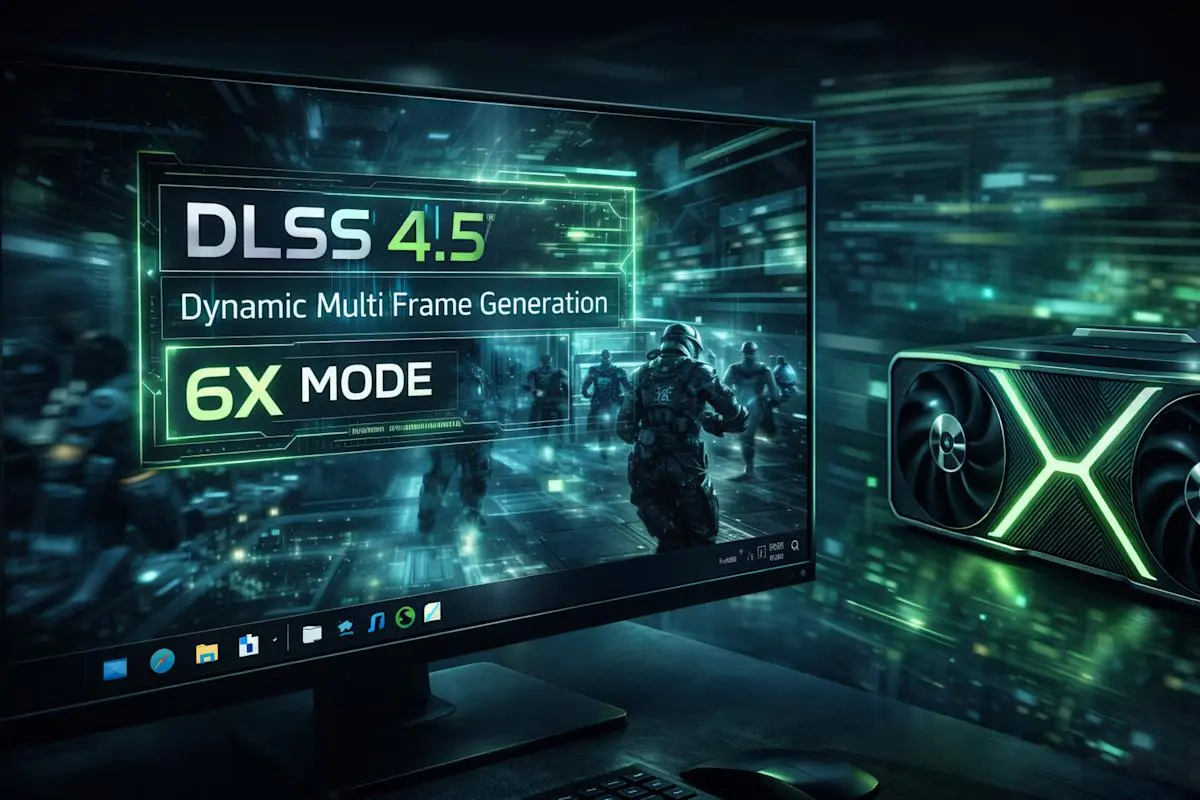
Source: Engadget
Dynamic Multi Frame Generation Acts as Automatic Transmission for Your GPU
The standout feature, Dynamic Multi Frame Generation, functions like an "automatic transmission" for your GPU, continuously monitoring the gap between your graphics card's performance and your display's maximum refresh rate
4
. Rather than multiplying the frame rate by a fixed amount, this AI-powered feature changes it dynamically to strike a balance between refresh rate, image quality, and responsiveness2
. The system ensures that a game's frame rate doesn't exceed your monitor's native refresh rate, optimizing computing power by preventing your GPU from rendering 240 fps on a 120Hz monitor.
Source: Digit
6x Multi Frame Generation Pushes Performance Boundaries
The 6x Multi Frame Generation feature represents a significant leap for RTX 50 series graphics cards, generating up to five additional frames for every single natively rendered one with "minimal impact" to responsiveness
1
. Nvidia claims this boosts 4K frame rates up to 35 percent, unlocking potential for high-refresh 4K 240Hz OLED gaming displays, or 1080p and 1440p monitors at 360Hz and beyond2
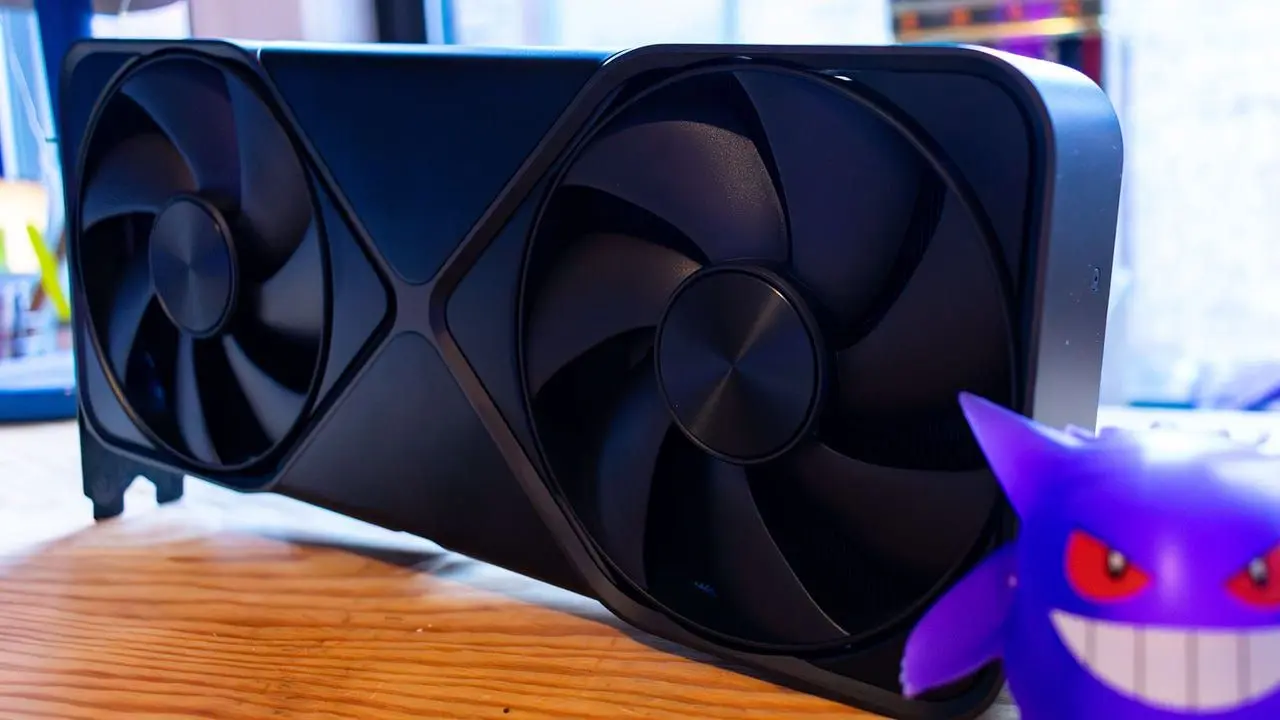
. Testing with the RTX 5090 on games like Hogwarts Legacy, Dragon Age: The Veilguard, and Cyberpunk 2077 showed the Dynamic Multi Frame Generation fluctuating between 3x and 6x multipliers, pushing frame rates well past 200 fps at 4K and beyond 350 fps at 1440p4
.
Source: IGN
Real-World Performance Shows Promise With Latency Tradeoffs
Hands-on testing reveals how Dynamic Multi Frame Generation adapts to different scenarios. With an RTX 5080 running The Elder Scrolls IV: Oblivion remake at 4K, the GPU achieved 71 fps natively with 32ms PC latency using Nvidia Reflex. When dynamic multi frame generation was enabled, the multiplier hovered around 5x, delivering 242 fps—perfectly matched to the monitor's 240Hz refresh rate—with latency increasing only slightly to 44ms
3
. In Cyberpunk 2077 at 4K with Ray Tracing Ultra preset, the RTX 5080 jumped from 79 fps natively to 231 fps with Dynamic Multi Frame Generation, maintaining 43ms latency3
.For the RTX 5090, the technology showed different behavior in Dragon Age: The Veilguard, where native performance already hit 105 fps at 23ms latency. Dynamic frame generation limited the multiplier to around 3x, averaging 245 fps with latency of 31ms—actually lower than the 32ms seen with fixed 4x frame generation
3
.Understanding the Technology and Its Limitations
It's important to recognize that Frame Generation doesn't actually accelerate the native frame rate of a game. The DLSS 4.5 feature uses an AI model to create interpolated intermediate frames based on rendered frames and motion vector data
2
. This sends more frames to your display, improving visual fidelity and delivering a smoother gaming experience, but it doesn't make the game run any faster. The technology comes with a latency cost, which is why experts recommend ensuring you're already getting between 50-60 fps before enabling it3
.While the scheme typically works well, it can create visual artifacts in certain types of scenes, particularly with fine details like rain, hair, and phone wires
2
. However, Nvidia has worked to reduce UI artifacts tied to frame generation through its improved AI models and integration with Nvidia Reflex to reduce latency4
.Related Stories

How to Enable DLSS 4.5 Features
Accessing these features requires the NVIDIA App version 11.0.7.216 or higher. Users can enable Dynamic Multi Frame Generation manually on specific games or configure it to run globally on all available titles by adjusting settings in the Nvidia app's Graphics tab
1
. Within the Graphics option, gamers can select their desired title and choose the 'DLSS Override - Model Presets' option, with multiple models available: Model M optimized for DLSS Super Resolution Performance mode, Model L for 4K DLSS Super Resolution Ultra Performance mode, and Model K for remaining modes4
. For older RTX 20 or RTX 30 series cards, Nvidia recommends Model K as the new M and L models are more compute-heavy.What This Means for Gaming Performance Going Forward
DLSS 4.5 represents Nvidia's strategy to maximize the potential of RTX 50 series graphics cards for Path Tracing—the more intensive cousin of ray tracing—enabling 240+ fps path tracing on these GPUs
4
. For gamers with high-refresh monitors, especially at higher resolutions, frame generation offers the best way to take advantage of that higher refresh rate, making a noticeable difference in visual smoothness3
. The technology becomes particularly valuable for slower Blackwell graphics cards, allowing the system to increase the multiplier when needed in more demanding scenes to keep gaming monitors fully saturated with higher frame rates. As more titles adopt support for DLSS 4.5—including upcoming games like ARC Raiders and Marvel Rivals Season 7—the technology's impact on gaming performance and upscaling quality will continue to evolve, though gamers should monitor whether the visual smoothness justifies the latency tradeoffs for their specific use cases.References
Summarized by

Navi
Related Stories
Nvidia DLSS 4.5 brings Dynamic Multi-Frame Generation to RTX 50-series GPUs on March 31
10 Mar 2026•Technology
Nvidia releases DLSS 4.5 with enhanced AI upscaling as 6x frame generation waits until spring
14 Jan 2026•Technology
Nvidia DLSS 4.5 brings AI upscaling improvements to all RTX GPUs, but older cards may struggle
14 Jan 2026•Technology

Recent Highlights
1
Apple Plans Major Siri AI Overhaul in iOS 27 With Third-Party Chatbot Integration
Technology

2
OpenAI shuts down Sora after six months, ending Disney's $1 billion licensing partnership
Technology

3
AI chatbots validate you too much, making you less kind to others, Stanford study reveals
Science and Research

Recent Highlights
Today's Top Stories



Your Daily Dose of Curated AI News
Don’t drown in AI news. We cut through the noise - filtering, ranking and summarizing the most important AI news, breakthroughs and research daily. Spend less time searching for the latest in AI and get straight to action.

