OpenAI launches AI pets for Codex coding tool with customizable animated companions


5 Sources
[1]
OpenAI's Cute New AI 'Pets' Can Help You Vibe Code
Codex's AI 'pets' act as floating overlays on your screen, giving you progress updates while you work on other tasks in different windows, such as when your prompt has finished running. Need some good vibes while you vibe code? OpenAI is rolling out new AI "pets" for its agentic vibe coding tool
[2]
OpenAI introduces AI-generated pets for its Codex app - Engadget
Vibe coding just got a whole lot more adorable. OpenAI introduced AI-generated pets to the Codex app, its agentic tool that helps with coding. These "optional animated companions" don't do any coding themselves, but serve as a floating overlay that can tell you what Codex is working on, notify you
[3]
I love my new Codex AI pet -- and now I want one in every app
The feature enhances multitasking efficiency by keeping users informed of AI agent activity without constant monitoring of the main interface. Whether I'm using Claude's desktop Cowork application or OpenAI's Codex coding app, I prefer that my AI agents check back with me before making high-stakes
[4]
OpenAI adds AI pets to its Codex coding tool
AI companions are quietly becoming a staple across the industry, and OpenAI is now joining the trend. The company has launched Codex Pets, an optional animated companion baked into its AI coding tool. Like most AI companions, it isn't doing any heavy lifting. But Codex Pets earns its keep as a
[5]

OpenAI adds Codex Pets animated overlay to coding tool
OpenAI has launched Codex Pets, an animated companion feature for its Codex coding tool, designed to enhance user experience with project status updates. Codex Pets functions as a floating overlay that allows users to monitor active threads without switching tabs. This feature informs users if
Share
Copy Link
OpenAI has introduced AI pets to its Codex coding tool, offering developers animated companions that float on screen to provide real-time project status updates. Users can choose from eight built-in options or create custom companions, with community creations already featuring characters from Star Wars, Pokémon, and even Microsoft's iconic Clippy.
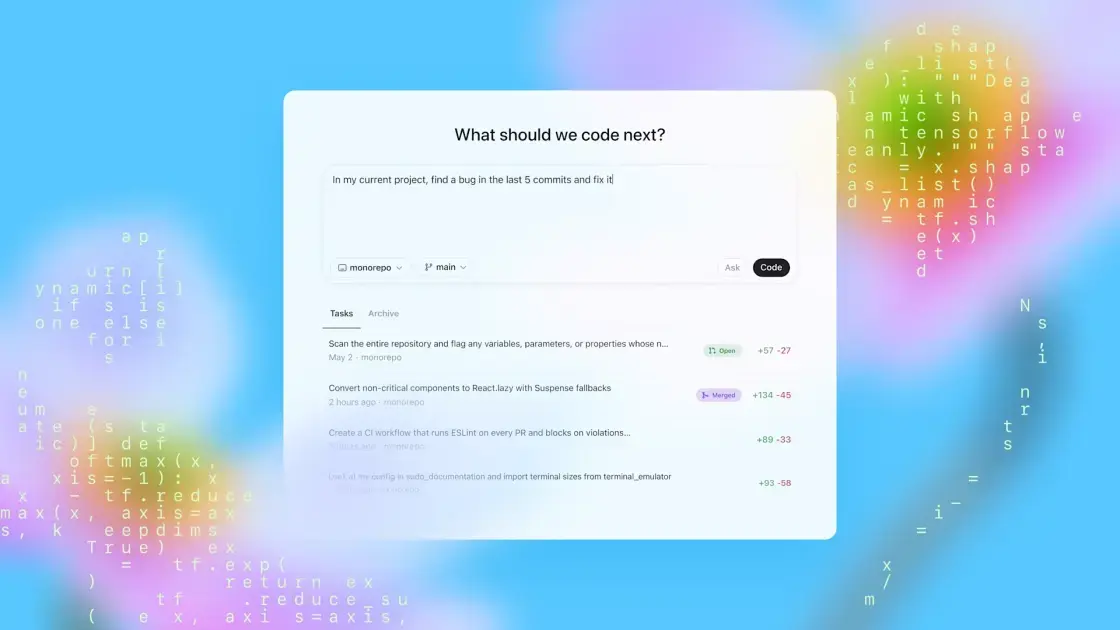
OpenAI Introduces Animated Companions to Codex
OpenAI has launched a new feature for Codex, its AI coding agent designed to assist with coding tasks like writing code and fixing bugs. The company now offers AI pets—optional animated companions that serve as a floating overlay on users' screens, delivering project status updates without requiring developers to switch between windows
1
2
. These companions don't perform any coding themselves but enhance multitasking efficiency by keeping users informed about what their AI agents are doing in the background3
.The AI coding tool Codex, released in 2025, already has millions of users and helps people without technical skills build software tools
1
. The new pet feature addresses a common challenge developers face when working with AI agents that require user input before executing high-stakes decisions. Instead of constantly monitoring the main Codex interface, developers can now rely on their animated desktop companions to notify them when tasks complete or when the agent needs approval3
.How Codex Pets Enhance User Experience
The floating overlay provides visual cues that make it easier to track Codex activity. When an AI agent is waiting for user input or approval before executing a command, the thought bubble displays a small red clock face. If the agent has finished a task and is ready for new instructions, users see a green checkmark
3
. The pets stay on top of other desktop windows and can be dragged to any position on screen, allowing developers to customize their workspace layout.Users can activate the feature by typing /pet in the composer to summon or dismiss their companion
2
. Alternatively, they can navigate to Settings, select Appearance, and choose Pets, then toggle the overlay using Wake Pet or Tuck Away Pet options, or by pressing Cmd+K on Mac or Ctrl+K on Windows4
5
.Built-In Options and Custom Companions
OpenAI provides eight built-in pet variations, including classics like cats and dogs, along with options named "Dewey" (duck-shaped), "Rocky" (appealing to Project Hail Mary fans), and even "BSOD"
1
3
. However, the more compelling feature is the ability to generate custom companions by prompting Codex directly using the hatch command2
. Users can install the "hatch pet" skill and create personalized pets inspired by their recent projects3
.The community has enthusiastically embraced this customization capability, sharing creations through an online platform. Popular community creations include characters from Star Wars, Harry Potter, Pokémon, and Dragon Ball Z, as well as figures like Goku, Patrick Star, OpenAI CEO Sam Altman, and Anthropic CEO Dario Amodei
1
4
5
. Perhaps most nostalgically, Microsoft's long-retired Clippy has emerged as one of the community's most popular picks—a throwback to the early 2000s Office assistant1
4
. For a limited time, OpenAI is offering 30 days of ChatGPT Pro for 10 of their favorite generated companions2
.Related Stories


Availability and Future Implications
Codex Pets are currently available on both Windows and macOS versions of the AI coding tool
1
2
. OpenAI has not announced plans for iOS or Android rollout for mobile coding environments1
. While AI companions are quietly becoming a staple across the industry, this feature demonstrates how small interface improvements can significantly impact developer workflow4
. As AI agents become more sophisticated and handle increasingly complex tasks, features that facilitate seamless communication between humans and AI will become essential for maintaining productivity without sacrificing oversight.References
Summarized by

Navi
[1]
[4]
[5]
Related Stories
Recent Highlights
1
OpenAI's AI Models Disprove 27-Year Exponential Time Hypothesis, Rendering Decades of Research Obsolete
Science and Research

2
Google DeepMind unveils Genie 4 world model with audio and 2-minute interactive simulations
Technology

3
OpenAI Cuts Internet Access for AI Model Training After Security Breaches
Technology

Recent Highlights
Today's Top Stories






Don’t drown in AI news. We cut through the noise - filtering, ranking and summarizing the most important AI news, breakthroughs and research daily. Follow topics that matter to you and stay ahead.


