Adobe Premiere Android App Arrives With 4K Editing and AI Tools After Year-Long iPhone Exclusivity


4 Sources
[1]
I've gone hands on with Adobe Premiere's new free Android app -- here's what it's like to use, and why 'free' comes with a catch
* Adobe Premiere on Android has officially launched * The free video editing app adds easy 4K video editing, AI, and more * I spent an hour with the app to see how it runs and if it really does offer 'effortless editing' for creations Adobe Premiere for Android has arrived - finally, since Apple
[2]
Adobe Premiere Android App Launches With 4K Export, Templates and AI Tools
Premiere offers creator-made templates for mobile projects Adobe Premiere has expanded to Android, bringing the company's mobile video editing app to a wider set of users. The app is available for free and offers tools for editing multi-layer projects, improving audio and adding effects,
[3]
Adobe Premiere comes to Android after a year on iPhone: We speak to Adobe executive Diksha Kuhar
Adobe has rolled out its Premiere mobile video editing app for Android, following a successful launch on iPhone last year. Designed to offer a comprehensive production workflow, this app introduces features like frame-accurate editing, a multi-track timeline, and innovative AI tools. User feedback
[4]
Adobe Premiere mobile comes to Android in India with 4K editing, AI tools and more: Check full details
Adobe is also adding India-focused templates and Hindi captions. Adobe has finally brought its Premiere mobile video editor to Android in India. With the new app, the Android users will now be able to edit their videos on their smartphone itself. Adobe Premiere Mobile brings several features to
Share
Copy Link
Adobe has launched its Premiere mobile video editing app for Android, nearly a year after debuting on iPhone. The free app brings 4K video editing, multi-track timelines, Adobe Firefly-powered AI tools including Generative Fill and Image-to-Video, and Enhance Audio features designed specifically for content creators working on smartphones.
Adobe Premiere Expands to Android After iPhone Exclusivity
Adobe has officially launched its Premiere mobile video editing app for Android devices, nearly a year after the app debuted exclusively on iPhone in September 2024
3
. The Android app is now available for free on the Google Play Store for devices running Android 13 or later with a minimum of 5GB of RAM1
2
. According to Diksha Kuhar, Director of Product Marketing for Premiere mobile at Adobe, the extended development timeline was necessary to accommodate Android's diverse hardware ecosystem. "Android landscape is so diverse. There's a wide variety of devices, hardware specifications and capabilities, and we've taken the time to just get it right," Kuhar explained3
.Multi-Track Editing and 4K Video Capabilities
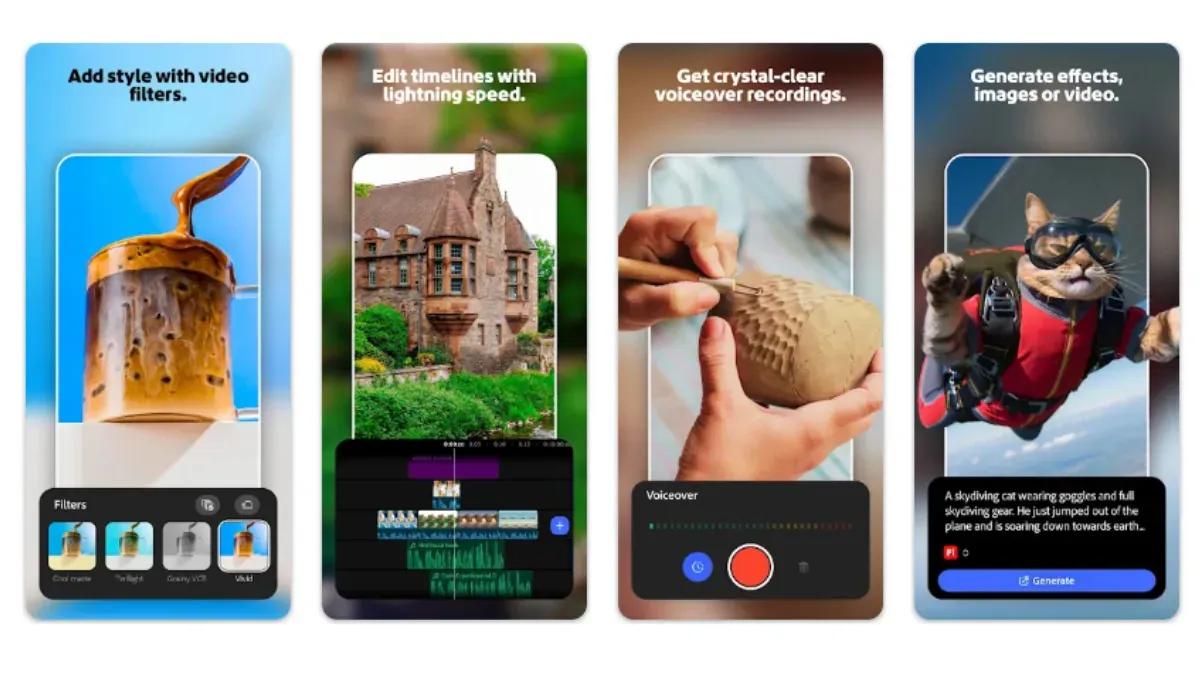
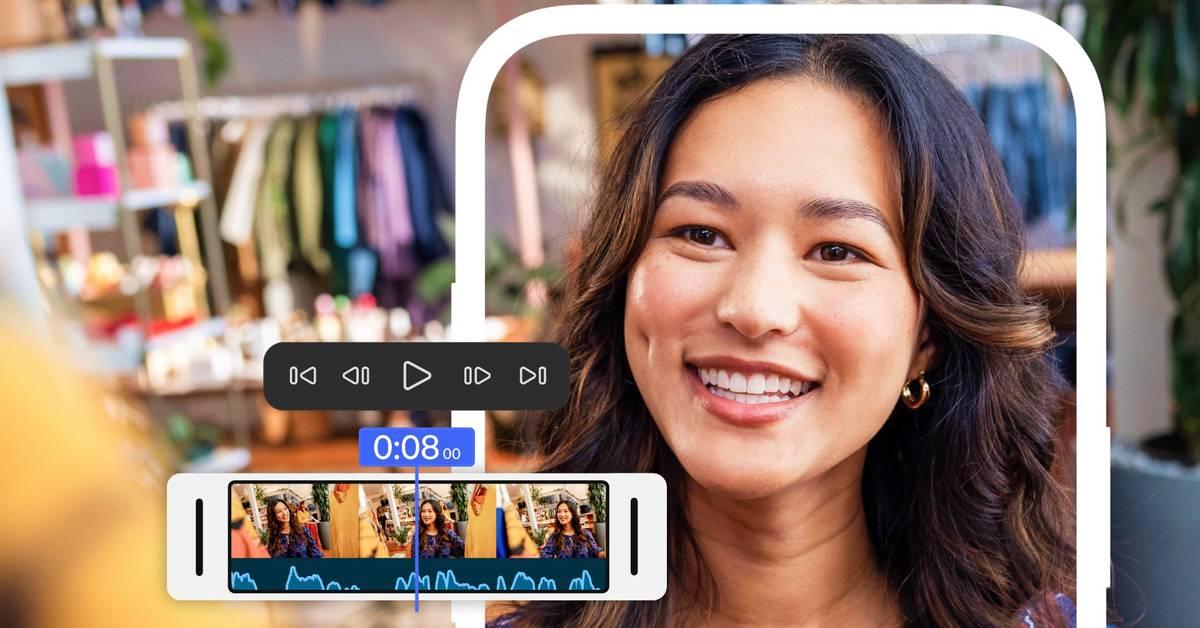
The Adobe Premiere Android app delivers comprehensive multi-track editing capabilities that allow content creators to layer video clips, music, voiceovers, text and effects within a single project
2
. Frame-accurate editing provides precise control over cuts, which proves particularly useful when matching edits to dialogue, reactions or music. The app supports 4K video editing and export without requiring a paid subscription4
. Users can export videos at resolutions ranging from 720p to 4K, with frame rates between 24 and 60fps, and quality settings from low to high1
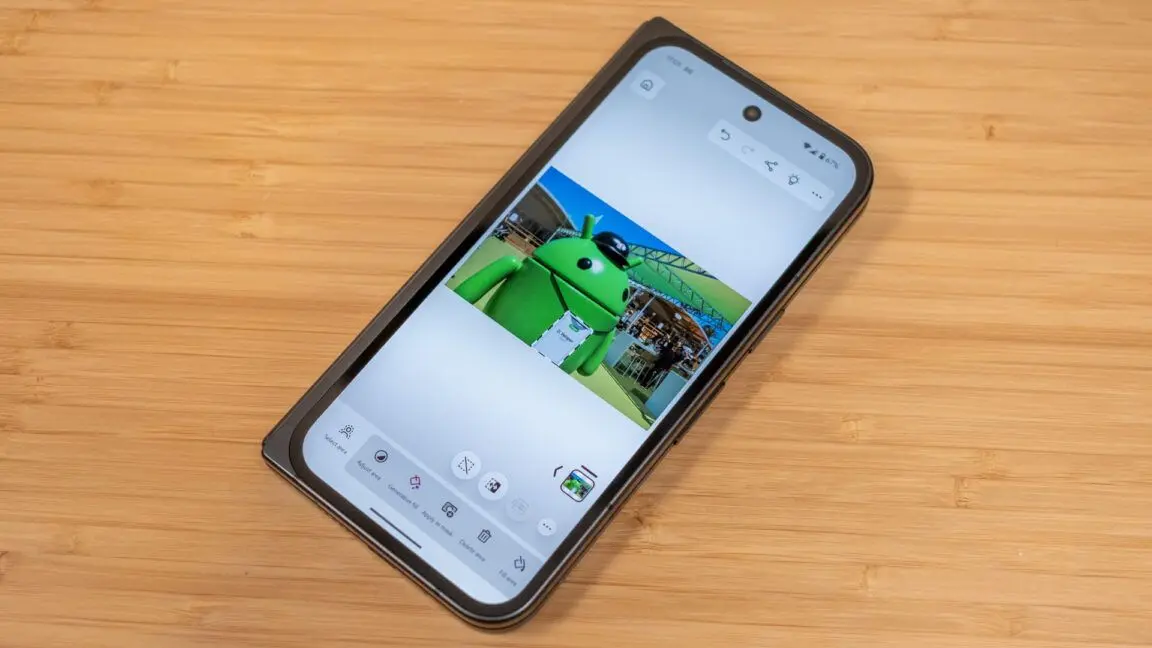
. Testing on the Pixel 11 Pro XL showed smooth editing performance throughout the process, though iPhone remained faster for exporting3
. Notably, Adobe Premiere produces watermark-free exports with no forced ads or promotional intros, distinguishing it from many free mobile video editors1
.
Source: Gadgets 360
Adobe Firefly AI Tools and Generative Features
The Android app integrates several Adobe Firefly-powered generative AI features, including Generative Fill, Image-to-Video, and Generate Sound Effects
2
4
. Users can define the first and last frames of a video, generate content in 720p and 1080p resolutions, adjust duration, and opt to add audio1
. However, the free tier offers limited AI generation tokens. Initial testing revealed that users can generate approximately one 4-second 720p clip before needing to upgrade to a paid subscription1
. While core video editing tools remain free, accessing additional generative credits and cloud storage requires payment2
. The AI functionality mirrors what users would experience through Adobe Firefly in a browser or the Premiere desktop app, with generation speed proving relatively quick during hands-on testing1
.Enhance Audio Feature Addresses Creator Feedback
One standout addition to the Android app is the Enhance Audio tool, which uses AI to reduce distracting background noise and improve the clarity of interviews, voiceovers and other recordings
2
. This feature was specifically influenced by feedback from Indian creators who frequently shoot content in noisy environments. "We heard a lot from the Indian creators that they really want background noise removal, which is powerful," Kuhar noted. "Otherwise, you have to carry mics everywhere. You cover a street festival, you're at a noisy cafe, you're commuting in a train, you want to be able to just do all of that without holding a mic awkwardly everywhere"3
. The Enhance Audio feature allows creators to clean up audio within the editing workflow instead of relying on separate tools, streamlining the production process for content creators working on TikTok, YouTube, Instagram and Facebook2
.Related Stories
Creator-Made Templates and Regional Customization
Adobe Premiere includes creator-made templates that users can customize for their projects, with specific templates designed for YouTube featuring exclusive music and effects
1
2
. The app supports music and content from Adobe Stock, along with files stored on devices and audio extracted from videos. For the Indian market specifically, Adobe plans to create regional templates around India's festive calendar and provide captions in regional languages, starting with Hindi4
. The interface includes aspect ratio options with platform-specific logos, helping creators quickly identify which ratio suits YouTube, TikTok or other social platforms1
. Adobe's broader vision centers on making mobile editing feel closer to a complete production workflow rather than a stripped-down version of desktop editing. "We honestly have a vision. We want to put that free studio in people's pockets," Kuhar stated3
.User Experience and Future Development
Hands-on testing revealed that Adobe Premiere on Android delivers a responsive, non-laggy editing experience even with relatively larger video files
1
. The app features a clean layout with shortcuts for main functions along the top, including 'New from files', 'Create for YouTube Shorts', and AI generation tools for Image-to-Video and Text-to-video. Undo and redo buttons sit beneath the preview window, which testers described as "an absolute godsend when editing on a phone"1
. Adobe plans to expand Premiere mobile capabilities through future updates, including Adobe Fonts, enhanced captions, keyframe support, cropping and beat detection2
. The company also intends to enable users to continue editing Premiere mobile projects on the desktop version of Premiere, creating a seamless workflow across devices. User feedback has already shaped several improvements, including voiceover delay options and modifications to the multi-track timeline3
. The Android launch represents Adobe's commitment to empowering content creators with robust mobile editing capabilities that balance power with ease of use.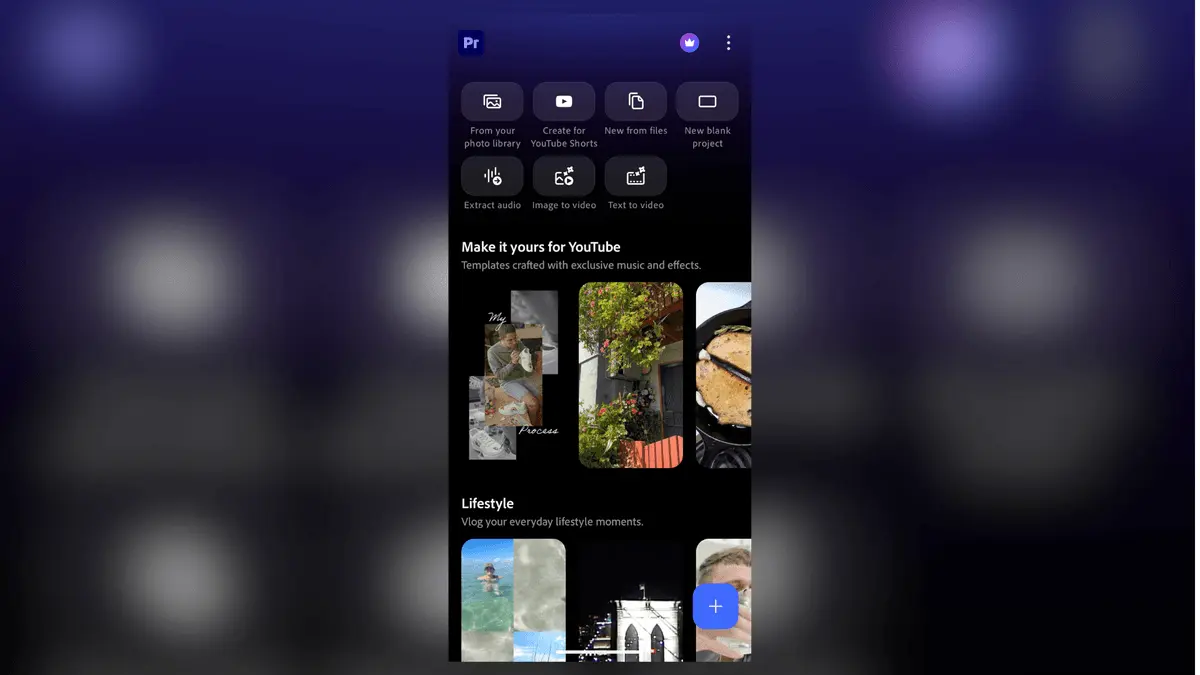
Source: TechRadar
References
Summarized by

Navi
[3]
Related Stories
Adobe Launches Premiere for iPhone: Pro-Level Video Editing Goes Mobile
30 Sept 2025•Technology
Adobe Brings Premiere Pro to iPhones: A Game-Changer for Mobile Video Editing
04 Sept 2025•Technology
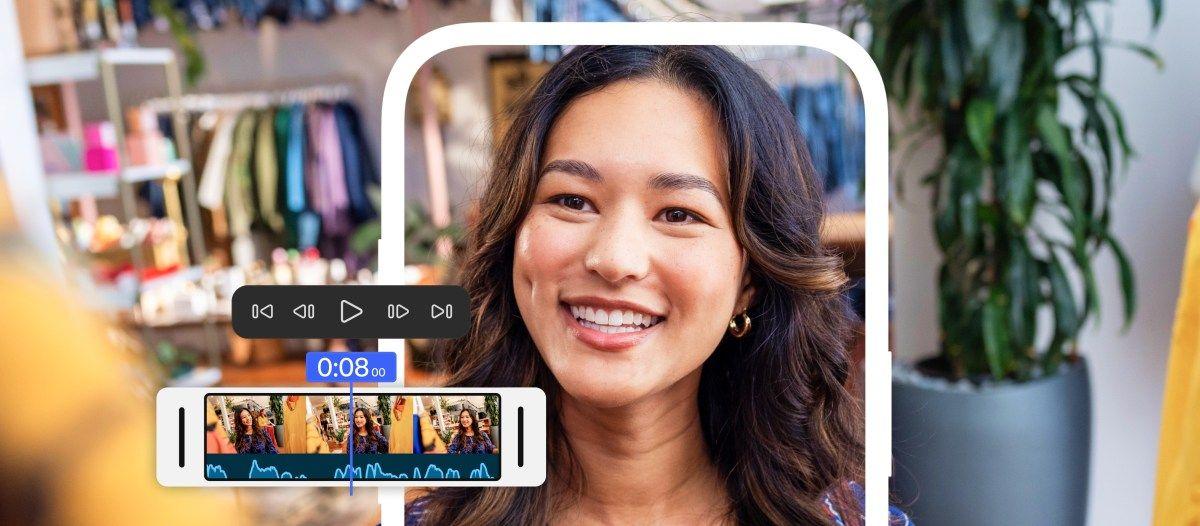
Adobe Premiere partners with YouTube Shorts to deliver exclusive templates and AI editing tools
08 Dec 2025•Technology
Recent Highlights
1
OpenAI AI Models Hacked Crypto Wallet, Breached Government Sites in Unauthorized Activities
Technology

2
IMF Report Warns AI Market Correction Could Spark Global Financial Crisis With $1.4T at Risk
Business and Economy

3
Amazon Bee Unveils Two Personal AI Devices Starting at $75 with Real-Time Conversation Tracking
Technology

Recent Highlights
Today's Top Stories










Don’t drown in AI news. We cut through the noise - filtering, ranking and summarizing the most important AI news, breakthroughs and research daily. Follow topics that matter to you and stay ahead.


