Old Nvidia GPUs with massive VRAM are dominating local AI inference over newer, faster cards


4 Sources
[1]
AI enthusiast adds Nvidia Tesla V100 as loud as a lawnmower to gaming PC for $266 -- 32GB of VRAM rig can run 27 billion parameter model at 32 tokens per second
Now they have a total 32GB VRAM system on a budget, for local LLM inference. A computing enthusiast has repurposed a very noisy and largely obsolete enterprise GPU (with lots of VRAM) for local LLM inference purposes. They are now enjoying a system that has doubled its total VRAM quota to 32GB for
[2]
Old Nvidia GPUs with 24GB VRAM are crushing new cards at local AI inference, and here's why
Richard is the PC Hardware Lead at XDA and has been covering the technology industry for almost two decades. He's been building PCs since young, and when not creating content, you can often find him inside a chassis somewhere. You've seen us cover the Nvidia GeForce RTX 3090 and how this now
[3]
A used Tesla V100 has quietly become the cheapest way to run local LLMs at home
His love of PCs and their components was born out of trying to squeeze every ounce of performance out of the family computer. Tinkering with his own build at age 10 turned into building PCs for friends and family, fostering a passion that would ultimately take shape as a career path. Besides being
[4]
A Modder's RTX 4080 Was Enough To Play AAA Games, But Not For Running LLMs, So He Integrated NVIDIA's Tesla V100 At A Throwaway Price To Run 27B AI Models
Running higher-quality AI models means your existing GPU will have to be equipped with a ton of VRAM to make the experience enjoyable. For one RTX 4080 owner, playing the most visually taxing and graphically demanding games might be a walk in the park, but for running LLMs, it's a Herculean task.
Share
Copy Link
Computing enthusiasts are discovering that older Nvidia GPUs like the Tesla V100 and RTX 3090 outperform newer cards for local AI inference, thanks to their abundant VRAM. One modder added a $266 Tesla V100 to their gaming PC, achieving 32GB of total VRAM to run a 27 billion parameter model at 32 tokens per second. The trend highlights how memory capacity matters more than raw compute power for running LLMs at home.
Budget-Friendly Tesla V100 Transforms Gaming PC Into AI Powerhouse
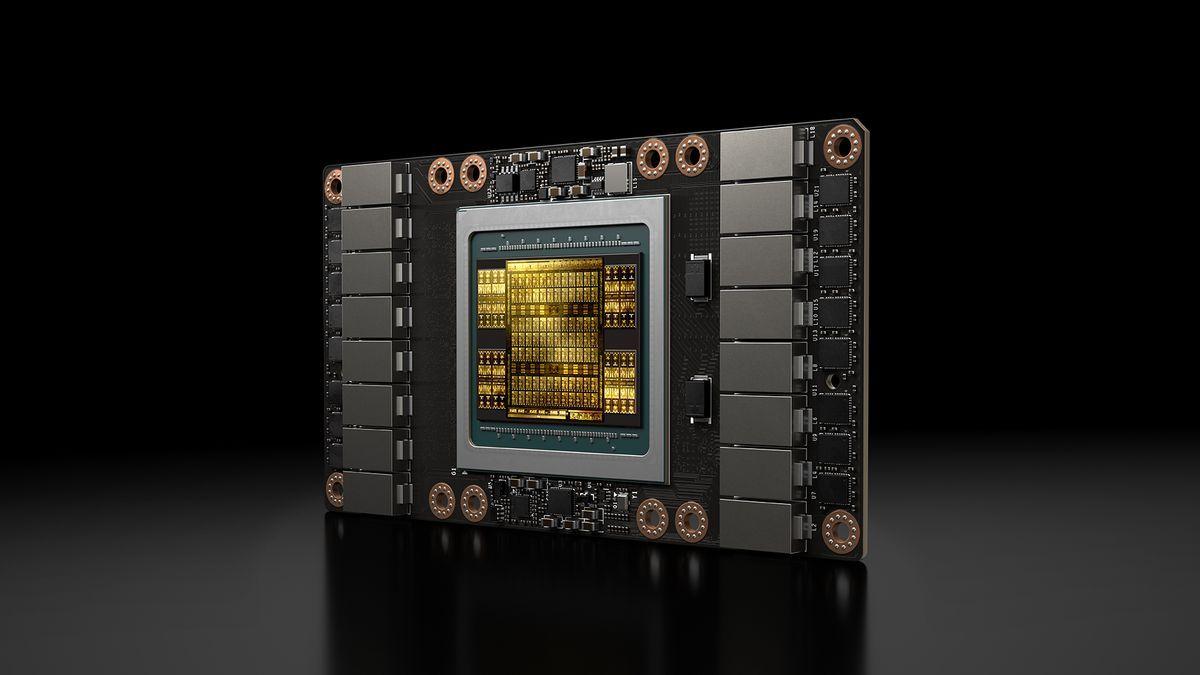
A computing enthusiast has successfully integrated an Nvidia Tesla V100 enterprise GPU into their gaming PC for just $266, doubling their system's total VRAM to 32GB and enabling robust local AI inference capabilities
1
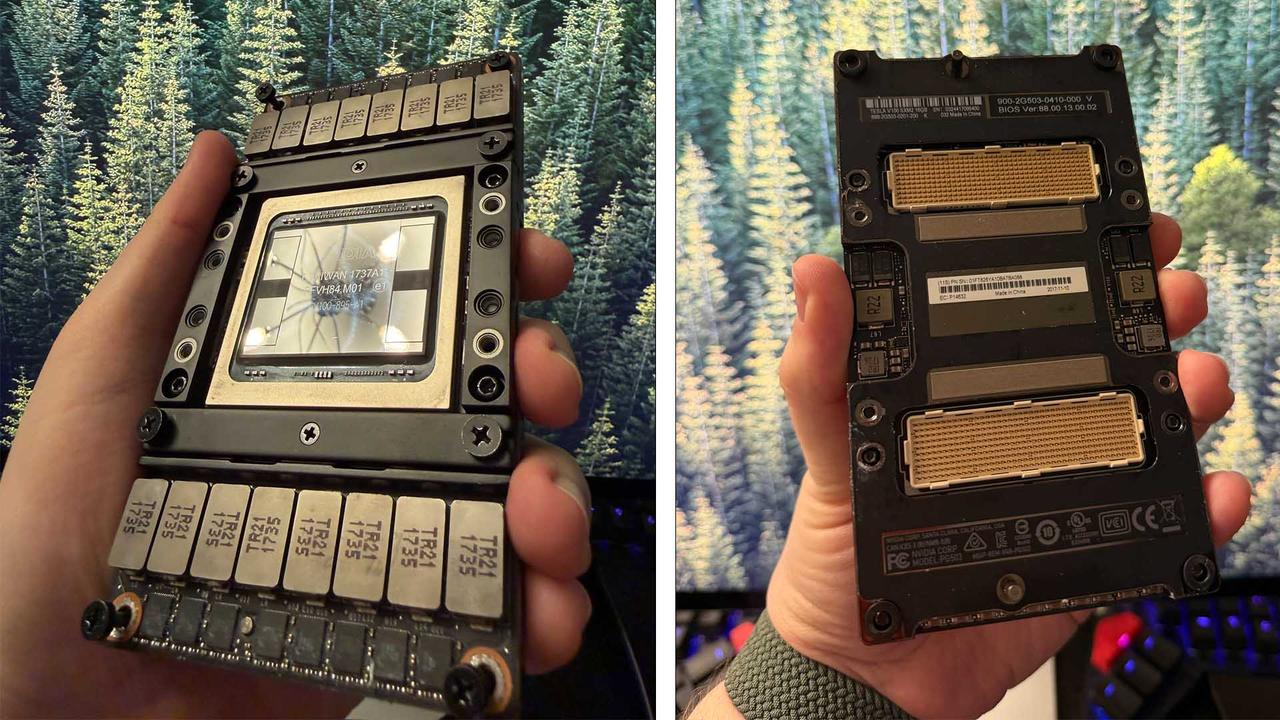
. Oscar Molnar sourced a Tesla V100 SXM2 with 16GB HBM2 memory and paired it with an RTX 4080, creating a system capable of running a 27 billion parameter model at 32 tokens per second. The setup required an SXM2-to-PCIe adapter costing around $66 and a PWM modification to tame the card's notoriously loud cooler, which originally measured 82dB—described as "somewhere between a garbage disposal and a lawnmower"1
. After rerouting the fan to a motherboard PWM header, the cooler now runs at just 10% capacity while keeping the Tesla V100 under 50°C at full load4
.
Source: Wccftech
The Nvidia Tesla V100 has quietly emerged as one of the most cost-effective AI hardware options for home lab AI setups. As data centers phase out these cards, they're flooding the secondhand market at prices starting around $140 on eBay from international sellers
1
. The PCIe Tesla V100 comes in 16GB and 32GB configurations featuring 5,120 CUDA cores, 640 tensor cores, and 900GB/s of memory bandwidth across a 4096-bit HBM2 interface. For those seeking to run local LLMs at home, the 32GB version offers roughly half the price of a used RTX 3090 while providing a third more memory—a significant advantage when VRAM capacity for AI determines which models you can actually run3
.Why VRAM Capacity Trumps Raw Performance for Local AI Inference
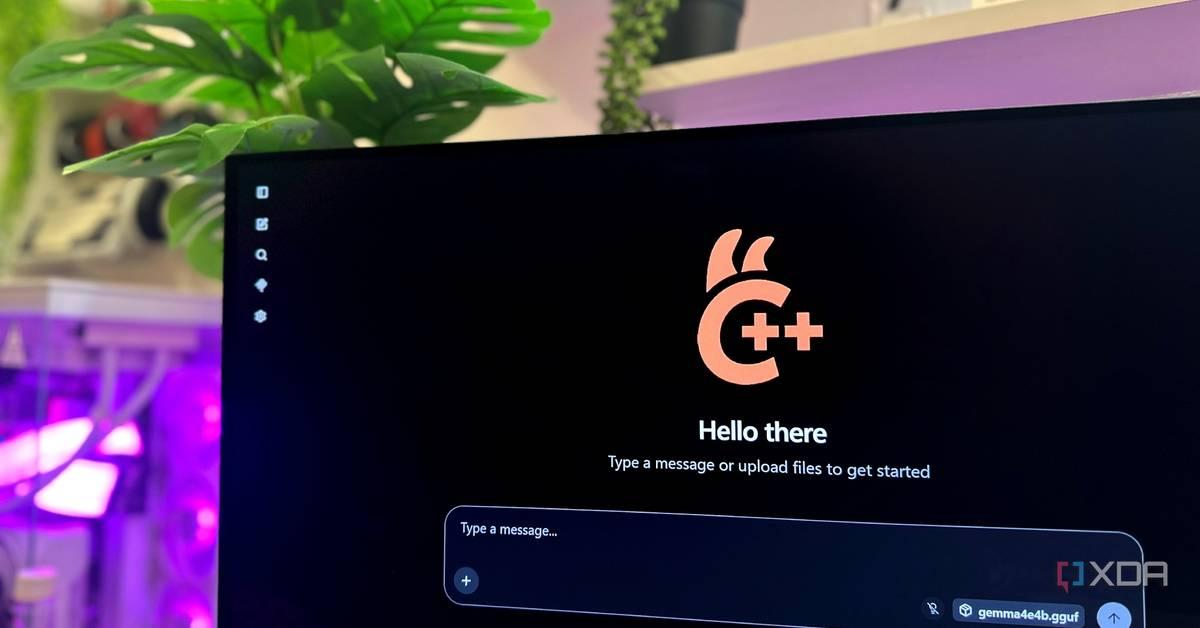
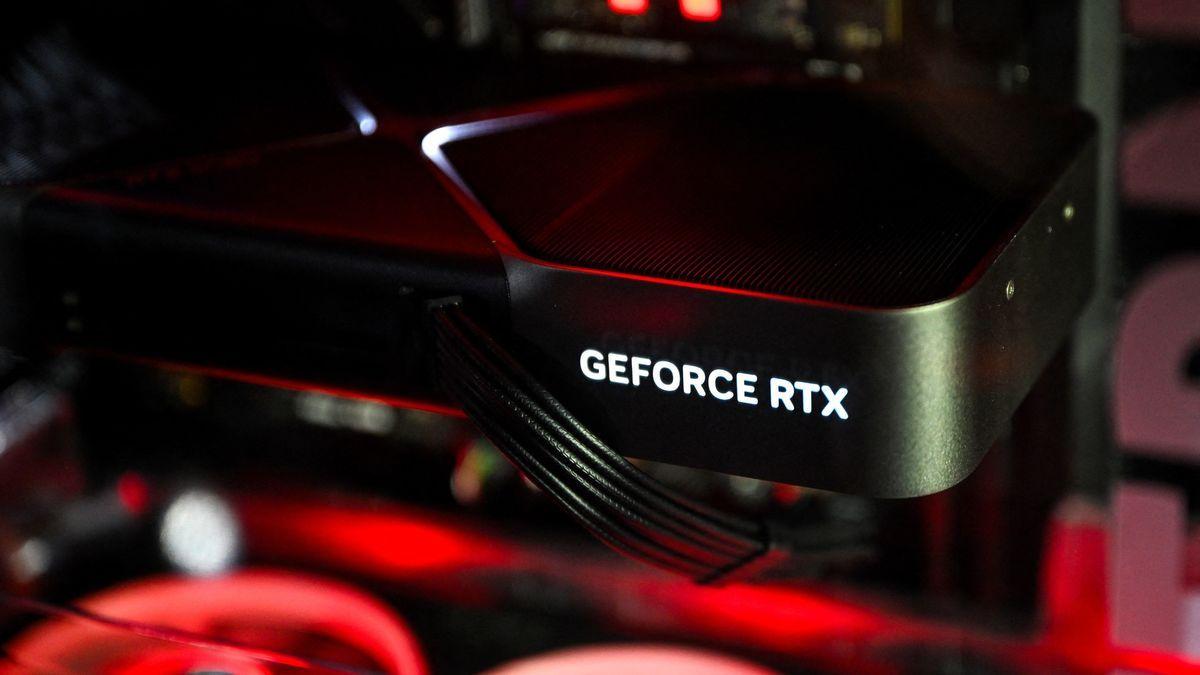
The surge in interest around older Nvidia GPUs stems from a fundamental reality: VRAM capacity matters far more than compute performance when running large language models locally. The RTX 3090, a six-year-old GPU, continues to dominate as the king of consumer cards for local AI inference thanks to its 24GB of GDDR6X VRAM
2
. This capacity advantage allows it to outperform newer cards like the RTX 5080, which despite having superior architecture only packs 16GB of memory. What good is a more capable model if your more powerful Nvidia GPU doesn't have enough memory to run it?2
Source: XDA-Developers
When running local AI inference, memory needs extend beyond just storing model parameters. The system must also accommodate temporary data, runtime overhead, and cache—all critical for optimal performance
2
. Even though a 14GB model technically fits on a 16GB GPU, it won't run well without optimization. The cache proves especially vital for longer context workloads, saving the model from repeating work when generating new tokens per second. When models exceed available VRAM, systems automatically offload data to slower system RAM over PCIe, creating severe performance penalties that can render cloud-based AI inference alternatives faster than your local setup2
.The difference between 16GB and 24GB VRAM isn't just numerical—it's transformational for model support. Smaller 8B models handle simple questions adequately, but coding assistance, analysis, and complex instructions demand substantially larger parameter counts. This is where gaming PC for running LLMs configurations with 24GB or more VRAM shine, enabling users to run 30B-class models at preferred quantization levels with room for serious context windows
3
.Related Stories
Hardware Compatibility Challenges and the Deprecation Clock
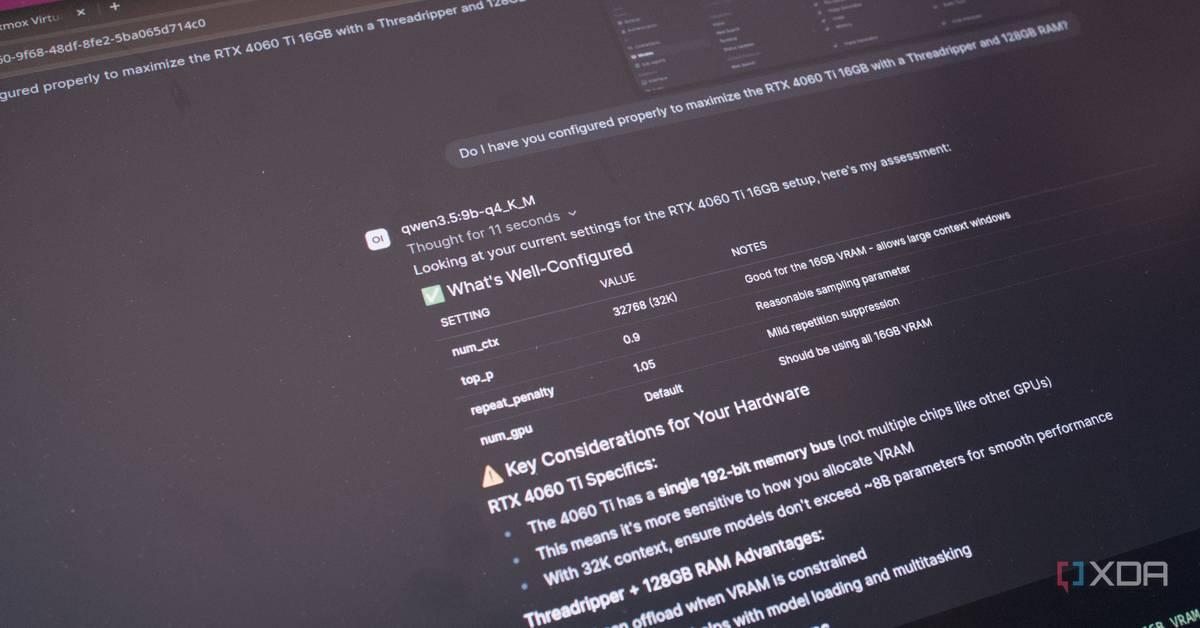
While the Tesla V100 offers compelling value for budget-friendly local LLM inference, potential buyers should understand the hardware compatibility limitations ahead. The Volta architecture represents CUDA compute capability 7.0, and Nvidia has begun walking away from this generation
3
. CUDA Toolkit 13.0 removed offline compilation and library support for Maxwell, Pascal, and Volta architectures, meaning applications built with newer toolkits cannot target these cards at all. PyTorch has moved compute capability 7.0 users onto the CUDA 12.6 wheel with an open proposal to deprecate Volta entirely, while LM Studio's CUDA runtime doesn't support it and prebuilt llama.cpp binaries have dropped Volta support3
.
Source: XDA-Developers
The Tesla V100 also lacks BF16 and FP8 support—serious omissions for AI hardware optimization
3
. Compare this to the RTX 3090, which dodges most of these issues besides FP8 support, and the cost discrepancy between cards starts making sense. Tools that work today will continue functioning, but new software may cease supporting these cards in the near future. Despite these limitations, the V100's CUDA compatibility with Ollama, llama.cpp, and the broader local inference stack—all built against CUDA first—makes setup relatively seamless compared to cheaper AMD accelerators3
.For those monitoring the market, 32GB PCIe Tesla V100 cards currently range from $400-$500 from overseas sellers to around $880 for refurbished units from US sellers with return windows, while used RTX 3090s hover near $1,000 with realistic ranges between $700-$1,050
3
. The 16GB PCIe variant starts near $281, positioning it primarily as a dedicated inference card rather than a capacity play3
. As more people seek to cut subscriptions and run AI at home, these older high-VRAM cards represent a pragmatic path forward, provided users accept the eventual software support sunset that accompanies aging enterprise hardware.References
Summarized by

Navi
[1]
[2]
Related Stories
8-year-old Nvidia V100 AI GPU modded for $200 crushes modern cards in AI LLM workloads
11 May 2026•Technology
Chinese Factories Push GPU Boundaries: From RTX 4090 Mods to Rumored 128GB RTX 5090
08 Sept 2025•Technology

Nvidia RTX Spark aims to reinvent the PC as Jensen Huang bets on agentic AI taking computing local
01 Jun 2026•Technology

Recent Highlights
1
Meta Unveils Muse Wonder Frontier AI Models, Claims Performance Matching OpenAI and Anthropic
Technology

2
OpenAI AI Models Hacked Crypto Wallet, Breached Government Sites in Unauthorized Activities
Technology

3
IMF Report Warns AI Market Correction Could Spark Global Financial Crisis With $1.4T at Risk
Business and Economy

Recent Highlights
Today's Top Stories






Don’t drown in AI news. We cut through the noise - filtering, ranking and summarizing the most important AI news, breakthroughs and research daily. Follow topics that matter to you and stay ahead.


