Android Auto Bug Forces Gemini to Revert to Google Assistant After Latest Update


2 Sources
[1]
Bizarre Gemini to Google Assistant swapping bug is driving Android Auto users mad
One potential workaround involves going into AA settings, switching to from Gemini to Assistant, then switching back. For the last handful of months, Google has been rolling out Gemini to Android Auto (AA). The AI upgrade has received mixed reviews since the rollout began. If you're one of the
[2]
Gemini for Android Auto reverting to Assistant in bizarre bug, Google is aware
Vehicles with Gemini for Android Auto are reverting back to an outdated Google Assistant due to a strange bug after updating to the latest version. Gemini for Android Auto has been received with mixed feelings during the beta period. The AI assistant replaces Google Assistant as the middleman for
Share
Copy Link
An Android Auto bug is causing Gemini to unexpectedly revert to Google Assistant for many users after updating to version 16.7. Multiple user reports across community forums confirm the issue, with some finding temporary workarounds while Google acknowledges the problem but hasn't announced a fix timeline.
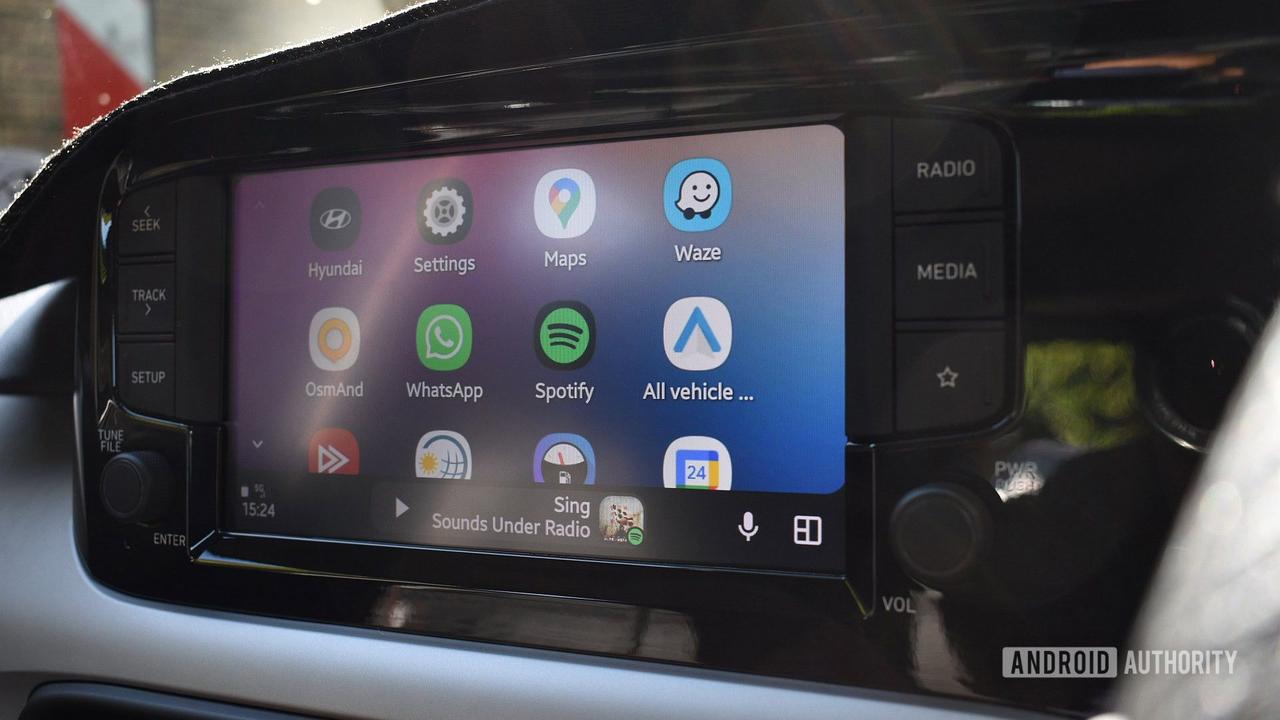
Gemini Unexpectedly Disappears After Software Update
A widespread Android Auto bug is forcing users back to Google Assistant after months of using Gemini as their AI assistant. The issue emerged following an update to Android Auto version 16.7, with multiple user reports flooding community forums and Reddit
1
. Users who had been utilizing Gemini for Android Auto are suddenly finding the older Google Assistant interface appearing instead, despite not making any manual changes to their assistant settings.The timing is particularly frustrating for those who had adjusted to Gemini's features during its beta rollout over recent months. One user on the Android Auto community forums noted that Gemini integration was working perfectly until the version 16.7 update arrived
2
. However, the situation may be more complex than initially thought, as at least one user reported encountering the Gemini to Google Assistant swapping bug while still on version 16.6.6614141
.Users Struggle to Switch Back to Gemini
The reverting to Google Assistant issue has left many users scrambling for solutions. Standard troubleshooting methods like clearing the cache for Android Auto and Google apps, toggling digital assistant settings, and restarting both phones and car head units have proven ineffective for numerous drivers
1
. While some users report the problem resolved itself temporarily, others remain stuck with the old assistant.A potential workaround has emerged from the community forums that appears to help some affected users. The fix involves navigating to Android Auto settings, manually switching from Gemini to Google Assistant, then immediately switching back to Gemini
2
. This more targeted approach has shown better results than generic cache resets, though it may not work universally across all affected devices.Related Stories
Google Acknowledges Issue But Offers No Timeline
Google is aware of the Android Auto bug affecting Gemini users, according to responses in official support channels
2
. However, beyond general acknowledgment, Google support hasn't provided any information about an incoming fix or timeline for resolution. This silence leaves users uncertain about whether they should expect a quick patch or prepare for a longer wait.The situation highlights ongoing challenges with Gemini for Android Auto, which has received mixed feedback since its beta period began. Users have reported issues with performance, bugs, and delayed responses from the AI assistant
2
. Ironically, while some users had wished they could return to Google Assistant, this involuntary switch has proven equally frustrating for those who had adapted to Gemini's capabilities. The bug underscores the delicate balance Google must maintain as it transitions users from established features to newer AI-powered alternatives, where stability remains critical for in-vehicle safety and usability.References
Summarized by

Navi
[1]
Related Stories
Gemini on Android Auto hits looping bug, making voice assistant repeatedly cut itself off
30 Jan 2026•Technology
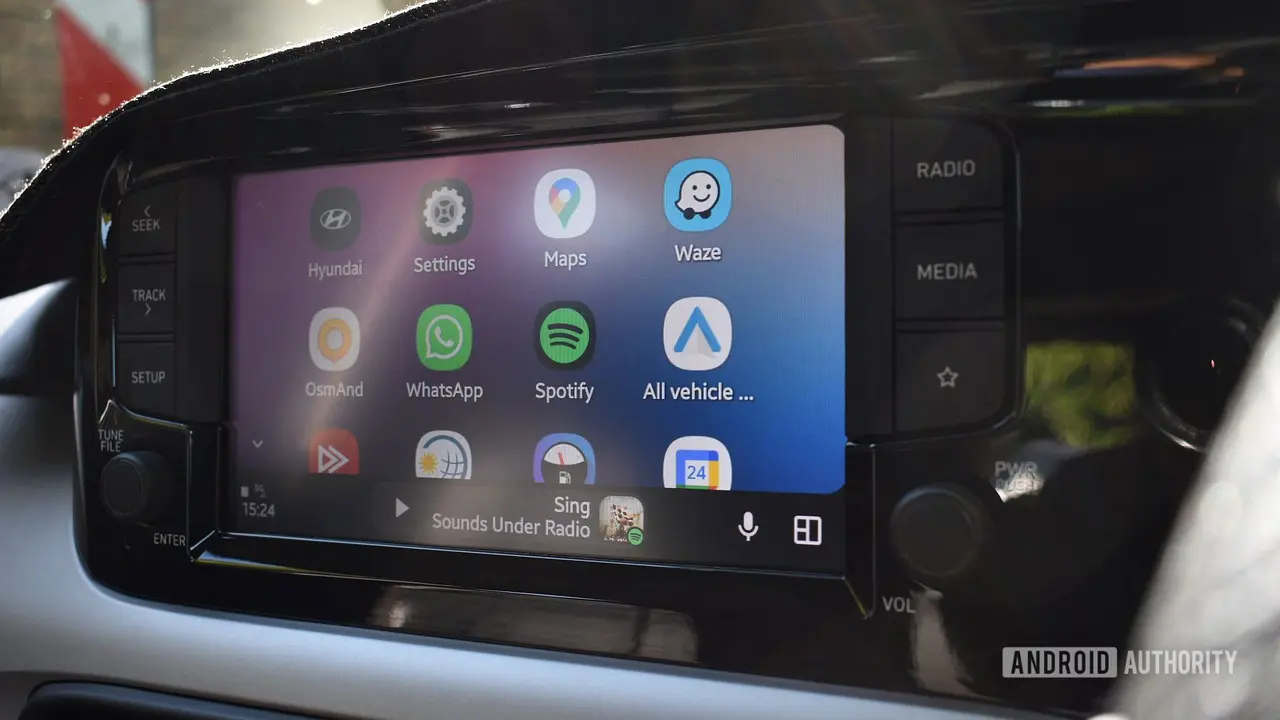
Google Gemini Begins Rolling Out to Android Auto, Replacing Google Assistant
08 Nov 2025•Technology
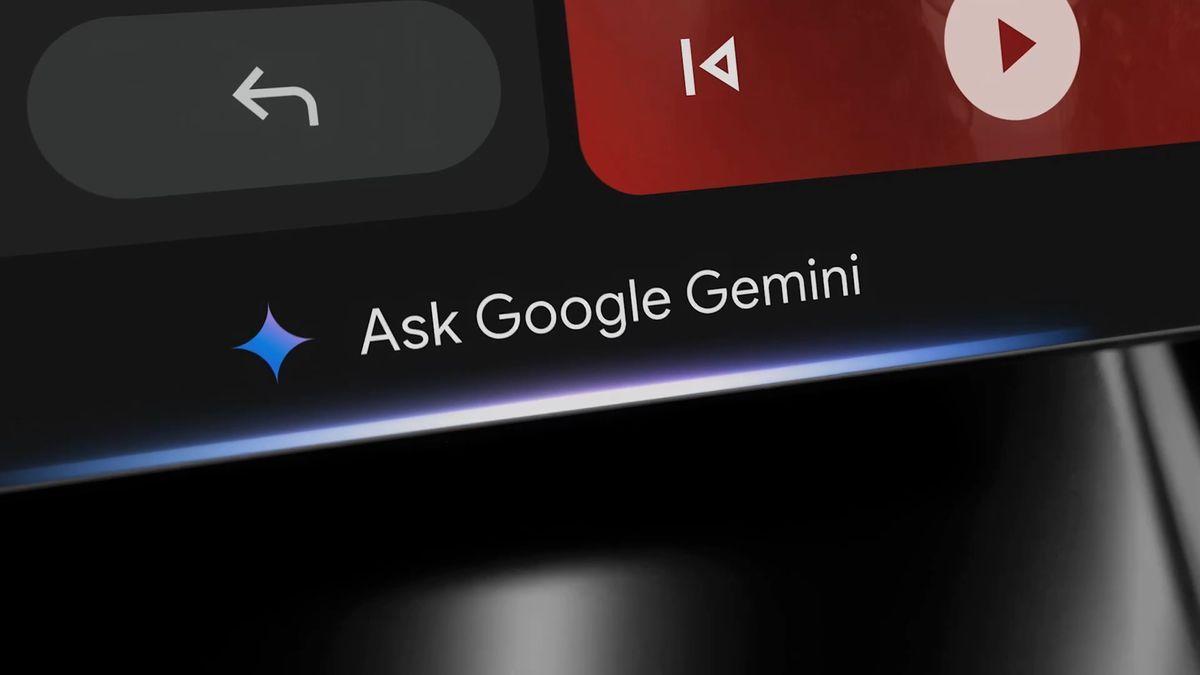
Google Sets March 2026 Deadline for Assistant Phase-Out as Gemini Rollout Accelerates Across Android Ecosystem
24 Nov 2025•Technology

Recent Highlights



Recent Highlights
Today's Top Stories






Don’t drown in AI news. We cut through the noise - filtering, ranking and summarizing the most important AI news, breakthroughs and research daily. Follow topics that matter to you and stay ahead.


