Apple's iOS 26 Shortcuts App Introduces Chatbot-Like AI Capabilities


3 Sources
[1]
Shortcuts app has chatbot-like Apple Intelligence powers in iOS 26 - 9to5Mac
Apple Intelligence doesn't (yet) offer an official chatbot mode, but in iOS 26 Apple will let power users get a chatbot-style experience via the Shortcuts app. Here's how it works. iOS 26 has a new feature in the Shortcuts app that lets you tap directly into Apple Intelligence's LLMs with any
[2]
Apple says there's no chatbot -- but Shortcuts in iOS 26 says otherwise
Apple executives have said in interviews that the company isn't building a public chatbot. You can actually create one with a new action in iOS 26. Here's how. There's a new action that gives you direct access to Apple Intelligence, and it responds to prompts just like ChatGPT or Claude. That
[3]
New Shortcuts update brings ChatGPT-style replies to iOS and macOS
In iOS 26, the Shortcuts app introduces a feature that allows users to interact with Apple Intelligence's LLMs for a chatbot-like experience. Available on iOS 26, iPadOS 26, and macOS Tahoe, it enables custom queries via a new 'Use Model' action. The new 'Use Model' action within the Shortcuts app
Share
Copy Link
Apple's latest iOS update brings AI-powered chatbot functionality to the Shortcuts app, allowing users to interact with Apple Intelligence's language models for various tasks.
Apple Introduces Chatbot-Like Functionality in iOS 26 Shortcuts App
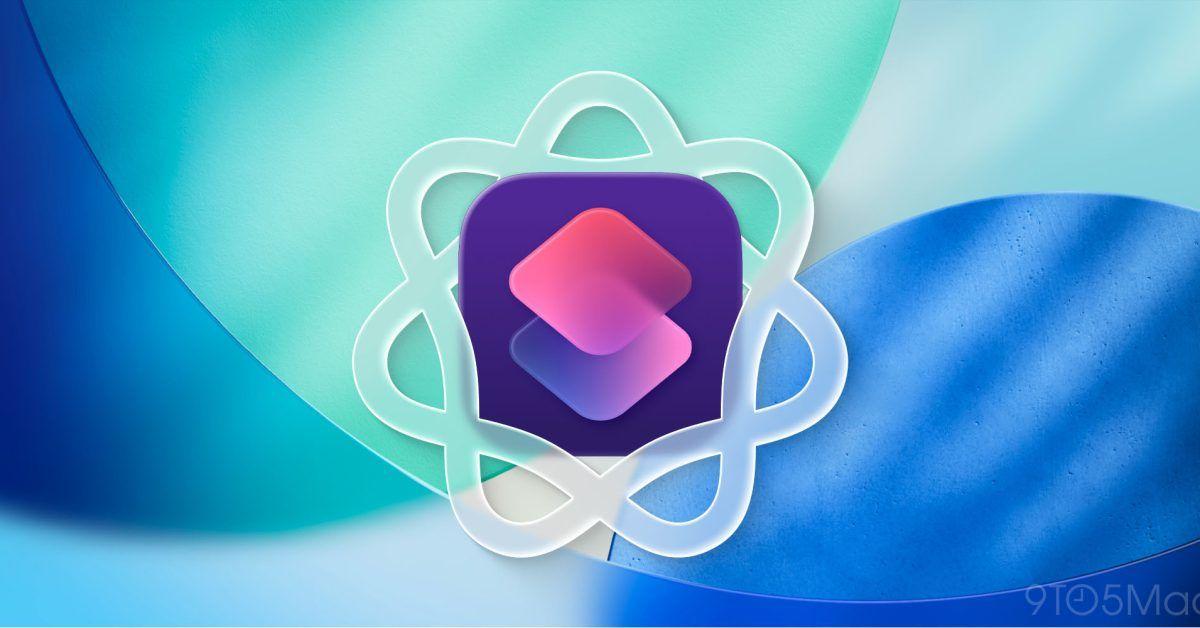
In a surprising move, Apple has quietly introduced a chatbot-like feature in its latest iOS 26 update, specifically within the Shortcuts app. This new capability allows users to interact with Apple Intelligence's language models, providing a ChatGPT-style experience without explicitly labeling it as such
1
2
.
Source: 9to5Mac
The 'Use Model' Action: A Gateway to AI Interaction
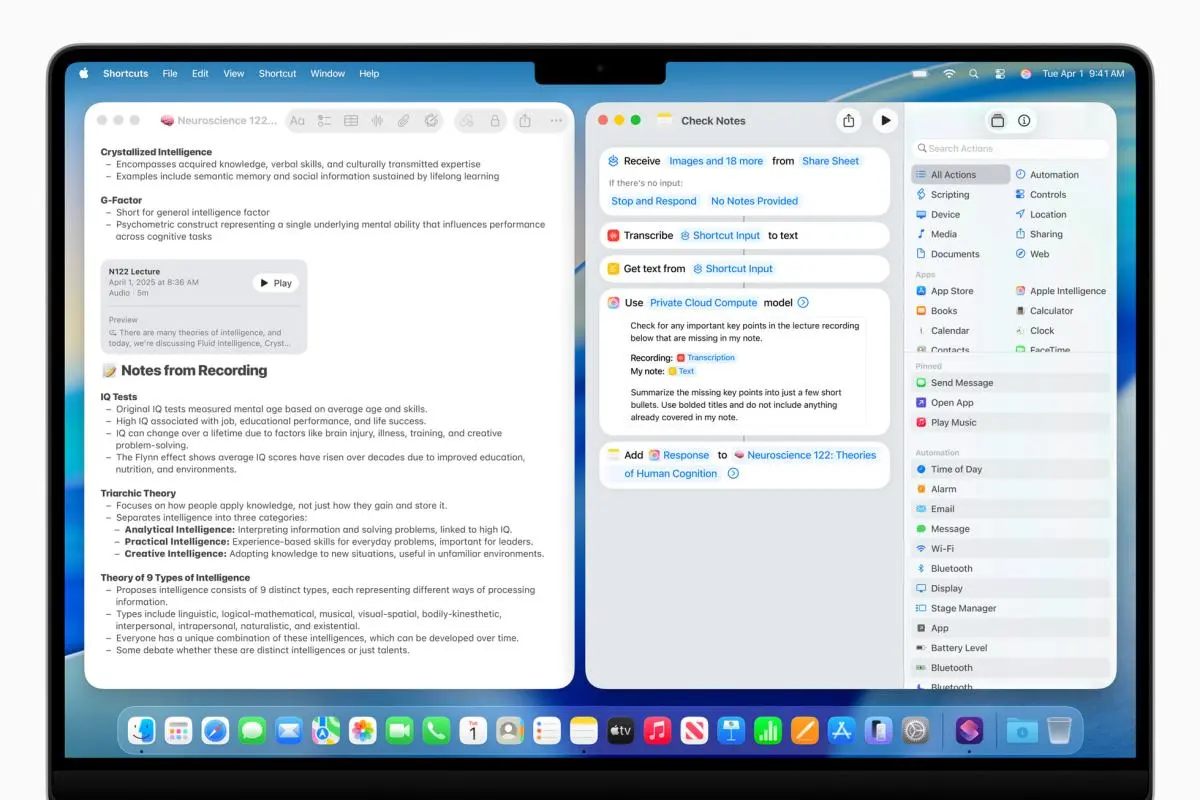
The core of this new functionality lies in the 'Use Model' action within the Shortcuts app. Available on iOS 26, iPadOS 26, and macOS Tahoe, this feature offers users three language model options:
- On-Device: A faster, more private option that runs entirely on the user's device.
- Cloud: A more advanced model running in Apple's data centers, capable of handling complex queries.
- ChatGPT: An option to interact with OpenAI's popular language model
3
.
Users can enable a 'Follow Up' setting, allowing for consecutive questions and creating a more interactive experience
1
.Creating AI-Powered Shortcuts

Source: AppleInsider
Setting up an AI-powered shortcut is remarkably simple. Users can create a basic shortcut using a Text action for input, followed by the 'Use Model' action. More complex actions can be integrated as needed, providing flexibility for various use cases
1
2
.Practical Applications and Performance
Early tests have shown promising results. When asked to recommend coffee shops in Manhattan suitable for working, Apple Intelligence provided detailed suggestions with explanations. Follow-up questions about seasonal drinks at these locations also yielded relevant responses
1
3
.The cloud model's performance is reported to be comparable to GPT-3.5, showing competence in tasks such as creative writing, summarization, and idea generation. However, like other AI models, it's not without limitations. The system has demonstrated the ability to refuse inappropriate requests, such as writing fake doctor's notes, but has also shown instances of confidently presenting fictional information as fact
2
.Related Stories

Apple's Stance on Chatbots
Interestingly, this development comes despite statements from Apple executives Craig Federighi and Greg Joswiak, who have previously said that Apple isn't trying to build a public chatbot. Instead, they've emphasized Apple's focus on building helpful features rather than chat companions
2
.Implications and Limitations
While this new feature provides a chatbot-like experience, it's important to note that it lacks some characteristics of full-fledged chatbots. There's no memory between prompts, no chat history, and no distinct personality. However, it does offer clear and natural responses to prompts, making it a useful tool for various tasks
2
.As Apple continues to develop its AI capabilities, this integration of language models into the Shortcuts app represents a significant step towards more accessible and user-friendly AI interactions on iOS devices. It remains to be seen how this feature will evolve and whether it will lead to more comprehensive AI integration across Apple's ecosystem in the future.
References
Summarized by

Navi
Related Stories
Recent Highlights



Recent Highlights
Today's Top Stories



Don’t drown in AI news. We cut through the noise - filtering, ranking and summarizing the most important AI news, breakthroughs and research daily. Follow topics that matter to you and stay ahead.


