7 Sources
[1]
Google may have fixed the issue that was exhausting your Gemini usage limits
To improve transparency, Google is adding better breakdowns for deep research usage and making model selection persistent across sessions. We recently reported that Google had quietly tightened parts of its AI Pro plan, and users did not take long to notice. People instantly started reporting that their limits were being hit much faster than expected, sometimes within just a few prompts. Google later increased quotas for Antigravity users to calm things down, but that only addressed part of the frustration. Now, Josh Woodward, Vice President at Google, has responded more directly in a post on X, acknowledging that users were encountering limits sooner than they should. He said the company is now rolling out several fixes designed to make usage more predictable, reduce confusion, and ensure quotas feel more consistent across different types of tasks. One of the biggest fixes involves a bug tied to Omni video generation. In some cases, users were finding that just one or two video prompts were eating up a large portion of their quota. For example, someone experimenting with short clips or testing different styles could suddenly see their allowance drop far more than expected after only a couple of attempts. Google says this issue has now been fixed, and it is also increasing allowances for heavier users. Ultra subscribers, for instance, are getting double the number of Omni video generations starting immediately. Another area that caused complaints was Google's Complex 3.1 Pro prompts. These are long, detailed instructions, often accompanied by large file uploads or multi-step reasoning tasks. These prompts were also consuming quotas in a way that felt too aggressive. Google is now changing this by introducing caps per prompt. Instead of one very heavy request potentially draining a large chunk of your usage, the system will now limit how much a single prompt can consume. The idea is to prevent extreme outliers where one task wipes out too much of your monthly allowance. There is also a change that users will likely appreciate in everyday use. Woodward noted that about 1 in 10 requests can fail due to system errors. Earlier, even failed attempts could still count against your quota, which understandably felt unfair. That is now being corrected. If a request fails, it will not be charged against your usage. So if Gemini glitches out while generating a response, that attempt no longer eats into your limit. A notable update is that Flash-Lite prompts will no longer count against quota at all. This effectively turns Flash-Lite into a free layer for lighter tasks. It also subtly encourages users to rely on lighter models when they do not need full reasoning power, which should help stretch the limits of higher tiers further. Google is also working on more detailed breakdowns and notifications for Deep Research usage. These are the more compute-heavy tasks where Gemini processes large inputs or runs multi-step analysis. Many users currently have little visibility into why their quotas drop faster on some days than others. The goal is to make that much clearer, so users can actually see which types of tasks are expensive and which are not. Finally, there is a useful improvement in how model selection works. Once you choose a specific model inside Gemini, the app will remember it across sessions. So if you prefer a particular writing or research setup, you won't need to select it every time you open the app. The only exception is when you hit a usage cap, in which case the system may automatically switch to a lighter model to keep things running. These changes definitely feel like Google trying to smooth out a system that had become inconsistent for many users. The limits are still there, but the company is clearly trying to make them feel more logical. Whether that fully fixes the frustration remains to be seen, but at least the direction now feels more user-friendly than opaque.
[2]
Gemini's restrictive usage limits are getting another overhaul
Google switched to compute-based usage limits for Gemini right after I/O 2026. As part of the change, it rolled out 5-hour and weekly usage quotas. This was a drastic change from Gemini's previous prompt-based limits, with many users finding them too restrictive. There have also been complaints from users about exhausting their quota with just a few commands. Following all the criticism and feedback, Google is now tweaking Gemini usage limits to make it last longer. Unlock Personalized Content & Exclusive Features For Free * Engage in discussions in Threads * Follow and Like top authors, topics, and trends * Browse with fewer ads across the site * Personalize your profile to showcase your activity * Get a content feed tailored to your interests By creating an account, you agree to our Terms of Use and Privacy Policy. You also agree to receive our newsletters; you can unsubscribe any time. Keep Reading Log In Forgot your password? Create an account Please provide your email address to finish creating your account. Create An Account *Required: 8 chars, 1 capital letter, 1 number Create An Account Continue withGoogle Continue withOpenPass or Continue withEmail Continue By creating an account, you agree to our Terms of Use and Privacy Policy. You also agree to receive our newsletters; you can unsubscribe any time. For AI Ultra subscribers, Google is also doubling the number of Omni videos they can generate. Using Gemini 3.1 Pro with complex prompts or large files exhausted usage limits quickly. To address this, Google says it is now capping how much quota a single prompt can consume. This should help you get more out of your overall usage limit. In case Gemini throws an error, it won't count against your usage quota. Only successful completions will be counted. Since Deep Research and other tasks use more tokens and compute than a simple text prompt. To ensure you can get more out of your five-hour and weekly quotas, Google will now provide a more detailed usage breakdown and notifications. Gemini Flash-Lite usage remains free Going forward, Josh says Gemini 3.1 Flash-Lite prompts will not count against your usage limit. So, you can at least continue working until your usage quota resets again. Google is also making another quality-of-life improvement: once you select a Gemini model, the app will remember your choice and use it as the default for all future sessions. It's only when you reach your usage limit that Gemini will switch to a lighter model. Since rolling out compute-based usage limits for Gemini, Google has already tripled the usage limits twice following widespread criticism from users about hitting their quotas too quickly. The latest round of changes should help users get more out of ther usage limits
[3]
Google adjusts Gemini's new usage limits in response to complaints
At I/O 2026 last week, the Gemini app switched to compute-based usage limits. In response to "feedback about hitting limits too quickly," Google today announced some changes. The new "compute-used" approach (5-hour refresh until weekly limit is met) to usage is meant to take into account the complexity of prompts, what tools are used, and chat length. Google last week noted how "a simple text prompt uses far less compute than a complex video or coding prompt." In the future, Google will let Gemini app users buy pay-as-you-go top-up AI credits. When using Gemini 3.1 Pro, Gemini lead Josh Woodward today shared that Google is "capping the amount of quota a single prompt can use so you get more out of the Pro model." This is in response to complex prompts with large files quickly depleting limits. Google clarified that errors don't count against the limits: "If a request fails, you won't be charged. Our system mistakes are on us, not you. Your quota is used only for successful completions." Heavy tasks like Deep Research "require more compute," so Google is going to provide "more detailed usage breakdowns and notifications to help you maximize your limits." As is, the gemini.google.com/usage dashboard only provides a high-level overview. Meanwhile, 3.1 Flash-Lite prompts are now "free and won't count against your quota." Google also notes how: When you select a specific model, we remember that choice across all future sessions. It will only change if you manually adjust it or hit a cap that triggers an automatic fallback to a lighter model. Finally, Google has addressed a bug where "just one or two Omni videos" would drain quotas for "certain people." Google AI Ultra users now have doubled the number of Omni generations. We fixed this and will continue to look for opportunities to increase the amount of Omni you get.
[4]
Gemini user hits 5-hour usage cap after a single prompt, Google responds
Google has acknowledged the complaint and is looking into the matter. Google recently rolled out new compute-based usage limits for its AI plans, changing the way usage quotas are calculated. Instead of a fixed prompt limit, Gemini now uses a credit-style system that takes into account the complexity of prompts, the features being used, and the overall length of conversations. Under the Google AI Pro plan, these limits refresh every five hours until users eventually hit their broader weekly quota. However, many subscribers say the new system is far more restrictive than before, with one user now reporting that they exhausted their allowance after a single prompt and a few minutes of use. A frustrated Google AI Pro user recently shared their experience on X, catching the attention of Google's Gemini lead, Josh Woodward. The user, Ashutosh Shrivastava, claimed he hit Gemini's five-hour rate limit after just a single prompt using the app's avatar-based video generation feature. He even posted a video as proof of how quickly he exhausted his usage limit. "I started with 0% usage on my five-hour limit, then gave one simple prompt for video generation using the avatar feature," the user wrote. "It ran for around three to four minutes, hit 100% of the rate limit, and the video generation failed as well." Woodward later responded to the complaint, saying, "Yikes, let us take a look!" The incident is the latest example of growing frustration around Gemini's updated quota system. Before Google introduced compute-based limits, users generally had a more predictable experience with Gemini usage. Now, many users say it's difficult to tell how much usage a single task will consume. Complaints have also been piling up on the Gemini subreddit, with users criticizing Google for what many feel are significantly tighter limits compared to the previous experience. While Google has been increasing Gemini usage quotas for Antigravity users, boosting limits by as much as 9x compared to the immediate post-nerf period, the broader Gemini caps for most regular subscribers still appear unchanged. It definitely looks like Google is facing increasing pressure to fix its Gemini usage limit problem. While it's great that the company is actively responding to these complaints, it should either make the new system more transparent, loosen restrictions, or increase usage limits. After all, paying users expect premium AI tools to feel reliable and accessible, not something that a single prompt can drain.
[5]
A single video generation prompt maxed out this Gemini subscriber's entire 5-hour limit
I've been covering Android and other mobile technology for close to ten years now, with a specific interest in phone accessories, e-readers, and what makes each individual phone different from another. I delight in looking at the phone market from as many angles as possible, and while my opinions may be odd, at times, they're always from the heart as much as the head. I have a background in the mobile accessories world, which explains my odd enthusiasm for cases and things that clip onto smartphones. I worked for Digital Trends from 2017 to 2025. Last week, Google introduced limits on how much people can use Gemini, its AI assistant. Many were worried that the limits would be too harsh, but we had no way of knowing whether that would be the case until people started running into those particular walls. Unlock Personalized Content & Exclusive Features For Free Engage in discussions in Threads Follow and Like top authors, topics, and trends Browse with fewer ads across the site Personalize your profile to showcase your activity Get a content feed tailored to your interests By creating an account, you agree to our Terms of Use and Privacy Policy. You also agree to receive our newsletters; you can unsubscribe any time. Keep Reading Log In Forgot your password? Create an account Please provide your email address to finish creating your account. Create An Account *Required: 8 chars, 1 capital letter, 1 number Create An Account Continue withGoogle Continue withOpenPass or Continue withEmail Continue By creating an account, you agree to our Terms of Use and Privacy Policy. You also agree to receive our newsletters; you can unsubscribe any time. Down before the first round even ended Gemini's new limits hit you differently whether you're a subscriber or not. Subscribers to Google's AI Pro plan (which includes a lot of people who bought a Pixel 10) get a higher weekly limit than free users, but they also get a rolling limit that refreshes every five hours. That five-hour limit is a lot lower than the weekly limit, and it's that restriction that brought Ashutosh Shrivastava's Gemini use to a screeching halt. The video shows his entire process, showing his five-hour limit at 0%, his prompt, and the eventual climb all the way up to 100% of his limit and the complete failure of Gemini to produce anything. As you might expect, Ashutosh wasn't particularly happy with this outcome. Google has been the subject of a lot of criticism due to its decision to limit use based on compute, as it's not immediately clear how much compute each task will take. Users simply don't have a yardstick to measure how much compute any particular task will take up, and it leads to situations like the above. In fairness to Google, prompts like the one used above are likely to be some of the more demanding that can be made. Gemini is being asked to create a video with a specific headshot, as well as specific speech. That's always going to be a lot of compute. However, Gemini is meant to be able to process prompts like this, and if doing so takes up the entirety of a paid subscriber's usage, and leaves them with nothing, then something has clearly gone wrong. Subscribe for in-depth coverage of AI limits and Gemini Get deeper context by subscribing to the newsletter -- clear, technical-minded coverage of Gemini's compute-based limits, usage caps, and company responses, along with ongoing reporting on AI products and policy across the field. Get Updates By subscribing, you agree to receive newsletter and marketing emails, and accept our Terms of Use and Privacy Policy. You can unsubscribe anytime. Thankfully, it seems that Google agrees. Google's Gemini lead, Josh Woodward replied to the original tweet expressing shock, and promising to take a look. Close Thread Sign in to your Android Police account This space is open for discussion. Be the first to share your thoughts. Terms Privacy Feedback Recommended Android 16's Desktop Mode is finally a Windows-style powerhouse I found a Gemini feature so good, I stopped using everything else I've been waiting all spring for the new Google Home smart speaker to finally drop I miss small phones too, but I would hate actually using one in 2026 Join Our Team Our Audience About Us Press & Events Media Coverage Contact Us Advertising Careers Terms Privacy Policies Android Police is part of the Valnet Publishing Group Copyright © 2026 Valnet Inc.
[6]
Google already had to walk back its new Gemini usage limits
Google introduced compute-based Gemini usage limits at I/O 2026 just last week. The idea was to track how much processing power each request uses rather than counting individual prompts. It sounded reasonable on paper. Then users actually tried using it. The backlash was quick. Subscribers reported hitting their five-hour caps after just a handful of prompts. In some cases, after just one. One Google AI Pro subscriber posted video proof showing a single avatar video generation attempt draining their entire five-hour allowance before the video even finished. Gemini lead Josh Woodward responded publicly and said he'd look into it. Google has now followed up with a round of fixes specifically in response to feedback about the Gemini usage limits being too tight. Here's What's Changing The biggest fix targets Gemini 3.1 Pro. Google is capping how much quota a single prompt can use, so one heavy request can't wipe out a full session's budget. Failed requests also won't count against your limits going forward. Flash-Lite prompts are now completely free and won't touch your quota at all. For heavier tasks like Deep Research, Google is adding more detailed usage breakdowns and notifications so you can see where your quota is going. A bug causing one or two Gemini Omni video generations to drain entire quotas has also been patched. AI Ultra subscribers now get double the Omni generations they had before as a result. Google also announced pay-as-you-go top-up credits are coming down the road. That would let users buy more quota rather than wait for the five-hour window to reset. The compute-based system itself isn't going anywhere. A simple text prompt still costs far less than a video generation or a deep research session. But the Gemini usage limits that launched last week clearly weren't calibrated for how people actually use the app, and Google is now trying to catch up. The broader Gemini overhaul from I/O 2026 brought a lot of new capabilities at once, and the limits seem to have been an afterthought.
[7]
Google tweaks Gemini usage limits after complaints: Here is what changed
The update also fixes quota issues and improves usage tracking. The Gemini users have been complaining for long about the Gemini access running out too quickly. Google has now responded to the complaints, as the Mountain View-based tech giant is now making fresh changes to how usage limits work inside the Gemini app. Moreover, the firm also recently announced during their Google I/O 2026 that they are shifting to a compute-based system. Following that, Google has now said that they are adding safeguards so users can get more value from Gemini 3.1 Pro without losing large parts of their quota in a single request. The update also brings better tracking tools, free access to Flash-Lite prompts, and fixes for a bug that caused some video tasks to consume unusually high amounts of quota for many users across regions globally. According to Google, if someone gives lighter text prompts, then it uses far less computing power than advanced requests involving coding, long conversations, or video generation. The company also added that this approach is designed to better match how much work the AI actually performs. Reports also suggest that the new system refreshes every five hours until a weekly limit is reached. Also read: Claude Opus 4.8 is here but Anthropic is already teasing Mythos class AI models: What you should know Gemini lead Josh Woodward said Google is now limiting how much quota one prompt can consume while using Gemini 3.1 Pro. He said Google is taking the step following the users' reports where they said that large files and complex prompts were draining their limits too quickly. Moreover, the tech giant also clarified that failed requests will not reduce a user's available quota. The company said users will only be charged for successful completions, while system errors will not count against limits. At the same time, Google plans to introduce more detailed usage reports for heavy tools such as Deep Research. The current usage dashboard only gives users a broad overview of their remaining quota. Future updates will include clearer breakdowns and notifications to help people manage usage better. Also read: Acer unveils Predator Atlas 8 gaming handheld ahead of Computex 2026: Features and top specs Another key change is that the Gemini 3.1 Flash-Lite prompts are now completely free and will not count toward usage limits. Google also confirmed that the app will remember a user's selected AI model across future sessions unless the user manually changes it or hits a limit that triggers a fallback to a lighter model. The company additionally fixed an issue where generating just one or two Omni videos was rapidly exhausting quotas for some users. Google AI Ultra subscribers will now receive double the number of Omni video generations.
Share
Copy Link
Google rolled out multiple fixes to address widespread frustration over Gemini usage limits that were depleting too quickly. After users reported hitting their AI usage cap with just a few prompts—and one subscriber exhausting their entire five-hour limit with a single video generation request—the company responded with bug fixes, doubled Omni video allowances for Ultra subscribers, and made Flash-Lite prompts completely free.
Google has deployed several fixes to address growing user complaints about hitting limits too quickly with its AI assistant following the introduction of compute-based usage limits at I/O 2026. The changes mark a significant response to widespread criticism after the company switched from prompt-based quotas to a credit-style system that measures usage based on task complexity, features used, and conversation length
1
3
.
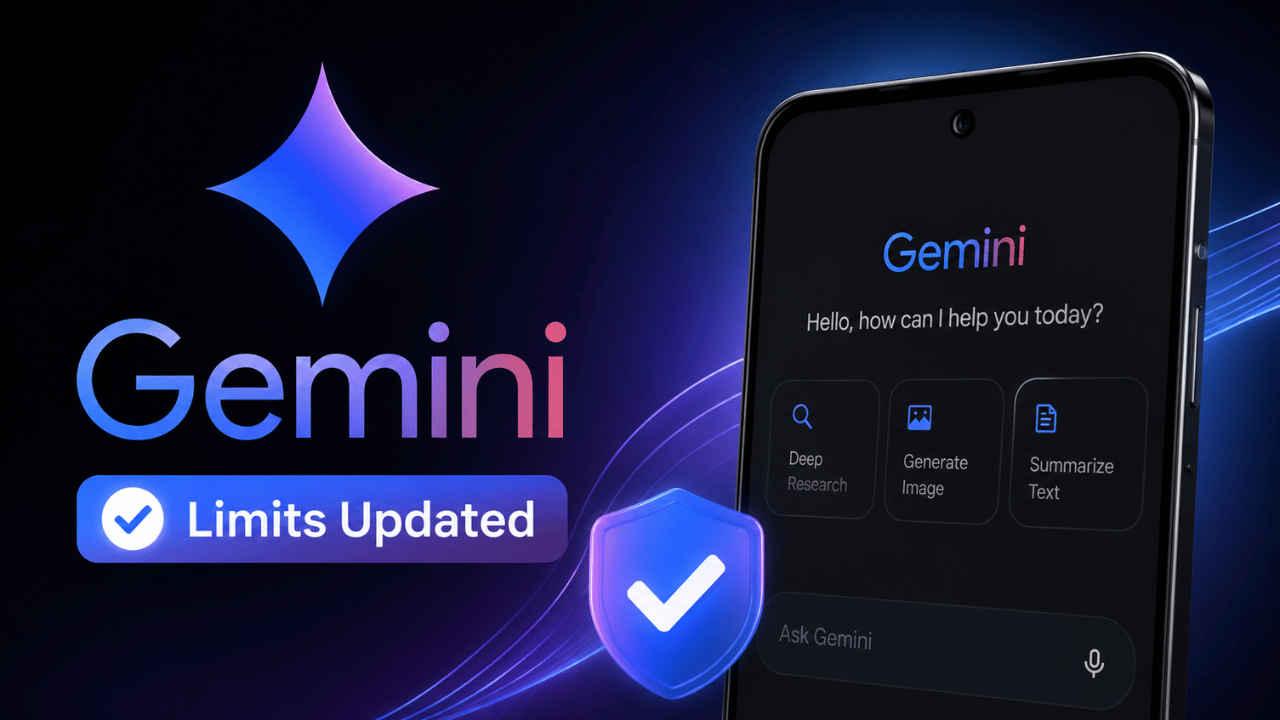
Source: Digit
Josh Woodward, Vice President at Google, acknowledged in a post on X that users were encountering limits sooner than they should. The compute-used approach introduced five-hour refresh periods until weekly limits are met, but many subscribers found the new system far more restrictive than the previous experience
2
. One particularly striking incident involved a Google AI Pro subscriber who exhausted their entire five-hour AI usage cap after a single prompt using avatar-based Omni video generation, with the task running for three to four minutes before hitting 100% quota consumption and ultimately failing to produce any output4
5
.One of the most significant fixes addresses a bug tied to Omni video generation that caused just one or two video prompts to consume disproportionate portions of user quotas. Someone experimenting with short clips or testing different styles could suddenly see their allowance drop far more than expected after only a couple of attempts
1
. Google has resolved this issue and is doubling the number of Omni video generations for Google AI Ultra subscribers immediately3
.Another area causing user complaints about hitting limits involved Gemini 3.1 Pro with complex prompts—long, detailed instructions often accompanied by large file uploads or multi-step reasoning tasks. These prompts were consuming quotas too aggressively. Google is now capping the amount of quota a single prompt can use, preventing extreme outliers where one task wipes out too much of a monthly allowance
1
2
.
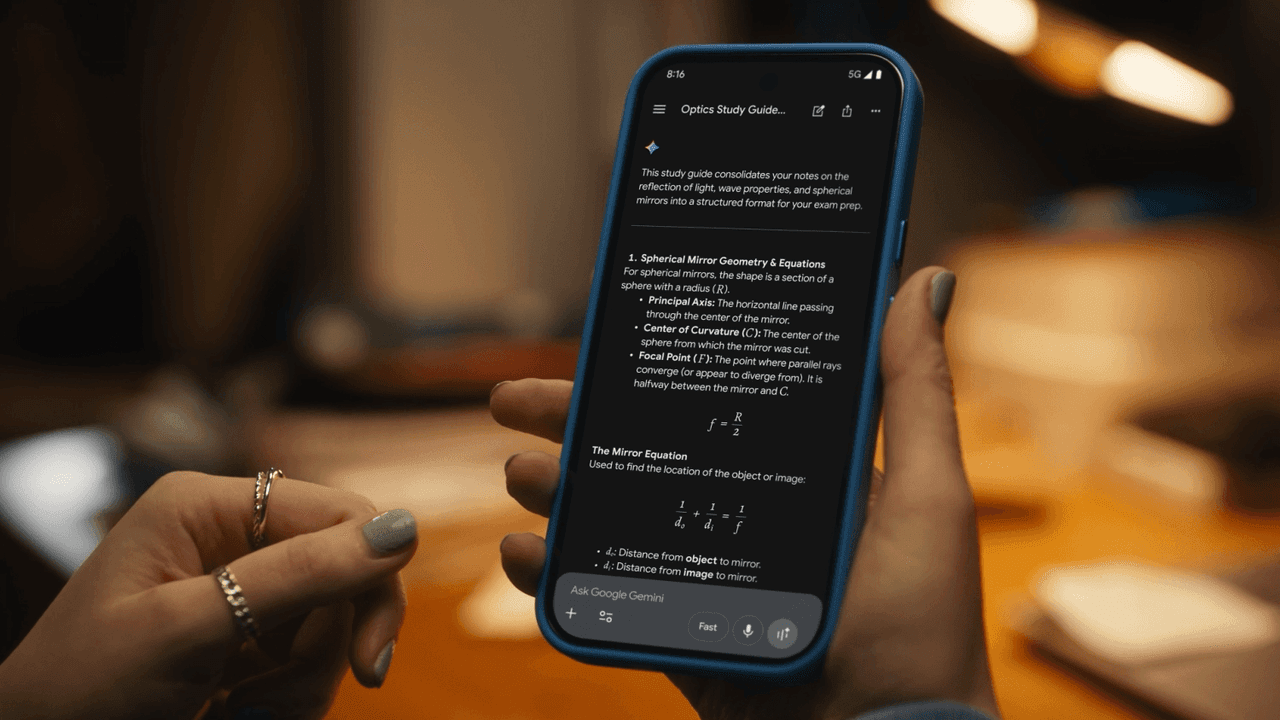
Source: Phandroid
In a change that addresses a particularly frustrating aspect of the user experience, Google confirmed that failed requests no longer count against usage quotas. Woodward noted that about one in ten requests can fail due to system errors, and previously even failed attempts could count against quotas
1
. Google clarified that "if a request fails, you won't be charged. Our system mistakes are on us, not you. Your quota is used only for successful completions"3
.Related Stories
A notable update makes Gemini 3.1 Flash-Lite prompts completely free and exempt from quota consumption
1
2
. This effectively creates a free layer for lighter tasks and subtly encourages users to rely on lighter models when they don't need full reasoning power, helping stretch the limits of higher tiers further.

Source: 9to5Google
Google is also working on more detailed usage breakdowns and notifications for Deep Research and other compute-heavy tasks where Google Gemini processes large inputs or runs multi-step analysis. Many users currently have little visibility into why their quotas drop faster on some days than others
1
3
. The company aims to provide transparency so users can see which types of tasks are expensive and which are not.Google has implemented a useful improvement in how model selection works. Once you choose a specific model inside Google Gemini, the app will remember it across sessions. The selection will only change if you manually adjust it or hit a usage cap that triggers an automatic fallback to a lighter model
1
3
.These changes represent Google's attempt to smooth out a system that had become inconsistent for many users. While Google has already increased Gemini usage limits for Antigravity users by as much as 9x compared to the immediate post-implementation period, broader caps for most regular subscribers appeared unchanged until these latest adjustments
4
. Looking ahead, Google plans to let users buy pay-as-you-go top-up AI credits to supplement their base allowances3
. Whether these fixes fully resolve the frustration remains to be seen, but the direction now feels more transparent and user-friendly than the opaque system that sparked the initial backlash.🟡 untrained_description=🟡The image features the Gemini logo prominently on the left, next to a blue banner with a checkmark and the text "Limits Updated." On the right, a smartphone displays the Gemini application interface with the greeting "Hello, how can I help you today?" and options for "Deep Research," "Generate Image," and "Summarize Text." A close-up shot of a hand holding a smartphone with a blue case. The phone's screen shows a document titled "Optics Study Guide" within the Google Gemini application. The content visible on the screen discusses "Spherical Mirror Geometry & Equations" and "The Mirror Equation." At the bottom of the screen, the prompt "Ask Google Gemini" is visible, along with options for "Fast" input, a microphone icon, and a keyboard icon. The background is blurred, showing warm, out-of-focus lights. The image shows a person holding a red smartphone with the Google Gemini application open. The screen displays "What can I help with, Ab N.?" and indicates that "Gemini Flash" is the selected model. The Google 9TO5Google logo is visible at the bottom right of the image.🟡 output_schema=🟡{"summary": "string"}Summarized by
Navi
[1]
[2]
[4]
18 May 2026•Technology

15 Jan 2026•Technology

08 Sept 2025•Technology

1
Policy and Regulation

2
Policy and Regulation

3
Technology