Google NotebookLM transforms research into 60-second AI videos for faster learning


5 Sources
[1]
Google's NotebookLM can sum up your research in a TikTok-style clip
Google's NotebookLM is adding a new way to catch up on your notes: TikTok-style AI videos. The new feature is rolling out to Google AI Ultra and Pro subscribers, allowing NotebookLM to generate 60-second vertical AI clips based on the sources you upload to the app. The example shared by Google
[2]
Attention span too fried for NotebookLM's podcasts? Have it make you a TikTok instead
The feature is available now for paid users and coming "soon" for free users. NotebookLM's Audio Overviews can take information you've provided and package it into a synthesized podcast format, featuring two voices conversing about whatever your sources' subject is. Now, Google's adding another
[3]
NotebookLM's 60-second videos turned my doomscrolling curse into something useful
Short videos have taken over just about every app we use. You scroll through them on X, lose track of time on Instagram, watch them on YouTube, and now even Netflix has its own bite-sized feed. So when I heard that Google was bringing the format to NotebookLM, it felt both surprising and completely
[4]
NotebookLM's New Feature Turns Documents Into One-Minute AI Videos
* Short Video Overviews creates 60-second summary videos * It rolls out to English users in coming weeks * Nano Banana 2 Lite powers the new NotebookLM feature Google on Tuesday announced Short Video Overviews for NotebookLM, its AI-powered research assistant and knowledge base builder. The
[5]

NotebookLM Now Converts Study Notes Into 60-Second Videos
NotebookLM, Google's AI-powered learning platform, now includes a feature for creating short-form vertical video summaries of study materials. By using the Nano Gemini 2 Light model, which is based on the Gemini 3.1 framework, users can upload content such as PDFs, lecture notes, or articles and
Share
Copy Link
Google has launched Short Video Overviews for NotebookLM, turning dense research documents into bite-sized TikTok-style AI videos. The feature creates 60-second summaries using AI-generated art and narration, initially available to AI Ultra and Pro subscribers. Free users will gain access soon as Google adapts to changing attention spans.

Google NotebookLM Launches Short Video Overviews for Rapid Learning
Google has introduced a new feature for its AI-powered research assistant that converts uploaded documents into TikTok-style AI videos. The Short Video Overviews capability allows Google NotebookLM to generate 60-second summaries of research materials, lecture notes, and complex documents using AI-generated art paired with narration
1
. The feature is rolling out now to AI Ultra subscribers and AI Pro subscribers, with support for free users coming soon2
.This marks NotebookLM's third video format, joining existing Video Overviews and Cinematic Video Overview options introduced earlier this year. The new short-form vertical videos feature stylized visuals with limited animation, overlaid with themed captions that match the content
2
. Google's example demonstration showcased Australia's unsuccessful war on emus, using paper cutout-style AI-generated art to illustrate the historical event1
.How Users Can Create and Customize 60-Second Summaries
To generate a video, users navigate to NotebookLM on the web or mobile app, select a notebook, and choose "Video" from the Studio column. From there, they select "Short" as the format, specify which parts of their source information to focus on, and hit generate
1
. This customization option helps users limit the scope of generated content, addressing the challenge of fitting context and nuance into sixty seconds2
.The feature is powered by the Nano Banana 2 Lite model, introduced earlier this year as Google's image generation and editing model
4
. This technology allows the platform to generate short videos while retaining the visual quality of Cinematic Video Overviews. Users can upload various sources including PDFs, articles, or lecture notes and transform them into concise, visually engaging videos designed to simplify complex topics5
.Why This Feature Matters for Students and Content Creators
The introduction of short-form vertical videos addresses a fundamental shift in how people consume information. For students facing dense revision materials, these AI videos offer an approachable alternative to staring at endless pages of notes
3
. The feature transforms the revision process, making it less overwhelming by presenting digestible information in a format that aligns with how modern learners engage with content.Beyond educational content, creators producing faceless or educational videos could benefit significantly. Anyone who spends hours turning research papers, PDFs, or reports into watchable content can now use NotebookLM to handle the first draft of that process
3
. This could save substantial time in content production workflows, allowing creators to focus on refinement rather than initial synthesis.Access Limitations and Future Availability
Currently, Short Video Overviews are available exclusively to English-speaking users aged 18 and above who subscribe to Google AI's paid tiers. The $20 AI Pro plan and $100 AI Ultra subscription both provide access to this feature
2
. While Google has confirmed that free users will gain access soon, the timeline remains unspecified1
.This tiered access model reflects broader trends in the AI industry, where advanced features increasingly require paid subscriptions
5
. The feature will roll out over coming weeks across web, Android, and iOS versions of NotebookLM, with language support currently limited to English4
.Related Stories

Addressing Short Attention Spans in the Digital Age
The feature acknowledges a reality many users face: attention spans have adapted to consuming information in quick bursts. Between endless reels, shorts, and TikToks, people have grown accustomed to expecting explanations in under a minute
3
. Rather than fighting this trend, Google has built a tool that redirects it toward productive learning.This approach to summarize research notes reflects both the problem and solution created by modern content consumption patterns. While some may view it as catering to diminished attention spans, others see it as a pragmatic adaptation that converts scrolling time into learning opportunities
3
. For collaborative learning environments, the ability to quickly share visual summaries could enhance group study sessions and knowledge transfer.What to Watch: Enhanced Features and Model Updates
NotebookLM continues evolving beyond its origins as a simple AI-powered research assistant. The platform recently introduced enhanced flashcard customization, allowing users to edit questions, refine answers, and share decks through shareable links
5
. These updates reduce barriers to effective studying and foster more interactive learning experiences.Looking ahead, rumors suggest Google may launch Gemini 3.5 Pro with a 2-million-token context window and a "Deep Think" reasoning mode
5
. If these capabilities integrate with NotebookLM, users could see significantly improved processing of complex information. However, premium features may remain exclusive to higher subscription tiers, raising questions about balancing innovation with accessibility in Google AI tools.References
Summarized by

Navi
[2]
[5]
Related Stories
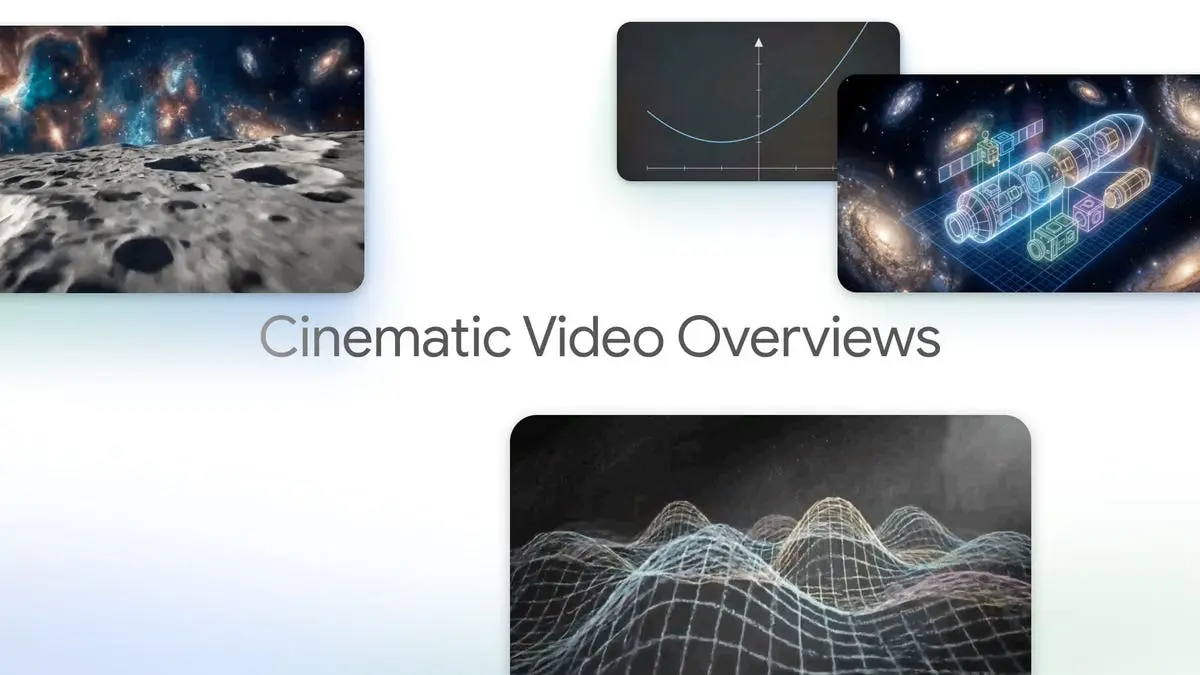
Google's NotebookLM Cinematic Video Overviews turn research notes into animated explainers
04 Mar 2026•Technology
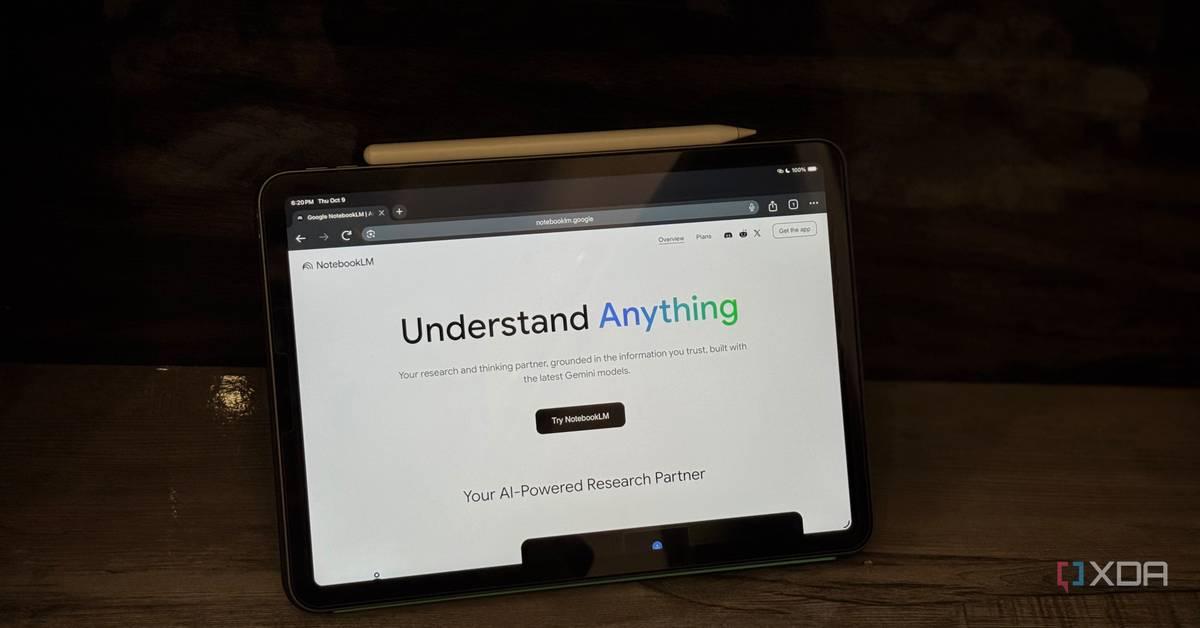
Google's NotebookLM Revolutionizes Learning with AI-Powered Video Overviews
13 Oct 2025•Technology
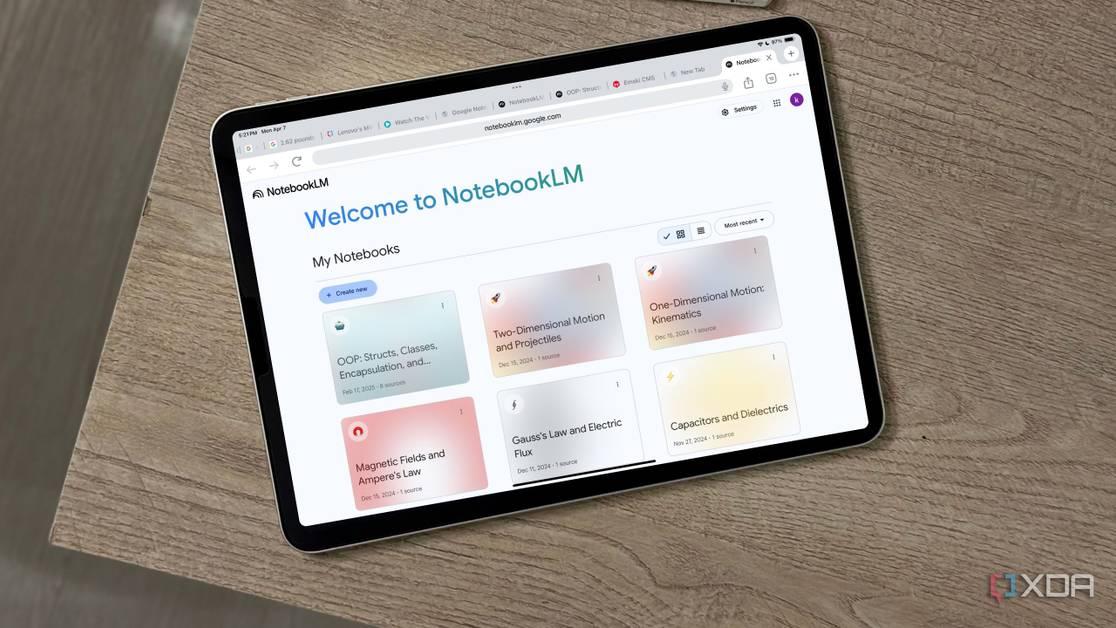
Google's NotebookLM Set to Introduce AI-Generated Video Overviews, Enhancing Note-Taking Experience
10 May 2025•Technology
Recent Highlights
1
Meta Unveils Muse Wonder Frontier AI Models, Claims Performance Matching OpenAI and Anthropic
Technology

2
IMF Report Warns AI Market Correction Could Spark Global Financial Crisis With $1.4T at Risk
Business and Economy

3
OpenAI Releases 722 AI-Generated Math Solutions, Triggering Existential Crisis in Mathematics
Technology

Recent Highlights
Today's Top Stories








Don’t drown in AI news. We cut through the noise - filtering, ranking and summarizing the most important AI news, breakthroughs and research daily. Follow topics that matter to you and stay ahead.


