Google Pixel gets Notification Organizer to manage irritating notifications with AI


3 Sources
[1]
Google Pixel phones are getting better at avoiding irritating notifications
With the November Pixel Drop, Google introduced 'Notification Summaries' for select Pixel devices. At the time, Google had also mentioned an AI-powered organizer for your notifications, scheduled for rollout in December. Staying true to its word, Google has now begun rolling out 'Notification
[2]
Google rolling out Notification Organizer to Pixel
Following AI Summaries last month, Google is rolling out the Notification Organizer to Pixel with Android 16 QPR2. Once available on your Android 16 QPR2 device, go to the Settings app > Notifications > Notification organizer (near the top). Compared to AI Summaries, this feature is enabled by
[3]
Google rolls out new Notification Organizer for the Pixel 9 and Pixel 10 -- here's what that means
We live in a time where phones can have hundreds of apps, each of which can launch thousands of distracting notifications. However, losing track of them might be a thing of the past thanks to Google's latest addition to the Google Pixel 9 and Pixel 10: the Notification Organizer. Google first
Share
Copy Link
Google has started rolling out Notification Organizer to Pixel 9 and Pixel 10 series devices running Android 16 QPR2. The AI-powered feature automatically silences and groups notifications into categories like Promotions, News, Social, and Suggested, helping users cut through notification overload without missing important alerts.
Google Pixel Notification Organizer Now Rolling Out to Users
Google has begun deploying Notification Organizer to eligible Google Pixel devices, delivering on its December rollout promise made during the November Pixel Drop. The AI-powered feature arrives on the Pixel 9 and Pixel 10 series, excluding the Pixel 9a, as part of Android 16 QPR2
2
. Unlike many optional features, Notification Organizer is enabled by default, meaning users will immediately notice its presence once it appears on their devices.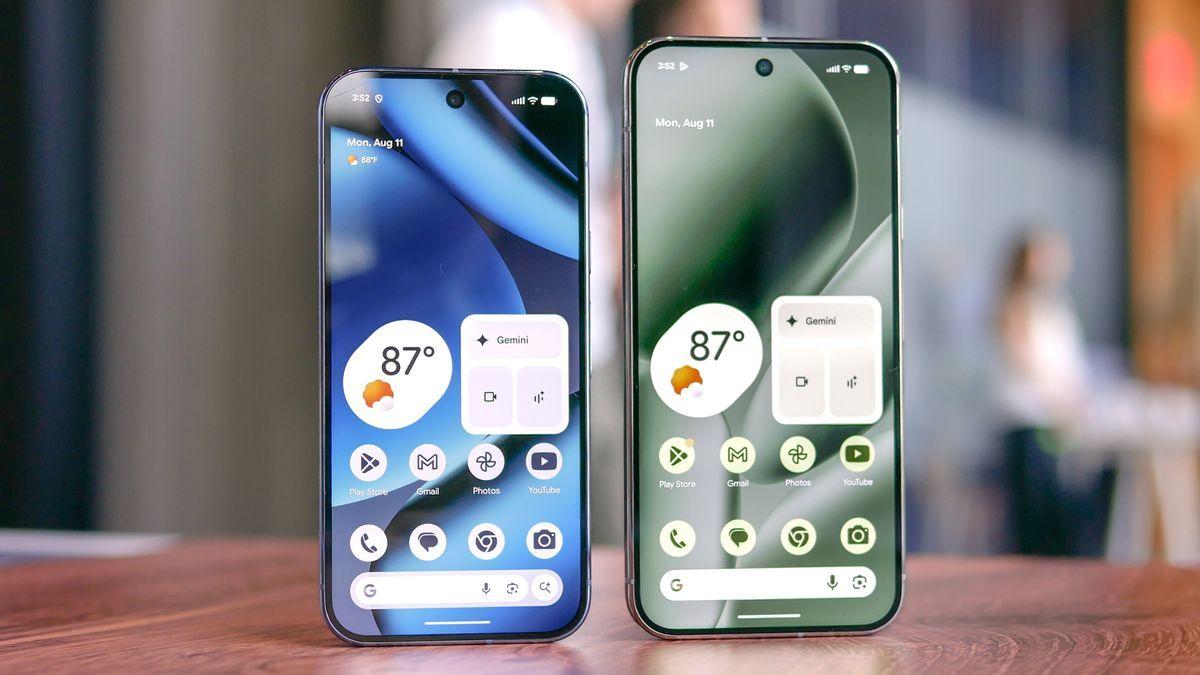
Source: Tom's Guide
This launch represents a significant step in addressing notification overload, a problem that has intensified as smartphones now house hundreds of apps capable of generating thousands of distracting alerts
3
. The feature builds on earlier work that dates back to July, when early hints first emerged about Google's plans to tackle this persistent user pain point.How the Feature Silences and Groups Notifications
Notification Organizer takes a targeted approach to categorize incoming notifications using on-device processing. The system automatically silences and groups notifications into four distinct categories: Promotions, News, Social, and Suggested
2
. The Promotions category and News category are activated by default, while the Social category and Suggested require manual activation by users3
.What makes this implementation particularly useful is that AI categorizes individual notifications from each app rather than simply grouping apps themselves
3
. This approach prevents the mess that often occurs when organizational tools create more confusion than clarity. Users can access the feature through the Settings app by navigating to Notifications, where Notification Organizer appears as the fourth option under the Manage section.Silent Notifications Appear in Dedicated Section
Once configured, organized alerts appear in the notification shade under a dedicated "Silent" section, keeping regular notifications like text messages visible above. Each category displays with an AI sparkle badge, while app icons stack on the right side of the interface
2
. Users can tap to expand bundles and interact with full notifications, or enable "Always expand bundles" for a persistent expanded view.
Source: 9to5Google
The system processes everything locally on Android devices, with Google confirming that no notification data is sent to its servers. This on-device processing approach addresses privacy concerns while maintaining the speed necessary for real-time notification management. However, Google acknowledges the system can make mistakes, a candid admission that reflects the ongoing challenges in perfecting AI classification.
Related Stories

Regional Limitations and Language Requirements
Despite its utility, Notification Organizer comes with notable restrictions. The feature requires English as primary system language and is currently available only in six countries: the United States, United Kingdom, Australia, Canada, Germany, and Japan
2
. These regional limitations may frustrate users in other markets who want access to the feature.For those in supported regions with compatible devices, Google recommends restarting the phone if the feature hasn't appeared yet. The rollout follows the introduction of AI Summaries last month, positioning Google to offer multiple approaches to notification management
2
.What This Means for User Interface Evolution
The deployment of Notification Organizer signals a shift in how smartphone manufacturers approach the growing problem of alert fatigue. By leveraging AI to automatically sort and silence less urgent communications, Google addresses a pain point that affects millions of users daily. Some observers have suggested that future Android releases could include a dedicated Quick Settings toggle for easier access, rather than requiring navigation through the Settings app.
While this may not be the flashiest AI implementation on Google Pixel devices, it represents the kind of practical, daily-use feature that users will likely appreciate over time
3
. As more users adopt the feature, watch for potential expansion to additional languages and regions, as well as refinements to the categorization accuracy based on real-world usage patterns.References
Summarized by

Navi
[2]
Related Stories
Google's AI-Powered Notification Organizer: A Game-Changer for Android 16
09 Jul 2025•Technology

Google Introduces AI Notification Summaries to Pixel Phones with Cautious Approach
12 Nov 2025•Technology

Android 16 brings AI notification summaries and frequent updates, learning from Apple's mistakes
02 Dec 2025•Technology

Recent Highlights
1
OpenAI's AI Models Disprove 27-Year Exponential Time Hypothesis, Rendering Decades of Research Obsolete
Science and Research

2
Google DeepMind unveils Genie 4 world model with audio and 2-minute interactive simulations
Technology

3
OpenAI Cuts Internet Access for AI Model Training After Security Breaches
Technology

Recent Highlights
Today's Top Stories






Don’t drown in AI news. We cut through the noise - filtering, ranking and summarizing the most important AI news, breakthroughs and research daily. Follow topics that matter to you and stay ahead.


