Microsoft Integrates AI Actions into Windows 11 File Explorer, Sparking Debate


4 Sources
[1]
Microsoft is putting AI actions into the Windows File Explorer
Tom Warren is a senior editor and author of Notepad, who has been covering all things Microsoft, PC, and tech for over 20 years. Microsoft is starting to integrate AI shortcuts, or what it calls AI actions, into the File Explorer in Windows 11. These shortcuts let you right-click on a file and
[2]
Microsoft incorporates new 'AI actions' into the Windows 11 context menu
Serving tech enthusiasts for over 25 years. TechSpot means tech analysis and advice you can trust. Editor's take: Windows 11 brought a slew of UI changes and "improvements" few users welcome. File Explorer's state is particularly dire, yet Microsoft shows no sign of backing off its relentless
[3]
Windows 11 is getting more AI shortcuts, but is Microsoft in danger of cluttering up the OS with AI creep?
Initially only a small number of features are available, all of them pertaining to image files - but more AI actions are in the pipeline for testing Windows 11 is receiving another infusion of AI and this time it's coming directly to File Explorer, the app that allows you to view and work with the
[4]
Windows File Explorer is getting a controversial AI upgrade - will users revolt or rejoice?
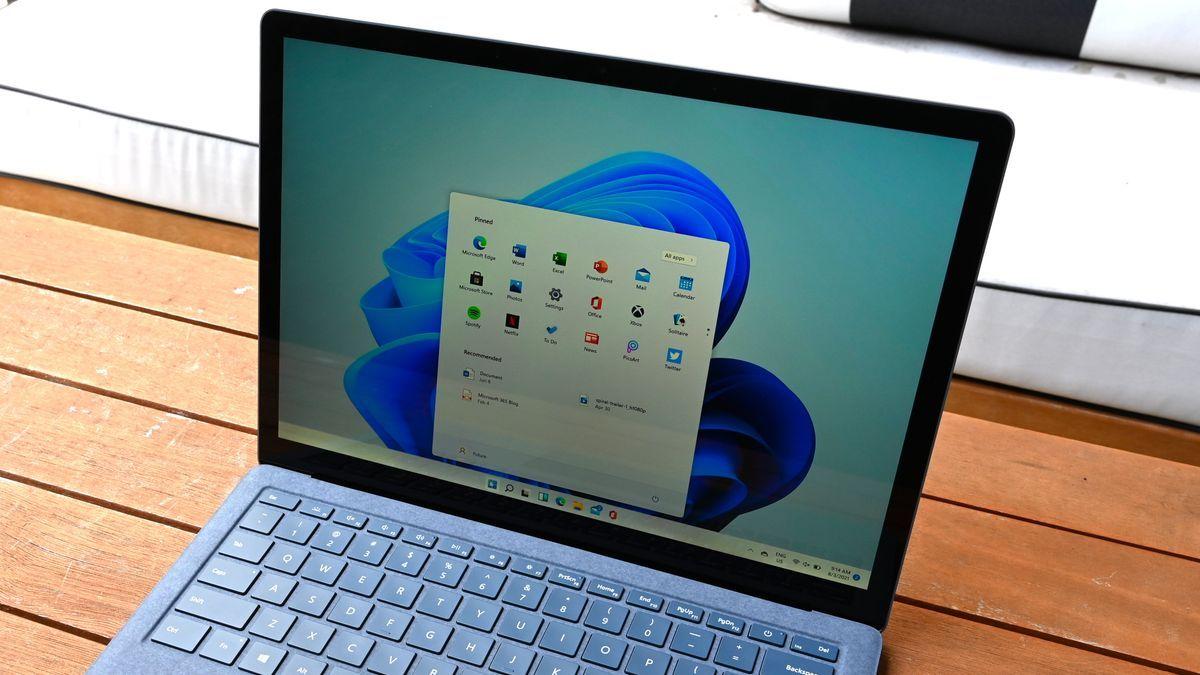
Will AI actions come to the Start menu next? (Image credit: Phillip Tracy/Laptop Mag) Imagine you're a Windows user and need to summarize a file or edit an image. You'd likely start by heading to File Explorer, navigating to the file you need, and then opening it. Let's say it's a task AI can
Share
Copy Link
Microsoft is introducing AI-powered shortcuts in Windows 11's File Explorer, offering quick access to image editing and document summarization features. This move has sparked discussions about the balance between convenience and potential interface clutter.
Microsoft Introduces AI Actions in Windows 11 File Explorer
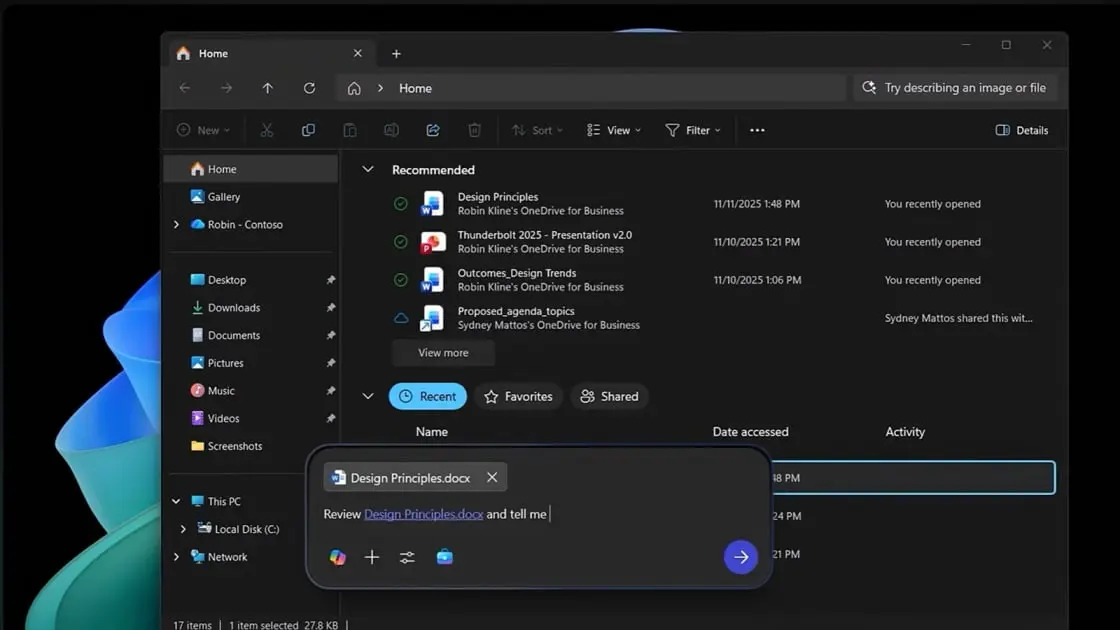
Microsoft is taking a significant step towards integrating artificial intelligence into its Windows operating system by introducing AI actions in the File Explorer of Windows 11. This new feature, currently being tested in the latest Dev Channel builds, aims to provide users with quick access to AI-powered tools directly from the context menu when right-clicking on files
1
.Image Editing and Visual Search
The initial rollout focuses on four AI actions for image files:
- Bing visual search: Allows users to find similar images on the web
- Blur background: Automatically detects and blurs the background in photos
- Erase objects: Enables quick removal of unwanted elements from images
- Remove background: Extracts the subject from an image's background
These actions are currently limited to JPG and PNG files, with plans to expand support to other file formats in the future
2
.Upcoming Features for Microsoft 365 Subscribers
Microsoft has announced plans to extend AI actions to Office files, offering features such as:
- Document summarization: Quickly generate summaries of Word, PDF, or TXT files stored in OneDrive or SharePoint
- AI-generated FAQ lists: Transform documents into structured question-and-answer formats
These advanced features will initially be limited to Microsoft 365 commercial subscribers with a Copilot license, with consumer support planned for a later release
3
.User Experience and Potential Concerns
While Microsoft touts these AI actions as time-saving features, some users and industry observers have raised concerns about potential interface clutter and the continued integration of AI into core Windows functions. The addition of AI actions introduces a new sub-menu in the File Explorer's context menu, which may be seen as unnecessary by users who don't frequently utilize AI tools
4
.Related Stories
Comparison to Existing Solutions
It's worth noting that similar quick-action features already exist in other operating systems and software:
- macOS: Offers "Quick Actions" in its context menu, including options like Rotate, Markup, and Remove Background
- Adobe Express: Provides one-click background removal for images
The key difference with Microsoft's approach is the explicit branding and expansion of AI-powered features throughout the Windows ecosystem
4
.Broader AI Integration in Windows 11
Beyond File Explorer, Microsoft is also testing visual changes to the widgets feature in Windows 11, introducing a more personalized feed that includes Copilot-curated stories. This move further demonstrates Microsoft's commitment to integrating AI throughout the Windows experience
1
.
Source: LaptopMag
As Microsoft continues to push AI integration in Windows 11, the company faces the challenge of balancing innovative features with user preferences and interface simplicity. The success of AI actions in File Explorer may set the tone for future AI implementations across the Windows platform.
References
Summarized by

Navi
[3]
Related Stories
Windows 11 Finally Lets Users Remove AI Actions from File Explorer's Right-Click Menu
08 Dec 2025•Technology

Microsoft Scales Back Copilot: 8 AI Actions Removed from Windows 11 File Explorer Amid User Backlash
21 Oct 2026•Technology

Microsoft's AI Revolution: Transforming Windows 11 with Voice-Activated Copilot
16 Oct 2025•Technology

Recent Highlights



Recent Highlights
Today's Top Stories







Don’t drown in AI news. We cut through the noise - filtering, ranking and summarizing the most important AI news, breakthroughs and research daily. Follow topics that matter to you and stay ahead.


