Microsoft Paint Embraces AI: New 'Restyle' Feature Transforms Images with a Click


5 Sources
[1]
Microsoft Paint's new update can turn your doodles into masterpieces
* Paint's new Restyle uses AI in Copilot to transform canvas images into preset art styles. * Requires Windows Insider build, a Copilot+ Snapdragon device, and a signed-in Microsoft account. * Processes locally on Copilot+ devices - handy for quick style swaps, but won't magic your terrible
[2]
You Might Not Like Paint's Latest Feature in Windows 11
If you are getting frustrated with generative AI features creeping into every corner of Windows, we have some bad news. Microsoft is adding yet another AI feature to Paint in Windows 11, intended to help you redesign images in various styles. Windows Paint version 11.2509.441.0 is now rolling out
[3]
Microsoft Paint tests new AI feature that instantly changes image styles
In a recent Windows Insider blog post, Microsoft announced that it has started rolling out a new AI feature in Paint called Restyle, which allows users to change the visual style of images directly within the program. For example, you could turn a photo into pop art. To use the feature, all you
[4]
Great, now even Microsoft Paint can make AI slop
If there's one creative app you might think would be safe from generative AI, it's MS Paint. Still part of Windows after 40 years, the classic painting app's charm was, for a long time, its low-tech simplicity compared to the many more sophisticated digital art programs that emerged after
[5]

Windows Insiders are getting a new AI feature that changes how you use paint
The paint app has been around for ages and at some point of time, we all have used it. Over the years, it has received several improvements and new features. Now, Microsoft is adding yet another feature to Paint that will change the way you use the app. The feature, called Restyle, is currently
Share
Copy Link
Microsoft introduces 'Restyle', an AI-powered feature in Paint that allows users to transform images into various artistic styles. This update marks a significant shift in Paint's functionality, integrating AI capabilities into the classic Windows app.
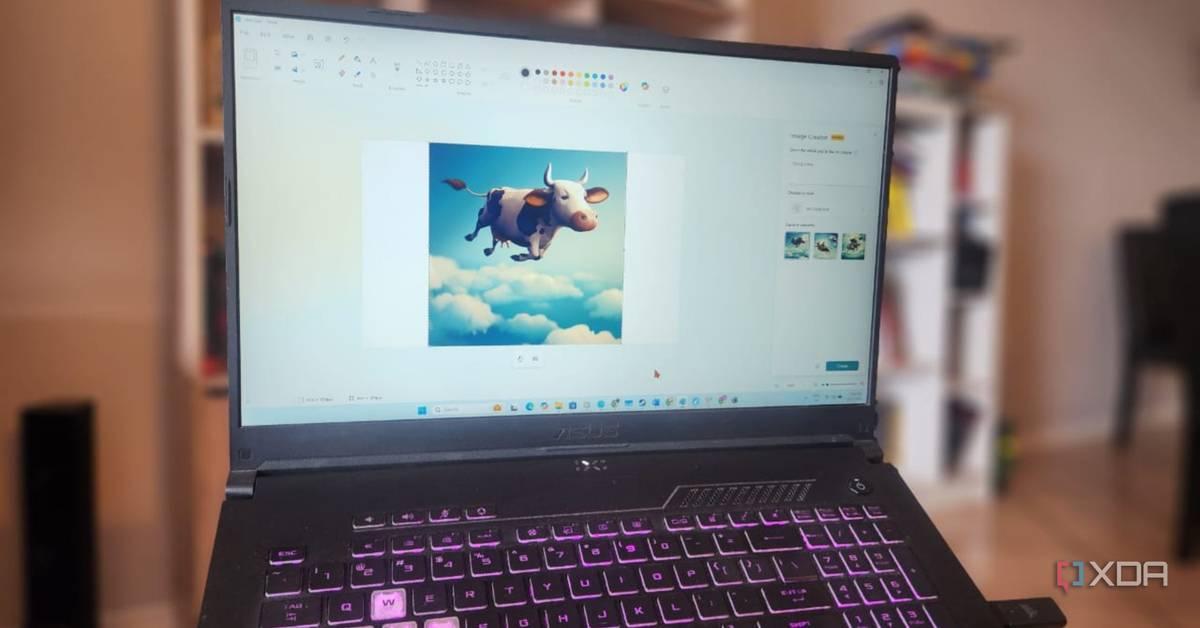
Microsoft Paint's AI Evolution
Microsoft is taking its iconic Paint application to new heights with the introduction of 'Restyle', an AI-powered feature that allows users to transform images into various artistic styles
1
2
. This update marks a significant shift in Paint's functionality, integrating AI capabilities into the classic Windows app that has been a staple for over 40 years.How Restyle Works
The new Restyle feature can be accessed from the Copilot menu within Paint. Users can select from a preset list of styles, such as pop art, and click the Generate button to transform their canvas image
3
. The AI then processes the image and provides new versions that can be added to the workspace, copied, or saved for later use.Technical Requirements and Availability
Currently, Restyle is available to Windows Insider users on the Canary, Dev, and Beta channels
5
. The feature requires:- Paint version 11.2509.441.0 or later
- A Snapdragon-based Copilot+ PC
- Sign-in with a Microsoft account
The local processing on Copilot+ devices allows for quick style swaps without the need for cloud processing
1
.Implications and Reception
While some users may welcome this addition as a fun and accessible way to experiment with AI art, others view it as another unnecessary AI feature creeping into Windows
2
. Critics argue that Paint's charm lies in its simplicity, and the addition of AI features may overcomplicate the app4
.Related Stories


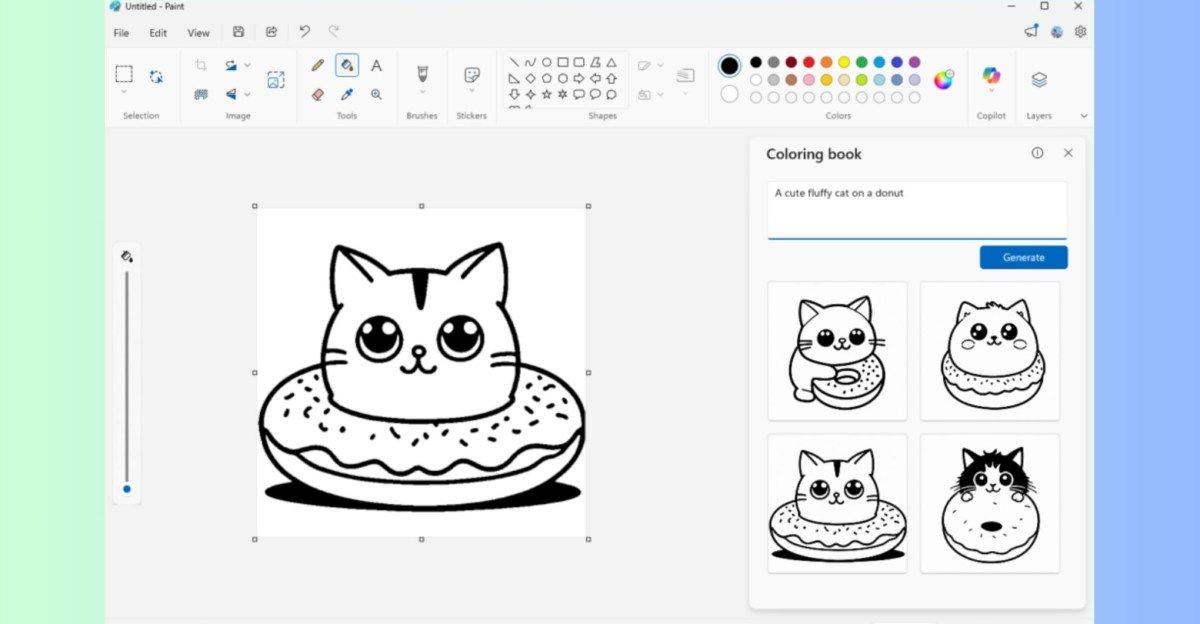

Microsoft's AI Integration Strategy
The introduction of Restyle in Paint aligns with Microsoft's broader strategy of integrating AI across its product lineup. This move follows the addition of Cocreator for sketch-to-image capabilities and the integration of Copilot chatbot into Windows
4
. Microsoft aims to make AI feel like a part of everyday creativity, accessible within familiar tools5
.Future Outlook
As Microsoft continues to test and refine Restyle, it's likely that the feature will eventually roll out to all Windows 11 PCs. This update could potentially open up new possibilities for quick concept art, mockups, and creative experimentation within the Paint app. However, it remains to be seen how users will adapt to these AI-driven changes in a tool that has remained largely unchanged for decades.
References
Summarized by

Navi
[1]
[2]
[4]
Related Stories
Recent Highlights
1
Google DeepMind unveils Genie 4 world model with audio and 2-minute interactive simulations
Technology

2
Google Unveils Gemini 4 Carbon AI Model With Major Cybersecurity Gains, Beating Claude Opus 5.5
Technology

3
Pope Leo XIV Demands AI Disarmament and Ban on Autonomous Weapons at UN Geneva Meeting
Policy and Regulation

Recent Highlights
Today's Top Stories






Don’t drown in AI news. We cut through the noise - filtering, ranking and summarizing the most important AI news, breakthroughs and research daily. Follow topics that matter to you and stay ahead.


