Apple's Siri AI in iOS 27 Requires Waitlist Access—Here's How to Join and What to Expect


7 Sources
[1]
Why is there a waitlist for Siri AI in iOS 27? - Engadget
After months of testing, Apple's iOS 27 and other updates are now available to the general public. On iPhone and iPad, the latest updates bring a litany of performance improvements, such as faster app launching and AirDrop transfers, but the headlining feature is undeniably the new Siri AI. Siri
[2]
iOS 27 uses a waitlist for accessing Siri AI
iOS 27 is officially here, but if you're hoping to try the new Siri AI, you might have to wait a bit longer, because Apple is using a waitlist for access. Siri AI requires joining waitlist in iOS 27 Apple launched iOS 27 today with Siri AI one of the tentpole new features. The new Siri is a huge
[3]
Reminder: iOS 27's All-New Siri AI Has a Waitlist, Here's How to Sign Up
Apple this week released iOS 27 following around three months of beta testing. If you just installed the software update on your iPhone, you might be wondering where the new-and-improved Siri AI and dedicated Siri app are. In case you missed it, you must join Apple's waitlist in order to gain
[4]
Wondering where Siri AI is after downloading iOS 27? Here's how to get it on iPhone
If you rushed to download iOS 27 when Apple dropped the update on Monday, you may have been surprised to see the key new feature wasn't there waiting for you. Apple has spend months - no, years - preparing us for the arrival of Siri AI with its personal context from third-party apps, on-screen
[5]

Everything Siri AI Can Do in iOS 27 (and How to Get It Working Right Now)
Apple's Siri AI, introduced in beta with iOS 27, signifies a major advancement in personal assistant technology. Designed to enhance conversational abilities, improve contextual understanding, and integrate seamlessly with apps, this iteration aims to deliver a more intuitive and personalized user
[6]

iOS 27: How Siri AI Turns Your iPhone into a Context-Aware Personal Assistant
Personal context: Siri can connect information across messages, emails, photos, notes, calendars, and supported apps. Visual intelligence: Siri can understand screen content and camera views to answer questions and trigger relevant actions. Important limits: Siri AI launches in English beta with
[7]
Siri AI on iPhone 18 Pro: Here's How You Can Leverage It
Apple's Siri AI arrives in India with iOS 27, bringing a more capable voice assistant to compatible iPhones. The feature arrived on September 14 and runs on the iPhone 18 Pro out of the box. Siri AI remains in beta, supports English, and requires users to join a waiting list. Apple also applies
Share
Copy Link
Apple released iOS 27 with its significantly upgraded Siri AI powered by Google Gemini technology. The new conversational assistant features on-screen awareness and app integration but requires joining a waitlist. Access is limited to iPhone 15 Pro and newer models with specific language settings.
Apple launched iOS 27 this week after three months of beta testing, bringing performance improvements and a completely reimagined virtual assistant
1
. The centerpiece of the update is Siri AI, a comprehensive overhaul that transforms Apple's assistant into a ChatGPT-like conversational interface powered by Google Gemini technology1
. However, users eager to test the new capabilities face an unexpected hurdle: a mandatory waitlist that gates access to the feature.Why Apple Intelligence Requires a Waitlist
Unlike standard iOS 27 features available immediately after updating, Siri AI requires manual activation and waitlist approval
2
. Apple is using this phased rollout approach to manage server load and ensure system stability as millions of users adopt the AI-powered assistant. The strategy mirrors the waitlist Apple implemented in iOS 18.1 for Apple Intelligence access2
. Wait times vary significantly, with some users receiving access within minutes while others report waiting hours or even days3
.How to Enable Siri AI and Join the Waitlist
Accessing the significantly upgraded Siri AI requires meeting specific compatibility requirements and following a straightforward enrollment process. First, you need an iPhone 15 Pro or newer model, as Siri AI is limited to devices supporting Apple Intelligence
3
4
. Compatible devices include the iPhone 15 Pro, iPhone 15 Pro Max, iPhone 16 series, iPhone 16 Pro models, iPhone 17 lineup, iPhone 17 Pro variants, iPhone Air, and the latest iPhone 18 Pro models3
.You must also set your device language to match your Siri language settings—for example, US English for both
4
. To join the waitlist, open the Settings app, navigate to the Siri menu, and tap "Try Siri AI (Beta)"3
4
. Follow the prompts to complete enrollment. Once approved, you'll receive a notification and the standalone Siri app will automatically download to your device3
.
Source: Engadget
Siri AI Features: Conversational Input and On-Screen Awareness
The new Siri AI represents years of development aimed at addressing the assistant's notorious limitations with complex requests
3
. Built using Google's Gemini AI models through a partnership between Apple and Google, Siri AI delivers conversational input capabilities similar to modern chatbots1
. The assistant maintains contextual awareness during multi-turn conversations, allowing users to ask follow-up questions without repeating context5
.On-screen awareness enables Siri AI to interact with visible content on your device
1
5
. For instance, if you're reading an email containing a phone number, Siri can update contact information directly without manual input5
. The assistant accesses emails, messages, and other on-device content to provide personalized assistance1
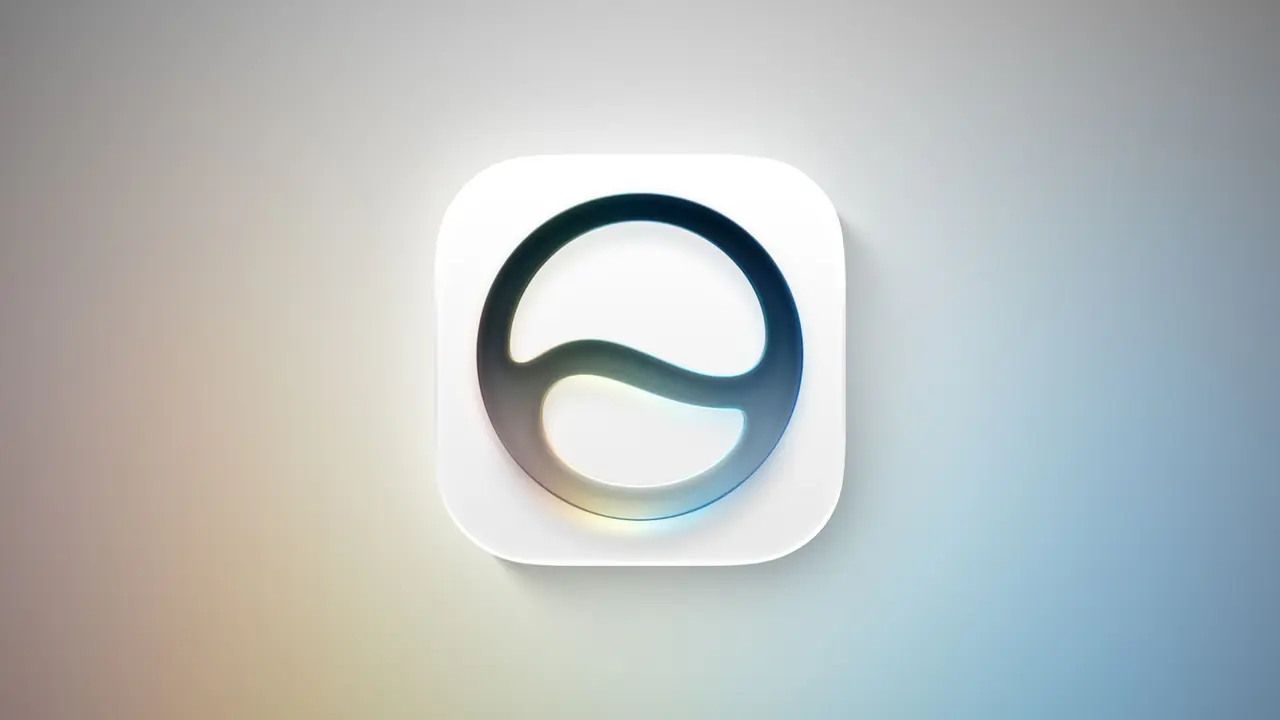
.
Source: MacRumors
Cross-app functionality allows Siri AI to work seamlessly across multiple applications, including third-party ones
5
. Users can request workout summaries from fitness apps, send location data between mapping and photography applications, or create calendar events from poster images captured by the camera4
5
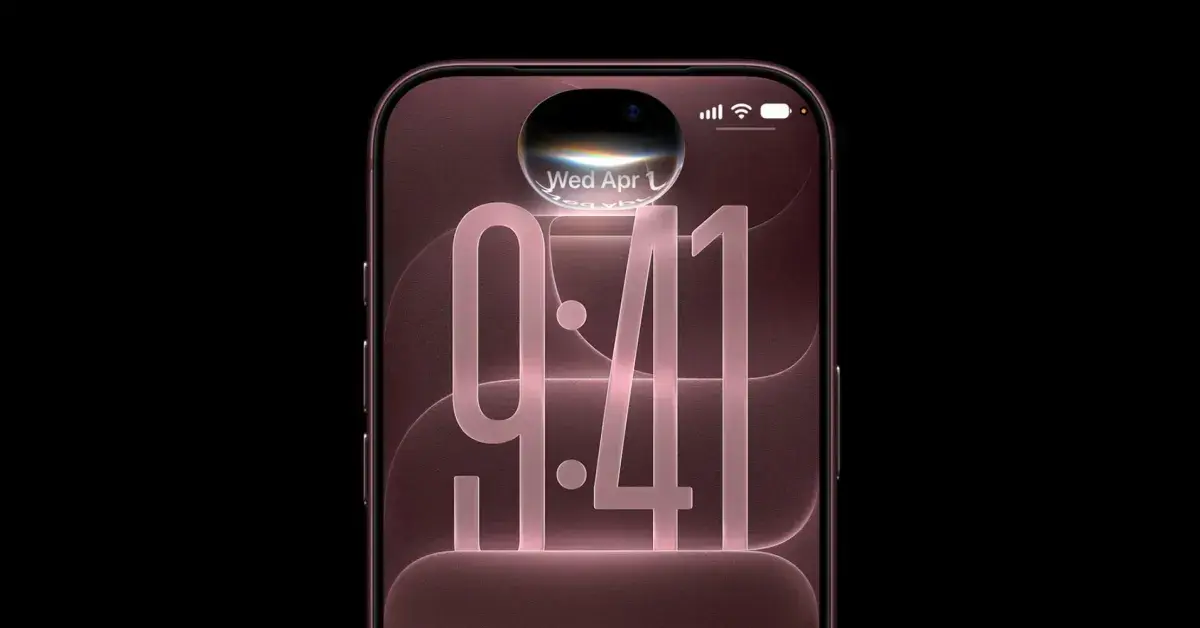
.
Source: 9to5Mac
Related Stories

Language Settings and Regulatory Constraints
Siri AI launches with English-only support, though Apple plans to add French, Japanese, Korean, Portuguese, and Spanish in October, likely with iOS 27.1
3
. The feature remains in beta despite iOS 27 exiting beta status3
. Apple has implemented unspecified daily usage limits, though expanded access will become available with select iCloud+ plans3
.Notably, Siri AI is unavailable in the European Union on iOS 27, iPadOS 27, and watchOS 27 at launch due to ongoing regulatory constraints with the European Commission
3
. This limitation affects millions of potential users and highlights the complex regulatory landscape surrounding AI deployment.Users can access Siri AI through multiple methods once approved: swiping down from the Dynamic Island, pressing and holding the side button, using the "Hey Siri" voice command, or opening the dedicated Siri app
3
4
. The standalone app houses previous requests and serves as a central hub for interacting with the AI assistant. For iPhone 18 Pro, iPhone 18 Pro Max, iPhone Duo, iPhone 17 Pro, iPhone 17 Pro Max, and iPhone Air models, users can adjust Siri AI's pace and expressivity settings3
.References
Summarized by

Navi
[2]
Related Stories
Apple Releases Siri AI in iOS 27: Personal Intelligence Comes to iPhone 18 Pro
10 Sept 2026•Technology

Apple Launches iOS 27 and macOS 27 with Siri AI Overhaul and Liquid Glass Updates
09 Sept 2026•Technology
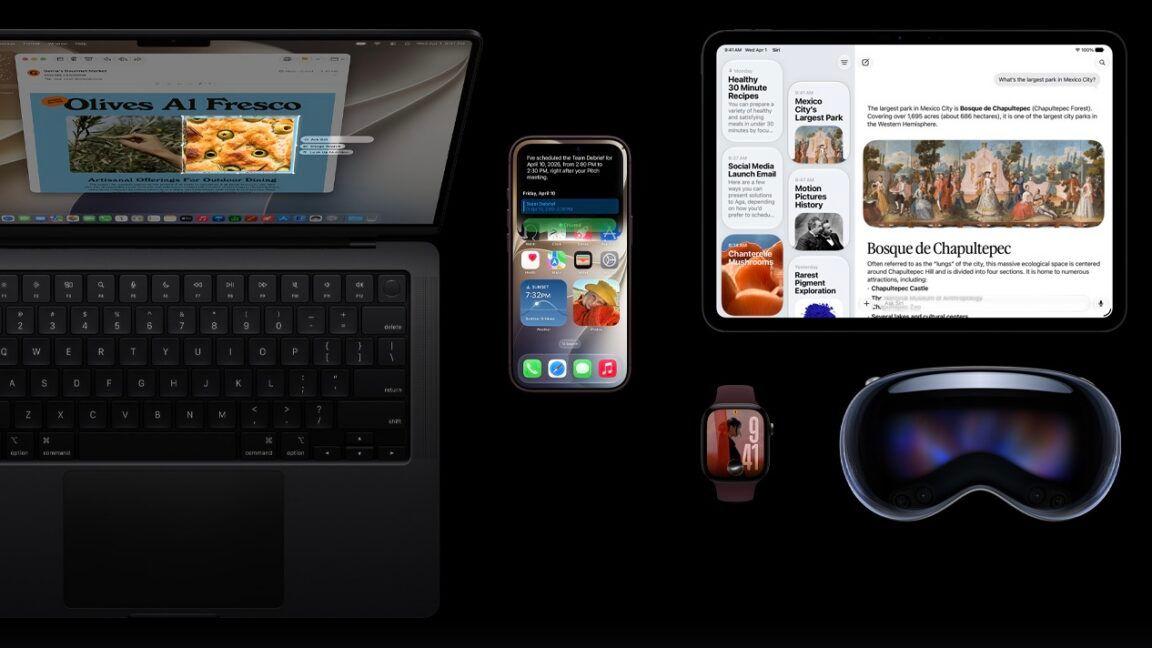
Apple releases Siri AI to everyone through iOS 27 public beta, marking biggest assistant overhaul
14 Jul 2026•Technology

Recent Highlights



Recent Highlights
Today's Top Stories










Don’t drown in AI news. We cut through the noise - filtering, ranking and summarizing the most important AI news, breakthroughs and research daily. Follow topics that matter to you and stay ahead.


