2 Sources
[1]
macOS 27 Golden Gate: Everything we know about the new features landing on your Mac
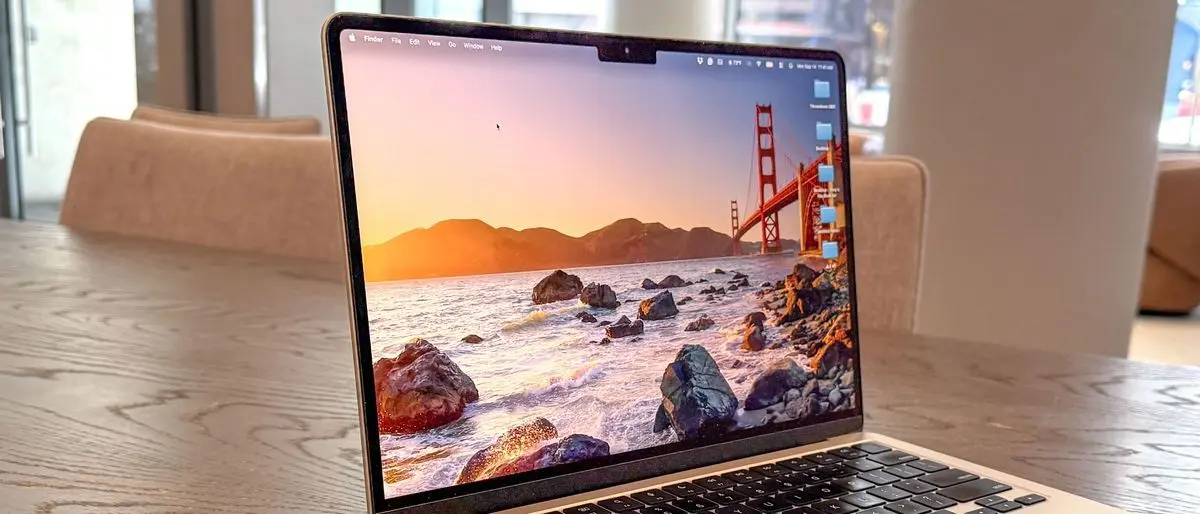
Apple's next Mac update is all about Siri AI and a cleaner Liquid Glass design Apple has officially unveiled macOS 27 Golden Gate, the next major version of macOS coming to supported Macs later this year. And while last year's macOS Tahoe update was all about giving the Mac a fresh Liquid Glass redesign, Golden Gate looks more like Apple's cleanup and Apple Intelligence update. macOS Golden Gate is jam-packed with new features, including the redesigned Siri AI, a new standalone Siri app, Visual Intelligence on Mac, more capable Apple Intelligence features across core apps, performance improvements, and some much-needed design refinements. It is also a notable update, since Intel Macs are no longer part of the supported device list. Recommended Videos Here's everything we know so far about macOS Golden Gate. When will macOS Golden Gate be released? Apple says macOS 27 Golden Gate will arrive this fall. That lines up with Apple's usual macOS release schedule, so a wider public release is likely to happen around September or October, alongside the rest of Apple's major operating system updates. The developer beta is already available, while the public beta is expected in July. As always, it is better to avoid installing an early developer beta on your main Mac unless you are comfortable dealing with bugs, app compatibility issues, and unfinished features. Which Macs support macOS Golden Gate? macOS Golden Gate marks the end of the road for Intel Macs. Apple's official compatibility list only includes Apple Silicon machines, which include: * MacBook Neo (2026) * MacBook Air with Apple silicon (2020 and later) * MacBook Pro with Apple silicon (2020 and later) * iMac with Apple silicon (2021 and later) * Mac mini with Apple silicon (2020 and later) * Mac Studio (2022 and later) * Mac Pro with Apple silicon (2023) So if you are still using an Intel MacBook Pro, Intel MacBook Air, Intel iMac, or Intel Mac Mini, macOS Tahoe is likely your last major macOS update. Another thing to note is that the macOS Golden Gate experience won't be consistent across the supported models. Apple Intelligence is available on Macs with M1 and later, but some more advanced features require newer hardware. For example, Siri voice customization needs a Mac with M3 or later and at least 12GB of unified memory. Siri AI is still the headline Just like the iOS 27 update, the biggest change in macOS Golden Gate is Siri AI. During the WWDC 2026 event, Apple showcased a much more capable version of Siri, powered by Apple Intelligence and built for natural conversations, richer answers, and deeper systemwide help. On Mac, Siri AI can be used through voice or typing. You can ask open-ended questions, brainstorm ideas, get help with projects, and continue back-and-forth conversations in a way that sounds far closer to a modern AI assistant than the old Siri. Apple is also baking Siri more deeply into Spotlight. When you search for something and the answer is better suited to Siri, an "Ask Siri" option can appear as the top result. The point was to make Siri feel more natural part of your routine, rather than being a separate assistant you'll have to summon every now and then. Siri AI can now understand more of your personal context. That means it can help you find old photos, locate a buried email, pull up a saved note, or answer questions based on information stored across your apps. Apple has been promising such functionality for a while, and Golden Gate seems to be where it finally becomes a major part of the Mac experience. The context works across Mail, Photos, Notes, Messages, and Finder. That's not all, Siri AI is also getting better at doing things, not just answering questions. Apple states that it can take actions in apps like Messages, Music, Reminders, and more, based on what you are doing. Examples include editing a message you just sent, creating reminders, adding songs to playlists, sending emails, creating notes, rotating photos, or creating events. The promise is that Siri can understand the moment and help complete the task without forcing you to jump through multiple apps. This could be especially useful on macOS, where multitasking often means having several windows, tabs, and documents open at once. New standalone Siri app Acting as an extension of Siri AI is the new dedicated Siri app. Apple's AI is now more than just a floating voice assistant. Now, all of the features are housed in one place. The Siri app lets you start a conversation on your Mac and pick it up later on your iPhone. You can also pin important conversations or start new ones from the app. It sounds a lot closer to how people already use AI chatbots, except tied directly into Apple's ecosystem. For Mac users, this could be one of the most important changes. Siri has never been particularly essential on macOS, but a standalone app gives it a clearer reason to exist. Visual Intelligence is now on your Mac Visual Intelligence is also coming to macOS Golden Gate, but it functions a little differently. On Mac, it works through screenshots. You can take a screenshot of something on your display, such as an image, a PDF, a webpage, or a document, then ask Siri AI questions about it. Apple's Visual Intelligence can help you learn more about what is on your screen by searching for related information or taking action based on what it sees. For example, if you are looking at an image of food in an email, Siri could help search for it or pull up related details. It's one of the more practical AI-powered features for the Mac. A lot of work happens across documents, webpages, PDFs, screenshots, spreadsheets, and images, so giving Siri the ability to understand what is on the screen could make it more useful than a standard chatbot window. Writing tools get more personal Siri AI can also help you write almost anywhere you type. Apple has updated the assistant to now generate drafts from scratch, give feedback on what you have written, and help edit text based on your instructions. In Messages and Mail, Siri can match your writing style, punctuation, and tone, which sounds more useful than generic rewriting tools that make everyone sound the same. For Mac users, it could be a great tool for writing emails, notes, and other similar workflows. Apple Intelligence improves Safari, Photos, Passwords, and more macOS Golden Gate is expanding Apple Intelligence across several core apps. Safari is getting automatic tab organization, which can group related pages into topics. There is also a new Safari Notify Me feature that can monitor pages for changes, such as a price drop or restock, and alert you when something changes. The Passwords app is getting more proactive too. Apple states that it can alert you to weak or compromised passwords and update them on your behalf. Photos gets a larger set of AI editing tools. Spatial Reframing lets you reframe a photo after it has been taken, Extend can expand a shot, and the improved Clean Up tool can remove larger objects. Image Playground is also getting upgraded with higher-quality image generation, including support for photorealistic styles. Shortcuts are becoming easier to use as well. Rather than manually building automations step by step, you can describe what you want, and Shortcuts can connect actions across apps to make it happen. Liquid Glass gets some polishing macOS Tahoe introduced Liquid Glass, but the redesign was not universally loved. With Golden Gate, Apple appears to be refining the interface rather than starting over again. The design language is getting updated for better readability, along with a more consistent app design, improved contrast, and more uniform refraction for better visual clarity. There is also a new slider that lets you customize how Liquid Glass looks, from ultraclear to fully tinted. One of the biggest complaints with transparent interfaces is that they can look pretty in demos but become distracting in everyday use. So Mac users can finally get more control. Apple is also updating toolbars, sidebars, menu bar icons, and other parts of the macOS interface to make the system feel more consistent. Performance is getting some touches Golden Gate is not only about AI and design. macOS 27 includes improvements that should make the Mac feel more responsive. This includes quicker AirDrop transfers, faster network file browsing, and speedier Safari start page loading. Apple is also making broader improvements to memory usage, search, display rendering, and even CPU utilization. All flashy new features and updates are great, but this should make Macs feel faster in everyday use and ensure your older Apple PC still feels smooth. Expanding child safety and accessibility features With the latest update, Apple is also focusing on child safety and parental control features. Ask to Browse lets kids request permission before visiting new websites. Parents can review the request in Messages before approving it. Communication Safety is expanding for protection against nudity and warnings before children see gore or violence in shared images and videos. Parents can also set Time Allowances and Schedules that improve existing parental controls overall. Apple is also bringing new accessibility updates to macOS Golden Gate. VoiceOver gets richer image descriptions and new capabilities for understanding onscreen content. A new captioning feature can automatically generate synced subtitles for videos and translate existing captions into other languages. Smaller features worth knowing There are several other macOS Golden Gate updates worth noting. Ultrawide display support is improving, with higher resolutions such as 5K at 120Hz. macOS will also remember display arrangements when you plug displays back in. iCloud Shared Albums are getting better support for friends and family on Android or Windows through iCloud.com. It has added full-resolution sharing, new filters, reactions, and more ways to invite people. Maps is getting enhanced Flyover with sharper detail powered by aerial imagery and Visual Intelligence models. Several Mac apps, including Safari, Mail, News, Podcasts, and Calendar, are getting swipe-down-to-refresh. The Podcasts app is also getting a better video podcast experience. macOS Golden Gate is coming this fall, with a public beta expected in July. But we will have to wait for the full release to get a better idea of how well Siri AI performs on the Mac.
[2]
What Makes macOS 27 Golden Gate Apple's Best Update Yet
Apple's macOS 27 Golden Gate introduces a fantastic update that seamlessly blends advanced AI capabilities, enhanced performance, and refined design elements. This release focuses on usability, customization, and innovative tools, aiming to deliver a computing experience that is both intuitive and efficient. Whether you are a professional power user or a casual enthusiast, macOS 27 offers a suite of features designed to enhance productivity, creativity, and personalization. The video below from Mac Vince gives us more details about the new macOS 27. Refined Design and Visual Enhancements macOS 27 introduces a visually refreshed interface that balances aesthetics with functionality. The design updates are crafted to improve both usability and visual appeal: * Liquid Glass Transparency: Customize window opacity to create a desktop environment that reflects your personal style. * Sharper Visuals: Enhanced app icons and toolbar buttons feature sharper edges and higher contrast, improving visibility and accessibility for all users. * Streamlined Interface: Windows now feature tighter corner radii, offering a cohesive and modernized look across the system. * Upgraded Menu Bar: Expandable menu items provide quicker access to essential tools, reducing workspace clutter and improving navigation. These design improvements ensure that macOS 27 delivers a polished, user-friendly interface that prioritizes both form and function. Performance Upgrades for Speed and Efficiency Performance optimization is a cornerstone of macOS 27, making sure faster, smoother, and more reliable system operations. Key upgrades include: * Enhanced File Sharing: AirPlay and AirDrop now deliver up to 80% faster transfer speeds, making file sharing and media streaming more efficient. * System-Wide Optimizations: Reduced lag and improved responsiveness enhance the overall user experience, even during demanding tasks. * Revamped Search Functionality: Reindexed files, apps, and photos enable quicker and more accurate searches, saving time and effort. These enhancements ensure that macOS 27 performs reliably under heavy workloads, catering to both casual users and professionals who require peak efficiency. AI-Powered Siri: Smarter and More Versatile Artificial intelligence takes center stage in macOS 27, with Siri receiving significant upgrades to enhance its capabilities and usability: * Context-Aware Search: Siri now integrates seamlessly with system-wide search, delivering more relevant and precise results based on context. * Advanced Functionalities: Perform tasks such as analyzing screenshots, conducting reverse image searches, and accessing contextual insights directly through Siri. * Siri Chatbot App: A dedicated app with iCloud sync, customizable settings, and real-world knowledge integration makes Siri a versatile tool for both personal and professional use. These updates position Siri as a powerful assistant, capable of handling complex tasks while remaining user-friendly and accessible. AI Integration Across Native Applications macOS 27 uses artificial intelligence to enhance the functionality of its native apps, making everyday tasks faster and more intuitive: * Safari: Create custom web extensions tailored to your browsing habits using AI-driven prompts. * Shortcuts: AI-assisted automation simplifies the creation of complex workflows, allowing users to streamline repetitive tasks effortlessly. * Photos: Advanced AI tools allow for image expansion, reframing, and precise cleanups, empowering users to achieve professional-quality edits with ease. These AI-driven enhancements demonstrate how macOS 27 integrates innovative technology to improve productivity and creativity across its ecosystem. Focused Updates to Core Applications Several core applications in macOS 27 receive targeted updates to improve usability and functionality: * Apple Notes: Now supports Markdown, allowing easier text formatting and better organization for note-taking. * Freeform: Introduces folder support and a dark mode option, providing a more structured and visually comfortable workspace. * Photos: Expanded AI tools offer realistic edits, perspective adjustments, and advanced retouching capabilities, making photo editing more accessible to all users. These updates cater to a wide range of user needs, from organization and productivity to creative expression. Expanded Customization and Personalization macOS 27 emphasizes personalization, allowing users to tailor the system to their unique preferences and workflows: * Siri Customization: Adjust Siri's voice with options for accents, expressiveness, and speaking speeds, making sure a more personalized interaction. * AI-Driven Accessibility: Complex app functionalities are made more accessible through AI tools, simplifying advanced features for all users. These customization options ensure that macOS 27 adapts seamlessly to individual user needs, enhancing both usability and satisfaction. macOS 27 Golden Gate: A New Standard in Computing macOS 27 Golden Gate represents a thoughtful evolution of Apple's operating system, combining innovation with refinement. Its focus on usability, AI integration and performance optimization creates a computing experience that is intuitive, efficient and highly personalized. From the sleek design updates to the powerful AI-driven tools and enhanced app functionalities, macOS 27 is designed to empower users, making workflows faster, smarter and more enjoyable. Whether you are drawn to its visual enhancements, advanced capabilities, or expanded customization options, macOS 27 sets a new benchmark for modern computing. Here are additional guides from our expansive article library that you may find useful on macOS 27 Golden Gate. Source & Image Credit: MacVince Disclosure: Some of our articles include affiliate links. If you buy something through one of these links, Geeky Gadgets may earn an affiliate commission. Learn about our Disclosure Policy.
Share
Copy Link
Apple has officially announced macOS 27 Golden Gate, marking a significant shift in its desktop operating system strategy. The next major update to macOS drops support for Intel Macs entirely while introducing redesigned Siri AI, a standalone Siri app, Visual Intelligence on Mac, and enhanced Apple Intelligence features across native applications. The update arrives this fall with developer beta already available.
Apple has officially unveiled macOS 27 Golden Gate, the next major update to macOS arriving this fall with a clear focus on AI enhancements and design refinements
1
. The update marks a historic shift as Intel Macs are no longer part of the supported device list, leaving only Apple Silicon machines eligible for the upgrade1
. Compatible devices include MacBook Air with Apple Silicon from 2020 onward, MacBook Pro with Apple Silicon from 2020 onward, iMac with Apple Silicon from 2021, Mac mini with Apple Silicon from 2020, Mac Studio from 2022, Mac Pro with Apple Silicon from 2023, and the MacBook Neo launching in 20261
. Users still relying on Intel MacBook Pro, Intel MacBook Air, Intel iMac, or Intel Mac Mini models will find macOS Tahoe to be their final major update.
Source: Geeky Gadgets
The biggest transformation in macOS 27 Golden Gate centers on the redesigned Siri AI, powered by Apple Intelligence and built for natural conversations, richer answers, and deeper systemwide assistance
1
. Siri can now be accessed through voice or typing, handling open-ended questions, brainstorming sessions, project assistance, and back-and-forth conversations that feel closer to modern AI assistants1
. Apple has integrated Siri more deeply into Spotlight, where an "Ask Siri" option appears as the top result when searches are better suited to the assistant1
. This smarter Siri with context-aware search understands personal context across Mail, Photos, Notes, Messages, and Finder, helping users locate old photos, buried emails, saved notes, or answer questions based on stored information1
.Beyond answering questions, Siri AI can now take actions within apps like Messages, Music, Reminders, and more based on current activity
1
. Examples include editing recently sent messages, creating reminders, adding songs to playlists, sending emails, creating notes, rotating photos, or creating calendar events1
. For Mac users juggling multiple windows, tabs, and documents, this contextual assistance could prove especially valuable during complex multitasking workflows.Apple is launching a new dedicated Siri app that consolidates all AI-driven features in one location
1
. The standalone application allows users to start conversations on Mac and continue them on iPhone, pin important conversations, or initiate new ones directly from the app1
. This approach mirrors how users already interact with AI chatbots while remaining tied to Apple's ecosystem. Visual Intelligence is also making its debut on Mac, though specific implementation details remain limited in current announcements1
.Apple Intelligence extends throughout native applications with AI-driven features designed to boost productivity and creativity
2
. Safari now enables users to create custom web extensions using AI-driven prompts, while Shortcuts receives AI-assisted automation for building complex workflows2
. The Photos app gains advanced AI tools for image expansion, reframing, and precise cleanups with professional-quality results2
. Siri can analyze screenshots, conduct reverse image searches, and provide contextual insights through a dedicated Siri Chatbot App with iCloud sync and customizable settings2
.Performance optimization delivers tangible improvements, with AirPlay and AirDrop achieving up to 80% faster transfer speeds . System-wide optimizations reduce lag and improve responsiveness even during demanding tasks, while reindexed files, apps, and photos enable quicker and more accurate searches .
Related Stories
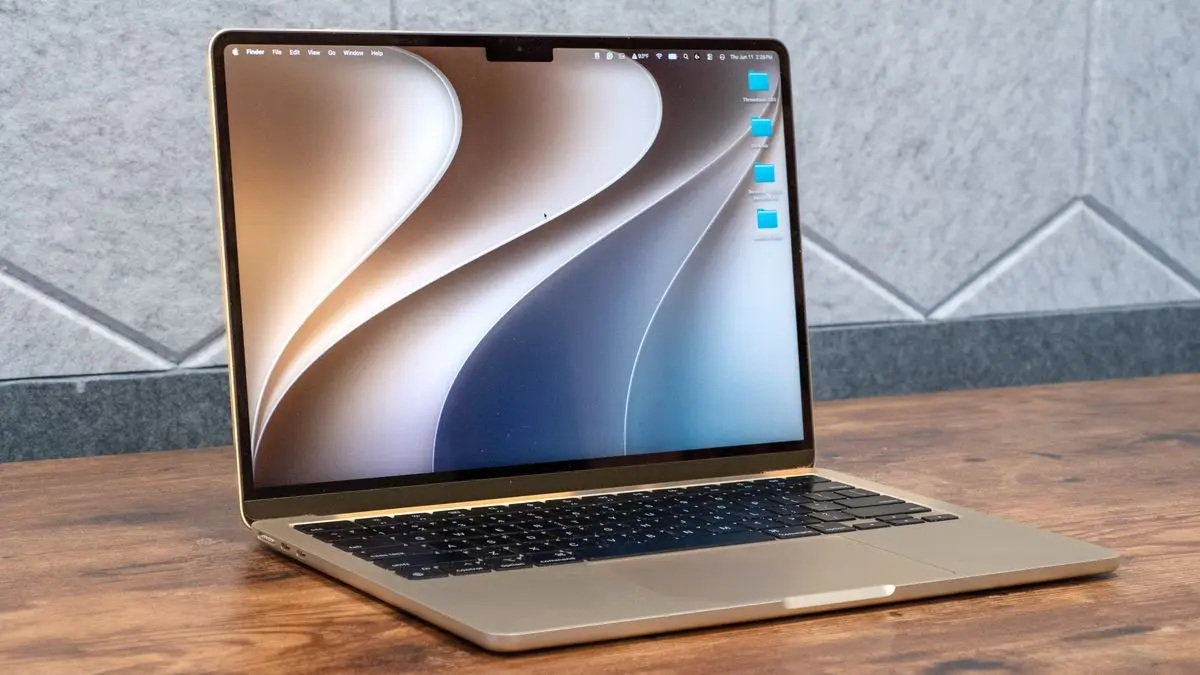
While last year's macOS Tahoe focused heavily on the Liquid Glass redesign, Golden Gate refines these visual elements with customizable window opacity, sharper app icons and toolbar buttons with higher contrast, tighter corner radii for windows, and expandable menu bar items for quicker tool access
2
. These Liquid Glass transparency adjustments allow users to create desktop environments reflecting personal style while maintaining functionality .Core applications receive targeted updates including Markdown support in Apple Notes for easier text formatting, folder support and dark mode in Freeform, and expanded AI tools in Photos for realistic edits and perspective adjustments
2
. Siri customization extends to voice options with adjustable accents, expressiveness, and speaking speeds, though this feature requires Macs with M3 or later and at least 12GB of unified memory1
.The developer beta is already available for testing, while the public beta is expected in July
1
. Apple advises against installing early developer beta versions on primary machines unless users are comfortable with bugs, app compatibility issues, and unfinished features1
. The wider public release is anticipated around September or October, aligning with Apple's traditional macOS release schedule alongside other major operating system updates1
. While Apple Intelligence is available on Macs with M1 and later, some advanced features require newer hardware, creating a tiered experience across the supported device lineup1
.Summarized by
Navi
[1]
[2]
07 Jun 2026•Technology

10 Jun 2025•Technology

12 Dec 2024•Technology

1
Policy and Regulation

2
Policy and Regulation

3
Business and Economy