Asus Monitor Software Gains AI Features to Control Brightness, Color Through Voice Commands


2 Sources
[1]
Asus' new monitor software lets you control brightness with your voice, or just let AI do it
Serving tech enthusiasts for over 25 years. TechSpot means tech analysis and advice you can trust. AI Shovelware: Long ago, users had to press physical buttons and navigate on-screen menus to set their brand-new gaming monitors to their preferred settings. Now, Asus is proposing an AI-based
[2]
ASUS Monitors Gain AI-Controlled Brightness, Color and Refresh Rate Settings
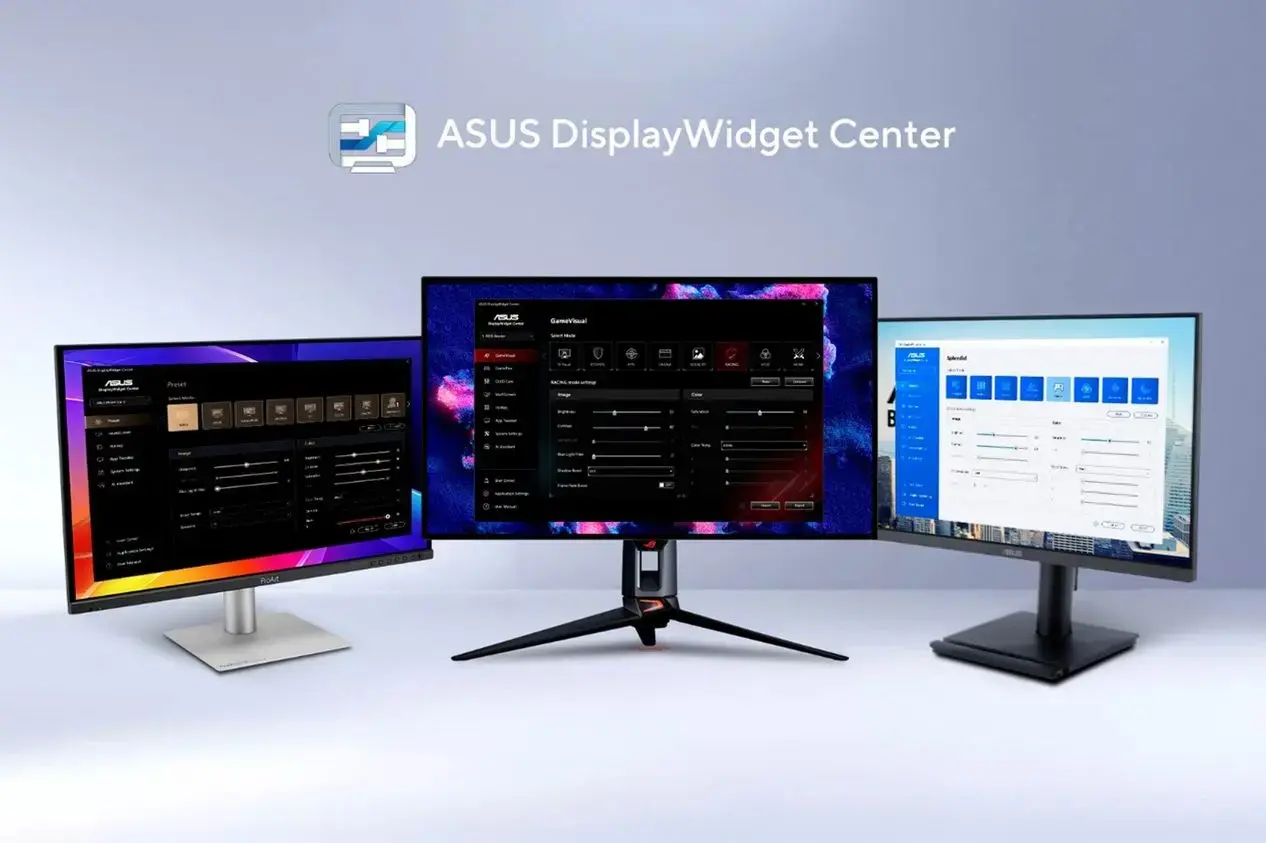
ASUS has updated its DisplayWidget Center software with support for AI agents, allowing compatible monitors to be configured through natural-language commands. The new functionality provides software-level access to monitor parameters including brightness, color temperature, display modes, and
Share
Copy Link
Asus has updated its DisplayWidget Center software with AI agents that enable natural language control and voice control for monitor settings. Users can now adjust brightness, color temperature, and refresh rate through simple voice commands, while AI agents can automate display configurations based on usage patterns and time of day.
Asus Introduces AI-Powered Monitor Control
Asus has released a major update to its DisplayWidget Center software, introducing AI features that transform how users control monitor settings
1
. The updated Asus monitor software now supports AI agents capable of processing natural language commands, eliminating the need to navigate traditional on-screen menus. Users can adjust brightness, color temperature, display modes, and refresh rate through voice commands or let AI agents handle configurations automatically2
.Natural Language Control and Voice Interface
Source: Guru3D
The DisplayWidget Center update introduces natural language control through a command-line interface based on Asus Display Control and AI Agent Skill
1
. This functionality allows compatible AI agents to communicate with the software and translate user requests into actual display configuration changes2
. The AI Assistant feature provides both text and voice control for monitor settings, enabling users to adjust parameters, retrieve support documents, and access help-related functionality without touching physical buttons1
.For gamers, a single voice command can trigger multiple adjustments simultaneously. AI agents can change the monitor's refresh rate, modify brightness, and configure flicker-related settings together, creating an optimized gaming environment without requiring manual intervention for each parameter
2
.Intelligent Automation Based on Usage Patterns
The AI-controlled brightness and automation capabilities extend beyond simple voice commands. Compatible monitors can now recommend optimal settings based on past usage habits or access a user's calendar to automate display configurations throughout the day
1
. Asus describes a configuration where monitors operate at approximately 6500K color temperature during morning hours with blue-light filtering disabled. During evening hours, AI agents automatically lower screen brightness, activate blue-light filtering, and reduce color temperature to approximately 4000K2
.This contextual automation makes it possible to use monitor settings as part of larger routines rather than relying exclusively on fixed presets. Users who regularly move between productivity, gaming, and evening viewing configurations can potentially switch several display parameters through a single instruction
2
.Real-Time Content Analysis for Gamers and Content Creators
The AI Visual feature, available on compatible ROG and TUF Gaming monitors, can select the most suitable visual mode by analyzing on-screen content in real time
1
. This capability benefits both gamers and content creators who need displays to adapt quickly to different applications without manual intervention. The App Tweaker tool further enhances this functionality by allowing users to create customized display experiences for individual applications and games1
.For OLED displays, AI agents can adjust Anti-Flicker settings, while additional OLED Care features work to reduce image burn-in risks on OLED models
1
.Related Stories

Enterprise Deployments and IT Administration

Source: TechSpot
Asus is targeting enterprise deployments with the updated software. DisplayWidget Center can integrate with enterprise management platforms such as Microsoft Intune, enabling IT administrators to deploy the application and manage supported display configurations across multiple systems
2
. AI agents can perform tasks like deploying a common monitor configuration across an entire enterprise environment, simplifying standardized setup and reducing manual configuration time at individual workstations1
2
.Privacy Considerations and Offline Operation
Asus states that AI agents operate entirely offline, though some resulting actions may require external services or connectivity
1
. However, the company acknowledges that some users may have concerns about personal privacy or reject software tools that are becoming increasingly invasive1
. Users retain conventional DisplayWidget Center and OSD controls alongside the new AI-powered interfaces, providing flexibility in how they manage their displays2
.References
Summarized by

Navi
[1]
Related Stories
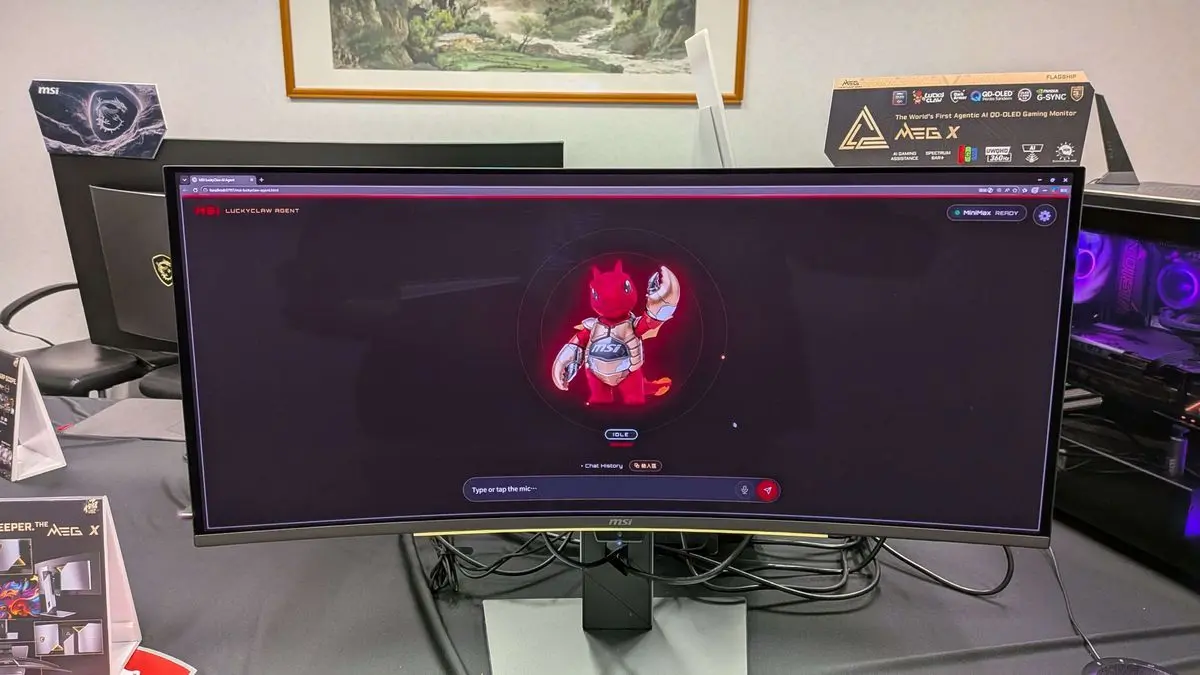
MSI unveils MEG X, the world's first agentic AI monitor with voice-controlled settings
31 May 2026•Technology
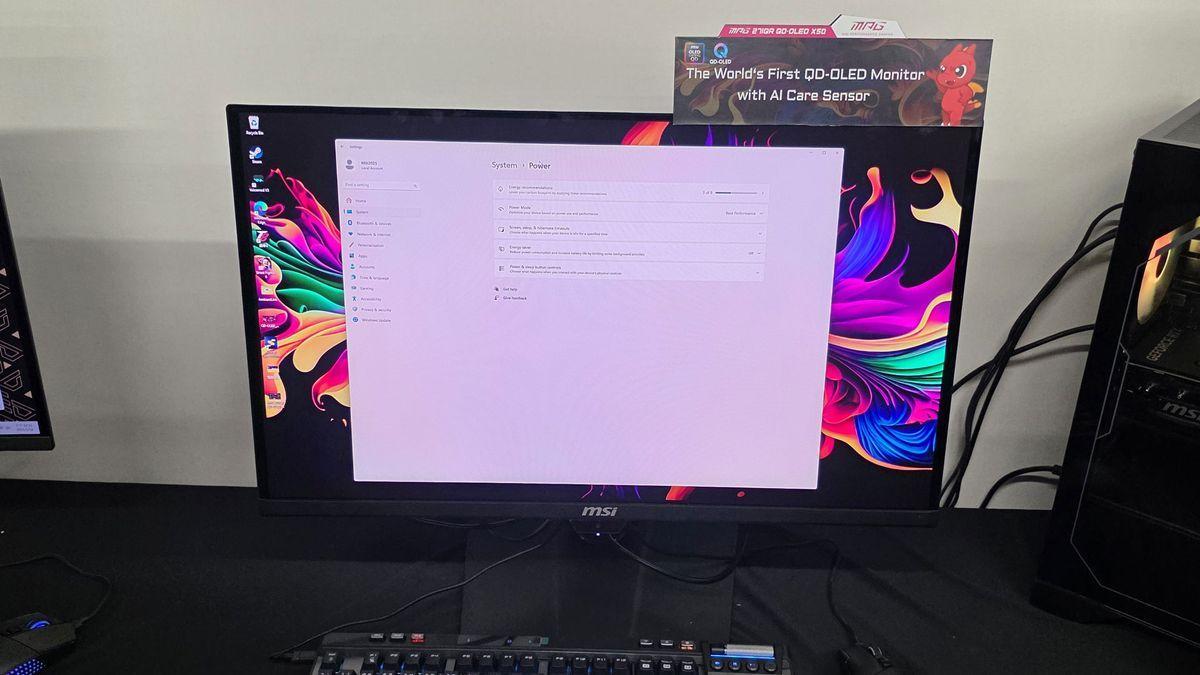
MSI Unveils AI-Powered QD-OLED Gaming Monitors with Human Detection Technology
19 May 2025•Technology
MSI Unveils 500Hz QD-OLED Gaming Monitor with Built-in AI for Enhanced User Experience
20 Aug 2025•Technology

Recent Highlights
1
Google Unveils Gemini 4 Carbon AI Model With Major Cybersecurity Gains, Beating Claude Opus 5.5
Technology

2
Binance Hack: How AI-Enabled Cyberattack Led to Record $6.3 Billion Crypto Theft
Technology

3
Pope Leo XIV Demands AI Disarmament and Ban on Autonomous Weapons at UN Geneva Meeting
Policy and Regulation

Recent Highlights
Today's Top Stories










Don’t drown in AI news. We cut through the noise - filtering, ranking and summarizing the most important AI news, breakthroughs and research daily. Follow topics that matter to you and stay ahead.


