Canva now lets you switch its AI off, and it still plans to build more


7 Sources
[1]
Canva Has a New Kill Switch for AI: 'We Know AI Doesn't Suit Every Task'
Many creators don't want to use AI for legal and ethical reasons. Now Canva is giving them an easy way to opt out. It's a great day for designers who hate AI. Canva, the online design and publishing platform, announced on Thursday that it's introducing two new settings to opt out of seeing and
[2]
Canva adds an AI 'off' button
Canva will now allow you to turn off its generative AI features. With this change, you can disable the graphic design platform's array of AI tools, such as its AI photo-extending Magic Expand feature, as well as turn off the ability to generate images with its Canva chatbot. This toggle doesn't
[3]
Canva will let users switch off most generative AI
The platform is adding new controls for its editing tools and its image library. Like most companies, Canva has added a fair number of AI tools and integrations to its platform over the past year. Today, the company is giving its users the option to strip the generative AI out of their experience.
[4]
Canva introduces new controls to hide generative AI features
In light of growing pushback from users who want more control over how AI is integrated into their apps (if at all), Canva is introducing new settings that let them hide generative AI features and see less AI-generated content. Here are the details. Canva adds an off switch for generative
[5]

Canva Now Lets Users Turn Off Generative AI Features
Canva has introduced new settings that allow users to disable its generative AI features and reduce the amount of AI-generated material shown in its content library. The Verge reports that the controls are available to both free and paid subscribers, giving users greater choice over how AI is
[6]

AI features could be turned off with a simple toggle, Canva proves
AI has taken over everything in the past few years, with AI features bombarding virtually every app or service available. If you've ever wanted to just turn off AI features, Canva proves that it could be a simple toggle, if companies actually wanted to give you a choice. Canva today announced "AI
[7]

Sick of AI in Canva? You can turn it off now
Like other platforms, Canva is now giving users the option to turn off AI tools and content. AI features and assistants are swarming many of the platforms and apps we use on a daily basis. Whether in your email, on social media, or while shopping online, there's a chance you've seen a mention of
Share
Copy Link
Canva launched two new settings on November 19 that let users switch its generative AI features off, and a second that cuts AI-made content out of its design library
3
. It is an unusual offer from a major design platform: a way to opt out of its own AI features after three years of the company adding more of them.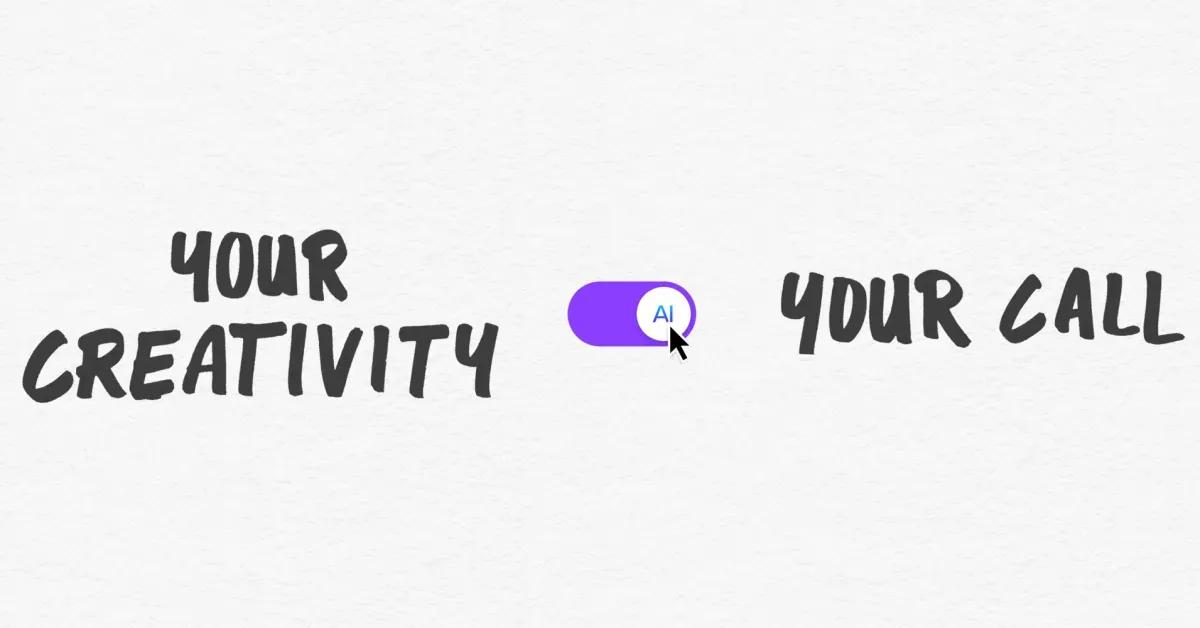
Source: 9to5Mac
Canva says it is not the one to tell people how to create, and that both sides in the debate over AI and creativity have valid views. So the choice sits with the community. "It's not our place to tell anyone how to create, so today we're launching two new controls that put that decision firmly with our community," Canva said in its announcement
4
. Canva says its community asked for an easier way to find assets made by humans4
. 9to5Mac says the move is a response to growing user pushback over AI integration4
.What the switch actually turns off
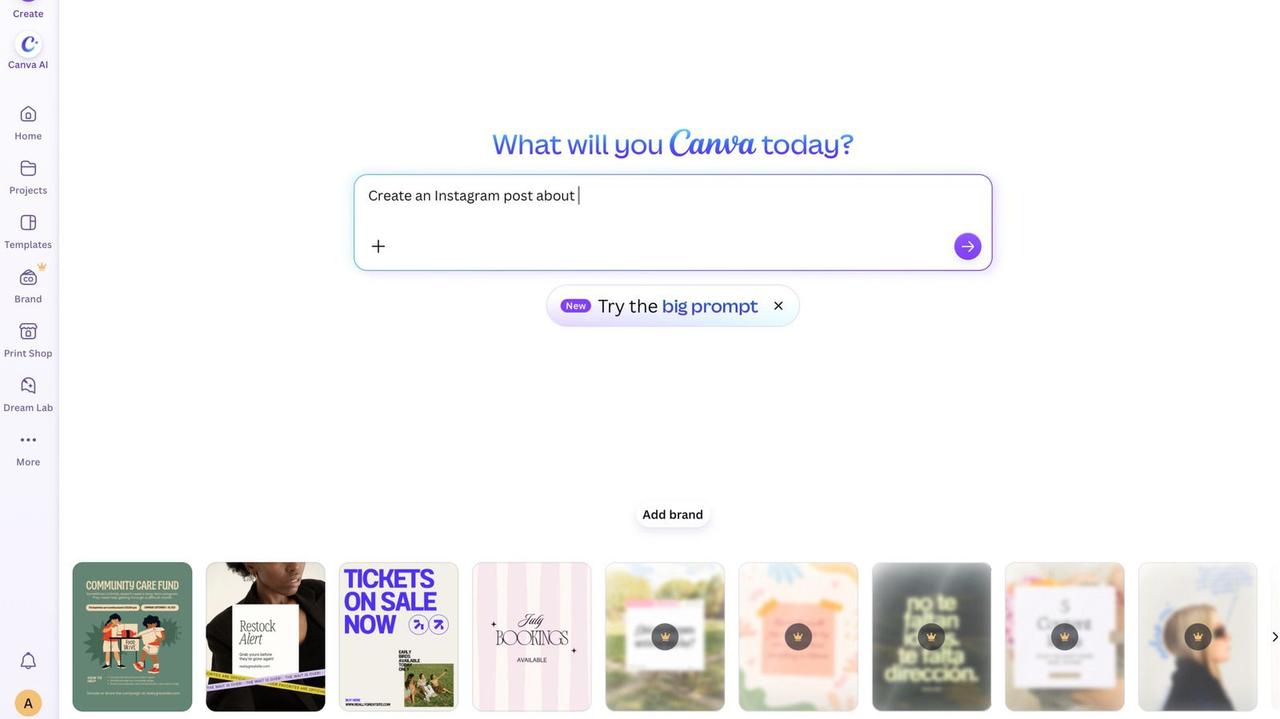
The generative AI switch disables tools including Magic Write, Magic Expand, Magic Design, Dream Lab, Canva Code and AI Shapes, and blocks image generation through Canva's chatbot
2
,5
. Both settings are free for paid and free users alike, and can be flipped back on at any time3
. The AI switch lives under Profile, then Settings, then Permissions; the library setting sits under Profile, then Your Account, then AI personalization2
.
Source: Engadget
The switch does not turn off every AI feature: Background Remover and Magic Grab stay available
3
,2
,5
. "Both remain available when the generative AI switch is off, because they work only with what's already in a design," the company says4
. Canva says the library setting reduces AI content in search results and recommendations without guaranteeing its removal3
,5
.Not a retreat from AI
The consumer controls extend AI permissions that admins of Business, Enterprise, Teams and Education accounts already had, per 9to5Mac
4
. Canva has been building AI into the platform since 2023, and it introduced a prompt-based editing update in April. Last month it launched Canva Craft, its first in-house AI model2
. Canva says it plans to keep investing in AI1
. The opt-out sits alongside that expansion. The settings reach users globally except in India, the Philippines and Indonesia, per one report, and business or team administrators can enable them organization-wide1
.
Source: The Verge
Related Stories

The odd one out
Rival Adobe spent the prior week at its Adobe Max conference urging creative professionals to embrace AI tools, and its technology chief blamed slop, not AI itself
1
. One publication calls Canva's move smart but rare for a tech company, noting that few offer a one-click way to filter AI out of their products1
. Whether the controls deliver in daily use has yet to be tested, per that publication1
.References
Summarized by

Navi
[2]
[5]
Related Stories
Canva AI 2.0 transforms design platform with memory, automation, and third-party integrations
16 Apr 2026•Technology

Canva Unveils Major AI-Powered Update: Visual Suite 2.0 Challenges Tech Giants
11 Apr 2025•Technology

Canva Unveils AI-Powered Creative Operating System and Makes Affinity Apps Free
30 Oct 2025•Technology
Recent Highlights


Recent Highlights
Today's Top Stories









Don’t drown in AI news. We cut through the noise - filtering, ranking and summarizing the most important AI news, breakthroughs and research daily. Follow topics that matter to you and stay ahead.


