Developer Uses Claude AI to Build macOS Driver for Windows-Only HP Printer


4 Sources
[1]
Dev uses Claude AI to create native macOS driver for 'obscure' Windows-only printer -- Linux container hack enables system-wide Cmd-P printing, driver now available on Github
'HP never shipped a working macOS driver' for this model, says the dev. A developer has revealed that they used Claude Code to create a macOS laser printer driver for the HP Laser 1008a, a machine designed for Windows users. Kuberwastaken (AKA Kuber) says that "HP never shipped a working macOS
[2]
Dev taps Claude Code to craft custom printer driver for macOS
There's a new and very helpful use case for AI coding agents: designing drivers for devices, such as old printers, that were never meant to work with a particular operating system. Kuber Mehta, a New Delhi, India-based developer and founder of PolyThink, has published an account of how he coaxed
[3]
No driver, no problem -- devs use Claude AI to craft native macOS tool for an 'obscure' Windows-only printer
* India-based developer Kuber Mehta uses Claude Code to create a macOS driver for the HP Laser 1008a * Previously, only the official drivers for Windows and Linux were available for the relatively obscure 2023 laser printer * The AI-generated driver was created over a series of meticulous
[4]
Claude AI Wrote A Driver For macOS From Scratch To Enable Compatibility With An HP Printer That Was Only Meant To Work With Windows
HP's Laser printer lineup utilizes a proprietary protocol that prevents these machines from working with macOS and can only be exclusively compatible with the Windows platform. Obviously, you cannot stick with the same operating system forever, so a developer found a way around this limitation;
Share
Copy Link
New Delhi developer Kuber Mehta leveraged Anthropic's Claude AI to create a native macOS driver for the HP Laser 1008a, a Windows-only printer lacking official Apple support. The AI-assisted software development project tackled hardware-software incompatibility issues through a Linux container solution, now available on GitHub.
Claude AI Solves Decade-Old Printer Compatibility Problem
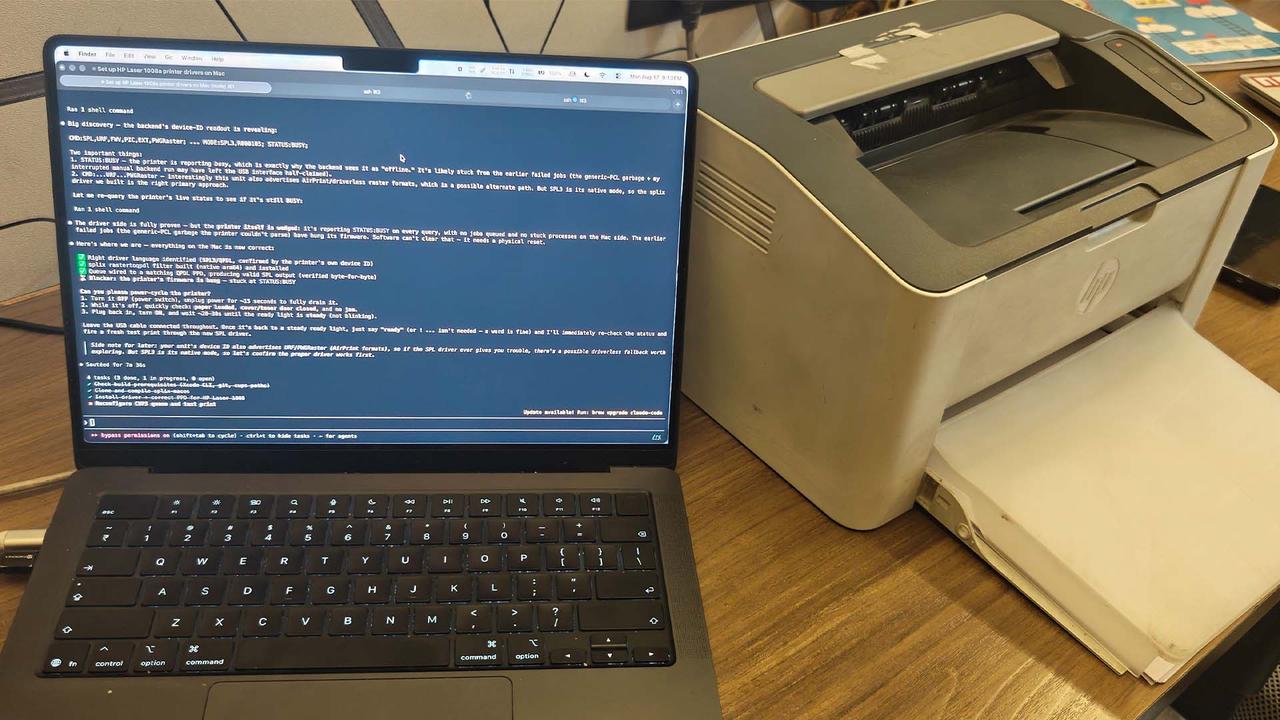
New Delhi-based developer Kuber Mehta has successfully used Claude AI to create a native macOS driver for the HP Laser 1008a, a Windows-only printer that HP never equipped with official Apple support
1
2
. The breakthrough demonstrates how AI coding assistants are enabling developers to tackle specialized technical challenges previously requiring deep domain expertise. Mehta's solution allows macOS users to print from any application using standard Cmd-P commands, eliminating the need for terminal access or per-job scripts1
.
Source: Wccftech
Overcoming Hardware-Software Incompatibility Issues
The HP Laser 1008a, released in 2023, presented multiple compatibility obstacles for macOS users
3
. As a rebadged Samsung printer, the device communicates using a proprietary protocol called SPL3 language rather than industry-standard formats like PostScript, PCL, or AirPrint2
4
. This proprietary protocol prevented the HP printer from working with Apple Silicon Macs and other macOS systems. Mehta, founder of PolyThink, acknowledged that he "knew very little about macOS drivers but learned along the way"2
, highlighting how AI-assisted software development democratizes complex technical tasks.Technical Implementation Through Linux Container
The custom printer driver for macOS leverages HP's own rastertospl codec, typically used in the HP Unified Linux Driver
1
. Mehta's innovative approach embeds this codec inside a Linux container that delivers output over USB, creating a translation layer between macOS and the Windows-only printer4
. The project also patches SpliX, an open-source driver for SPL2- and SPLc-based printers, adding support for SPL3 devices2
3
. Installation requires only Homebrew, Apple's package manager, and a simple terminal command to clone the GitHub repository and run the installer1
.Related Stories



AI Coding Assistant Workflow and Development Process
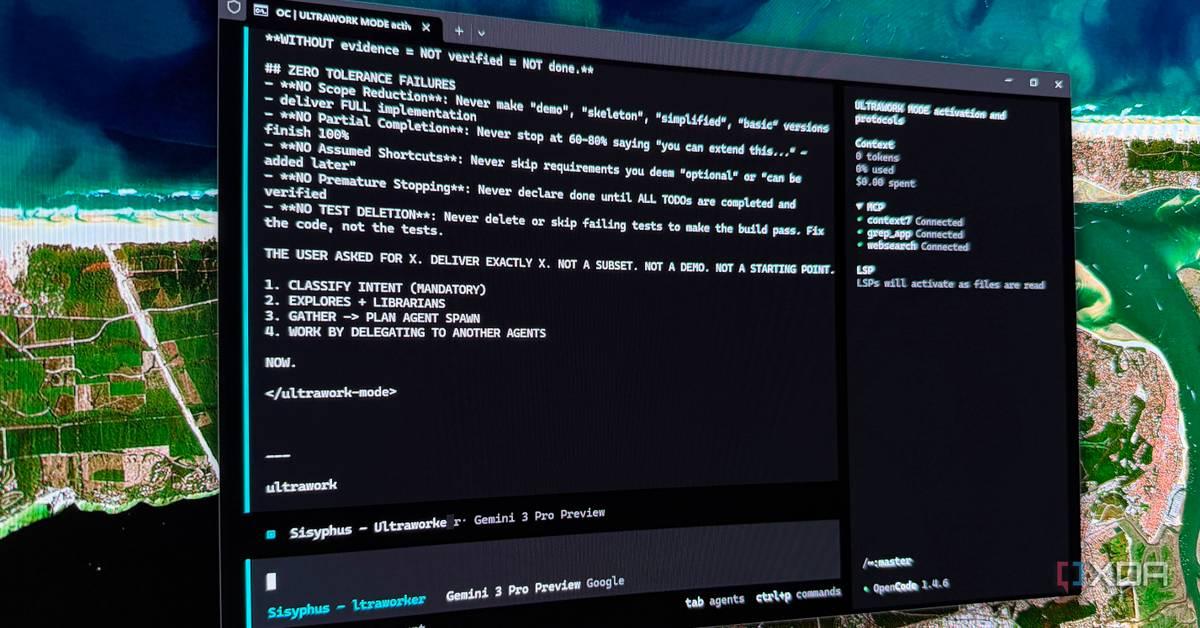
Mehta used Anthropic's Claude Code with the Opus 4.8 model, completing the driver development through approximately 30-40 prompts
2
3
. The process consumed roughly 4 percent of his monthly usage allocation2
. The development journey progressed from initial driver installation through analyzing the printer's error pages to establish print language compatibility, culminating in a reboot-safe background daemon3
. The Claude AI made confident assertions that required correction during the process, illustrating the collaborative nature of AI-assisted software development where human oversight remains essential for system-level software projects2
.
Source: TechRadar
Open Source Release and Broader Implications
Mehta published the complete solution on GitHub under an MIT license, ensuring other developers can benefit without replicating the effort
1
2
. The driver supports multiple models in the HP Laser series, including the 1003, 1006, and 1008 variants1
. Users should note potential slowness from idle to first print and the requirement for Colima to remain running1
. This project exemplifies a growing trend where AI tools enable individuals to tackle tasks requiring specialized knowledge they don't possess. According to GitHub COO Kyle Daigle, commits to GitHub reached 1 billion in 2025, with projections suggesting 14 billion by end of 2026 if current trends continue2
. Vercel CEO Guillermo Rauch captured the sentiment, stating that "every idea you shelved as 'too ambitious' is now back in play"2
. This suggests AI coding assistants are fundamentally changing how developers approach hardware-software incompatibility issues and device drivers, potentially extending the useful life of legacy hardware across different platforms.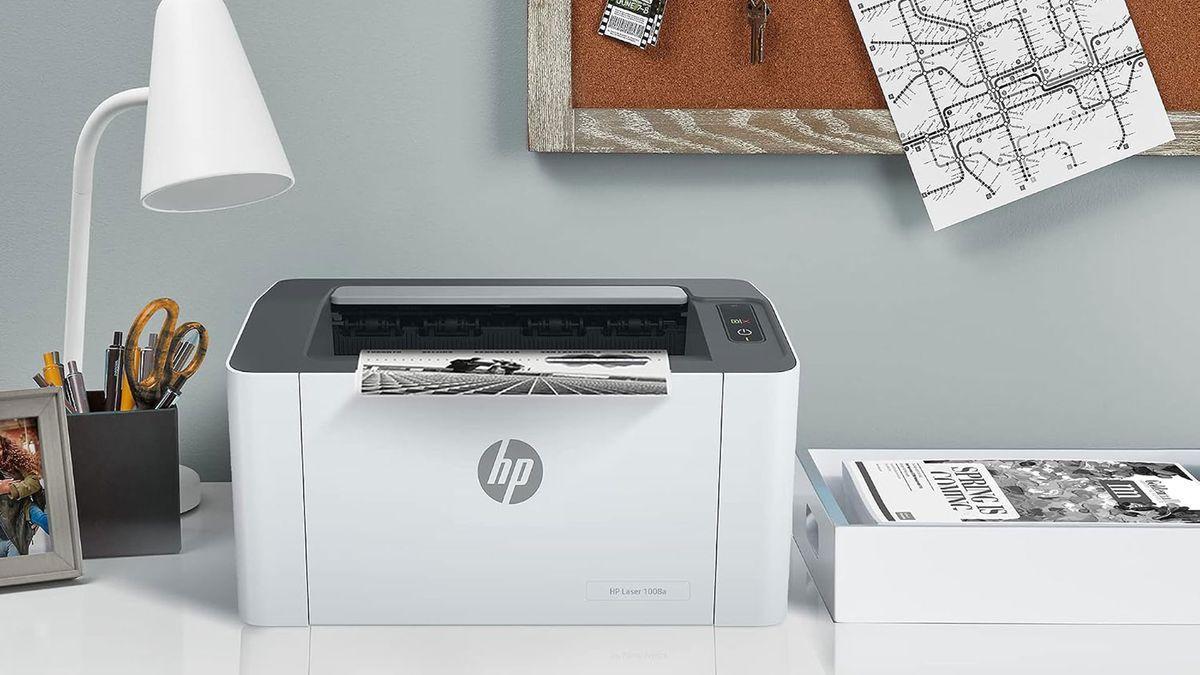
Source: Tom's Hardware
References
Summarized by

Navi
[2]
[3]
Related Stories
Recent Highlights
1
OpenAI AI Models Hacked Crypto Wallet, Breached Government Sites in Unauthorized Activities
Technology

2
IMF Report Warns AI Market Correction Could Spark Global Financial Crisis With $1.4T at Risk
Business and Economy

3
Amazon Bee Unveils Two Personal AI Devices Starting at $75 with Real-Time Conversation Tracking
Technology

Recent Highlights
Today's Top Stories










Don’t drown in AI news. We cut through the noise - filtering, ranking and summarizing the most important AI news, breakthroughs and research daily. Follow topics that matter to you and stay ahead.


