Google expands Gmail Help me write AI feature with personalization upgrades for millions


4 Sources
[1]
Google opens its smartest Gmail writing feature to basically everyone
Eligible Workspace Business, Enterprise, Education, Frontline, and Google One AI Premium users are included in the rollout. Google is making one of Gmail's biggest AI upgrades available to more people. The personalized "Help me write" feature is now rolling out to a wider group of Workspace users
[2]
Gmail's 'Help me write' tool is getting a couple of key upgrades
Chethan is a reporter at Android Police, focusing on the news coverage for the site. He has covered tech for over a decade for multiple publications, including Times Internet, Guiding Tech, Android Headlines, and several others. His love for Android dates back to the Samsung/Google Nexus S, and
[3]
Gmail is adding new AI tools to make your work emails sound even more like you
* Google is giving Gemini in Gmail access to your previous emails for tone and style personalization * Topic contextualization connectors will also pull in relevant information from Workspace * AI Overviews in Gmail make it easier for you to find old emails more quickly Google has confirmed a
[4]
Gmail's 'Help me write' will now sound more like you
Soon, no one will know that you aren't actually writing any of your emails *evil cackle*. Credit: Thomas Trutschel / Getty Images Gmail's "Help me write," an AI-based assistant for drafting your emails, is a useful tool, but it can on occasion sound somewhat stiff compared to your own voice. This
Share
Copy Link
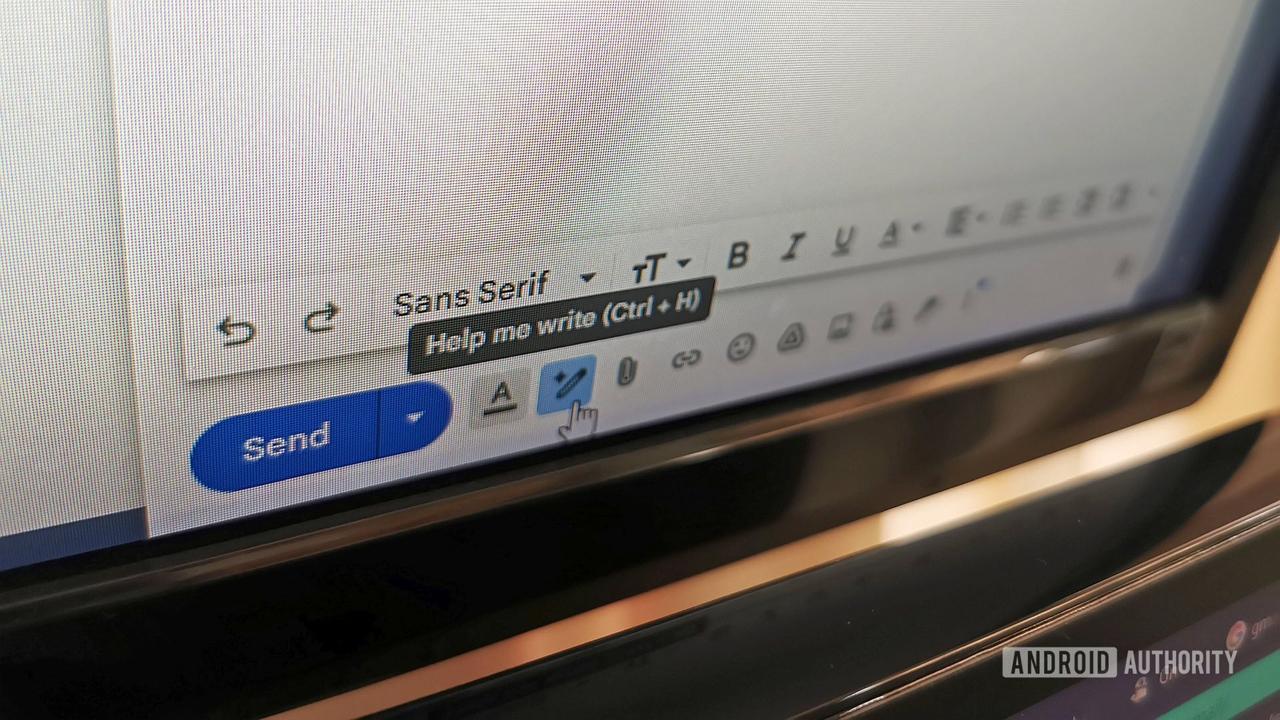
Google is rolling out major upgrades to Gmail Help me write, its Gemini-powered email drafting tool. The AI feature now learns from your past emails to match your tone and style, while pulling relevant information directly from Google Drive. The smarter Gmail writing feature is expanding to Workspace Business, Enterprise, Education users, and Google One AI Premium subscribers.
Google Expands Gmail Help Me Write to Wider Audience
Google is expanding access to one of its most sophisticated AI features, bringing enhanced capabilities of Gmail Help me write to millions of users across multiple subscription tiers. Starting May 5, 2025, the Gemini-powered tool is rolling out to Google Workspace Business (Starter, Standard, and Plus), Enterprise (Starter, Standard, and Plus), Education, and Frontline users with the Gemini add-on, as well as Google One AI Premium subscribers and those on Google AI Plus, Pro, and Ultra plans
1
. The rollout could take up to 15 days to reach all eligible accounts, marking a significant expansion beyond the tool's initial limited availability2
.
Source: Android Police
The generative AI tool, which has been available in Gmail since its early introduction, now runs on the Gemini 3 model and has seen continuous improvements including support for more languages
2
. These latest upgrades, originally teased in February, represent Google's ongoing effort to transform Gemini into more of a personal assistant that understands individual user preferences3
.Topic Contextualization Connects Gmail to Google Drive
The first major enhancement introduces topic contextualization, which enables the AI feature to access information from both Google Drive and Gmail based on user prompts. This Google Drive integration eliminates the need to constantly switch between applications when composing emails. For instance, if a user types "include the budget numbers from last month's deck," the Gemini-powered tool will automatically locate and insert that information into the email draft
1
.In practical workplace scenarios, this feature proves particularly valuable when responding to customer inquiries, sharing documents with colleagues, or reporting to leadership
3
. The tool can pull actual campaign names from Google Drive files and retrieve performance data from recent emails, seamlessly weaving this information into coherent drafts4
. This capability is designed to reduce friction in email workflows and save time on administrative tasks that typically require toggling between multiple tabs and applications2
.Tone and Style Personalization Mimics Your Writing Voice
The second significant upgrade brings tone and style personalization to Gmail Help me write. The AI feature now analyzes a user's previously written emails to match their individual writing patterns. Whether someone typically writes short, casual messages to their team or adopts a more formal approach for leadership communications, the AI-generated drafts will adjust accordingly
1
.This personalization aims to make AI-generated drafts feel less generic and robotic, requiring less editing before sending. When users provide short prompts, the resulting draft will reflect their authentic voice rather than defaulting to a one-size-fits-all tone
3
. Google Workspace users can expect the tool to learn from their communication style over time, potentially making email composition faster and freeing workers to focus on more meaningful tasks3
.Related Stories


AI Inbox Feature Prepares for Mobile Rollout
Beyond the Gmail Help me write upgrades, Google is also preparing to bring AI Inbox to mobile devices. This feature, which scans emails and provides quick, actionable summaries, has been available in beta for web users but is now showing early signs of mobile deployment
2
. The AI Inbox shortcut will appear in the sidebar below the Inbox button and as the second option in the Gmail app's bottom bar.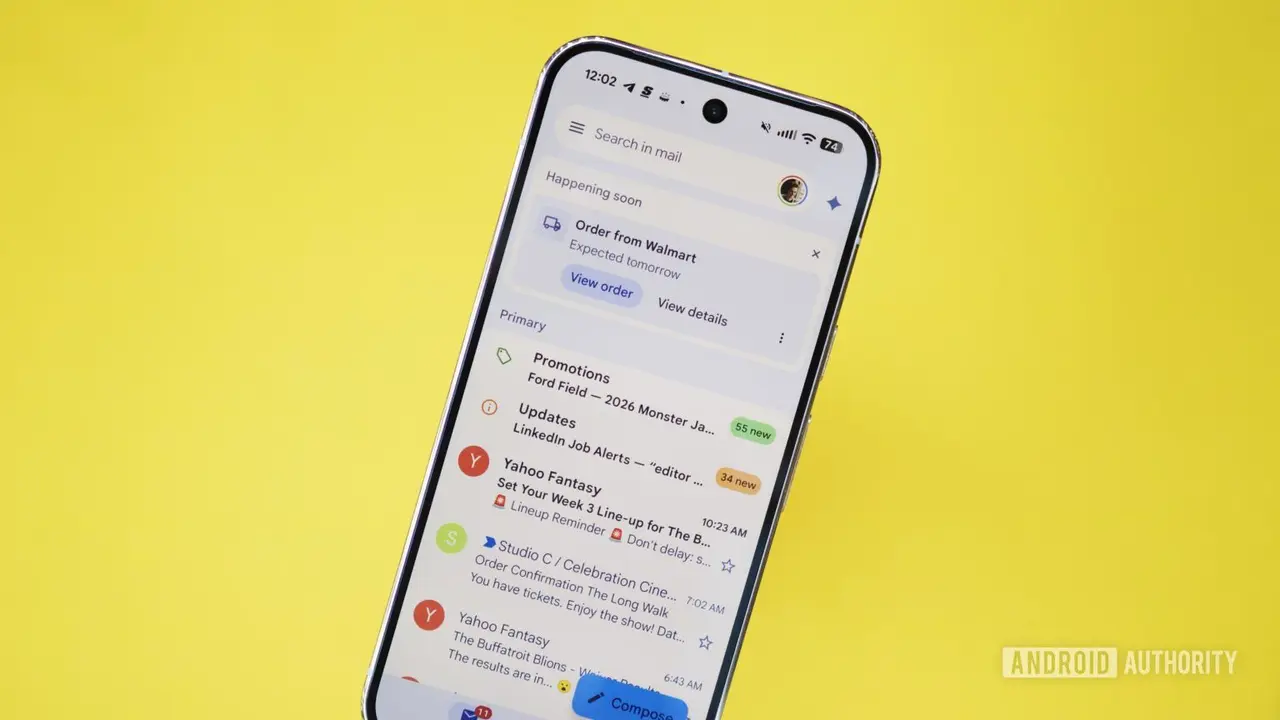
Source: Android Authority
Currently, AI Inbox remains in beta and is only accessible to US-based subscribers of the $250-per-month Google AI Ultra plan, making it inaccessible to most users for now
2
. However, the mobile interface development suggests Google may be laying groundwork for a broader rollout in the future.AI Overviews Enhance Information Discovery
Google recently introduced AI Overviews within Gmail, enabling users to find information through natural language queries rather than filtering emails by sender or date. These AI Overviews have also expanded across Google Drive, making information discovery easier across all content
3
. This development aligns with Google's broader strategy to integrate AI capabilities throughout its productivity suite, transforming how users interact with their stored information and communications.🟡.*References
Summarized by

Navi
[1]
[2]
Related Stories
Recent Highlights



Recent Highlights
Today's Top Stories



Don’t drown in AI news. We cut through the noise - filtering, ranking and summarizing the most important AI news, breakthroughs and research daily. Follow topics that matter to you and stay ahead.


