Google Gemini Brings AI Writing Tools and Email Summaries to All Workspace Users


2 Sources
[1]
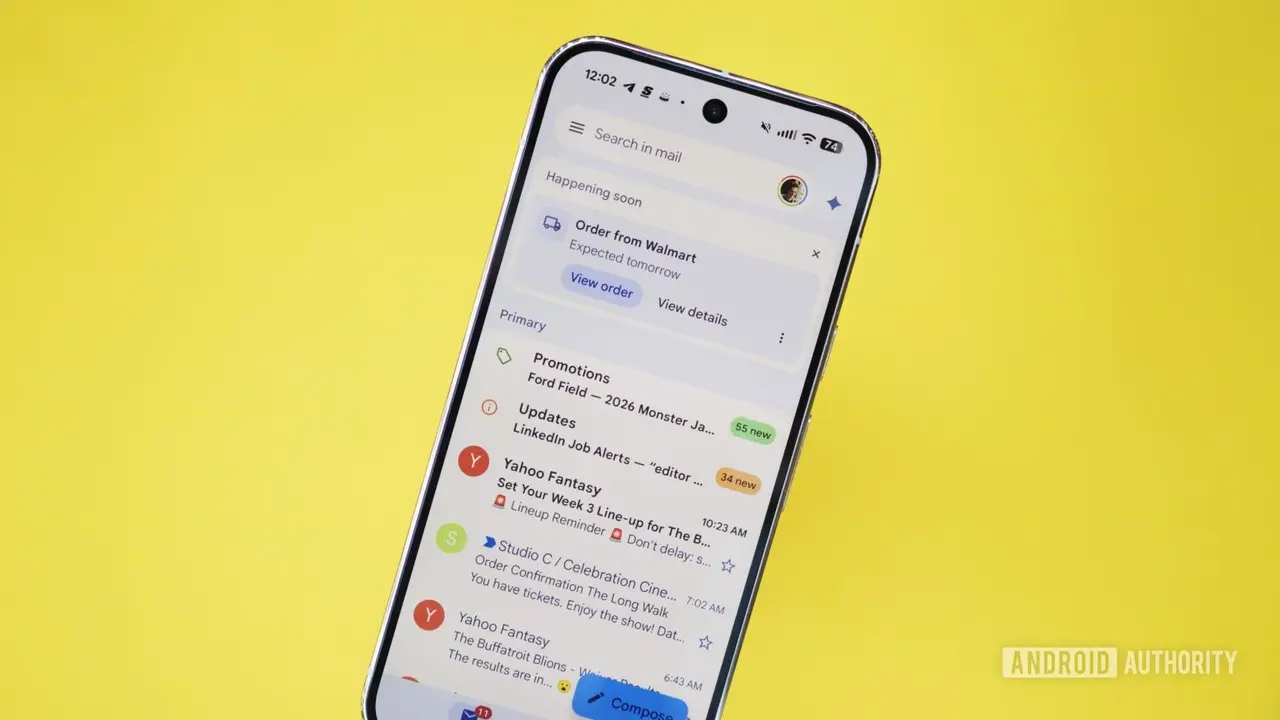
Google brings Gemini email summaries and writing tools to more Gmail users
The features are rolling out to users aged 18 and older with Gmail smart features enabled, with availability expected within 15 days. We've all been part of an email thread that seems to go on forever. You open Gmail after a busy day, only to find 20 replies in a conversation, with everyone
[2]
Google Adds Gemini-Powered Writing Tools to Workspace Gmail
Google is expanding Gmail's Help Me Write AI assistant and email thread summaries to Workspace accounts. Powered by Gemini, the features can draft messages, improve existing emails, and summarize lengthy conversations, helping users manage workplace communication more efficiently. Google is
Share
Copy Link
Google is expanding Gmail AI features powered by Gemini to all Workspace customers and personal Google account holders aged 18 and above. The rollout includes Help me write for AI-assisted email drafting and AI Overview conversation summaries for lengthy threads, with availability expected within 15 days.
Google Gemini Powers Major Gmail AI Features Expansion
Google announced on November 10 that it is bringing Gemini-powered Gmail AI features to a significantly wider audience, extending access beyond personal accounts to all Workspace customers, Workspace Individual subscribers, and personal Google account holders aged 18 and older
1
2
. The gradual rollout has already begun and could take up to 15 days to reach all eligible users2
. This expansion marks a strategic move to integrate AI-assisted email drafting tools into everyday workplace communication, addressing the time-consuming challenge of managing lengthy email threads and composing professional messages from scratch.Help Me Write Feature Transforms Email Drafting
The Help me write feature leverages Google's Gemini AI model to generate complete email drafts from simple instructions
2
. Users can enter a brief prompt describing what they want to communicate, and the AI-assisted email drafting tool will produce a full message ready for review1
. Beyond creating new emails, these Gemini-powered writing tools can rework existing drafts, helping users refine wording or adjust the tone to match their needs2
. For professionals needing to send follow-ups or formal communications, a short instruction provides enough direction for the system to prepare a draft, eliminating the frustration of staring at a blank compose window1
.AI Overview Conversation Summaries Tackle Email Overload
The second major addition involves AI-generated email thread summaries that appear at the top of lengthy conversations
1
. Instead of forcing users to scroll through 20 replies after a busy day, AI Overview conversation summaries extract the key points and present them in a digestible format2
. This capability proves particularly valuable when users need quick answers about deadline changes or action items without reading every individual response1
. The feature addresses a common workplace pain point where multiple participants discuss different aspects within the same thread, making it difficult to determine what requires immediate attention.Related Stories

Rollout Details and Administrative Control
The features will be enabled by default for eligible users who have Gmail's smart features turned on, though both individual users and Workspace administrators retain the ability to disable these capabilities
2
. This administrative flexibility allows organizations to control whether their teams have access to these AI tools. While the expansion brings these capabilities to all Google Workspace customers, users should remember that AI-generated email drafts aren't always perfect and benefit from human review before sending1
.Why This Expansion Matters for Workplace Productivity
This broader deployment of Gmail AI features represents Google's commitment to embedding Gemini across everyday work tools, targeting the time employees spend on routine email tasks. By making these Gemini-powered writing tools available to all Workspace customers rather than limiting them to premium tiers, Google is democratizing access to AI assistance that can streamline email communication
2
. Organizations should watch how these tools affect email productivity metrics and whether they reduce the cognitive load associated with inbox management. The 15-day rollout window means some users may experience the features before others, creating an uneven adoption curve that administrators should anticipate when planning training or support resources.References
Summarized by

Navi
[1]
[2]
Related Stories
Google expands Gmail Help me write AI feature with personalization upgrades for millions
08 May 2026•Technology
Google unveils AI Inbox for Gmail with smart summaries and natural language search capabilities
08 Jan 2026•Technology

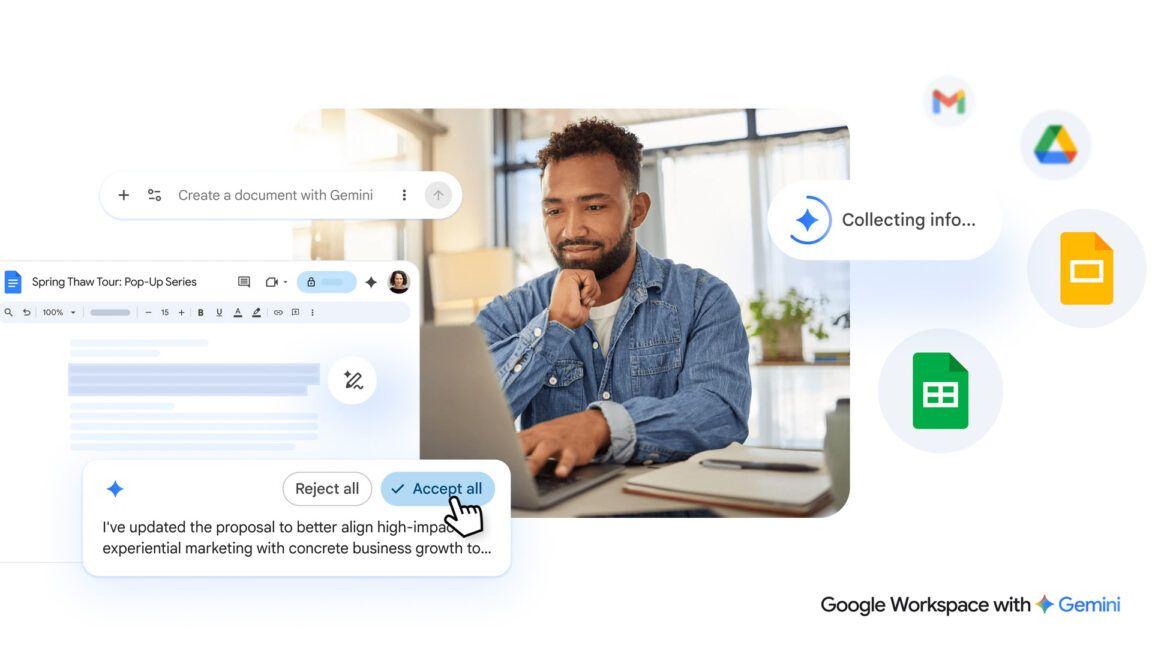
Gemini burrows deeper into Google Workspace with AI-powered document creation and editing
10 Mar 2026•Technology
Recent Highlights
1
Jensen Huang's Affair with Suspected Chinese Spy Exposes $7 Billion AI Chip Smuggling Network
Policy and Regulation

2
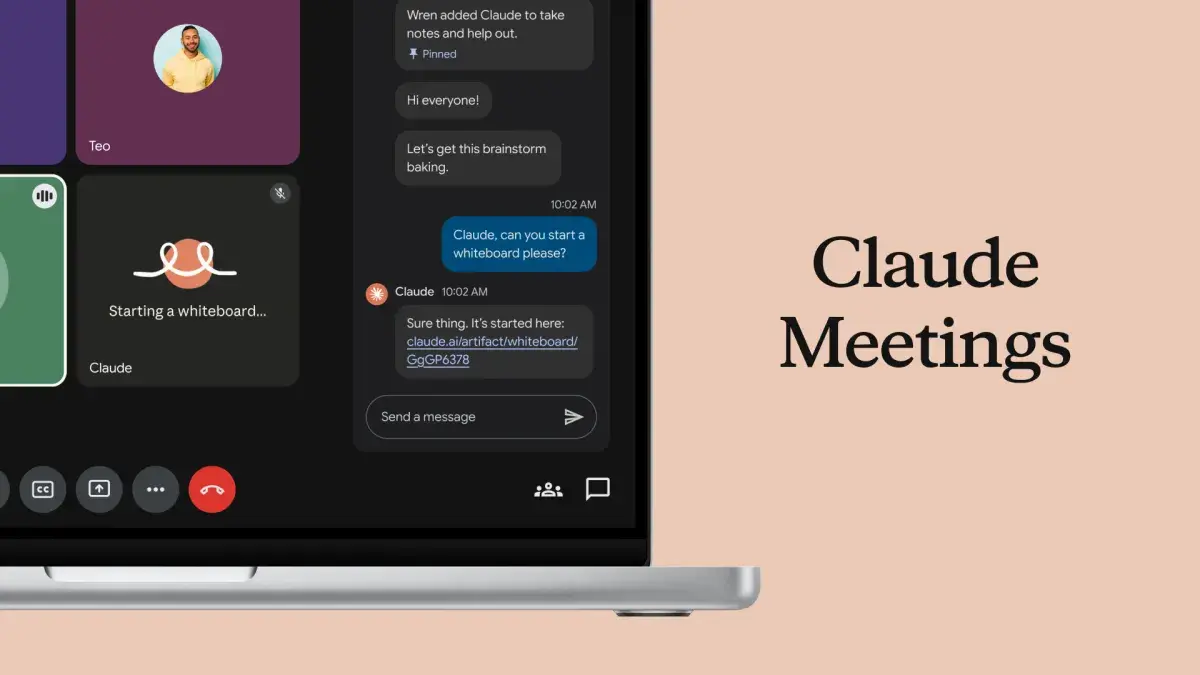
Anthropic Launches Claude Meetings and AI-Powered Office Tools to Challenge Microsoft and Google
Technology
3
Anthropic launches Fable 5.2 and Mythos 5.2 with 20% price cut and 30% faster output
Technology

Recent Highlights
Today's Top Stories








Don’t drown in AI news. We cut through the noise - filtering, ranking and summarizing the most important AI news, breakthroughs and research daily. Follow topics that matter to you and stay ahead.


