3 Sources
[1]
Your Gemini for Home timers and alarms are getting smarter and more reliable
The update also fixes the annoying Google Speaker light ring bug. Follow us on Google DiscoverAdd us as preferred source Two weeks ago, Google rolled out a Home update that allows Gemini to track conversations for longer. Fast forward to today, another Gemini for Home update is rolling out. Along with that, we're getting smarter timers and alarms, as well as a few bug fixes. Starting with the latest change to Gemini, Google says on its support page that it is making story time interactive. Specifically, you'll now be able to co-create stories on the fly, interrupt the narrative mid-scene, and remix classic tales. For example, you could tell Gemini to create a story about your kids traveling to Mars. Midway through, you could tell the AI to jump to the part where they reach the red planet. Or if you tell Gemini to recite the story of the three little pigs, you could ask to replace the big bad wolf with a T-Rex. If you depend on Google alarms and timers, you'll be pleased to know that the company has made them smarter and more accurate. On the smarter side, Google says alarms and timers will now understand how you prefer to set your time (12-hour or 24-hour clock). As for accuracy, the company has made adjustments so that asking how much time is left or setting timers using simple descriptions is more reliable. One example the tech giant offers is to try asking "Ok Google, set an alarm for 7 o'clock tomorrow morning." While not necessarily a bug, this update will change the chime you hear when turning off or down a device. Rather than the normal upward sound, you'll now hear a soft, descending tone that matches the action. So, you would hear this sound when doing something like asking to turn your lights down to 20%. Additionally, Google has rolled out a fix for the Google Speaker ring light. It appears some users were having issues where the ring light would continue to pulse even after completing the execution of a routine. This should no longer be a problem once you receive the update. Thank you for being part of our community. Read our Comment Policy before posting.
[2]
Google Home's latest update brings interactive storytelling with Gemini and support for way more cameras
Timi is the news and deals reporter for Android Police, who has been reporting on technology since 2008. He has worked in tech retail and also the IT space, providing hardware and software support, which gives him a unique perspective on the tech that he covers. This allows him to effectively break down complex subjects into easy-to-read pieces that even casual readers can enjoy. Before joining Android Police, he was a news writer for XDA, where he eventually transitioned to covering deals. He also worked as an editor and reporter for Neowin, where he covered news and attended major tech events like CES. He also reviewed phones, tablets, PC products, and other devices. In addition, he also created video content for the Neowin YouTube channel. A new Google Home update just launched, providing users with more features, major bug fixes, and access to new features directly tied to Gemini. If you're someone who relies on Google Home, you're going to want to grab this latest update (via Android Authority). There's a lot to unpack here This is one of those updates that just has so much, that it will probably take quite some time for most users to experiment with everything that's new. Perhaps one of the more exciting features of the update is "Interactive Storytime with Gemini." Users will now be able to "co-create custom adventures on the fly, interrupt the narrative to change the plot mid-scene, or remix classic fairy tales together in real-time." This is a great way to have some fun with your kids, making custom stories about them whenever you feel like it. In addition, Google Home has made improvements to timers and alarms, making it easier to get the results you want, when you ask for them. Furthermore, Google Home also "now understands how you prefer to set your time, whether you use a 12-hour or 24-hour clock." The update also delivers new bug fixes: * Distinct Chime for turn off or down Actions: Turning off a device or dimming a light now plays a soft, descending tone different from the normal upward sound, confirming your command with a sound that matches the mood. * Google Home Speaker light ring: Fixed an issue where Google Home Speaker's light ring remained on with a pulsing LED even after routines finished executing. This also prevents lingering lights in dark rooms or during relaxation sound loops. * [Resolved] Spotify outage: There was a brief outage with Spotify on Monday July 27th that was quickly resolved on the same day. The update also expands Google Home automation support to new regions and adds support for new languages. More cameras will now be supported with Google Home, with additions from big brands like Eufy, Wyze, Tapo, Reolink, and more. There are a lot of changes here, so we've listed them all verbatim below from the Google Home support page. * New quick 'Save Clip' shortcut: New shortcut makes it easier to download event recordings straight from your camera view. Just tap the 3-dot menu next to any recording in your event list to save it instantly by clicking on the download shortcut. (Tip: Want a custom clip length? Use the menu button while playing or scrolling the timeline!). * AI event descriptions (Home Premium Advanced): Subscribers can now read helpful, auto-generated event summaries right inside the full-screen camera view so you know what happened at a glance. * Smarter camera view defaults: The main camera view now opens directly to your timeline or event list so you can jump straight to important moments. * Auto full-screen in landscape: Rotate your phone sideways while watching a live feed or recording in portrait to automatically jump into full-screen view. * Longer live streaming: Watch your Nest camera live streams for longer without interruptions, thanks to under-the-hood stability improvements. * Quick stream reconnects (Android): If your Wi-Fi or cellular connection drops, the app instantly notices and gives you a quick retry button to get your live view back up fast. * Smoother feed scrolling (Android): Enjoy a smoother experience when scrolling through your camera list -- video feeds now pause and resume seamlessly as you move down the page. * Smoother camera history scrolling (iOS): Fixed a camera timeline issue on iOS where manually scrolling back to live video could occasionally get stuck on an empty historical frame * Accurate battery status indicators (iOS): Resolved an issue where live streaming cameras with unreadable battery levels would erroneously display a dead battery icon. * Performance improvements for Samsung phones: Fixed issue where camera audio stream used call volume instead of media volume. And one final update brings improved error handling for "Works with Google Home smart locks." This will show "clearer notification alerts during lock and unlock operations." If you're a Google Home user, this is one update that you need to get.
[3]
Storytime Comes to Gemini on Google Home Devices
Setting timers with simple descriptions is also capable now. For example, "Hey Google, set a timer for cooking a soft-boiled egg." Gemini for Home (Early access) Voice Assistant Interactive Storytime with Gemini Storytime just got interactive! You and your family can now co-create custom adventures on the fly, interrupt the narrative to change the plot mid-scene, or remix classic fairy tales together in real-time. Try saying: * "Ok Google, read me a story about a secret agent hamster." * "Hey Google, tell us a story where my kids, David and Ava, travel to Mars." * "Hey Google, make up a story about a pirate who is scared of the ocean." * Want to change things up? Just jump in mid-story: "Hey Google, make the main character find a treasure map!" * "Ok Google, tell me the story of the Three Little Pigs." * Remix it! "Hey Google, instead of a Big Bad Wolf make it a T-Rex!" Smarter Household Timekeeping & Communication * Smarter and more dependable Alarms and Timers: We've made alarms and timers smarter, so it now understands how you prefer to set your time, whether you use a 12-hour or 24-hour clock. We've also improved accuracy for when you ask how much time is left and made it more reliable to set timers using simple descriptions like "set a timer for cooking a soft-boiled egg." Try saying: * "Ok Google, set an alarm for 7 o'clock tomorrow morning." * "Hey Google, set a timer for 15 minutes for the pasta" followed by "how much time is left?" Bug Fixes & Resolved Outages * Distinct Chime for turn off or down Actions: Turning off a device or dimming a light now plays a soft, descending tone different from the normal upward sound, confirming your command with a sound that matches the mood. * Google Home Speaker light ring: Fixed an issue where Google Home Speaker's light ring remained on with a pulsing LED even after routines finished executing. This also prevents lingering lights in dark rooms or during relaxation sound loops. * [Resolved] Spotify outage: There was a brief outage with Spotify on Monday July 27th that was quickly resolved on the same day. Try saying: * "Hey Google, dim the bedroom lights to 20%." * "Ok Google, turn off the living room lights." * "Hey Google, play ocean sounds for sleep." Google Home App Automations Automations: Expanded Availability We are excited to share automation support in Android and iOS is now available in more countries and languages. Read more about where automations are supported here. Expanded locales are: * Russian (Russia) (ru-RU) * Thai (Thailand) (th-TH) * Turkish (Turkey) (tr-TR) * Vietnamese (Vietnam) (vi-VN) Languages available in expanded countries are: * Arabic (ar) * English (en) * French (fr) * Spanish (es) Camera * Support for more camera brands: You can now connect a wider range of cameras, including those from Eufy, Tapo, Wyze, Reolink & Nanit, and view all your home security feeds in one place inside the Google Home app. * New quick 'Save Clip' shortcut: New shortcut makes it easier to download event recordings straight from your camera view. Just tap the 3-dot menu next to any recording in your event list to save it instantly by clicking on the download shortcut. (Tip: Want a custom clip length? Use the menu button while playing or scrolling the timeline!). * AI event descriptions (Home Premium Advanced): Subscribers can now read helpful, auto-generated event summaries right inside the full-screen camera view so you know what happened at a glance. * Smarter camera view defaults: The main camera view now opens directly to your timeline or event list so you can jump straight to important moments. * Auto full-screen in landscape: Rotate your phone sideways while watching a live feed or recording in portrait to automatically jump into full-screen view. * Longer live streaming: Watch your Nest camera live streams for longer without interruptions, thanks to under-the-hood stability improvements. * Quick stream reconnects (Android): If your Wi-Fi or cellular connection drops, the app instantly notices and gives you a quick retry button to get your live view back up fast. * Smoother feed scrolling (Android): Enjoy a smoother experience when scrolling through your camera list -- video feeds now pause and resume seamlessly as you move down the page. * Smoother camera history scrolling (iOS): Fixed a camera timeline issue on iOS where manually scrolling back to live video could occasionally get stuck on an empty historical frame * Accurate battery status indicators (iOS): Resolved an issue where live streaming cameras with unreadable battery levels would erroneously display a dead battery icon. * Performance improvements for Samsung phones: Fixed issue where camera audio stream used call volume instead of media volume.
Share
Copy Link
Google rolled out a significant update for Google Home devices, introducing AI-powered interactive storytelling with Gemini that lets families co-create stories and remix classic tales in real-time. The update also delivers smarter alarms and timers, expanded camera support for brands like Eufy, Wyze, and Reolink, and fixes the persistent Google Speaker ring light bug.
Google Home devices now feature interactive storytelling powered by Gemini, enabling families to co-create stories with Gemini on the fly and remix classic tales in real-time
1
2
. Users can interrupt narratives mid-scene to change plot directions or transform familiar fairy tales with unexpected twists. For instance, families can ask Gemini to create a story about their children traveling to Mars, then jump directly to the landing scene, or request the story of the Three Little Pigs with a T-Rex replacing the Big Bad Wolf1
3
. This AI-powered feature represents a shift in how voice assistants engage with families, moving beyond simple playback to dynamic, collaborative storytelling experiences.
Source: Android Authority
The Google Home update introduces smarter alarms and timers that adapt to user preferences and understand context better than before
2
3
. The system now recognizes whether users prefer 12-hour or 24-hour clock formats and responds accordingly. Setting timers using simple descriptions has become more reliable, with users able to request specific timers like "set a timer for cooking a soft-boiled egg" and receive accurate results3
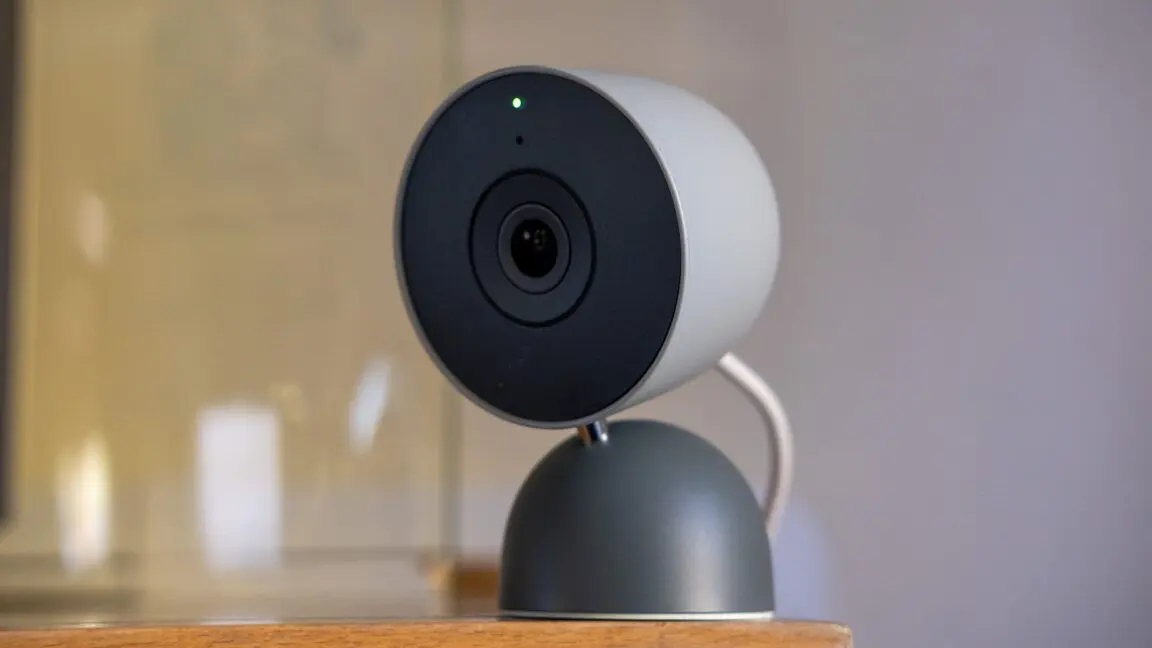
. Accuracy improvements also extend to queries about remaining time, making household timekeeping more dependable. These AI-driven user experience enhancements address common frustrations with voice commands and demonstrate Google's focus on natural language understanding.Google Home devices now support cameras from major brands including Eufy, Wyze, Tapo, Reolink, and Nanit, allowing users to view all security feeds in one centralized location
2
3
. The camera support expansion includes a new quick 'Save Clip' shortcut that enables users to download event recordings directly from the camera view by tapping the 3-dot menu2
3
. Home Premium Advanced subscribers gain access to AI-generated event descriptions that provide auto-generated summaries of camera events within the full-screen view2
3
. Additional improvements include longer live streaming without interruptions, quick stream reconnects on Android when connections drop, and smoother feed scrolling across both Android and iOS platforms2
.Related Stories

Source: Droid Life
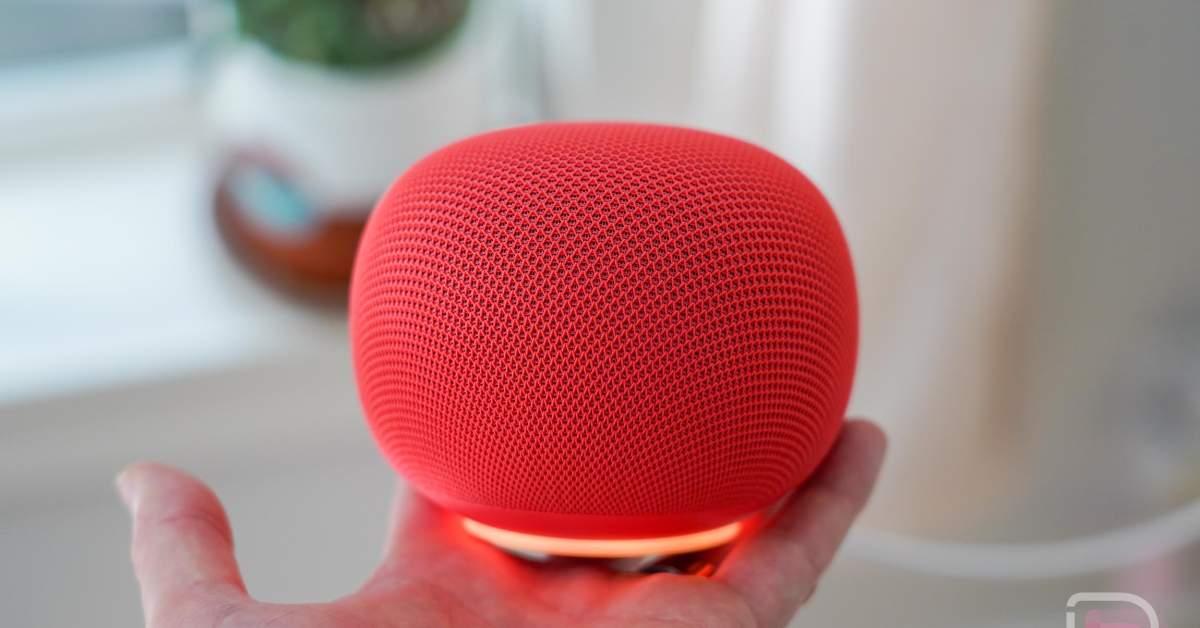
Google addressed the persistent Google Speaker ring light bug that caused the light ring to continue pulsing even after routines finished executing, preventing lingering lights during relaxation sound loops or in dark rooms
1
2
. The update introduces a distinct chime for turn-off or dimming actions, replacing the normal upward sound with a soft, descending tone that matches the mood of the command1
3
. Performance improvements for Samsung phones fixed an issue where camera audio streams used call volume instead of media volume2
. Google also resolved a brief Spotify outage that occurred on July 27th2
3
.Automation support in the Google Home app has expanded to additional countries and languages, including Russian (Russia), Thai (Thailand), Turkish (Turkey), and Vietnamese (Vietnam)
2
3
. The expansion also includes language support for Arabic, English, French, and Spanish across newly supported regions. This broader automation support enables more users globally to create customized routines and smart home workflows through Google Home devices. The update also improves error handling for Works with Google Home smart locks, displaying clearer notification alerts during lock and unlock operations2
. These AI-powered features position Google Home as an increasingly capable smart home hub that adapts to diverse user needs and regional preferences.Summarized by
Navi
[1]
[2]
[3]
23 Jun 2026•Technology

05 May 2026•Technology

09 Apr 2026•Technology

1
Technology

2
Technology

3
Science and Research