Google releases offline AI note-taking app with 740M-parameter model for Apple Silicon Macs


6 Sources
[1]
Google releases a new local-first Granola competitor
Earlier in April, Google released an AI-powered dictation tool that worked with local models. Now, the same team has released a new competitor to the AI note-taker Granola and others, which it calls Google AI Edge Foresight. The Mac app can work completely offline, utilizing the on-device
[2]
Google's New AI Note Taker Keeps Things Local and Private - CNET
Google has a new note-taking app that can transcribe without sending your conversations to a data center. Google AI Edge Foresight launched this week -- and it's only on Mac for now. Foresight works with PDFs, Google Docs, Microsoft Office formats, plain text, Markdown and web bookmarks. It also
[3]
Google's AI note-taking app transcribes your meetings completely offline
Google has released an experimental note-taking app that can transcribe meetings and audio files entirely offline, as reported earlier by TechCrunch. The app, called Google AI Edge Foresight, is free to use and runs on macOS using the company's on-device EmbeddingGemma 2 model. Similar to AI
[4]
Google has a new Mac app that turns your bullet points into fully fleshed-out notes
It can also detect questions asked during a meeting and generate answers in real time. On-device AI is becoming increasingly capable, with companies exploring ways to run more AI workloads directly on phones and other consumer devices. Perplexity, for instance, has launched on-device AI
[5]

Google's new AI note-taker doesn't need the cloud
Lately, he's obsessed with how AI is reshaping the business world, the deals, the products, the quiet feature rollouts nobody notices until they're everywhere. Reading and writing about tech is what keeps him going; doomscrolling is what keeps him honest. The application of AI in the productivity
[6]

Google AI Edge Foresight for Mac turns scribbles into full notes using offline recordings
Google today announced its new EmbeddingGemma 2 model that can be used to "organize, search, and connect information directly on consumer hardware." To show off its potential, Google created an AI Edge Foresight Mac app for "intelligent notetaking." EmbeddingGemma 2 "can help find a specific video
Share
Copy Link
Google unveiled AI Edge Foresight, a privacy-focused alternative to Granola that transcribes meetings completely offline using its on-device EmbeddingGemma 2 model. The Mac app processes meeting audio locally without cloud connectivity, offering real-time transcription and AI-powered meeting note-taker capabilities across Google Meet, Zoom, and in-person conversations.

Google Launches Privacy-First AI Meeting Companion
Google has released Google AI Edge Foresight, an AI note-taking app designed to transcribe meetings completely offline using local and private AI processing
1
. The Mac application runs entirely on-device using the EmbeddingGemma 2 model with 740 million parameters, positioning itself as a privacy-focused alternative to popular tools like Granola2
. Unlike most AI-powered meeting note-taker solutions that rely on cloud processing, Foresight keeps all files, meeting audio, recordings, and transcripts exclusively on your computer3
.The app is optimized specifically for Apple Silicon Macs and can function completely without an internet connection, making it useful when traveling or in areas with poor connectivity
5
. Google emphasizes that your personal information never leaves your device, addressing growing privacy concerns around cloud-based AI tools2
.Dual-Pane Interface Mirrors Granola's Approach
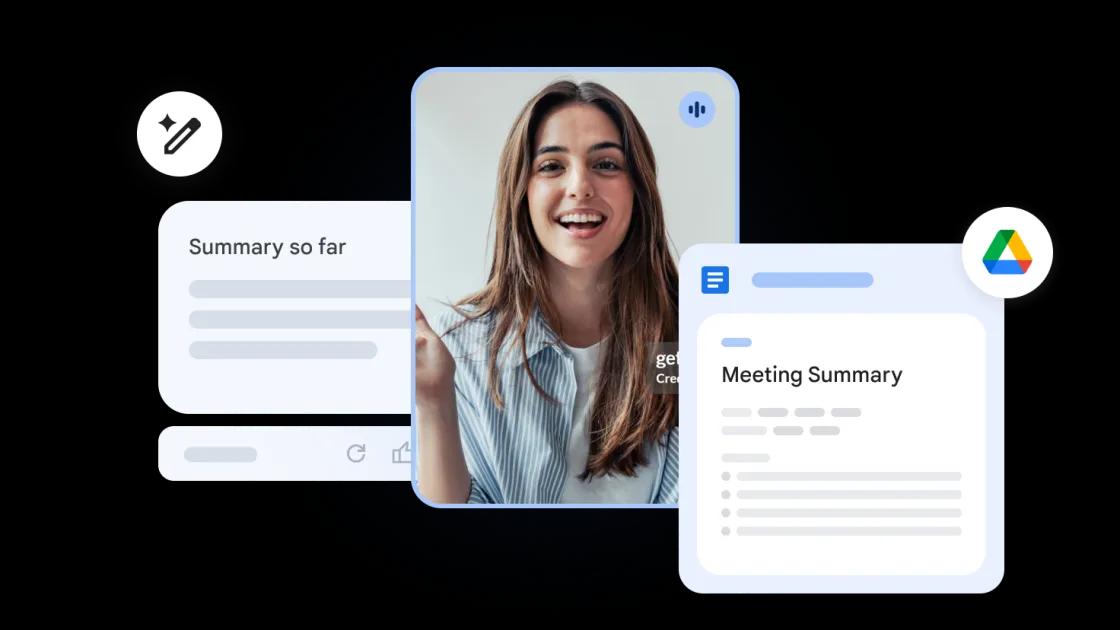
Google AI Edge Foresight features a split-screen interface reminiscent of Granola, allowing users to write shorthand notes on one side while viewing AI-generated notes on the other
1
. Users can jot down quick bullet points during meetings, and the on-device AI model transforms them into polished notes based on the meeting transcript3
.The application works seamlessly with Google Meet, Zoom, and offline conversations by capturing audio through your Mac's microphone and system audio
5
. It provides real-time transcription alongside manual note-taking capabilities, giving users flexibility in how they document their meetings4
.Advanced Knowledge Base and Real-Time Q&A
Beyond basic transcription, Foresight includes sophisticated knowledge management features. Users can upload documents including PDFs, Google Docs, Microsoft Office formats, plain text, Markdown, and web bookmarks to build a knowledge base
1
. The multimodal AI model can process text, images, video frames, and audio to create a comprehensive understanding of your work context4
.The app features a Gemma 4-powered assistant that enables users to chat and get answers based on meeting transcripts and uploaded documents
1
. An innovative Live Assistance feature can detect questions asked during meetings and automatically generate answers in real time by referencing the meeting transcript and knowledge base4
. This capability could prove valuable when specific data points come up during discussions, allowing instant access to relevant information without interrupting the conversation flow.Related Stories


Competing in a Crowded Market
The AI meeting note-taker space has become increasingly competitive. Recent months have seen dictation company Wispr and scheduling platform Calendly launch their own notetakers
1
. Productivity startup Superhuman acquired YC-backed notetaker Fathom last month, signaling continued consolidation in the market1
.While most competitors like Scribe, Granola, and Notion AI rely heavily on cloud processing, local-first options like Meetily and Whisper AI have emerged as privacy-conscious alternatives
2
. Foresight distinguishes itself by combining the privacy benefits of on-device processing with the sophisticated capabilities typically associated with cloud-based solutions.What This Means for On-Device AI
Google's release of AI Edge Foresight represents a significant push toward demonstrating the capabilities of its Gemma series of offline models
1
. The EmbeddingGemma 2 model functions as an "ultra-low-latency on-device decision engine" designed specifically for privacy-first applications4
.Currently available as a free download for Macs with Apple Silicon, the app reportedly has a light footprint and low battery drain
5
. Google hasn't announced Windows availability or integration with Gmail, and the current rollout appears experimental2
5
.If successful, Google could release a consumer version that works across video calling apps through its Gemini platform while leveraging cloud models for broader device compatibility
1
. The experiment signals Google's commitment to exploring on-device AI capabilities as privacy concerns continue shaping user preferences in productivity tools. Watch for potential expansion to Windows and deeper integration with Google's existing productivity ecosystem.References
Summarized by

Navi
[1]
[4]
[5]
Related Stories
Recent Highlights



Recent Highlights
Today's Top Stories










Don’t drown in AI news. We cut through the noise - filtering, ranking and summarizing the most important AI news, breakthroughs and research daily. Follow topics that matter to you and stay ahead.


