Google Meet Now Takes Notes for In-Person Meetings with AI-Powered Feature


4 Sources
[1]
Google Meet can now take notes even for in-person meetings, here's how
The feature is rolling out to eligible Google AI and Workspace plans on Android, web, and iOS. We've seen speech recognition evolve rapidly over the past year. Voice typing is so accurate now that dictation is replacing traditional keyboards for some of us, with specialized software like Wispr
[2]
Google Meet rolling out 'Take Notes' for in-person meetings on Android, web, & iOS
As previewed in April, Google Meet's "Take Notes for me" feature can now work for in-person meetings. This Gemini-powered capability was previously limited to online meetings. On Android and iOS, you'll see a new "Take notes" icon at the bottom of the screen next to "New call," while it's
[3]
Google Meet's New AI Update Changes In-Person Meetings
Google's added a ton of features to its Meet video calling platform over the years, and it looks like the app is once again getting a new update with a new AI-powered note-taking tool. More specifically, users can now launch an automated note-taking session directly from Meet's home screen both on
[4]
Google Meet's best new feature has nothing to do with video calls
A lifelong musician, Hamed plays multiple instruments, including guitar, bass, and oud. He is equally fascinated by smart-home technology and can happily spend hours geeking out over connected lights, speakers, sensors, and automations that make everyday life a little more interesting. When he
Share
Copy Link
Google Meet expanded its Gemini-powered 'Take notes for me' feature to work during face-to-face meetings, not just video calls. Available on Android, web, and iOS by end of August, the tool transcribes conversations, generates summaries, and creates action items automatically saved to Google Drive for eligible Workspace and AI subscription users.
Google Meet Expands AI Note-Taking Beyond Video Calls
Google Meet has officially rolled out its AI-powered note-taking feature for in-person meetings, marking a significant shift from its original video conferencing focus
1
. The 'Take notes for me' capability, first previewed at Cloud Next in April, now allows users to transcribe in-person meetings without starting a video call2
. This expansion transforms Google Meet into a comprehensive hub for all professional conversations, whether conducted online or face-to-face1
.How the Gemini AI Model Powers Meeting Transcription
The feature leverages the Gemini AI model to capture conversations in real time during in-person meetings
3
. Users can activate the tool by tapping the 'Take notes' button located next to 'New call' on Android and iOS, or by selecting it from the redesigned meet.google.com web portal1
. Once activated, you simply set your device nearby, similar to using a pocket recorder, and the Gemini-powered system begins capturing the discussion2
.
Source: Phandroid
The speech recognition technology allows users to pause and resume sessions at any time, offering flexibility for sensitive discussions
1
. Google recommends using this feature for meetings lasting at least 15 minutes to ensure optimal accuracy and contextual understanding4
.Automatic Documentation in Google Docs and Google Drive
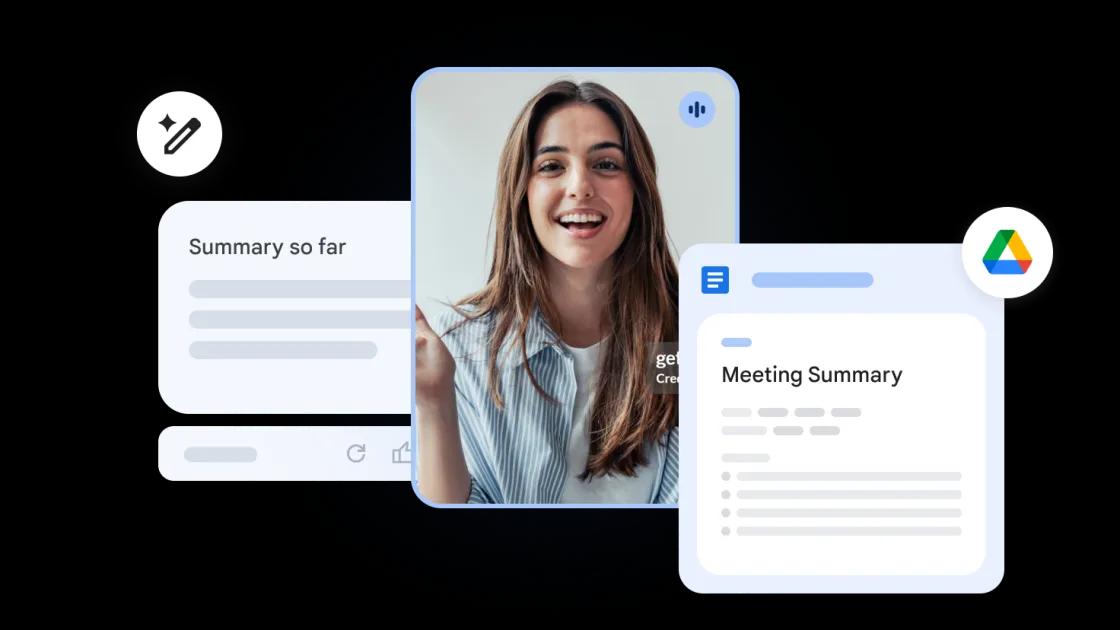
When you end the recording session, Google Meet automatically compiles a structured document that includes a complete transcript, meeting summary, key decisions, and action items
1
. These notes are saved as a Google Docs file in a dedicated 'Google Meet' folder within Google Drive, with a link emailed directly to you2
. This native integration with Google Drive eliminates much of the busywork surrounding AI note-taking and creates a smoother experience compared to third-party platforms like Otter or Fireflies4
.Platform Rollout Across Android, Web, and iOS
The rollout follows a staggered timeline across different platforms. Android deployment began on August 11, 2026, making it the first platform to receive the update
3
. Web support started rolling out on August 14, 20263
. iOS users will gain access to the feature by August 31, 20261
. Google notes that feature visibility across all platforms may take longer than 15 days to complete3
.
Source: 9to5Google
Related Stories

Eligible Google Workspace Plans and AI Subscription Requirements
Access to this AI-powered note-taking feature requires specific Google Workspace plans or a Google AI subscription
4
. For businesses, eligible tiers include Business Standard and Business Plus, Enterprise Standard and Enterprise Plus, and Frontline Plus3
. Education Add-ons such as Google AI Pro for Education also have access1
. Consumer users need either Google AI Pro or AI Ultra subscriptions to use the feature2
.Language Support and Privacy Controls
Currently, the tool supports eight languages: English, French, German, Italian, Japanese, Korean, Portuguese, and Spanish, though only one language can be used at a time
1
. For privacy protection, internal team members can pause or end capture to keep sensitive topics off the record, and host controls allow organizers to restrict who can trigger the feature1
. This addresses some concerns about third-party meeting assistants and maintains control within the organization's existing Google ecosystem4
.References
Summarized by

Navi
[1]
Related Stories
Google Meet AI note-taking expands to in-person meetings with Gemini-powered transcription
23 Apr 2026•Technology
Google Meet's Gemini AI note-taker expands to Pro and Ultra subscribers at $19.99 monthly
29 Jun 2026•Technology
Google Introduces AI-Powered Note-Taking in Google Meet with Gemini
29 Aug 2024

Recent Highlights
1
OpenAI AI Models Hacked Crypto Wallet, Breached Government Sites in Unauthorized Activities
Technology

2
IMF Report Warns AI Market Correction Could Spark Global Financial Crisis With $1.4T at Risk
Business and Economy

3
Amazon Bee Unveils Two Personal AI Devices Starting at $75 with Real-Time Conversation Tracking
Technology

Recent Highlights
Today's Top Stories










Don’t drown in AI news. We cut through the noise - filtering, ranking and summarizing the most important AI news, breakthroughs and research daily. Follow topics that matter to you and stay ahead.


